Fusion Fusion
Overview
Solutions Back
  • Manufacturing
  • Consumer Product Development
  • Mechanical Design
  • PCB and Circuit Design
  • Data Management
Plans and Pricing
Download free trial
See Autodesk Fusion pricing
  • All
  • Thought Leadership
  • What's New
  • Tutorials
  • Case Studies
  • Product Design & Engineering
  • Manufacturing
  • Electronics Engineering

Paul Munford

Paul Munford is a CAD geek, Marketing Manager for Autodesk and Autodesk Expert Elite Alumni. Based in the UK, Paul's background in manufacturing items for the construction industry gives him a foot in digital prototyping and a foot in Building Information Modeling (BIM). Paul was a speaker at Autodesk University for the first time in 2012, and he says it's the most fun anyone can have with 250 other people in the room.
  • The 7 Deadly Sins of Fusion 3D Modeling Pt. 4: Loose Tolerances 

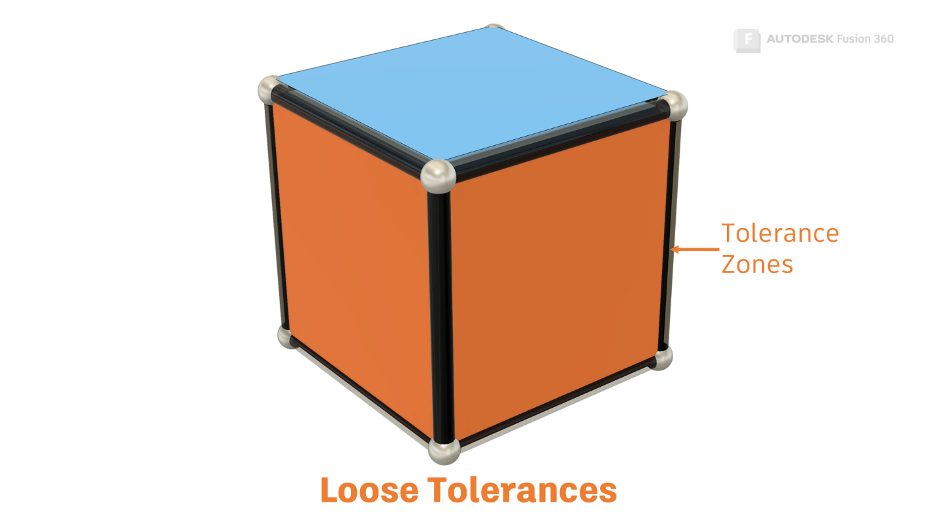
    Let’s uncover why loose tolerances are a common cause of modeling failures in Fusion 360 and how to avoid them.

    Getting Started


  • The 7 Deadly Sins of Fusion 360 3D Modeling Pt. 3: Singularities & Non-Manifold Topology

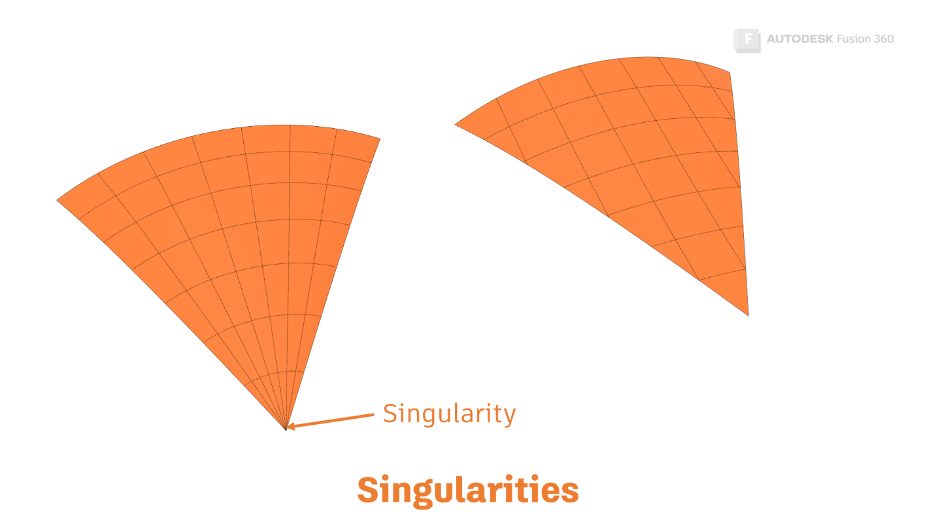
    Let's uncover two common causes of modeling failures in Fusion 360 and learn how to avoid them: Singularities and NonManifold Topology. 

    Getting Started


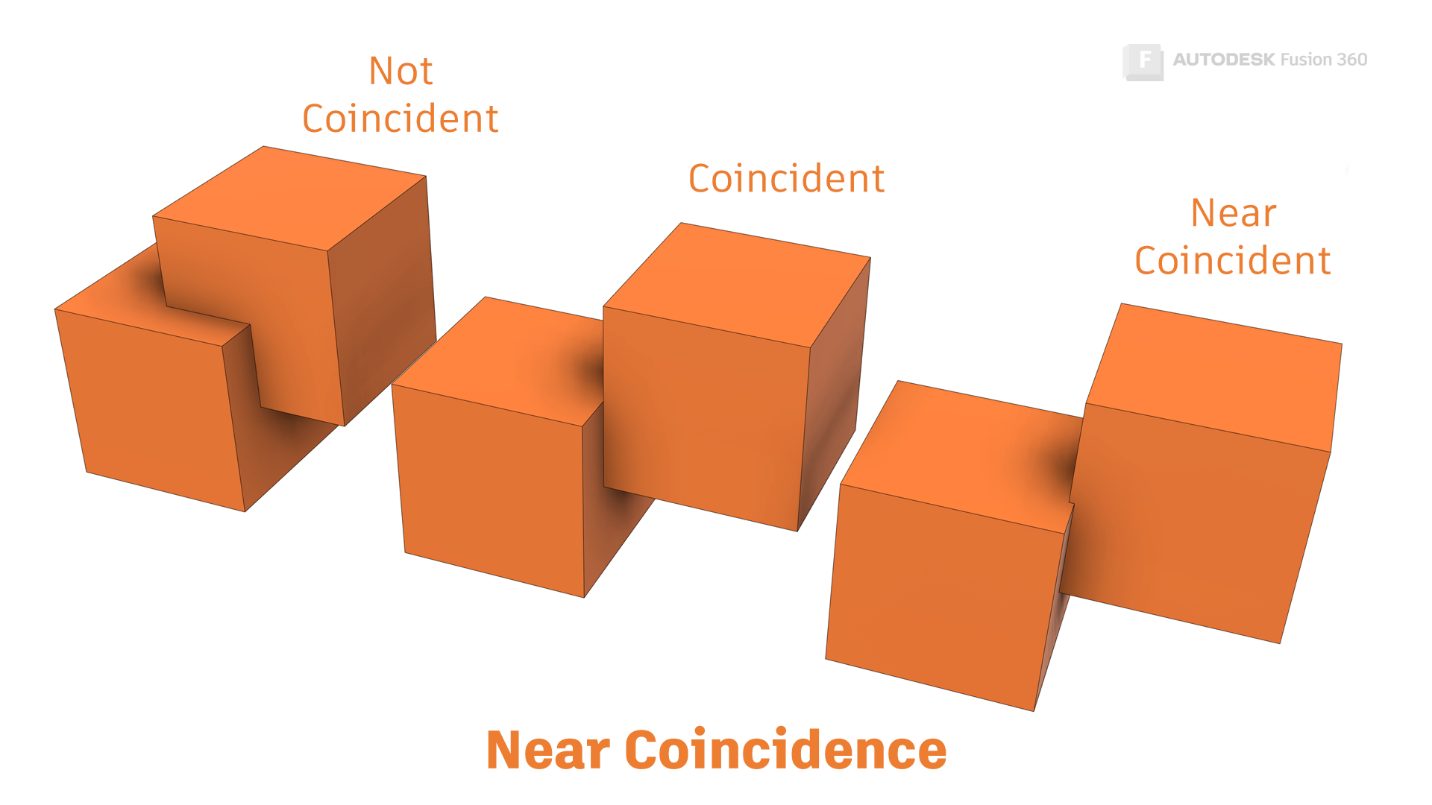
  • The 7 Deadly Sins of Fusion 360 3D Modeling Pt. 2: Near Coincidence & Sliver Faces 

    Let's uncover two common causes of modeling failures in Fusion 360 and learn how to avoid them: near coincidence and sliver faces. 

    Getting Started


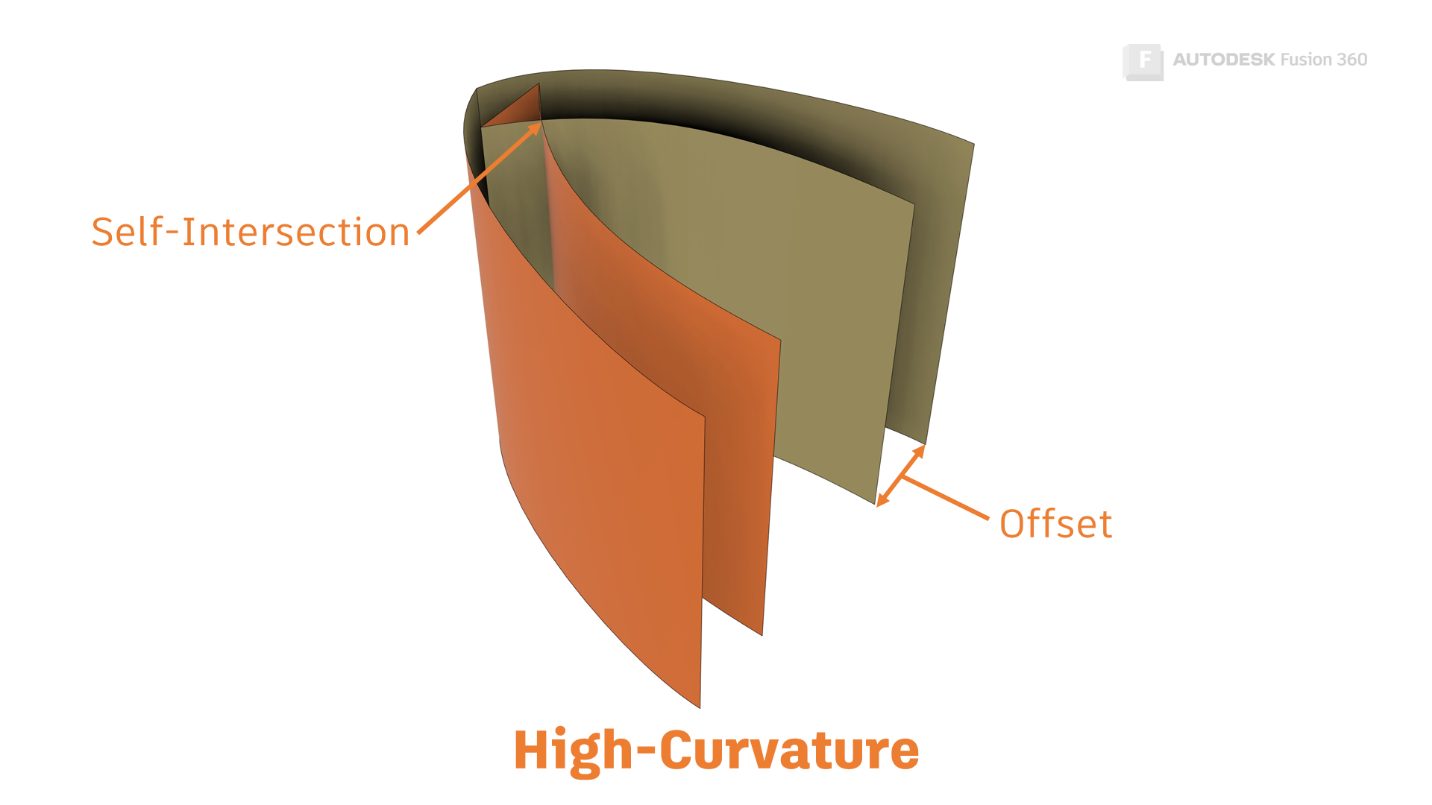
  • The 7 Deadly Sins of Fusion 360 3D Modeling Pt. 1: High Curvature & Near Tangency

    Let's uncover common causes of modeling failures in Fusion 360 and learn how to avoid them—starting with high curvature and near tangency. 

    Getting Started


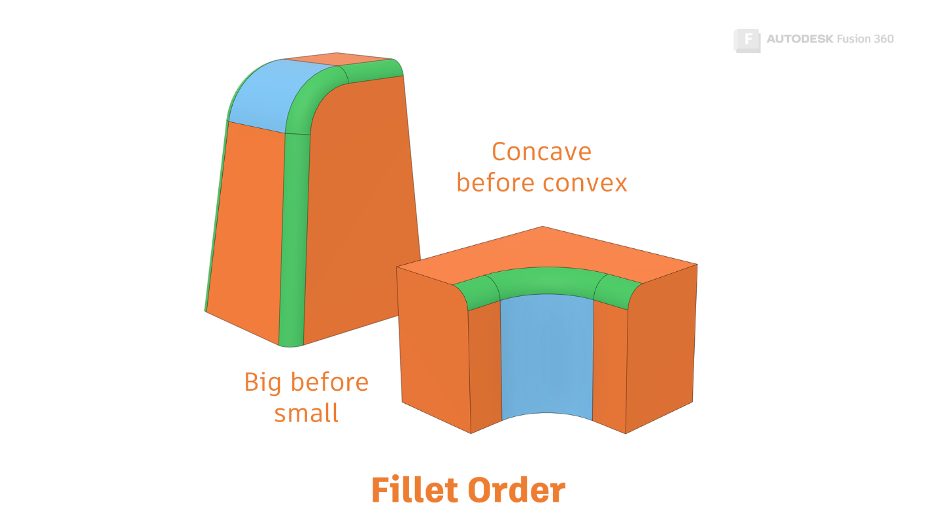
  • Get Smart With Fusion 360 Part 5: Fillet Best Practices

    In this article, we’ll focus on fillets. We'll learn the best way to set a fillet up, and we’ll find out what to do when they go wrong.

    Getting Started


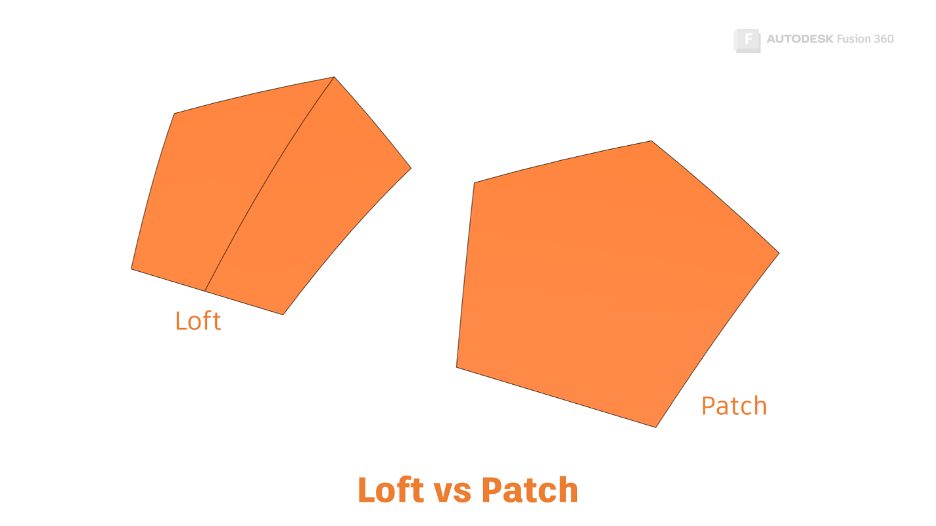
  • Get Smart With Fusion 360 Part 4: What’s the Difference Between Loft vs. Patch?

    In Part 4 of the Get Smart With Fusion 360 series, we’ll learn the difference between Loft vs. Patch, and how we can apply that knowledge.

    Getting Started


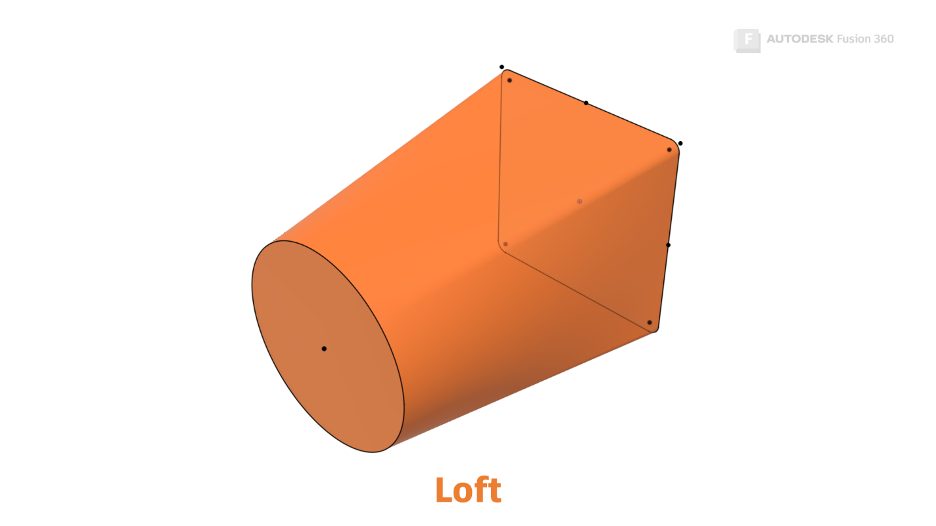
  • Get Smart With Fusion 360 Part 3: The Secrets of the Loft Command

    In Part 3 of this series, we’ll learn about the loft command in Fusion 360 and how lofted forms are created by the Autodesk shape manager (ASM).

    Getting Started


  • Get Smart With Fusion 360 Part 2: What Is a Sweep in Fusion 360?

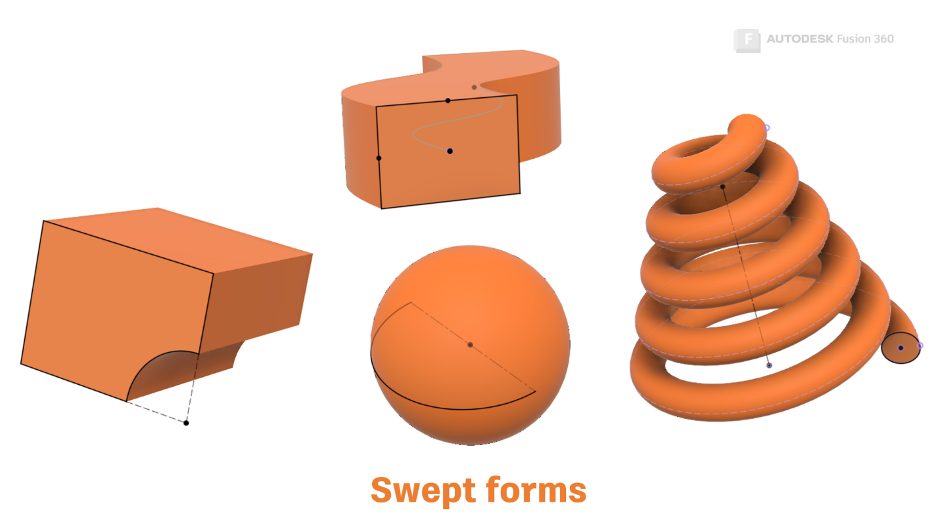
    Did you create a sweep with Autodesk Fusion 360 today? That's a trick question! In Part 2 of this series, you'll find out what I mean.

    Getting Started


  • Get Smart with Fusion 360 Part 1: 3D Modeling Terminology 

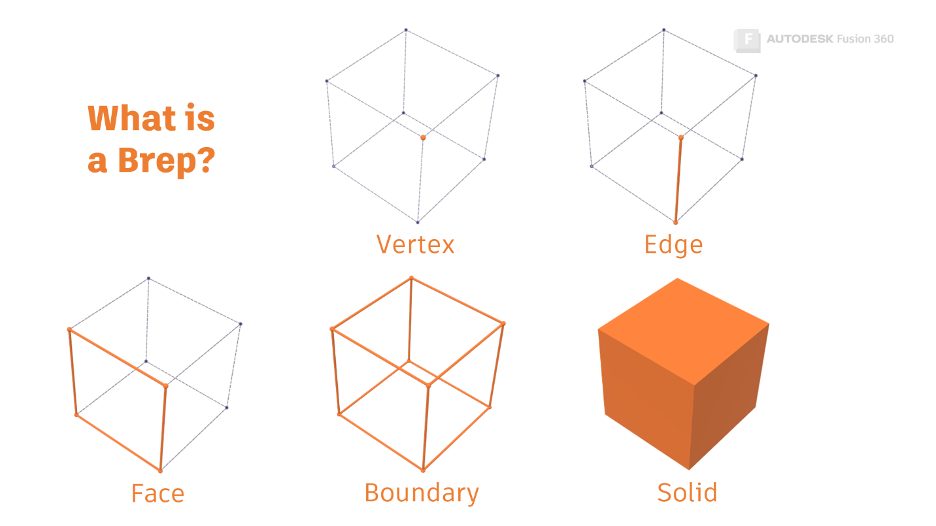
    Part 1 of this new series will cover the Autodesk Shape Manager and some key 3D modeling terminology to have in your vocabulary.

    Getting Started


Autodesk

Company overview
Careers
Investor relations
Autodesk Trust Center
Newsroom
Diversity and belonging

Autodesk Foundation
Sustainability
Contact us
Students and educators
Affiliate program
Autodesk Research
Design & Make with Autodesk

How to buy

View all products
Buying with Autodesk
Renewal options
Find a reseller
Sales and refunds
Choose your subscription plan
Pay as you go with Flex

Support

Product support
Manage your account
Download and install software
Autodesk Product Status
Education support
Contact support

Privacy | Do not sell or share my personal information | Cookie preferences | Report noncompliance | Terms of use | Legal | © 2024 Autodesk Inc. All rights reserved