
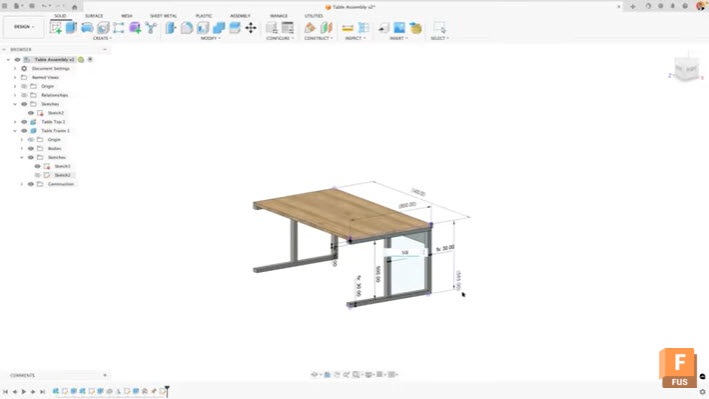
Learn how to view and edit sketch dimensions outside of sketch mode in Autodesk Fusion to speed up design changes and improve workflow efficiency. When working in Autodesk Fusion, accessing dimensional information typically requires entering edit mode for each sketch. This workflow can slow down your design process, especially when you need to make quick…
Tutorials
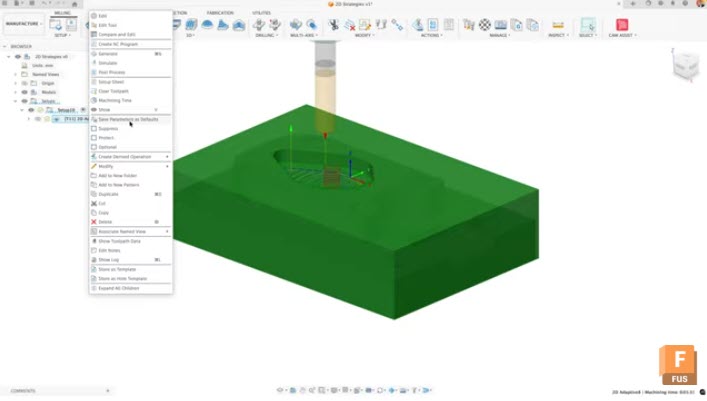
Stop re‑entering the same CAM settings. Use User Defaults and Expressions in Fusion to standardize toolpaths, scale values dynamically, and keep jobs consistent. Setting up efficient CAM workflows in Autodesk Fusion doesn’t have to mean manually adjusting the same parameters every time you create a toolpath. By mastering user defaults and expressions in the Manufacture…
Manufacturing
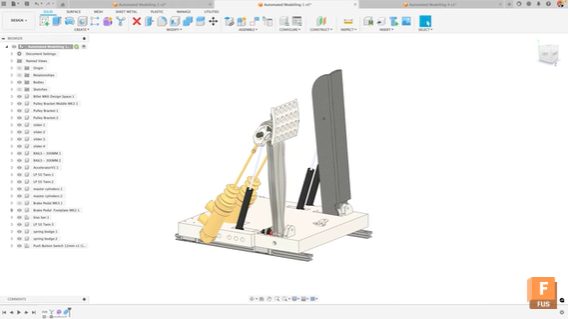
Oliver Briggs, Fusion expert at EduCAD, highlights 5 unique ways to use automated modeling in Fusion to collaborate faster, streamline prototyping, create custom tooling, accelerate design, and optimize workflows. Automated modeling in Fusion is a breakthrough for design and engineering workflows, streamlining tasks that once required hours of manual modeling. While most users know the…
Tutorials