Fusion Fusion
Overview
Solutions Back
  • Manufacturing
  • Consumer Product Development
  • Mechanical Design
  • PCB and Circuit Design
  • Data Management
Plans and Pricing
Download free trial
See Autodesk Fusion pricing
  • All
  • Thought Leadership
  • What's New
  • Tutorials
  • Case Studies
  • Product Design & Engineering
  • Manufacturing
  • Electronics Engineering

Clinton Perry

Clinton Perry is a Marketing Manager at Autodesk, specializing in the creation of compelling digital content to promote Autodesk’s manufacturing software solutions, including PowerMill CAM software. Clinton has held numerous positions within Autodesk, and previously Delcam, since 1995. Having spent more than 23 years in sales & technical roles, he has developed an in-depth knowledge and appreciation of the challenges faced by manufacturers in industries such as mold & die, aerospace, automotive and medical. He excels at understanding and explaining how Autodesk can help these same manufacturers to overcome these challenges and transform their businesses. In his spare time, Clinton enjoys cycling, playing golf, watching most sports and socializing. He lives in Warwick, in the UK, with his wife and two children. Please email clinton.perry@autodesk.com or visit https://www.linkedin.com/in/clintonperry/
  • Autodesk Fusion Steers Successful SIM Racing Product Development 

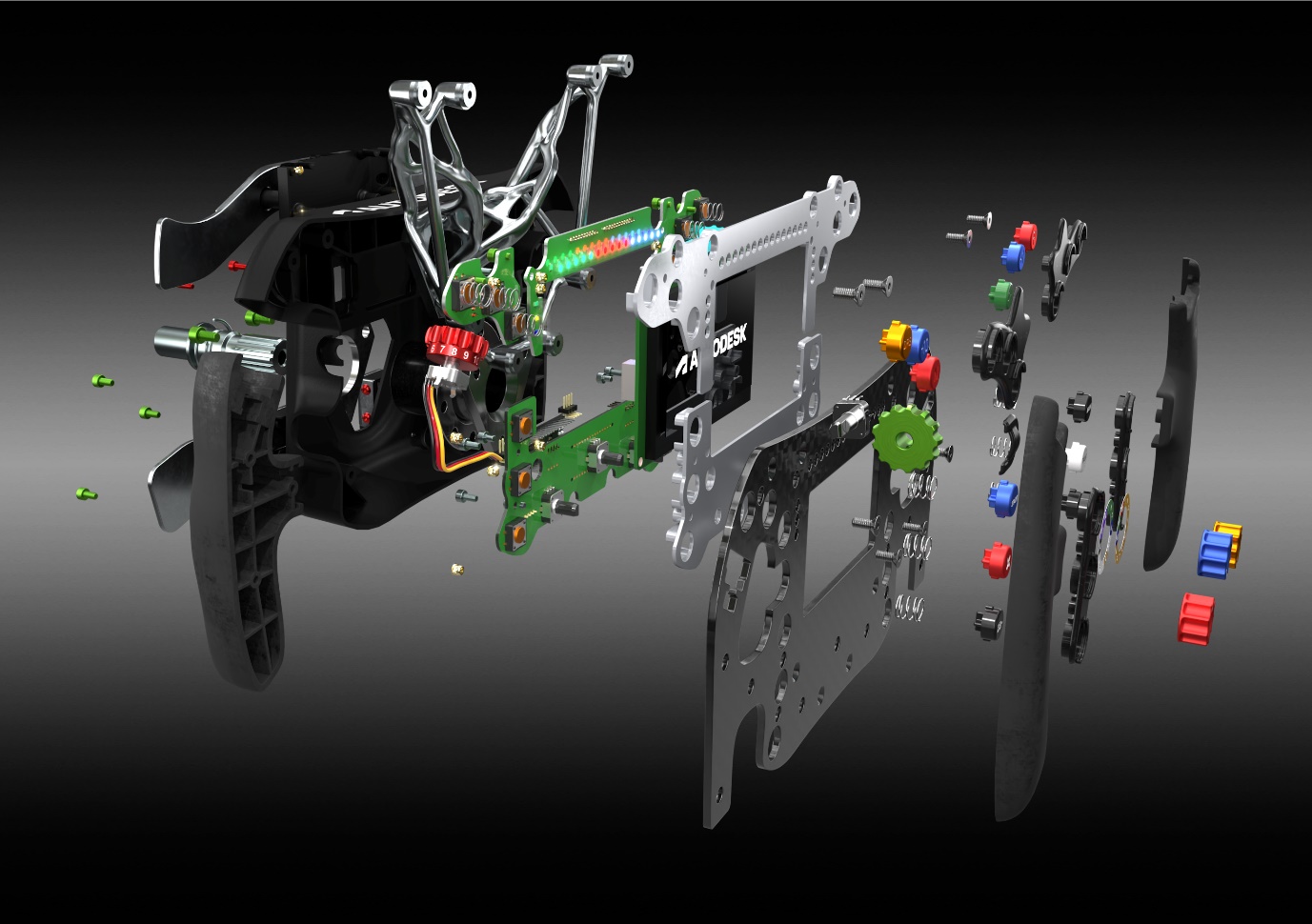
    See how this F1-inspired steering wheel designed and manufactured using Autodesk Fusion showcases the software's breadth of capabilities.

    Electronics Engineering


  • The Fusion Manufacturing Extension: So Much More Than 5-Axis Machining 

    The Fusion Manufacturing Extension is more than 5-axis machining. Explore the extension's top capabilities in this article.

    Machining


  • Nerc Precision Engineering Sees 400% Business Increase With Autodesk Fusion

    Aerospace and defense contractor Nerc Precision Engineering increased business opportunities thanks to the Fusion Manufacturing Extension.

    Customer Stories


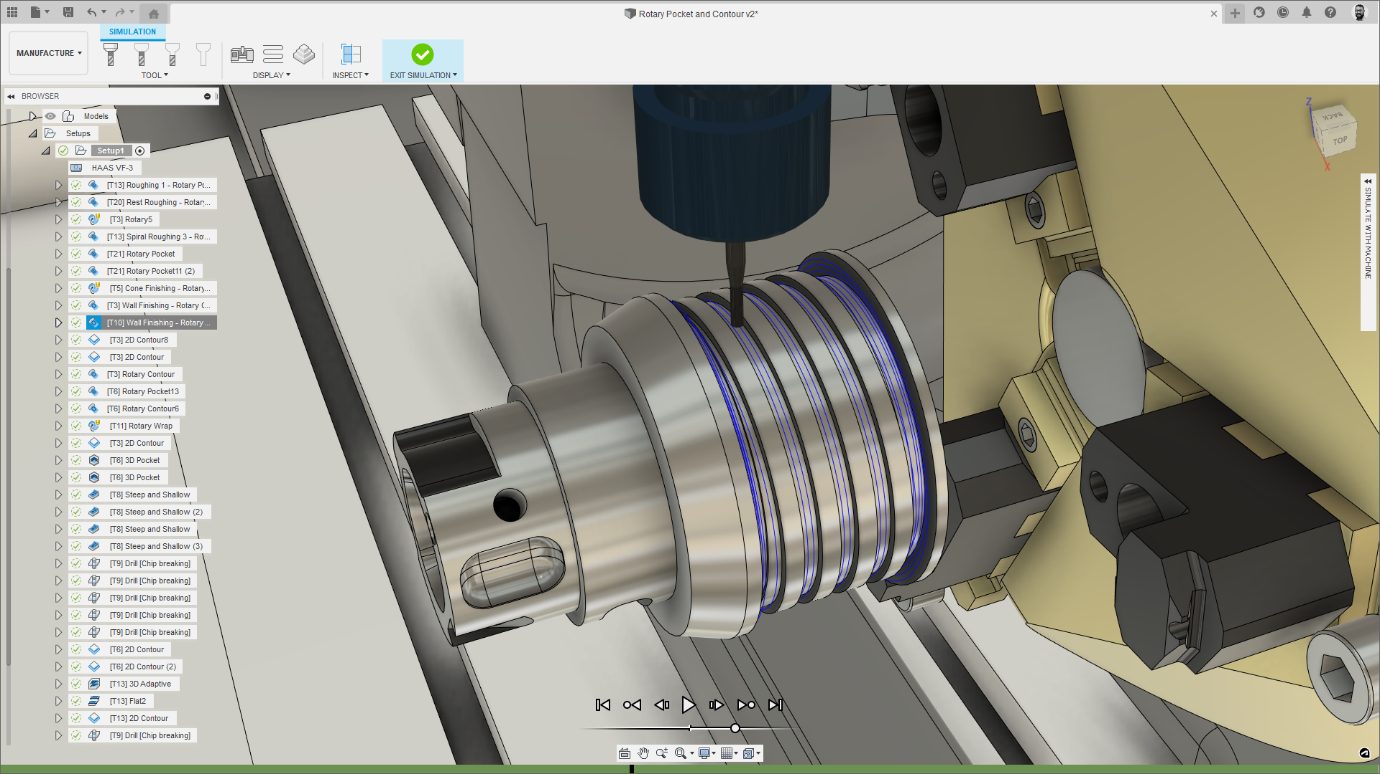
  • You Can Now Preview Rotary Pocket, Rotary Contour & Deburr Machining Strategies

    Announcing three new machining strategies from our ModuleWorks partnership: Rotary Pocket, Rotary Contour, and Deburr.

    Machining


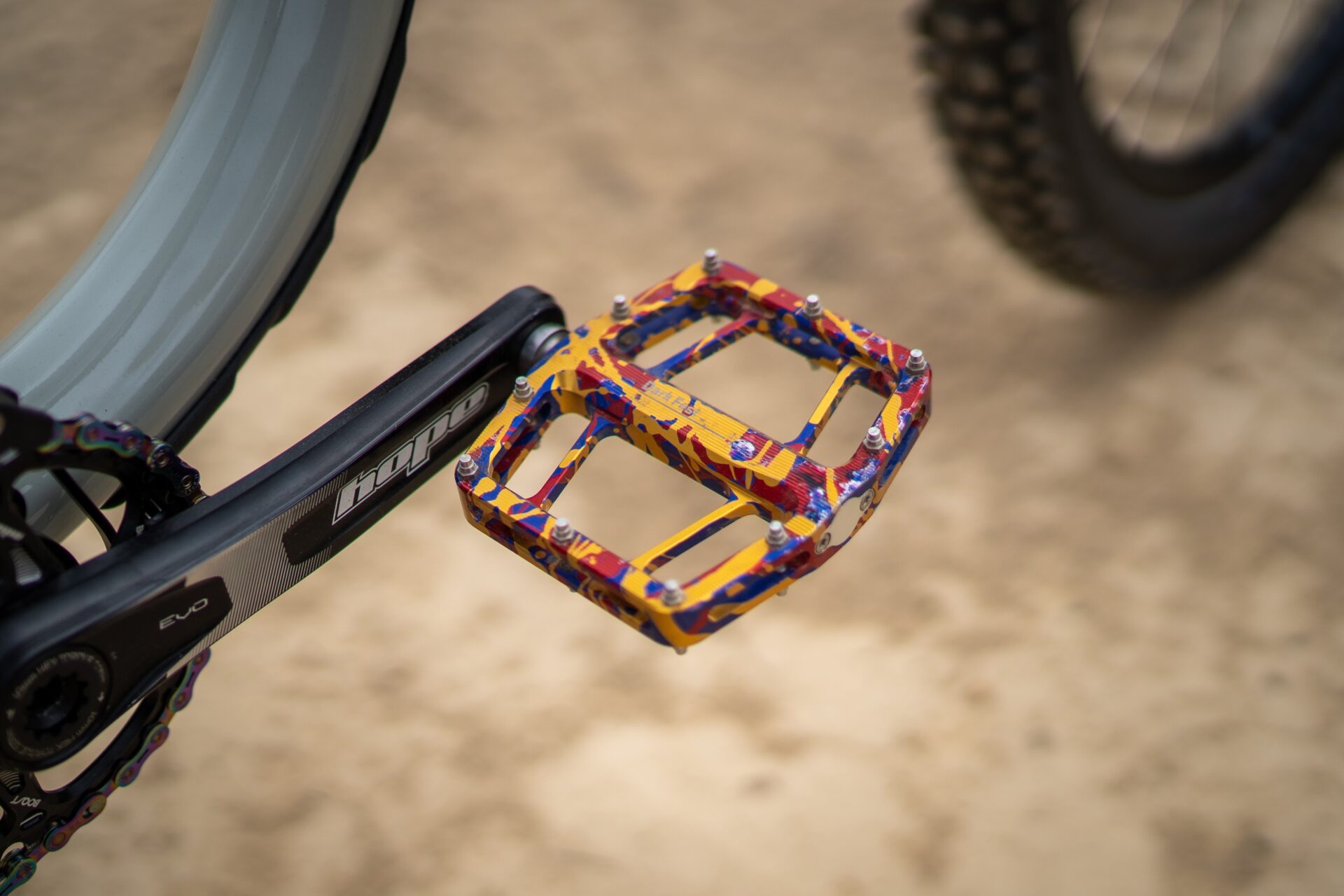
  • PEMBREE Designs Purposeful Bike Pedals With Fusion 360

    Some cyclists go through three pairs of pedals yearly. Check out how PEMBREE creates bike petals that push for sustainability.

    Customer Stories


  • 5-Axis Machining With Fusion 360 Part 2: Collision Avoidance and Advanced Options

    In this article, we’ll do a deep dive on how 5-axis machining works in Fusion 360 — from collision avoidance to advanced options.

    Machining


  • 5-Axis Machining With Fusion 360 Part 1: Selecting a Strategy

    In this article, we’ll do a deep dive on how 5-axis machining works in Fusion 360 — from 5-axis use cases to selecting a strategy.

    Machining


  • Transition to the Fusion 360 Machining Extension Doubles Shop Floor Revenue at Brown & Holmes

    Check out how UK-based company Brown & Holmes doubled shop floor revenue with the Autodesk Fusion 360 Machining Extension.

    Machining


  • benefits-4-axis-machining

    Autodesk and ModuleWorks Announce Strategic Partnership

    Learn about our new partnership with ModuleWorks, which will bring even more advanced manufacturing capabilities to Fusion 360.

    News


  • Check Out the Sandvik Coromant Tool Library Add-In for Fusion 360

    Seamlessly access the Sandvik Coromant online tool library from within Autodesk Fusion 360 with the Sandvik Coromant add-in.

    News


  • Conturo Prototyping Gets the Job Done With the Fusion 360 Machining Extension

    A look at how Conturo Prototyping unlocks a vast array of advanced tools for CNC machining with the Fusion 360 Machining Extension.

    Machining


  • Solving the Top 4 Challenges for Manufacturing Departments and Job Shops

    This article will identify the main challenges manufacturing departments and job shops face and how the right software can help solve them.

    Machining


  • Automating Hole Recognition and Drilling in Fusion 360

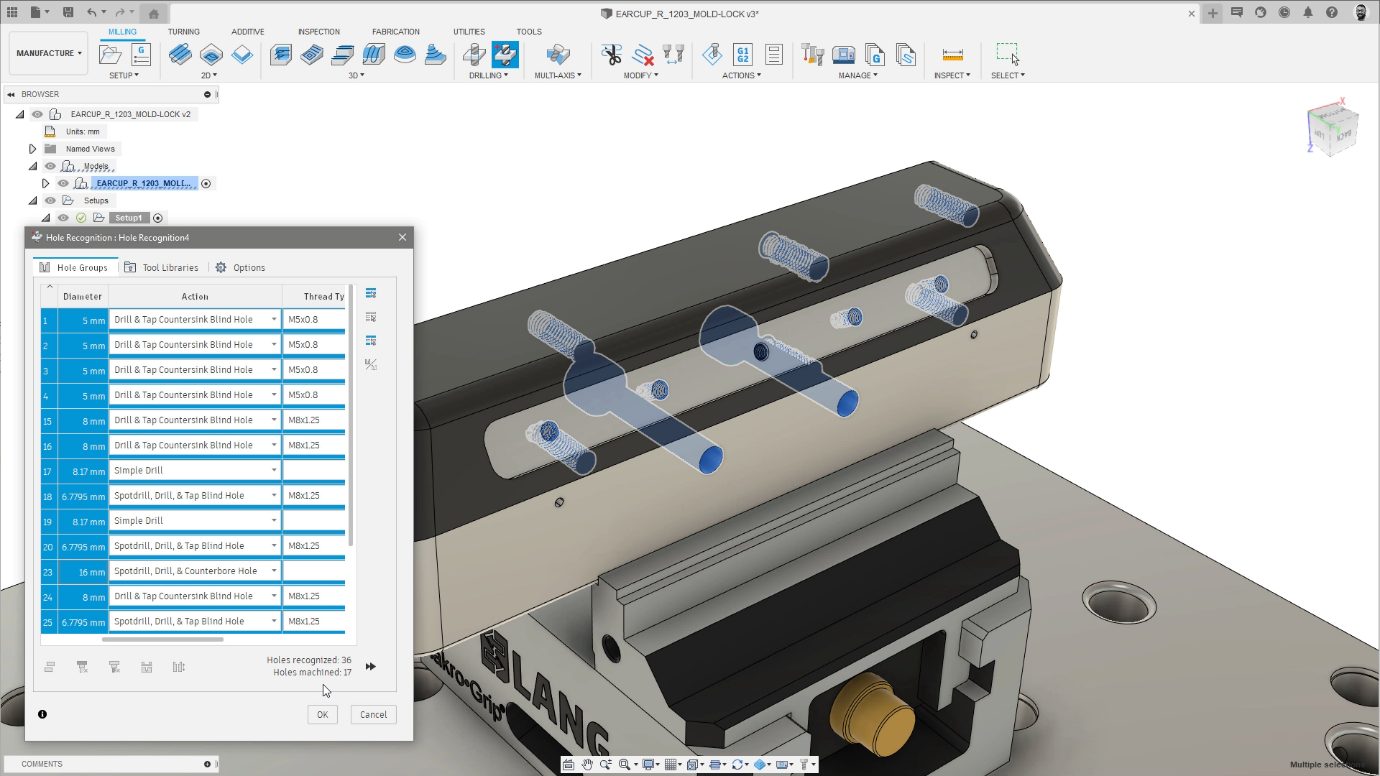
    Learn more about the new hole recognition capabilities inside the Fusion 360 manufacturing extension and explain how they can help automate one of the most common programming tasks in your machine shop.

    Fusion


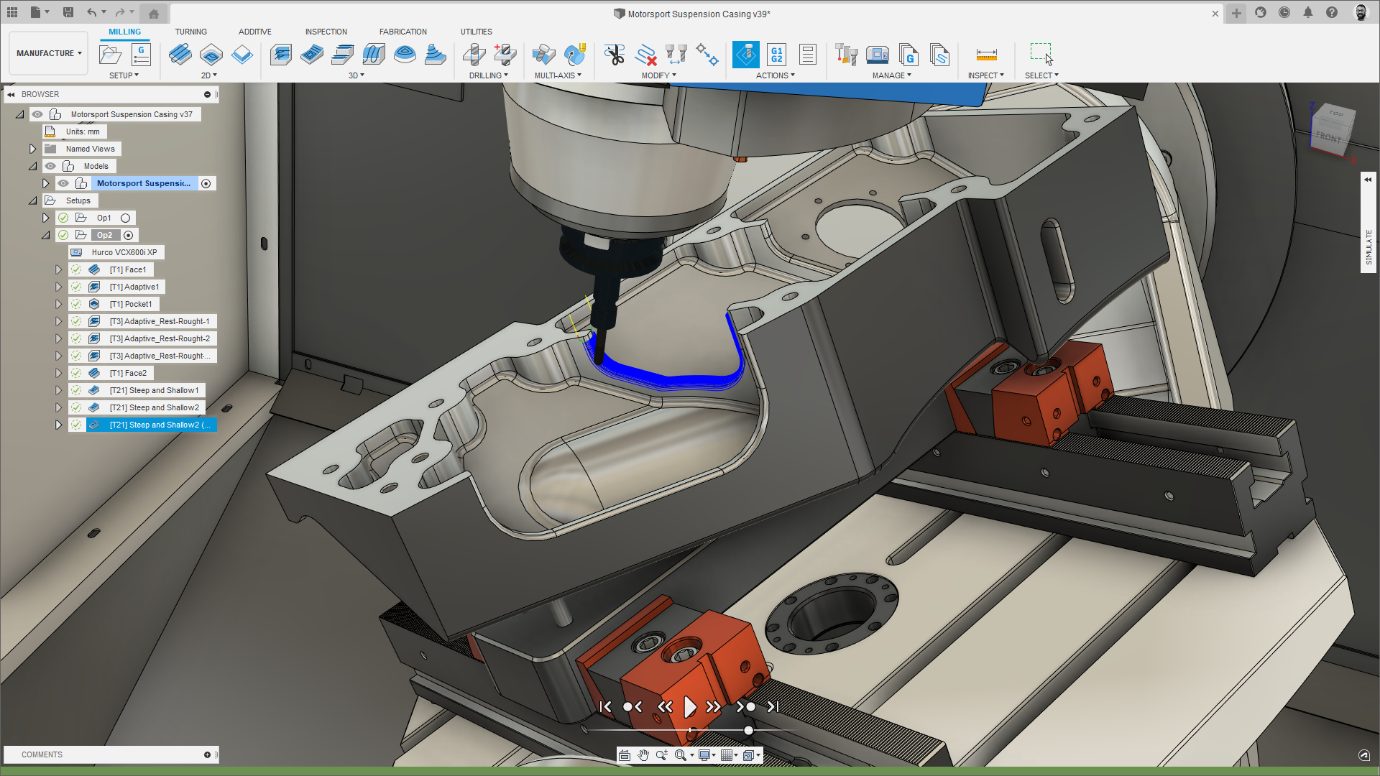
  • Simplifying the manufacture of free-form parts with steep and shallow machining in Fusion 360

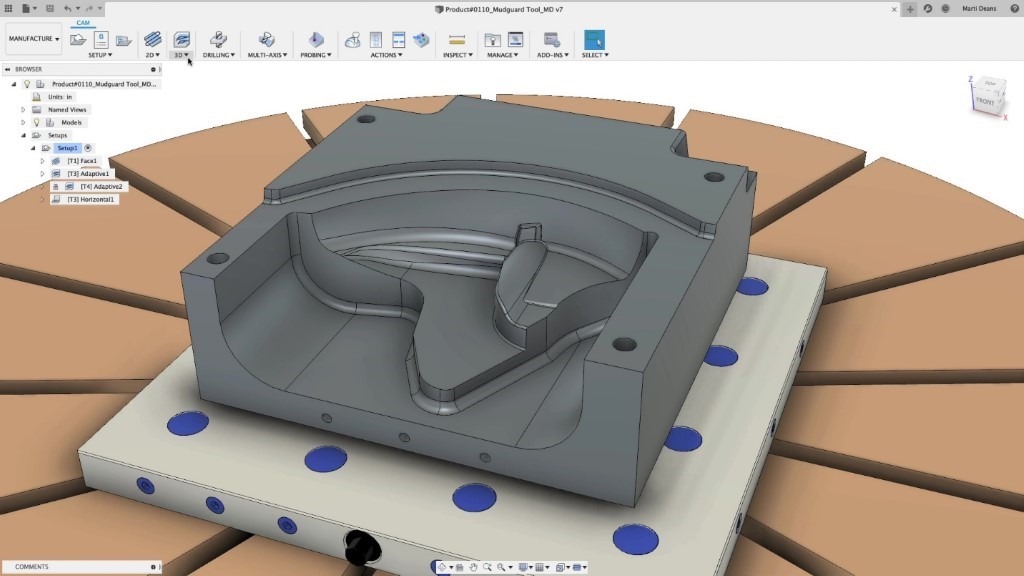
    The manufacturing extension allows you to automate your workflows to reduce your programming time, remove repetitive tasks, and reduce errors. Steep and Shallow finishing automates the machining of feature-rich, free-form shapes.

    Fusion


Autodesk

Company overview
Careers
Investor relations
Autodesk Trust Center
Newsroom
Diversity and belonging

Autodesk Foundation
Sustainability
Contact us
Students and educators
Affiliate program
Autodesk Research
Design & Make with Autodesk

How to buy

View all products
Buying with Autodesk
Renewal options
Find a reseller
Sales and refunds
Choose your subscription plan
Pay as you go with Flex

Support

Product support
Manage your account
Download and install software
Autodesk Product Status
Education support
Contact support

Privacy | Do not sell or share my personal information | Cookie preferences | Report noncompliance | Terms of use | Legal | © 2024 Autodesk Inc. All rights reserved