-

Why Product Lifecycle Management (PLM) is Essential for Manufacturing
Learn why Product Lifecycle Management (PLM) is crucial for manufacturing, enhancing workflows, collaboration, and innovation.
Data & Process
-
Autodesk Vault What’s New 2026
Autodesk Vault 2026 is here with new features and enhancements that will enable you improve design creation, user and admin workflow efficiency, and software interoperability.
Autodesk Vault
-
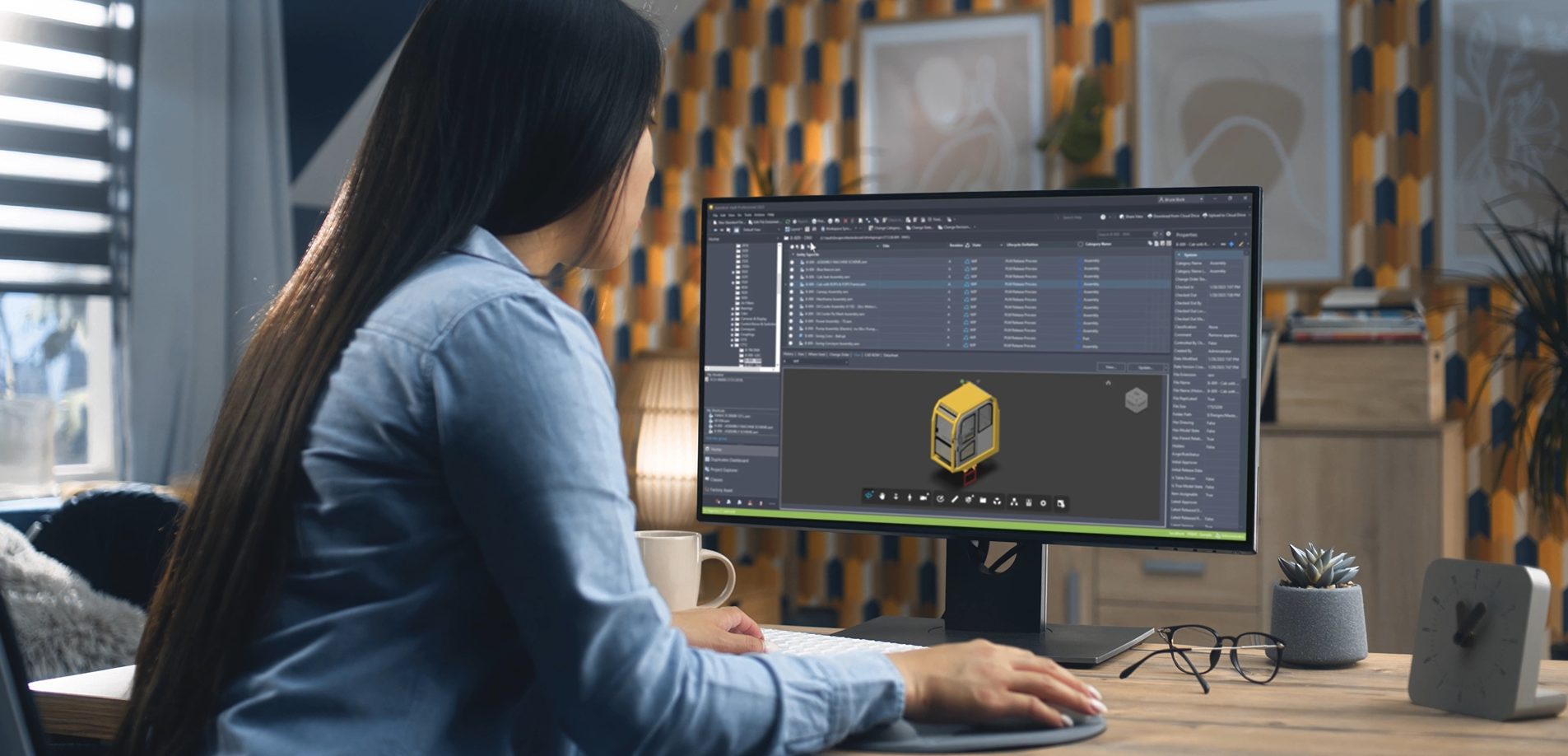
Getting Started with Autodesk Vault: A Step-by-Step Guide for CAD Data Management
Learn how to set up Autodesk Vault Professional, manage CAD data, and optimize workflows with our detailed guide.
Autodesk Vault
-

Factory Simulation and Virtual Reality in Manufacturing
Factory simulation helps manufacturers achieve efficiency, and precision by enabling virtual modeling, analysis, and optimization of production processes.
Production
-

SAP Certified Integration for Autodesk Vault Optimizes Data Flow
Discover SAP-certified integration for Autodesk Vault Professional. Seamlessly connect Vault PDM with SAP ERP for enhanced efficiency and collaboration.
Data & Process
-
Autodesk Vault 2025.1 What’s New
Explore Autodesk Vault 2025.1's latest features, including enhanced data management, improved search options, and updated user prompts for smoother workflows.
Autodesk Vault
-
Autodesk Vault Data Standard – Migrating Customized Configurations
Autodesk Vault Data Standard is a customization layer that allows custom business logic and rules to be integrated into the file management workflow. Custom configurations need to migrate if Vault Client software updates. Some essential steps make a legacy configuration compatible, and you may want to merge enhancements of the new configuration templates into your…
Data & Process
-
Autodesk Vault Data Standard 2025 – What’s New
Autodesk Vault Data Standard is a customization layer that allows custom business logic and rules to be integrated into the file management workflow. Therefore, product news targets customizability rather than functionality. However, the latest release enhanced default error messaging and shared the inventor’s capability to automatically generate part numbers with the Vault Client. Review the…
Data & Process
-
Autodesk Vault SDK Getting Started #5 – Login/Authorization Types
The Autodesk Vault SDK enables developers to build custom applications that interact with Vault servers. Any Vault application must log in and, in most cases, obtain a Vault license. Watching the Vault Customization Forum discussions, establishing a Vault connection is one of the most discussed topics. Even long-term API consumers may struggle to migrate legacy applications as…
Data & Process
-
Autodesk Vault SDK Getting Started #4 – Event Handler
The Autodesk Vault Professional API enables developers to implement individual business logic handling events like check-in. Custom applications can subscribe to different event types for any Vault entity type. Handling events also includes capabilities to restrict the execution of the underlying action. The SDK template “API Onboarding – Event Handler” provides a pre-coded starting point for new Event and…
Data & Process
-
Autodesk Vault SDK Getting Started #3 – Custom Job
Autodesk Vault Professional includes automation capabilities known as Job Processor. Job Processing includes a server-side component (Job Server), the Job Queue, and a Job Scheduler. Job Processors are Vault Clients that log on to the server and pick up jobs for execution. Many job types are available as a default but might have good reasons to…
Data & Process
-
Autodesk Vault SDK Getting Started #2 – Console Application
The Autodesk Vault API enables developers to establish standalone applications that interact with a Vault server. A console application could be seen as the most basic Vault application; the primary intent of this type is automation, like connecting two systems by reading data from Vault and transferring it to other targets. The biggest challenge for a standalone…
Data & Process