-
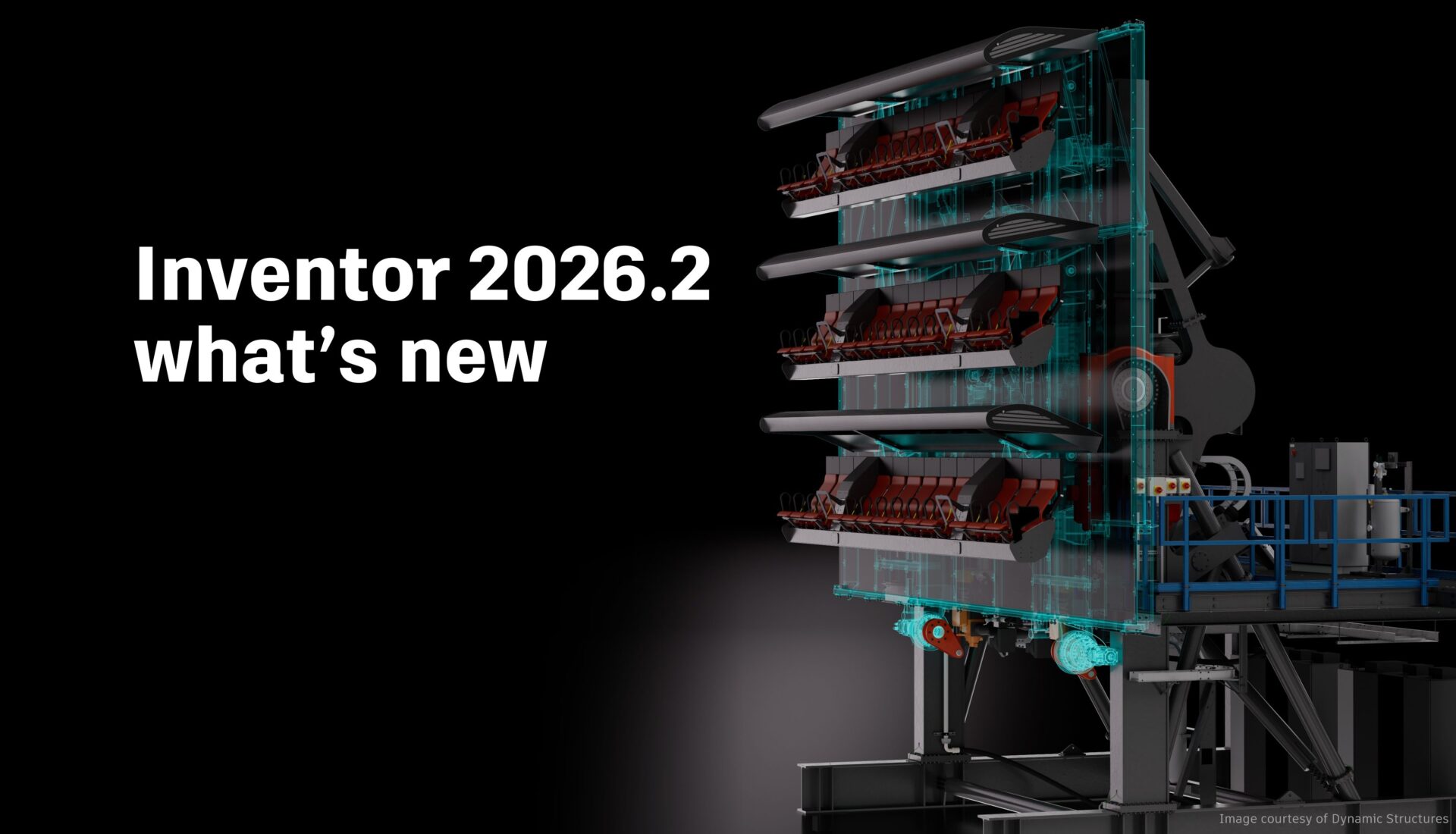
Inventor 2026.2 What’s New
Inventor 2026.2 is another great point release with several enhancements across the board for sketching, part and assembly modeling, and drawings. Thank you again to everyone who contributed their ideas and feedback for all three of our major releases for Inventor 2026. Assembly enhancements Place and Insert command With Inventor 2026.2, assembling components just became…
Autodesk Inventor
-
Desktop Connector for Fusion – What’s New
We are excited to announce a major release of Autodesk Desktop Connector for Fusion. If you are new to this technology, then you came to the right place. We will explain what it is used for and cover all of the enhancements. There will also be resources at the end of this article that will…
Industry Cloud for Manufacturing
-
Desktop Connector for Fusion – Best practices guide
How is data stored in Fusion? Autodesk Fusion combines CAD, CAM, CAE, and PCB into a single, integrated cloud software platform. Fusion combines fast and easy organic modeling with precise solid modeling, so you can go from design to manufacturing, seamlessly. At a high level, Fusion provides one shared place for you and your team…
Design & Engineering
-
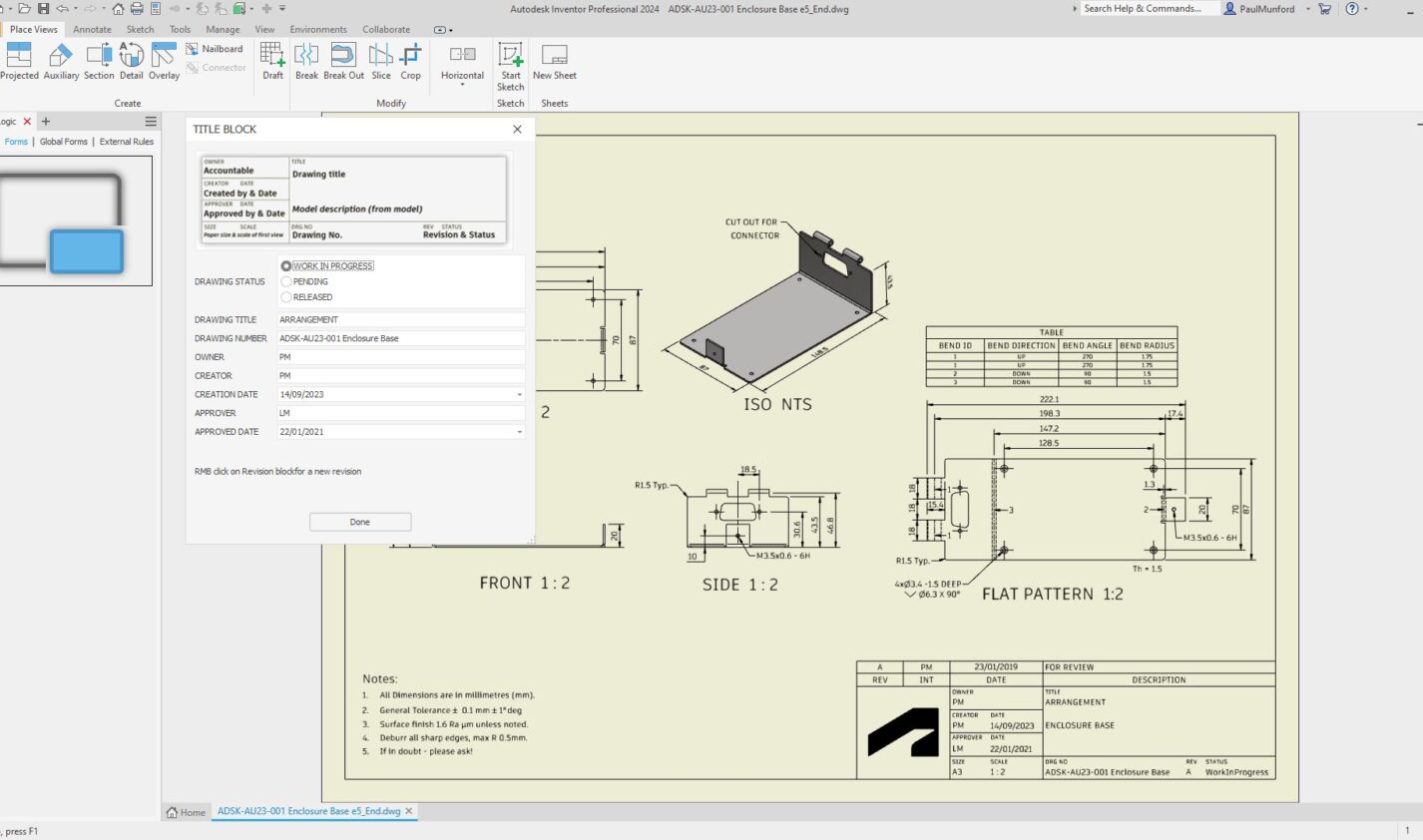
Streamline Title Block Management in Inventor with iLogic Forms
Optimize your Inventor title blocks easily with iLogic forms. Streamline data entry, maintain CAD standard compliance, and reduce errors with a centralized, easy-to-use interface. Automate title block updates to save time and boost consistency across your projects. Learn how to simplify your workflow today with iLogic. Filling out title blocks in Inventor can often be…
Autodesk Inventor
-
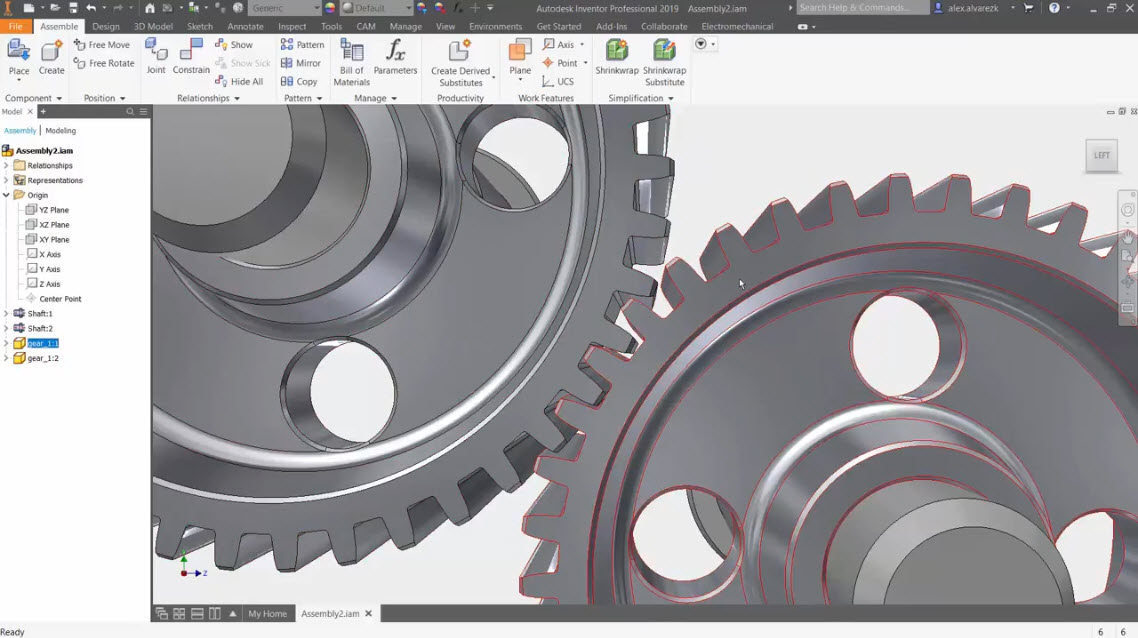
Rotation Constraints in Inventor
Learn how to use rotation constraints in Inventor as well as tools like ViewCube, freeform camera rotation, and orbit tool. These techniques ensure precise component movement, enhancing accuracy and functionality in complex assemblies. One common challenge in assemblies is achieving precise degrees of rotation for components. This is where rotation constraints become critical. Adding a…
Autodesk Inventor
-
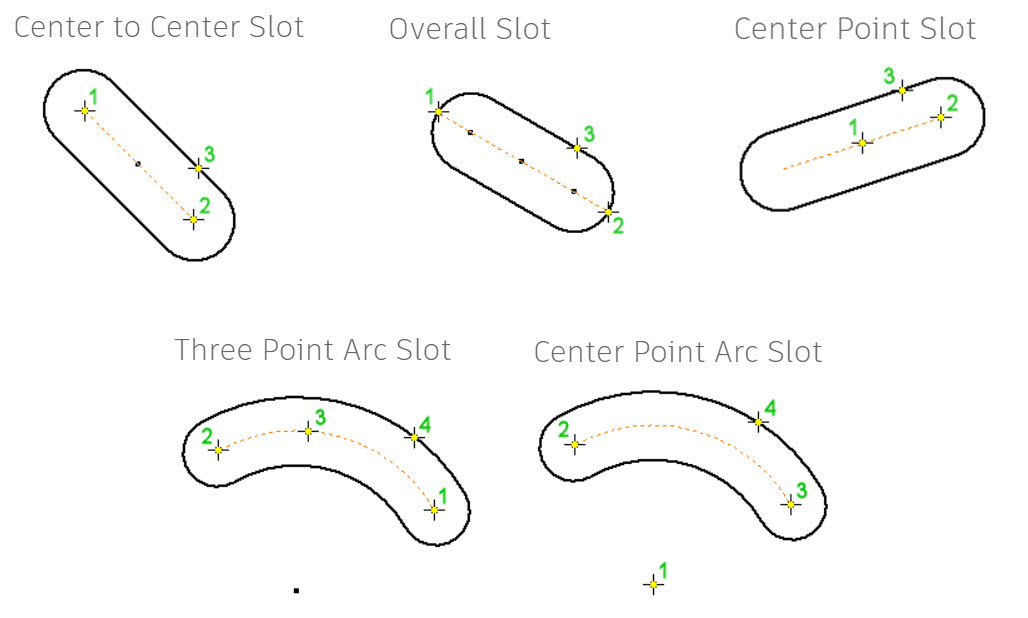
Create Slots in Inventor: 5 Easy Ways
Slot creation in Inventor simplifies mechanical design with built-in tools, offering straight and curved slot options, constraints application, and best practices to enhance workflow, precision, and project quality. As mechanical designers and engineers, we’re always looking for ways to speed up the design process. One effective method is using the built-in slots in Inventor. Creating…
Autodesk Inventor
-
Large Assemblies: 10 Tips for Managing Them in Autodesk Inventor
Working with large assemblies in Inventor can get complex. Let’s dive into 10 tips that will help you work more efficiently.
Autodesk Inventor
-
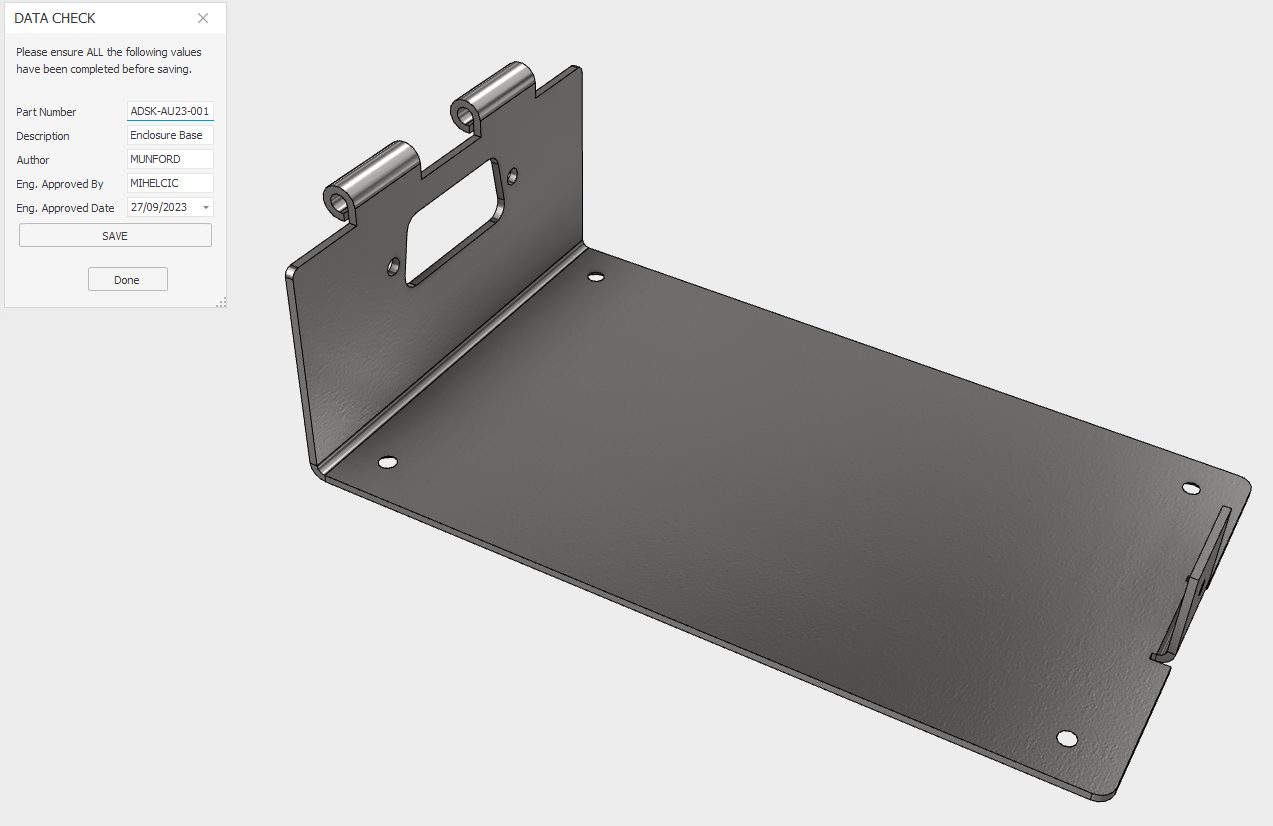
Autodesk Inventor iLogic for data conformance.
Discover how Autodesk Inventor iLogic can help with consistent data entry for crucial iProperties in preparation for BOM, Partlist, or data transfer to a PLM or ERP system.
Design & Engineering
-
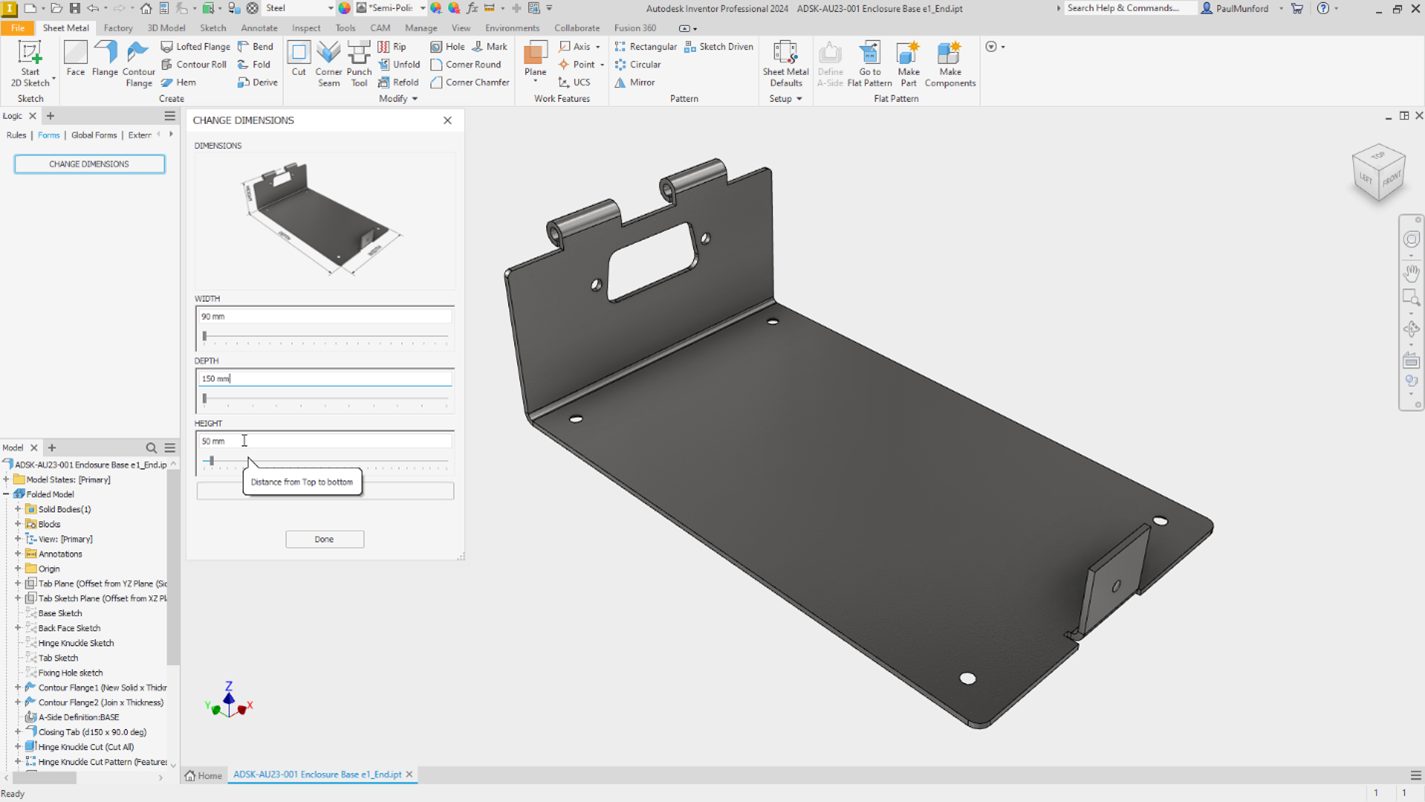
Autodesk Inventor iLogic forms to communicate design intent.
Unleash the power of Autodesk Inventor with these five iLogic hacks designed specifically for non-programmers. Discover how to build on the intelligence in your design to create configurable models and automate processes. This blog post will guide you on how to efficiently communicate design intent by adding an input form using iLogic. Learn step-by-step how…
Design & Engineering
-
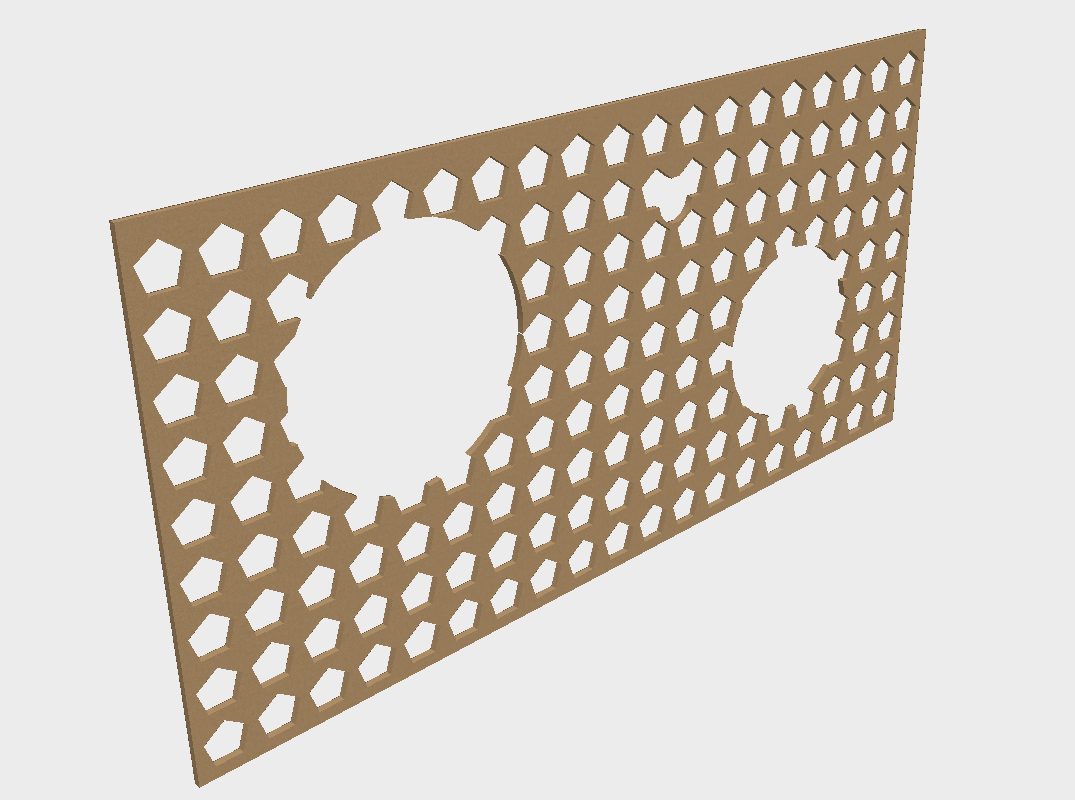
Autodesk Inventor Pattern Optimisation with Optimized Compute.
Understand how the 'Optimized compute' option in Autodesk inventor patterns can speed up pattern generation, and reduce file size on disk.
Design & Engineering
-

Autodesk Inventor Sheet Metal, Flat pattern success—Every time!
‘Failure in creating a flat pattern.’ Who needs it? No one wants to create an Autodesk Inventor sheet metal part that won’t unfold! This article by Paul Munford gives tips and tricks to garentee your sheet metal models will unfold every time
Design & Engineering
-
Autodesk Inventor Resources
The Inventor team works hard to develop the tools that promote efficiency in your design and manufacturing workflows. Many of the tools we implement in Inventor begin with the great ideas we receive from designers and engineers who use our software. Your complete success is a combination of the software that helps your ideas take…
Design & Engineering