-
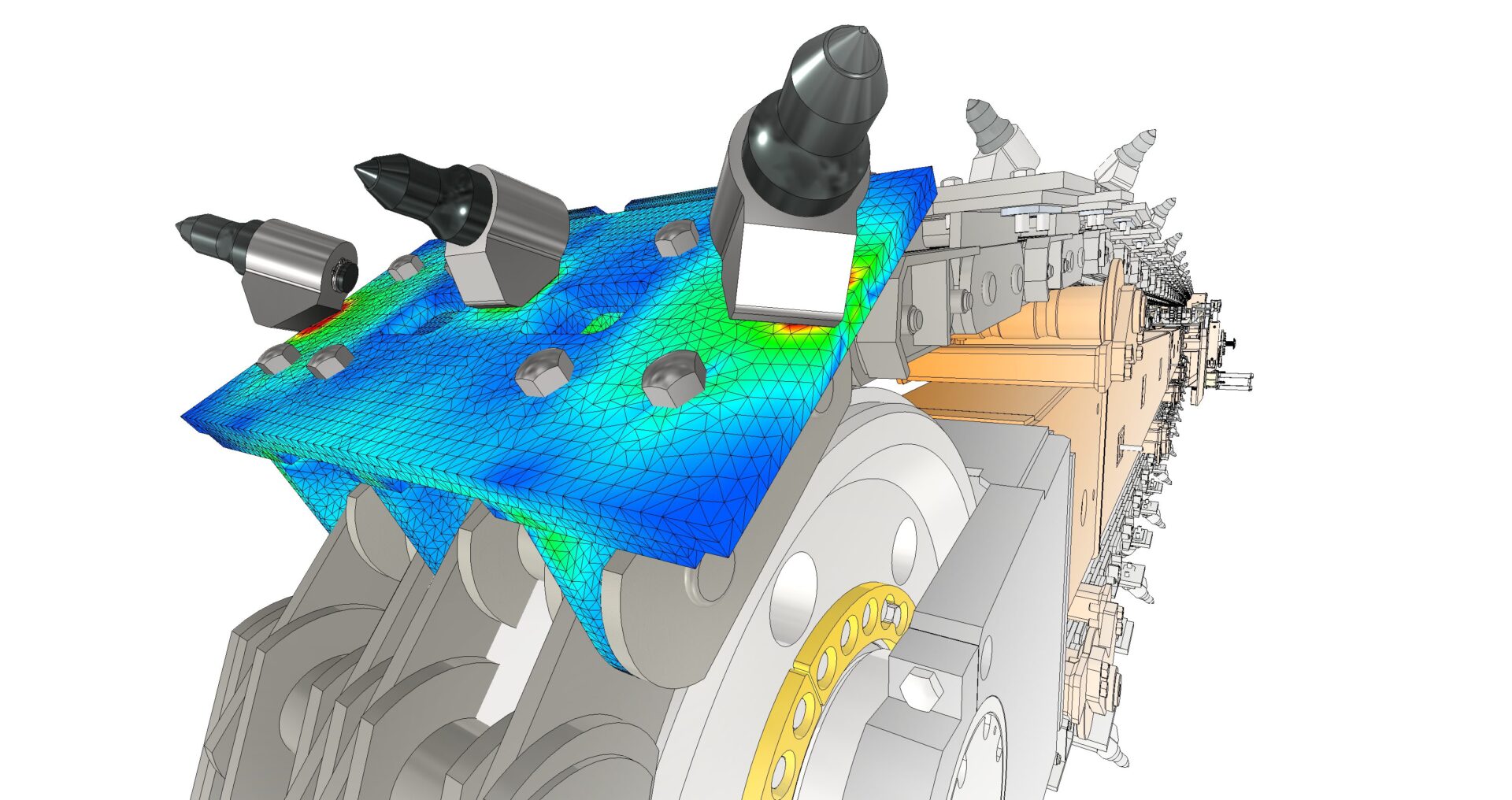
Design and manufacturing – Advanced design and simulation
Advanced design and simulation with the Product Design & Manufacturing Collection OverviewAdvanced 2D and 3D workflowsIntegrated product developmentAdvanced simulation toolsWhat your peers sayResources Overview In today’s competitive manufacturing environment, advanced design and simulation capabilities are critical for driving innovation and efficiency. That’s why the Product Design & Manufacturing Collection comes complete with cutting-edge tools and…
Autodesk Inventor
-
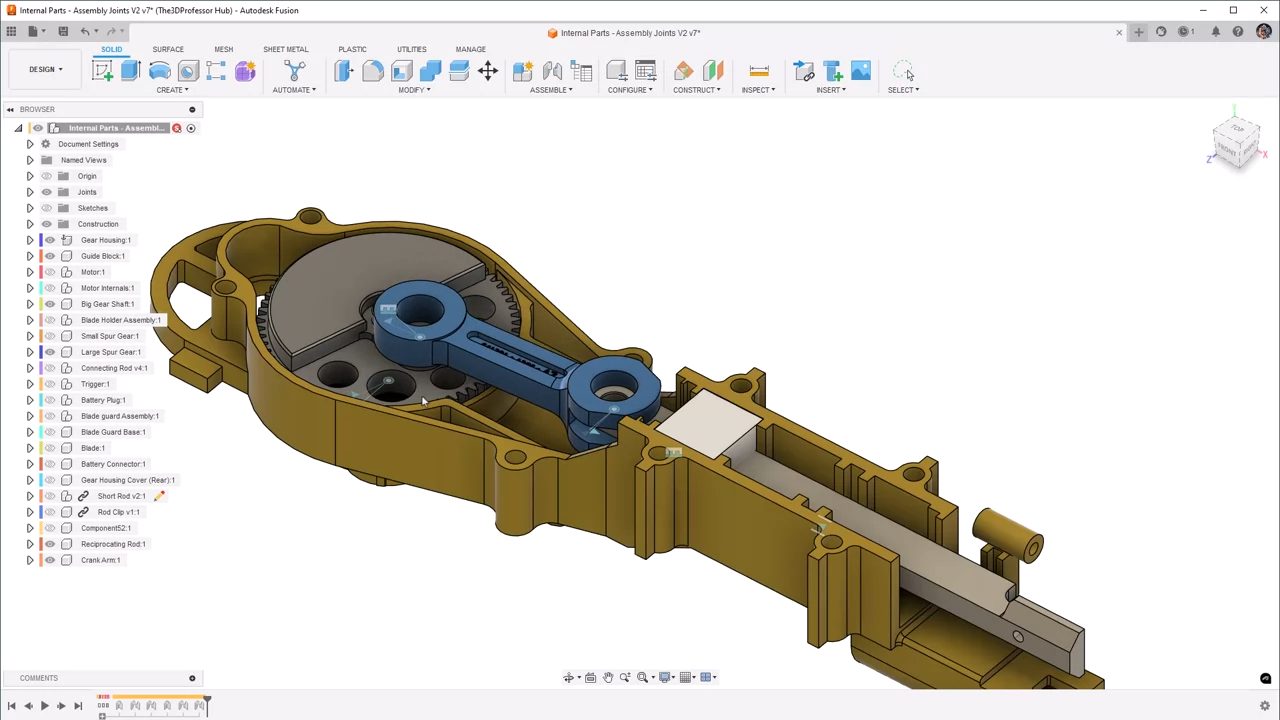
Design and Manufacturing – Design fundamentals
Design fundamentals in theProduct Design & Manufacturing Collection In this post… Why fundamentals?Foundations for Inventor, Fusion, and AutoCADWhat your peers sayResources Why fundamentals? Powerful tools can often be complex. And while we’ve made the software in the Product Design & Manufacturing Collection approachable for all kinds of users—from novices to experts—it often helps to start…
Autodesk Inventor
-

Streamline your Supply Chain Management with Autodesk’s Fusion Manage for PLM
Autodesk Fusion Manage is a cloud-based PLM solution that streamlines supply chain management, driving efficiency and savings. Product Lifecycle Management (PLM) is integral to managing a product from inception through design and manufacturing, to service and disposal. Autodesk’s PLM solution, Fusion Manage streamline this process, ensuring that every phase is meticulously documented, analyzed, and optimized.…
Data & Process
-

Understanding the Cost of Poor Quality (COPQ) in Manufacturing
Explore how the Cost of Poor Quality (COPQ) affects manufacturing operations, how to calculate COPQ, and how tools like Autodesk Vault and Fusion Manage can help reduce it by integrating quality control into the entire product lifecycle. In a highly competitive market, manufacturers feel the pressure to deliver reliable, defect-free products. However, despite technological advances…
Design & Engineering
-
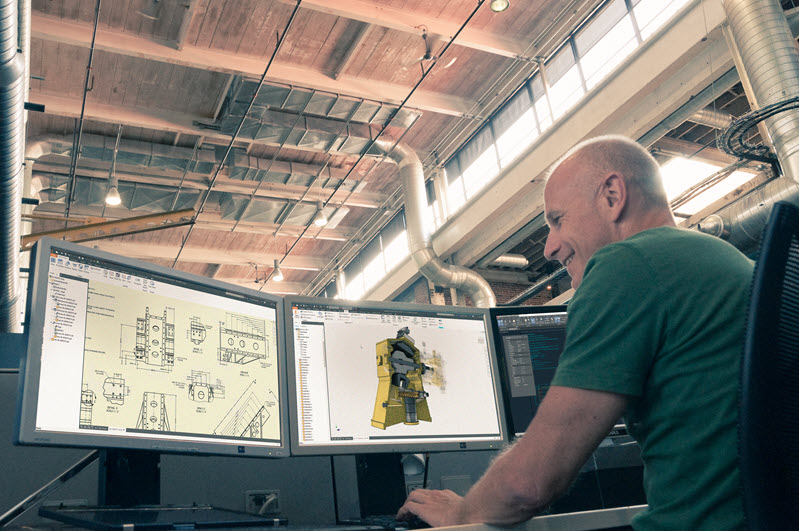
New Product Introduction (NPI) Process Guide
Explore how successful New Product Introduction (NPI) relies on standardized processes, lifecycle tracking, and digital tools like Fusion Manage and Vault PLM to facilitate development and guarantee product success. NPI manufacturing Bringing a new product to market requires coordination across engineering, operations, supply chain, and marketing teams, making the New product introduction (NPI) process a…
Data & Process
-
The Future of Factory Automation: How Simulation Drives Efficiency and Innovation
Advanced simulation tools are shaping the future of factory automation by driving efficiency, innovation, and competitiveness. These tools help manufacturers optimize processes and design layouts, enhance productivity, reduce costs, and stay agile in the face of modern manufacturing complexities. Factory automation is top of mind for manufacturers today, propelling industries toward unprecedented levels of efficiency,…
Production
-
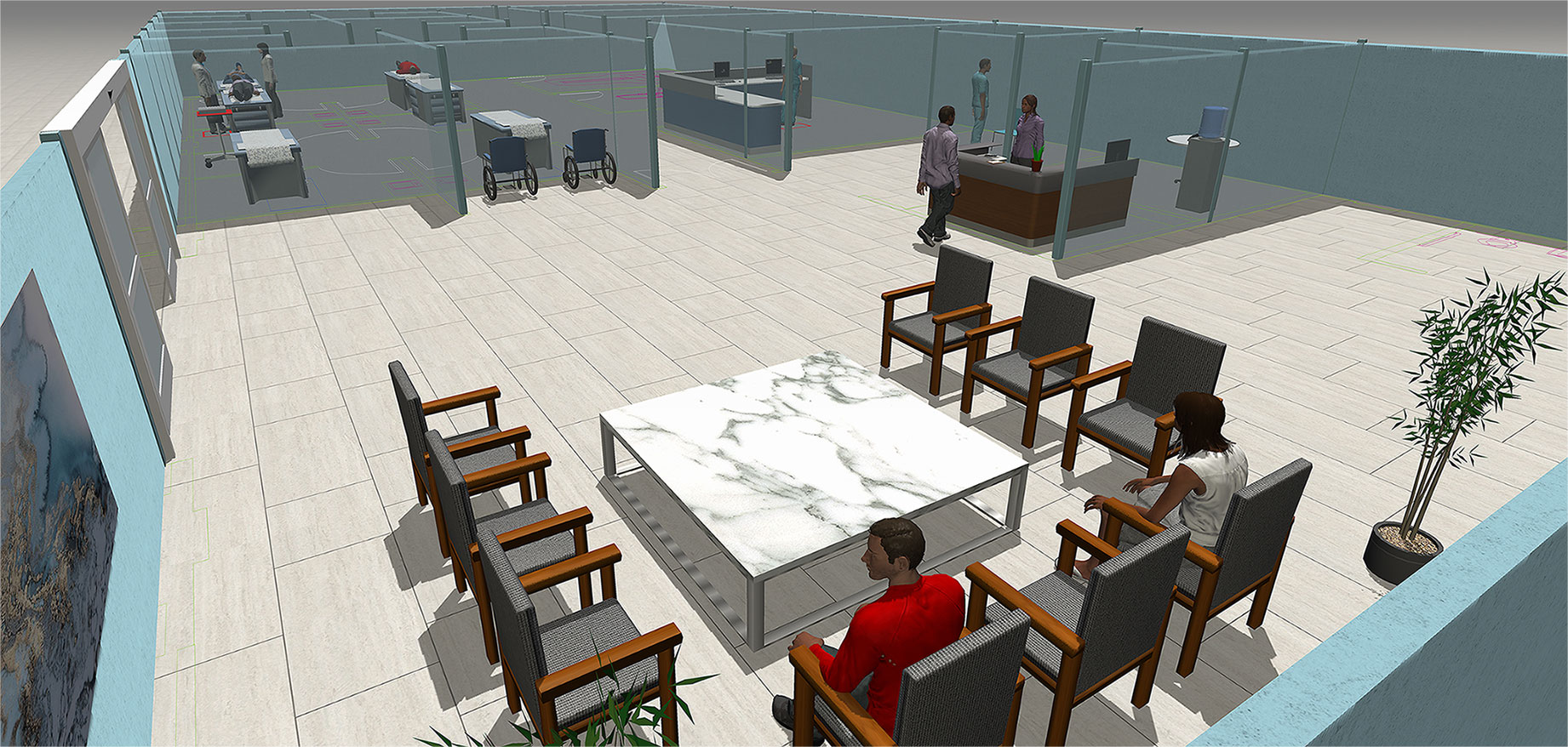
Revolutionizing Healthcare with 3D Simulation Modeling
3D simulation modeling, with tools like Autodesk FlexSim, enables healthcare professionals to analyze and optimize patient-based processes. This approach enhances patient care, improves operational efficiency, and achieves better outcomes, which will be crucial for future advancements in the industry. The healthcare industry is one of the most complex and dynamic sectors, requiring constant advancements to…
Production
-
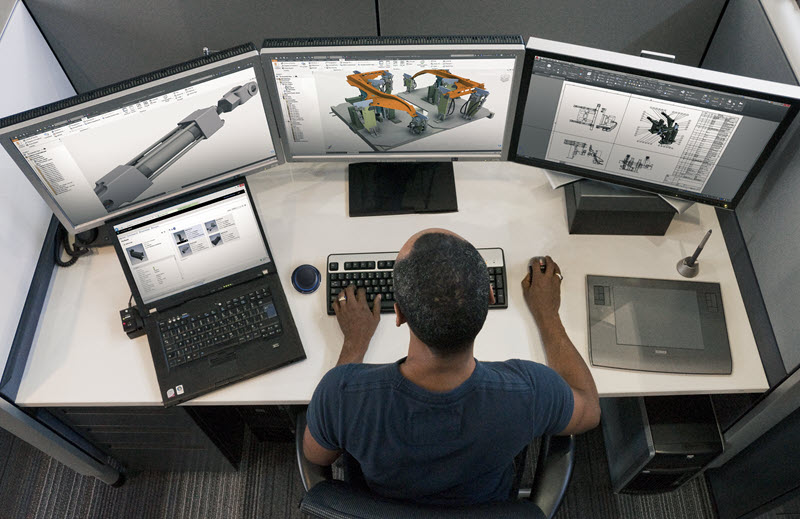
Design for Assembly: Enhancing Mechanical Design and Streamlining Production
As the manufacturing industry evolves, the significance of design for assembly and the advanced capabilities of Autodesk Inventor will help manufacturers reach their objectives and sustain a competitive edge. Efficiency and precision are paramount in the world of manufacturing. Companies strive to reduce production costs, improve product quality, and shorten time-to-market. One effective strategy to…
Design & Engineering
-
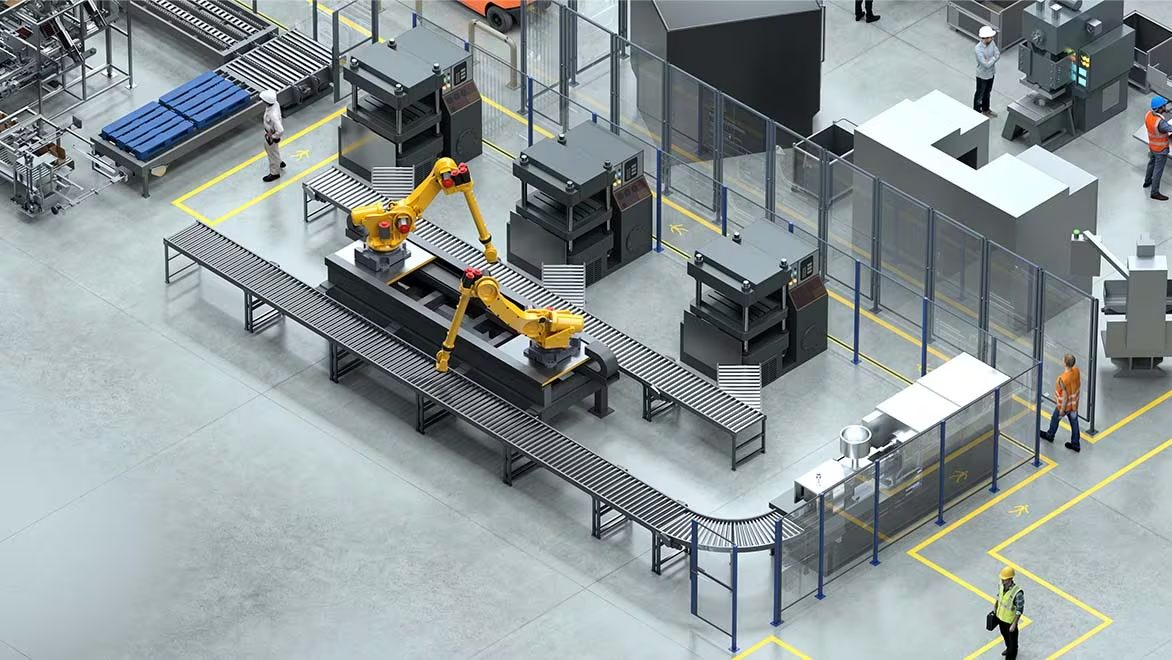
The Digital Factory of the Future
Learn how the digital factory of the future is changing manufacturing through intelligent systems and how Autodesk solutions support this evolution with advanced layout and coordination tools. The concept of a digital factory has become the blueprint for future-ready production as manufacturing evolves to be more responsive, sustainable, and efficient. By integrating data, automation, and…
Production
-
The Future of IIoT in Design and Manufacturing
Learn how IIoT in design and manufacturing will drive innovation, efficiency, and competitiveness, playing a critical role in shaping next-generation manufacturing processes and products, and leading to a smarter, more connected, and sustainable future. The Industrial Internet of Things (IIoT) is transforming design and manufacturing, as it ushers in a new era of connectivity, efficiency,…
Production
-

PLM for Sustainability – Do Good Well
Autodesk’s PLM solution, Fusion Manage enhances sustainability in product design and manufacturing through efficient data management, material selection, lifecycle assessments, design optimization, supply chain collaboration, change management, and end-of-life planning, aiding businesses in achieving sustainability goals and benefiting their bottom line. Autodesk is a market leader in sustainability, ranking #1 among software companies by Corporate…
Data & Process
-

Why Product Lifecycle Management (PLM) is Essential for Manufacturing
Learn why Product Lifecycle Management (PLM) is crucial for manufacturing, enhancing workflows, collaboration, and innovation.
Data & Process