-
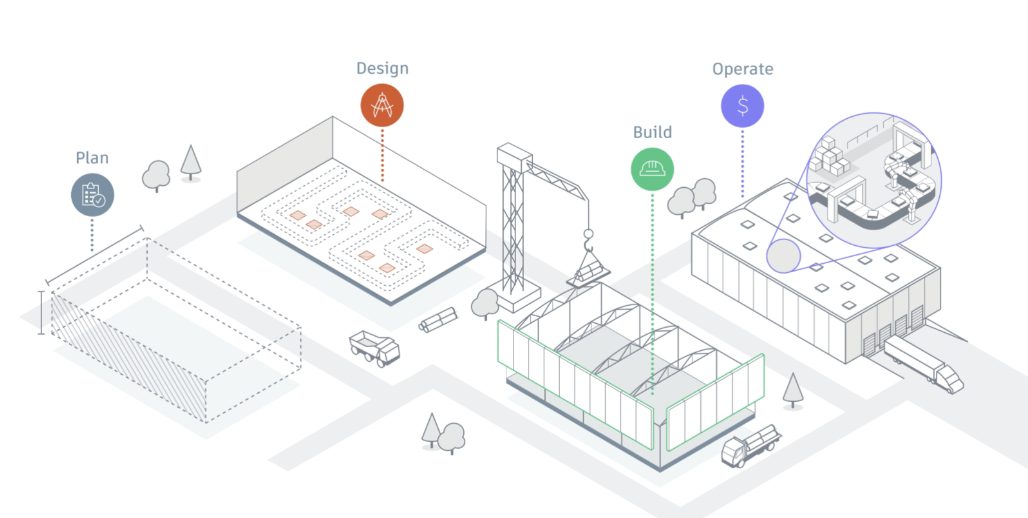
Innovation at Work: The Opportunity for a Digital Factory
The digital factory revolution, founded on robust data, will drive more significant changes in the planning, design, construction, and operation of factories in the coming years.
Production
-
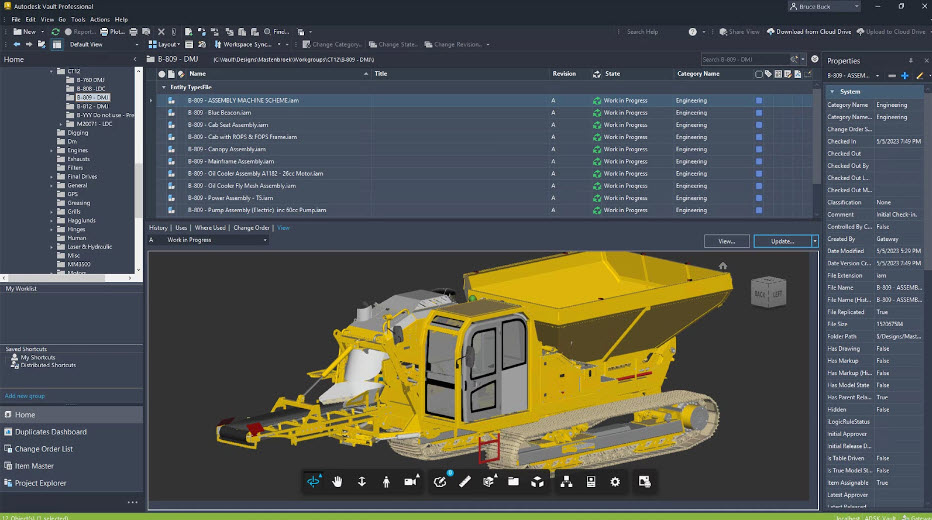
Lean Manufacturing and its Role in Production
Explore lean manufacturing its benefits and role in modern production. Learn the importance of choosing the right tools for a lean strategy and how Autodesk Vault and Fusion Manage support these initiatives with data management and enterprise collaboration features. Lean manufacturing is a production methodology that aims to minimize waste while maximizing customer value. Originating…
Data & Process
-
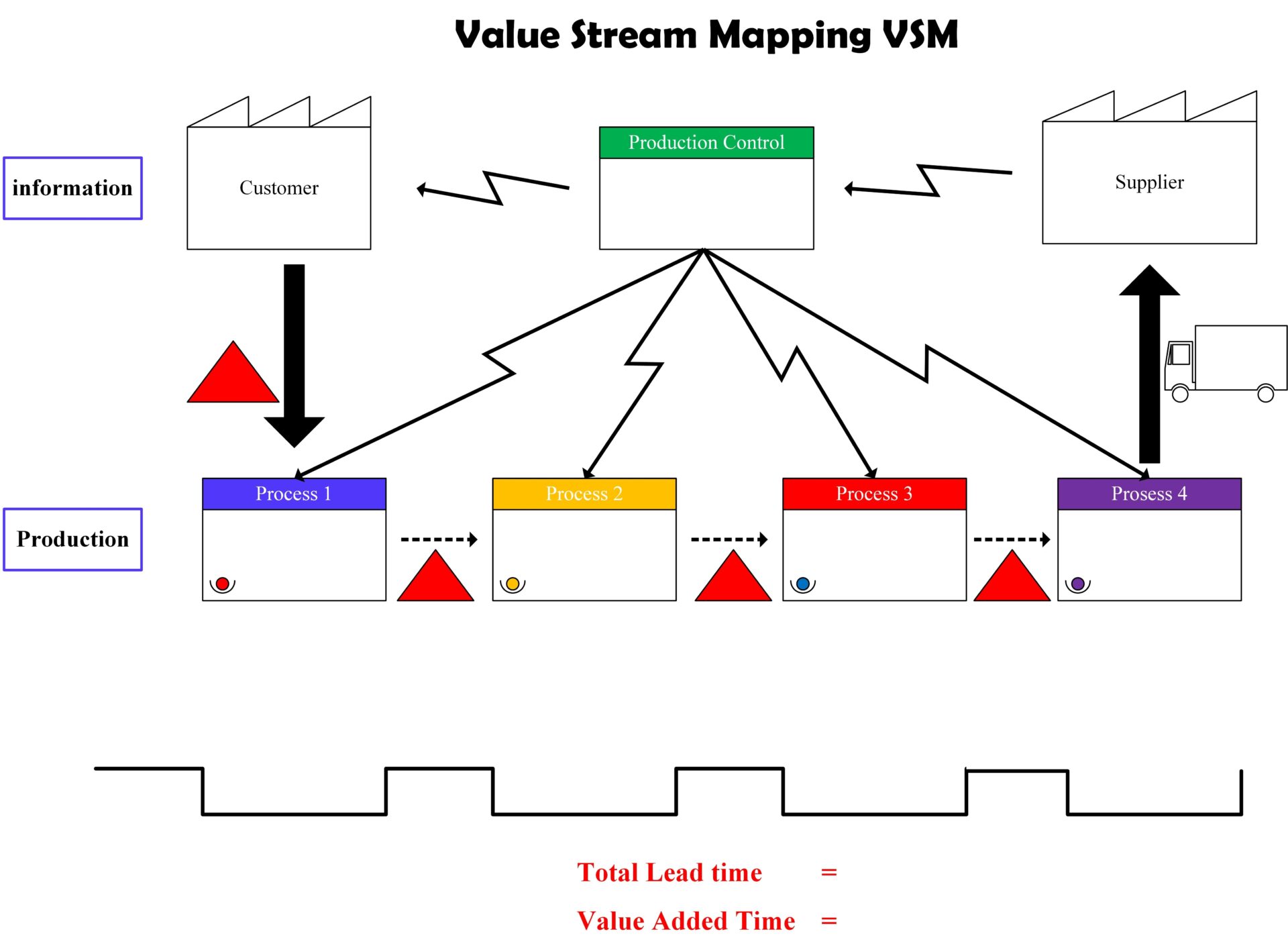
Value Stream Mapping: Transforming Manufacturing Efficiency
Learn what value stream mapping is, the benefits it can have for your business and how Autodesk design and manufacturing solutions can help. Value stream mapping (VSM) is a lean-management method used to analyze and design the flow of materials and information required to bring a product to market. Originating from the Toyota Production System,…
Production
-
How to Boost Fusion Manage Reporting with Power BI Integration
In today’s data-driven world, having a comprehensive view of your information is crucial for making informed decisions. Using a product lifecycle management solution like Autodesk Fusion Manage helps with this by centralizing product development data and processes. While this allows for different roles and responsibilities to collaborate with greater accessibility, Fusion Manage includes a lot of PLM…
Data & Process
-
Autodesk Vault 2025.1 What’s New
Explore Autodesk Vault 2025.1's latest features, including enhanced data management, improved search options, and updated user prompts for smoother workflows.
Autodesk Vault
-
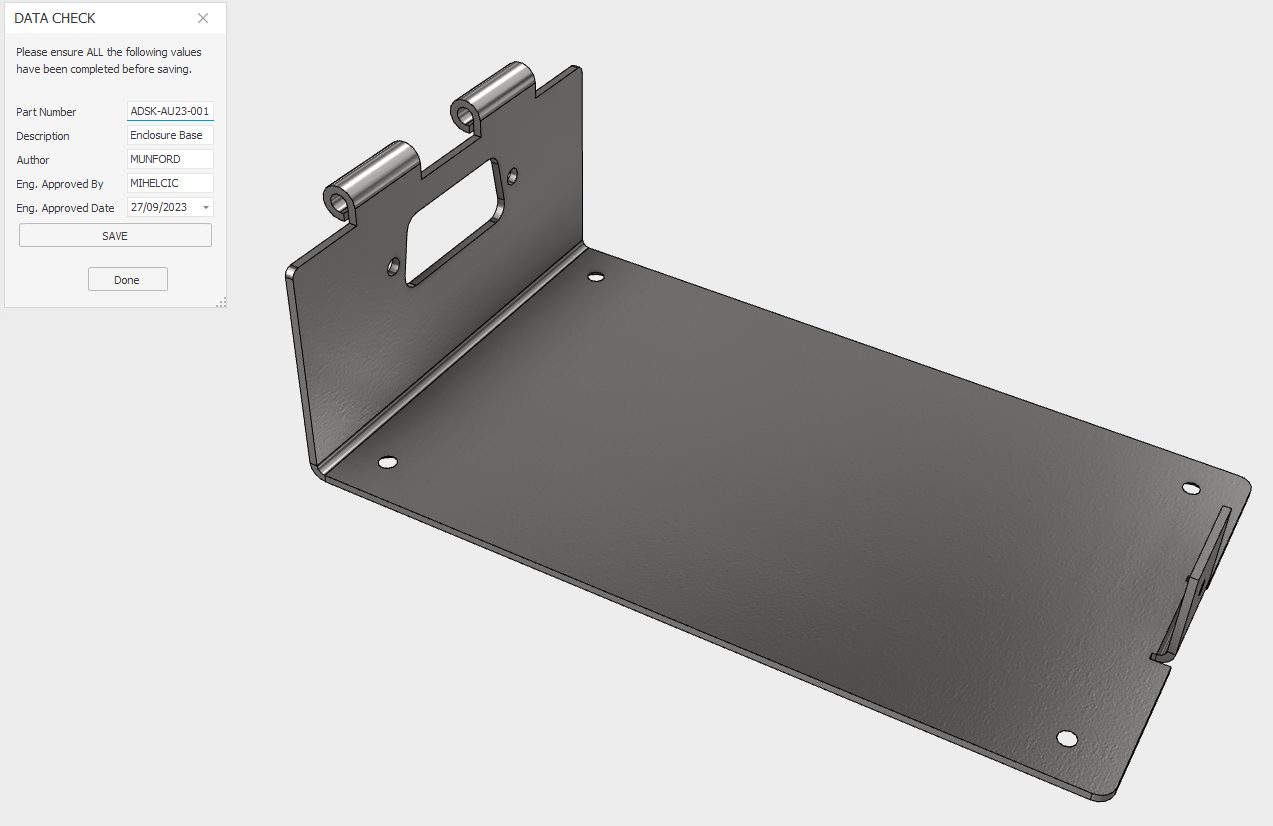
Autodesk Inventor iLogic for data conformance.
Discover how Autodesk Inventor iLogic can help with consistent data entry for crucial iProperties in preparation for BOM, Partlist, or data transfer to a PLM or ERP system.
Design & Engineering
-
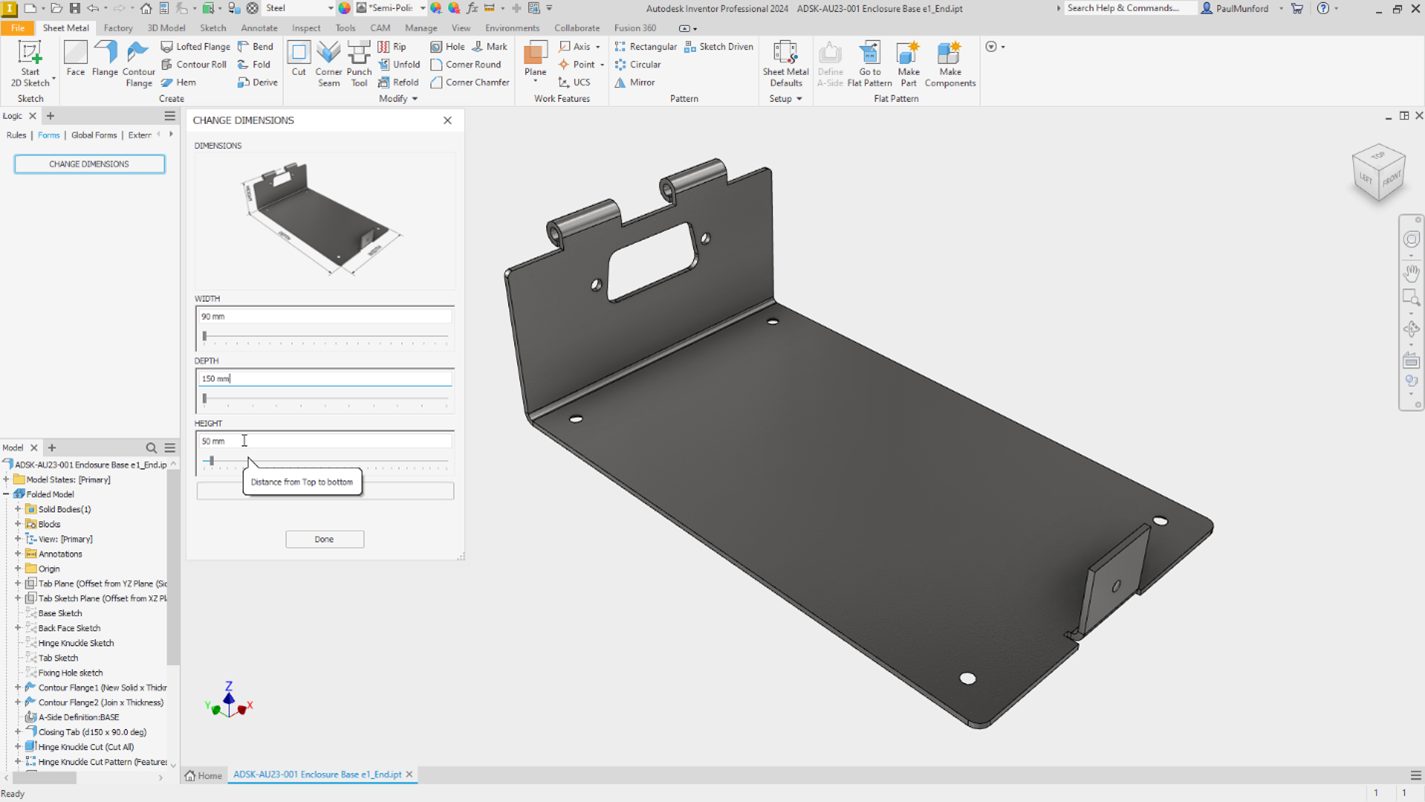
Autodesk Inventor iLogic forms to communicate design intent.
Unleash the power of Autodesk Inventor with these five iLogic hacks designed specifically for non-programmers. Discover how to build on the intelligence in your design to create configurable models and automate processes. This blog post will guide you on how to efficiently communicate design intent by adding an input form using iLogic. Learn step-by-step how…
Design & Engineering
-
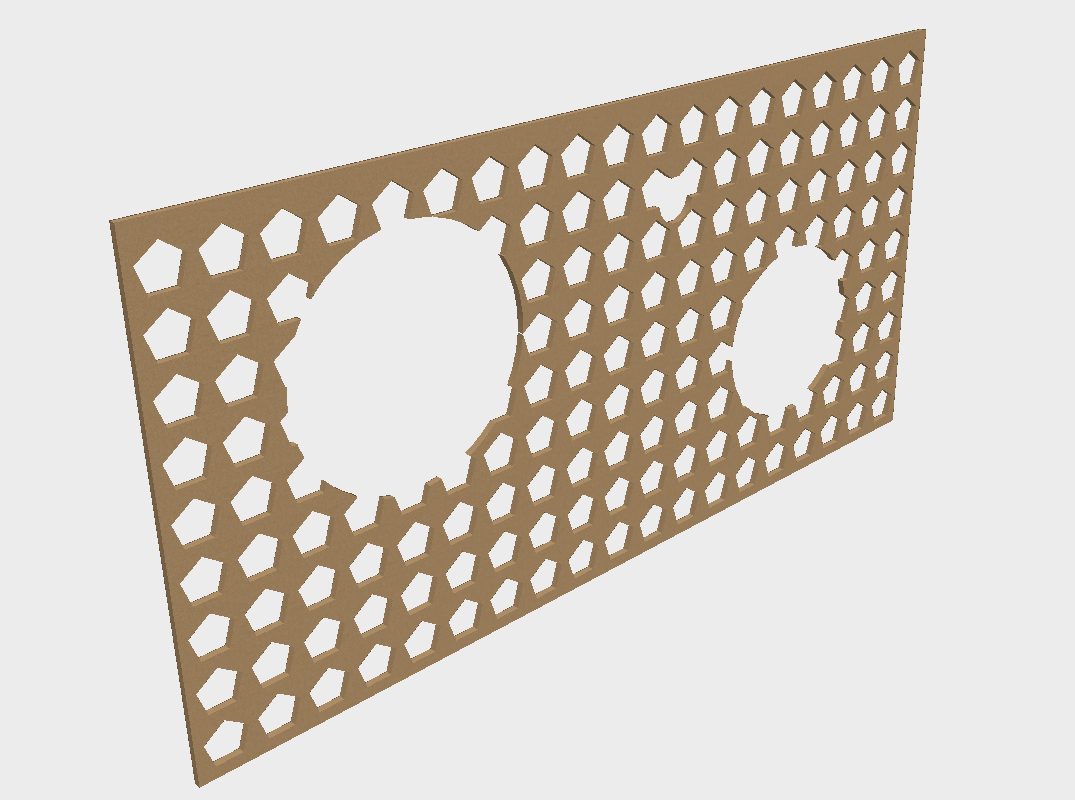
Autodesk Inventor Pattern Optimisation with Optimized Compute.
Understand how the 'Optimized compute' option in Autodesk inventor patterns can speed up pattern generation, and reduce file size on disk.
Design & Engineering
-
What’s New in Autodesk Fusion Manage – May 2024 Product Update
Autodesk Fusion Manage is a cloud-based product lifecycle management solution in the Autodesk Fusion industry cloud for manufacturing. As a cloud-based product, Fusion Manage is regularly updated, providing new features and enhancements to users as soon as they are released. This post summarizes new functionality released during previous months that is available in Fusion Manage.…
Autodesk Fusion Manage
-
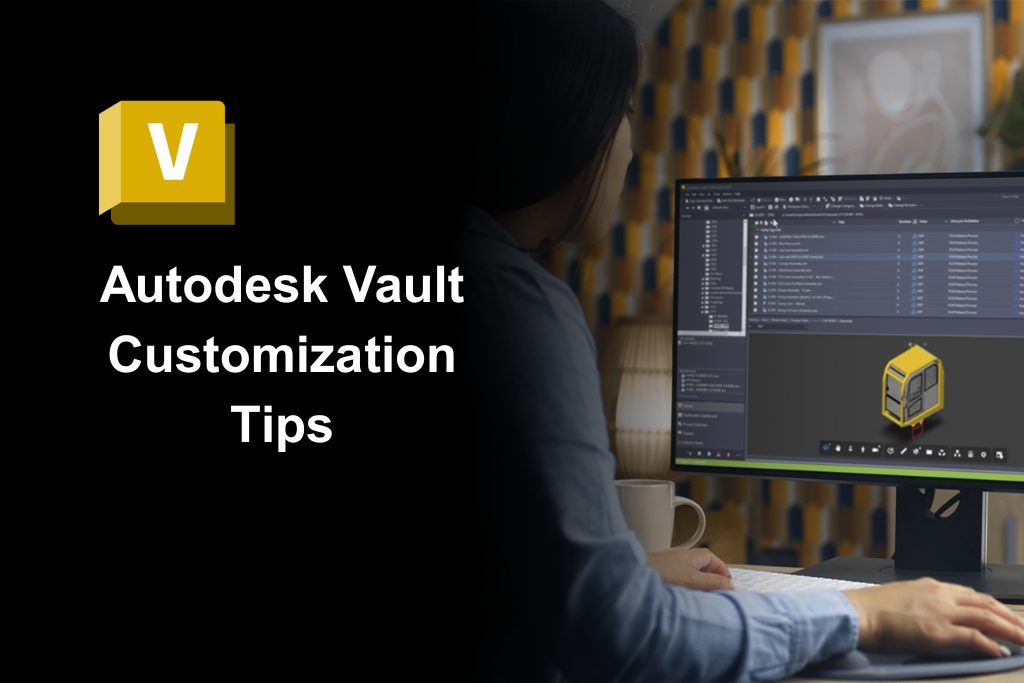
Autodesk Vault Data Standard – Migrating Customized Configurations
Autodesk Vault Data Standard is a customization layer that allows custom business logic and rules to be integrated into the file management workflow. Custom configurations need to migrate if Vault Client software updates. Some essential steps make a legacy configuration compatible, and you may want to merge enhancements of the new configuration templates into your…
Data & Process
-
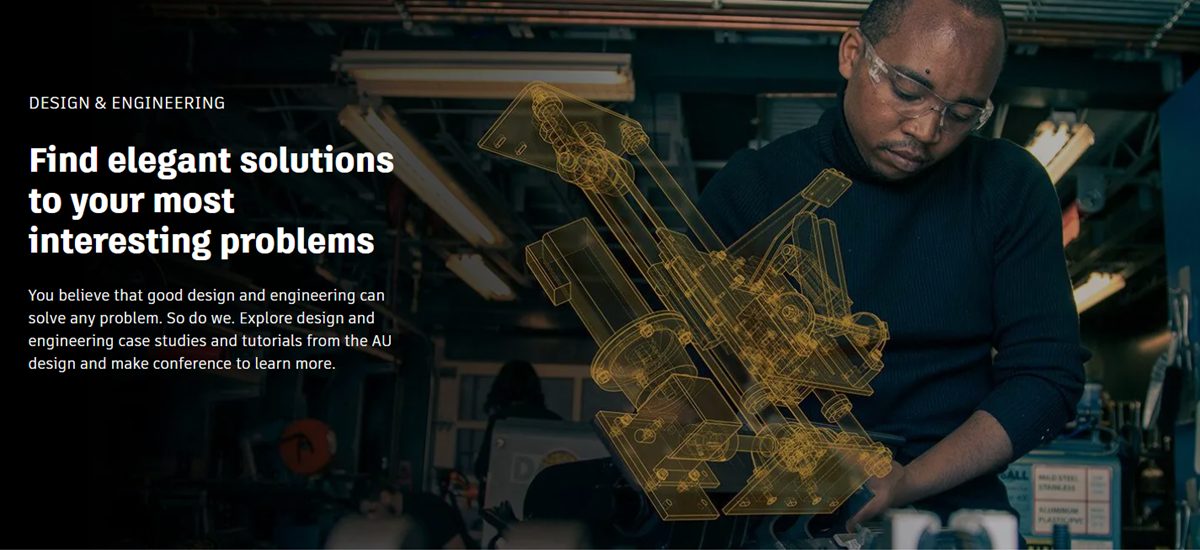
AU Year-Round Learning for Product Design & Engineering Professionals
You believe that good design and engineering can solve any problem. So do we. Explore design and engineering case studies and tutorials from the AU design and make conference to learn more.
Design & Engineering
-
Autodesk Vault Data Standard 2025 – What’s New
Autodesk Vault Data Standard is a customization layer that allows custom business logic and rules to be integrated into the file management workflow. Therefore, product news targets customizability rather than functionality. However, the latest release enhanced default error messaging and shared the inventor’s capability to automatically generate part numbers with the Vault Client. Review the…
Data & Process