-
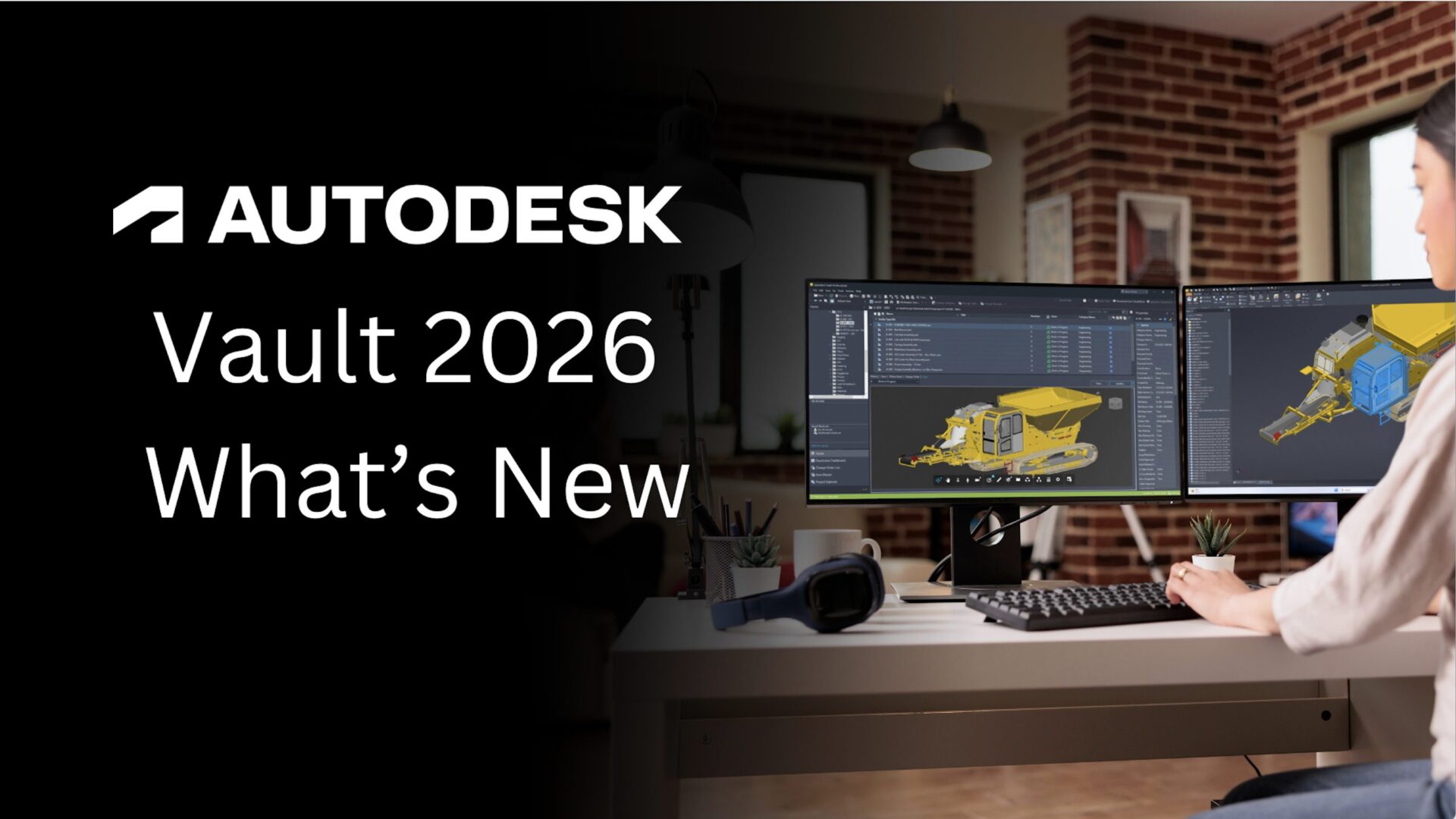
Autodesk Vault What’s New 2026
Autodesk Vault 2026 is here with new features and enhancements that will enable you improve design creation, user and admin workflow efficiency, and software interoperability.
Autodesk Vault
-
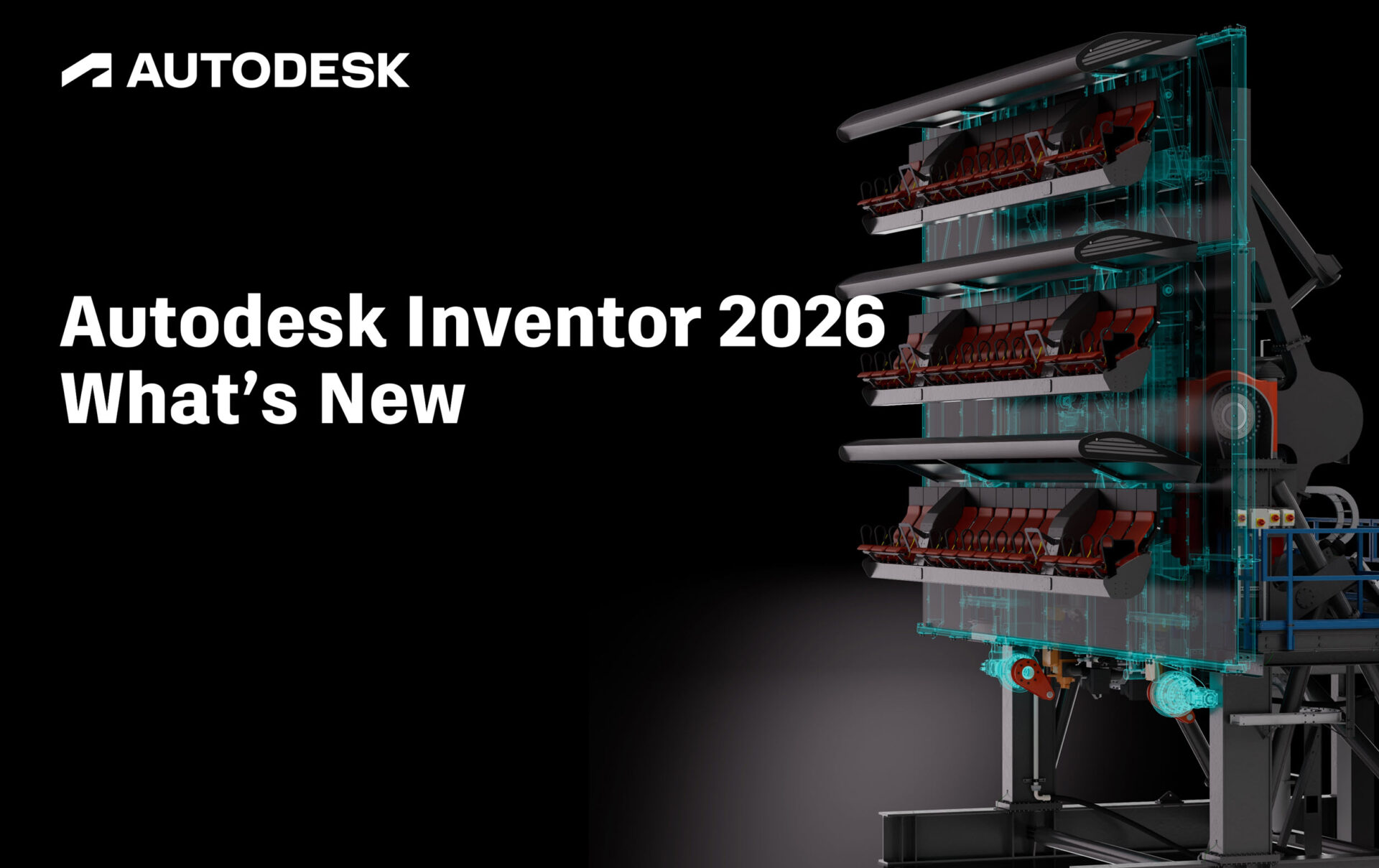
Autodesk Inventor 2026 What’s New
It’s time to announce another great release for Autodesk Inventor! Discover over 140 enhancements to help you solve your everyday design challenges. Each of them are carefully crafted to improve user experience, enhance functionality, and streamline design processes. Check out the following video demonstrations for some of the highlights for this release. If you want…
Autodesk Inventor
-

The Future of Industrial Machine Design: Trends and Innovations
The future of industrial machine design is driven by exciting trend. Autodesk Inventor helps designers be more innovative, improve efficiency, and deliver superior products.
Design & Engineering
-
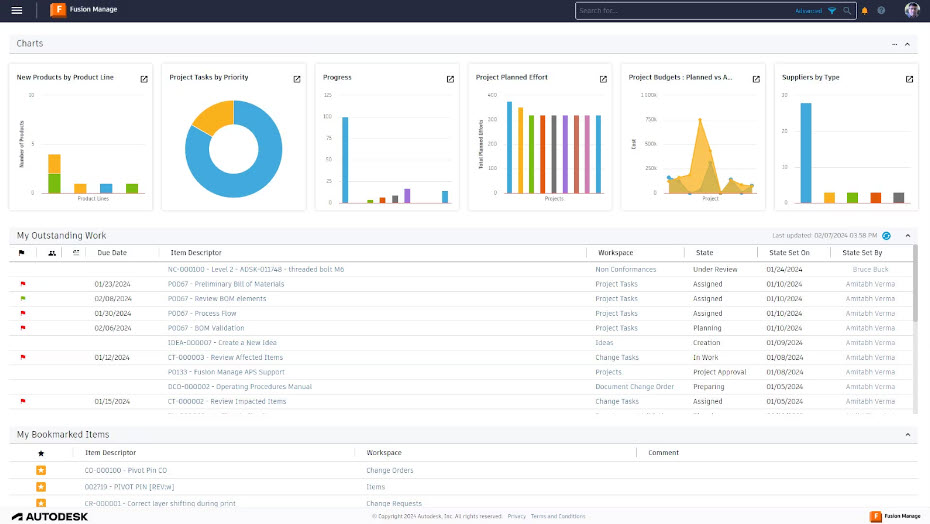
Product Lifecycle Management in Manufacturing
Explore trends in manufacturing and discover Product Lifecycle Management solutions like Autodesk Fusion Manage and Vault, which are essential for managing complexity, improving efficiency, and staying competitive.
Data & Process
-

The Role of a Production Manager: Championing Productivity and Quality with Traceability
A Production Manager oversees the entire production process, ensuring quality, efficiency, and productivity from the manufacturing line. With tools like Autodesk’s Prodsmart, Production Managers can navigate the daily challenges of modern production. The Production Manager holds a pivotal role within manufacturing companies worldwide, overseeing production to ensure high-performance, quality, and cost-efficiency in the often chaotic…
Production
-

Revolutionizing Change Management with Autodesk’s Cloud PLM
Explore how Autodesk’s cloud PLM solution transforms change management by automating revisions, ensuring complete traceability, and streamlining product development for enhanced efficiency and quality.
Design & Engineering
-

Enhancing Global Supply Chain Collaboration with Autodesk’s Cloud PLM
Discover how Autodesk’s cloud PLM solution seamlessly unifies product development and supply chain collaboration, driving efficiency, quality, and global connectivity.
Production
-
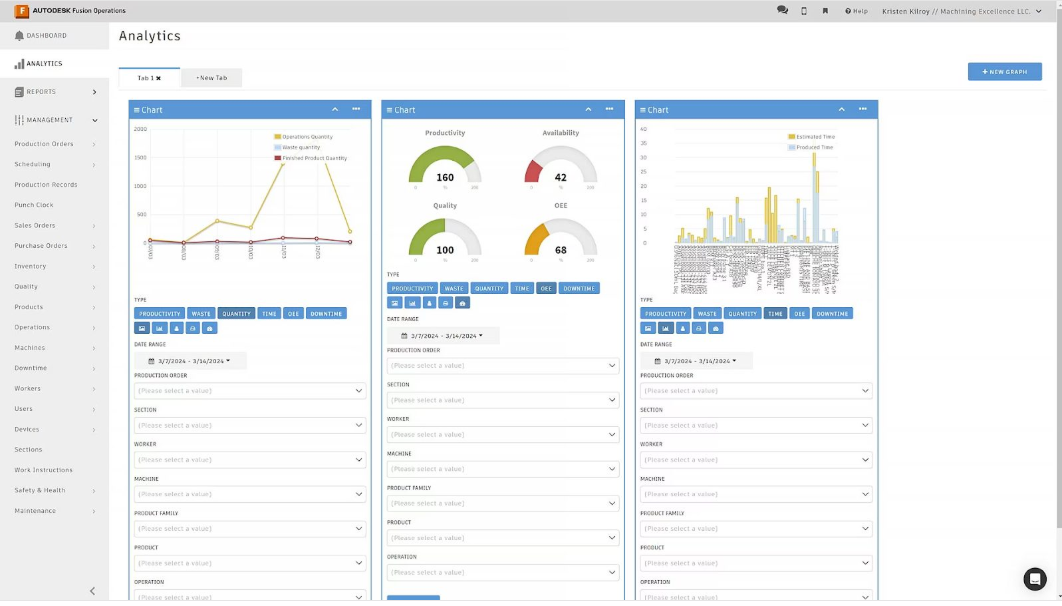
Fusion Operations: Manufacturing Costing Made Easier
Discover how advanced analytics and Fusion Operations help manufacturers track, simulate, and optimize production costs with real‑time, connected insights. In an increasingly competitive market, manufacturers face growing pressure to optimize production costs while maintaining quality and meeting deadlines. Efficient manufacturing costing—the process of calculating, tracking, and optimizing the expenses associated with producing goods—is indispensable for…
Uncategorized
-
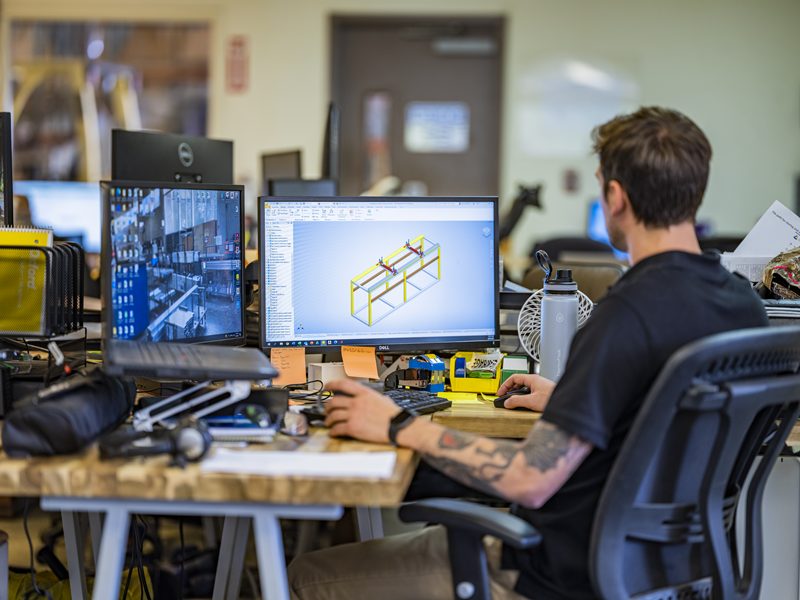
Understanding 3D Engineering: It’s Importance, Benefits, and Trends
3D engineering has become a cornerstone of modern design and manufacturing, offering unparalleled accuracy, efficiency, and innovation.
Autodesk Inventor
-
Termobrasa Increases Efficiency and Removes Paper Trail with Autodesk Fusion & Fusion Operations
Termobrasa was founded 50 years ago in a small warehouse in Vila Nova de Gaia, Portugal. The company’s humble beginning was the manufacturing of a novel water heater design, which later expanded to include an array of energy-efficient solutions, including heat pumps. However, the global COVID-19 pandemic prompted a substantial shift in its operating methods,…
Uncategorized
-
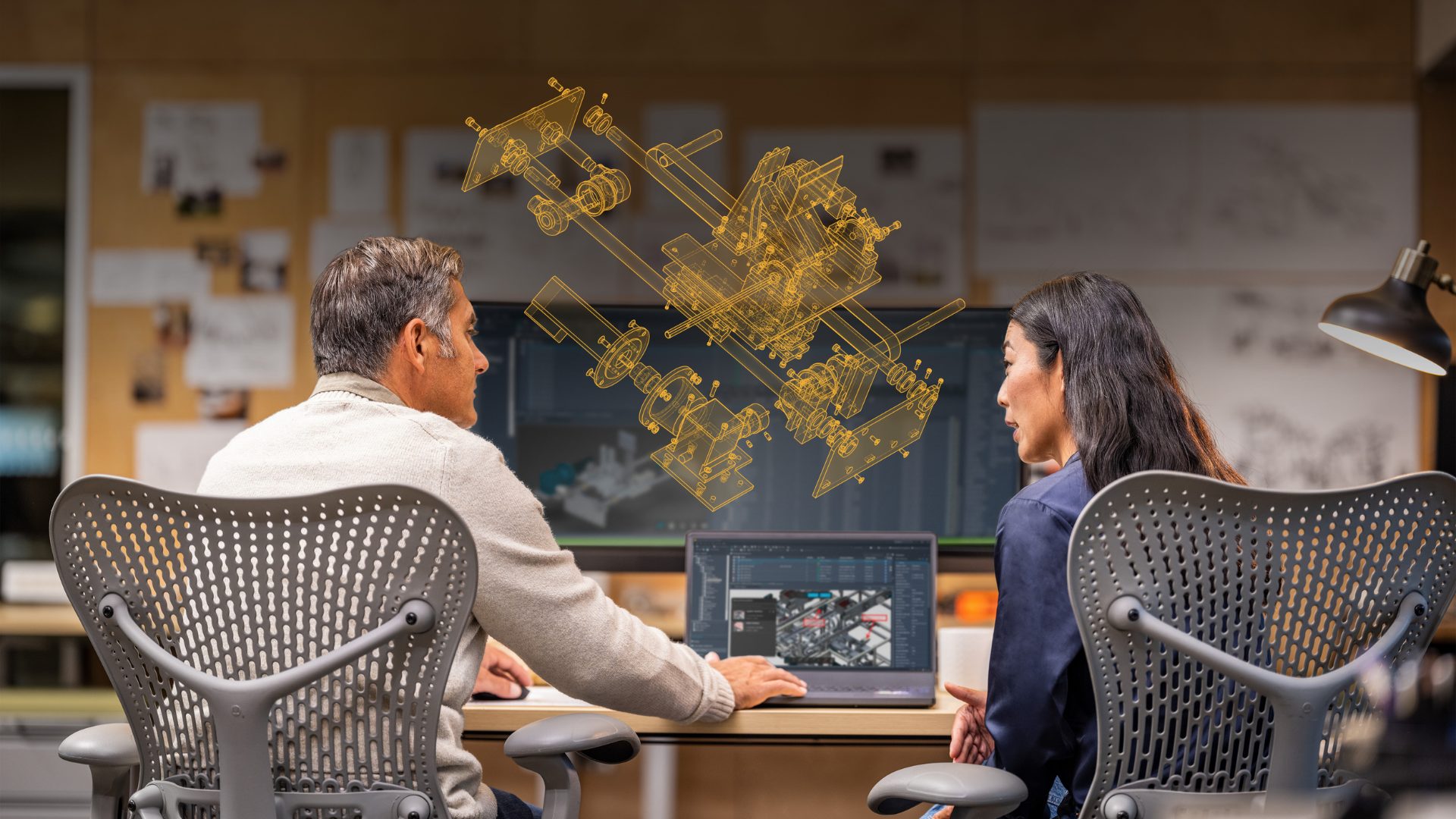
Key Considerations for Transitioning from Oracle Agile PLM to Autodesk Fusion Manage
Discover key considerations for transitioning from Oracle Agile PLM to Autodesk Fusion Manage. Learn about similarities, benefits, and best practices for a smooth migration.
Autodesk Fusion Manage
-

Transforming Modern Manufacturing with The Industrial Internet of Things (IIoT)
Discover how IIoT transforms manufacturing with real-time data, automation, and Autodesk solutions like Fusion Operations, Inventor, and digital twins.
Industry Cloud for Manufacturing