Create your products using the latest 3D product design and manufacturing software, including Inventor, AutoCAD and Fusion 360.
-
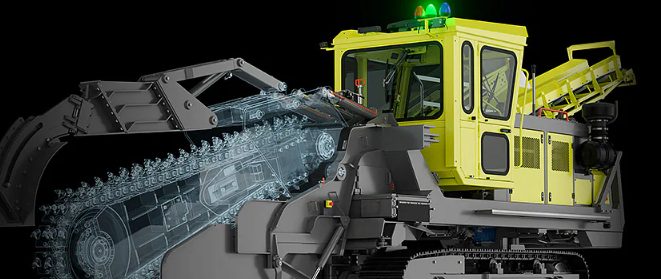
Solve Design Inefficiencies by Shifting from 2D to 3D CAD
Struggling with outdated 2D workflows? Discover how transitioning to 3D design empowers manufacturers to reduce errors, speed up production, and stay competitive with Autodesk’s seamless 2D-to-3D integration. Manufacturing companies face increasing pressure to improve product quality, reduce time-to-market, and streamline production processes.…
Design & Engineering
-
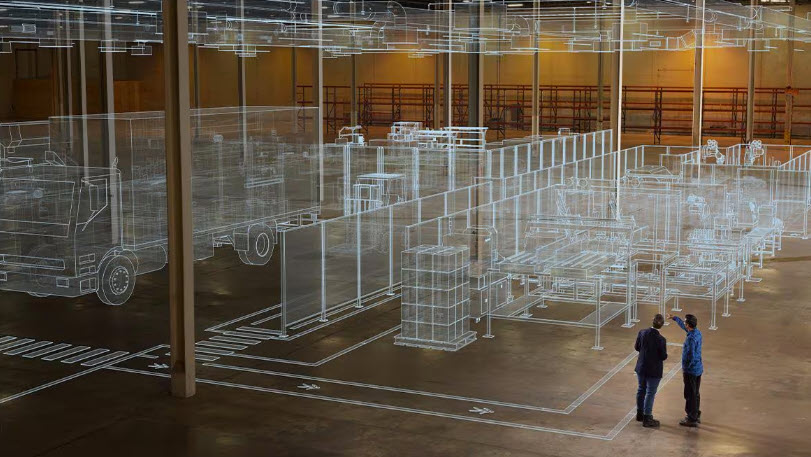
Unifying Factory Solutions for Smarter Production
Explore how Autodesk’s integrated factory production solutions help manufacturers optimize factory layouts, streamline production processes, and improve operational efficiency for smarter, faster factory production. Autodesk is entering a new era of unified production—one where smart collaboration and digital factory solutions converge to transform how products are designed, engineered, and manufactured across industries.…
Production
-
Desktop Connector for Fusion – What’s New
We are excited to announce a major release of Autodesk Desktop Connector for Fusion. If you are new to this technology, then you came to the right place. We will explain what it is used for and cover all of the enhancements.…
Industry Cloud for Manufacturing
-
Desktop Connector for Fusion – Best practices guide
How is data stored in Fusion? Autodesk Fusion combines CAD, CAM, CAE, and PCB into a single, integrated cloud software platform. Fusion combines fast and easy organic modeling with precise solid modeling, so you can go from design to manufacturing, seamlessly. At…
Design & Engineering
-

Unlocking Industrialized Construction with Informed Design in Autodesk Inventor
Autodesk Informed Design for Inventor allows product managers and engineers to create configurable, manufacturable building product models that seamlessly integrate with architectural workflows, streamlining industrialized construction from design through fabrication. Industrialized construction is transforming the building industry by applying manufacturing principles to…
Autodesk Inventor
-
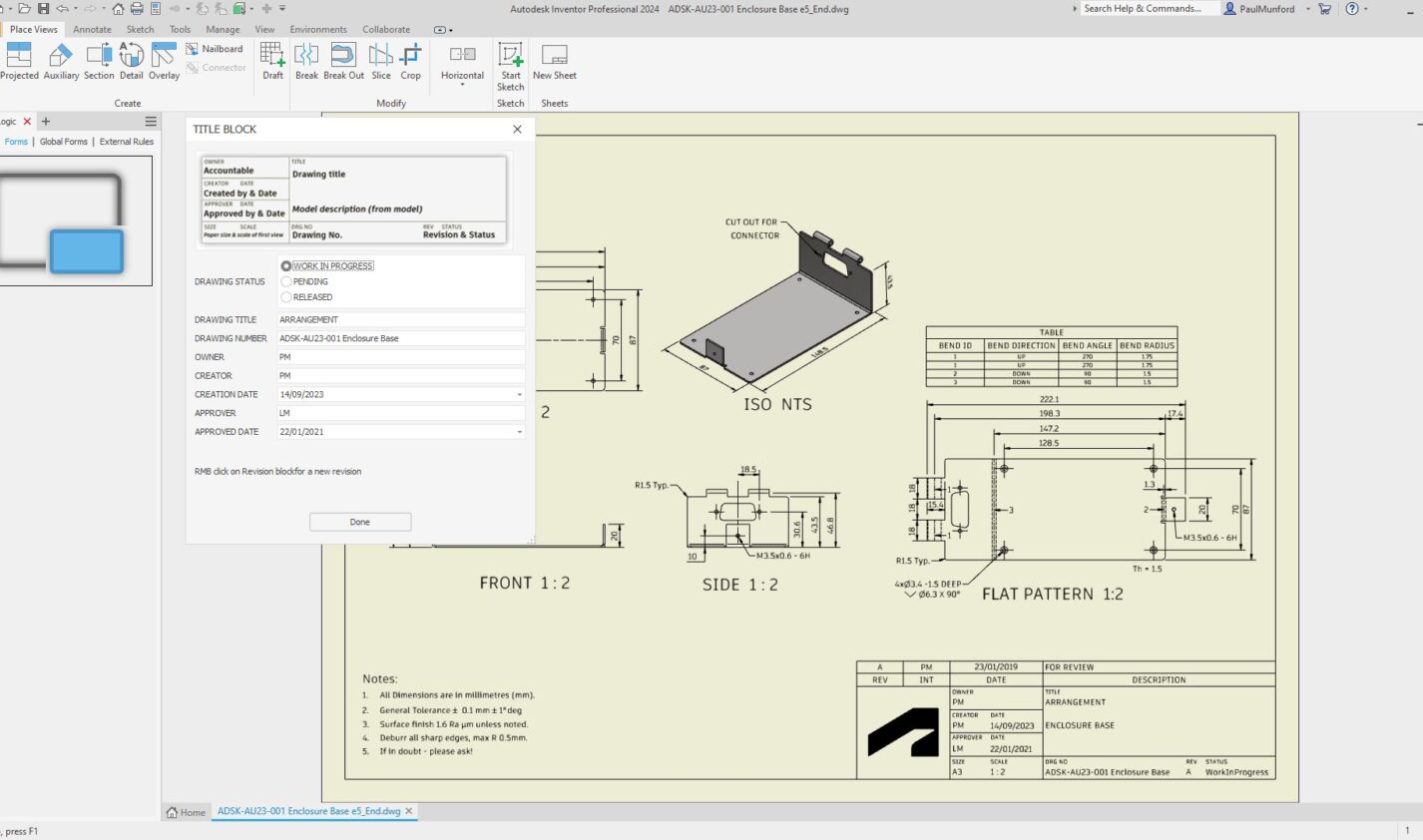
Streamline Title Block Management in Inventor with iLogic Forms
Optimize your Inventor title blocks easily with iLogic forms. Streamline data entry, maintain CAD standard compliance, and reduce errors with a centralized, easy-to-use interface. Automate title block updates to save time and boost consistency across your projects. Learn how to simplify your…
Autodesk Inventor
-
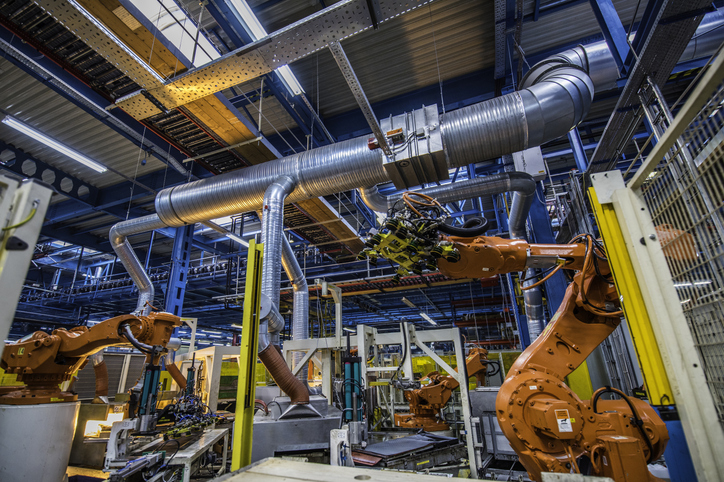
Trends in Industrial Automation: Transforming Manufacturing in 2025 and Beyond
Industrial automation, projected to reach $378.57 billion by 2030, is being transformed by IIoT, Industry 4.0, AI, edge computing, collaborative robots, and 5G. These technologies enhance real-time monitoring, predictive maintenance, and operational efficiency in manufacturing. Industrial automation – key takeaways The manufacturing…
Production
-
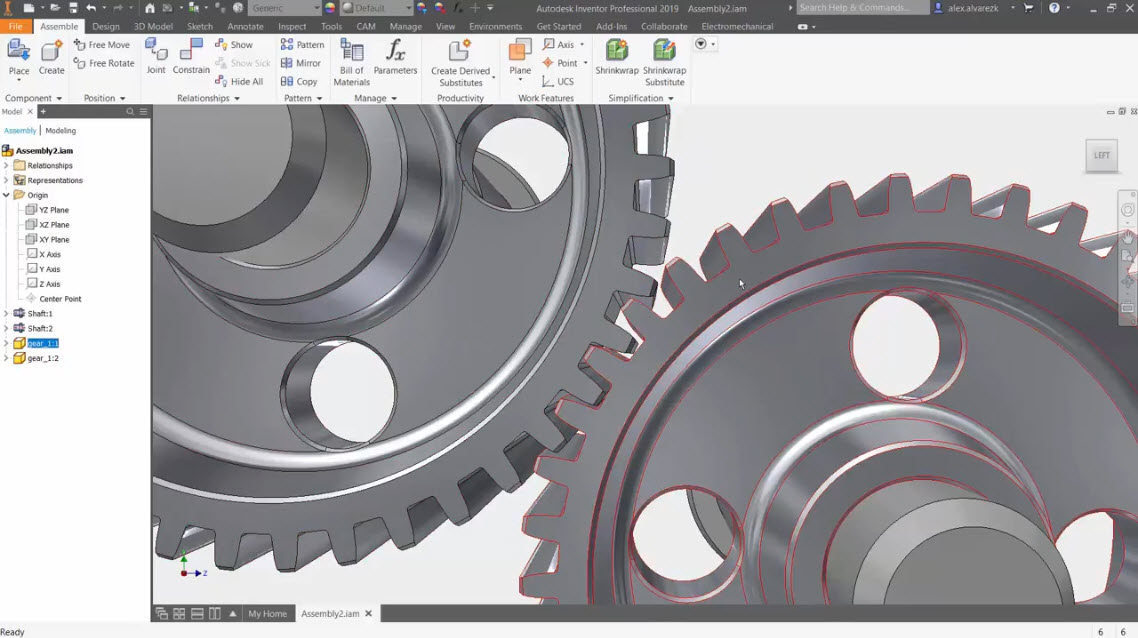
Rotation Constraints in Inventor
Learn how to use rotation constraints in Inventor as well as tools like ViewCube, freeform camera rotation, and orbit tool. These techniques ensure precise component movement, enhancing accuracy and functionality in complex assemblies. One common challenge in assemblies is achieving precise degrees…
Autodesk Inventor
-
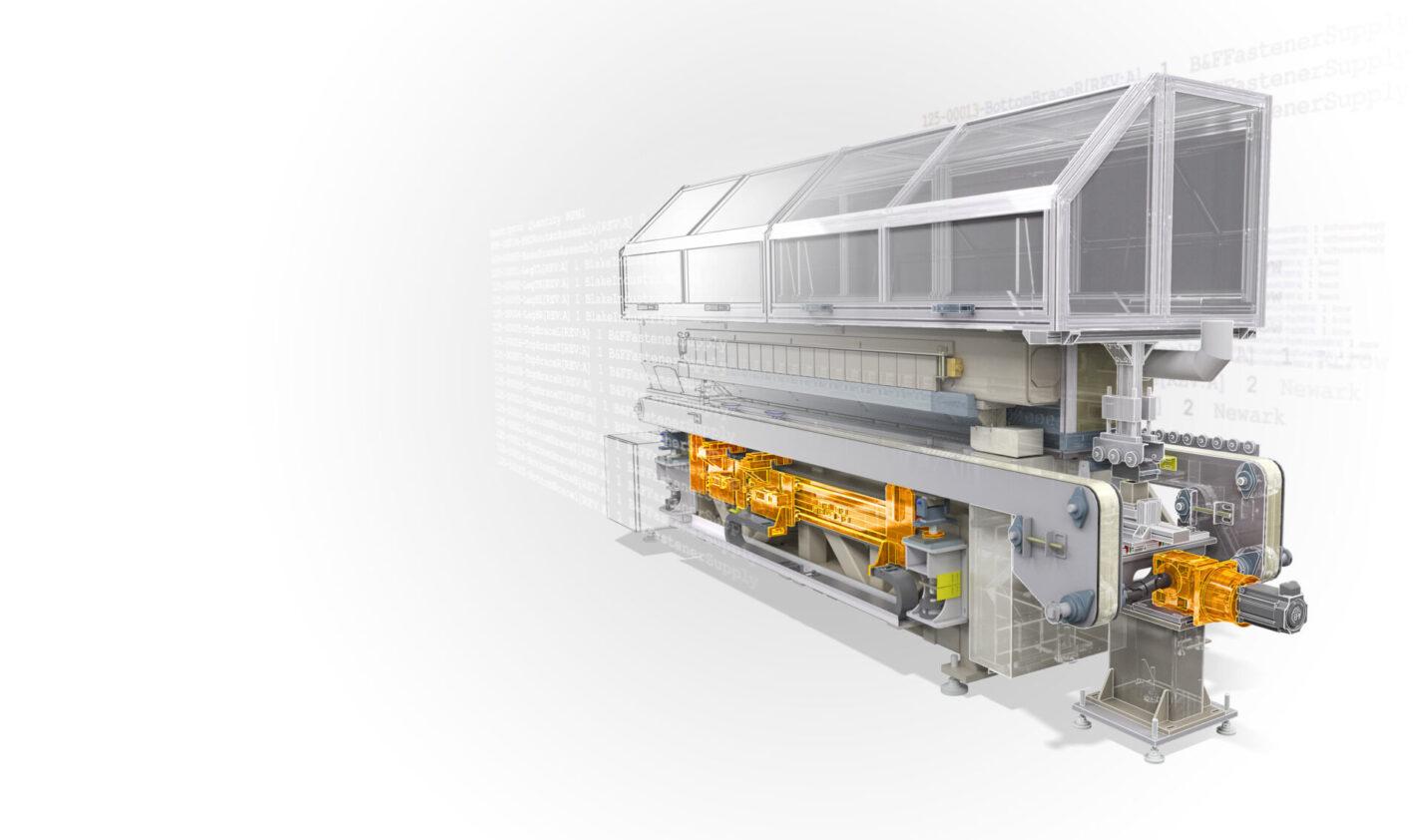
Getting Started with iLogic in Inventor: Boost Design Automation and Efficiency
iLogic in Autodesk Inventor adds intelligence to models—streamlining workflows and improving productivity without requiring extensive programming knowledge. Autodesk Inventor iLogic is a powerful tool that enhances your design process by automating repetitive tasks, improving consistency, and increasing productivity. iLogic in Inventor lets…
Autodesk Inventor
-
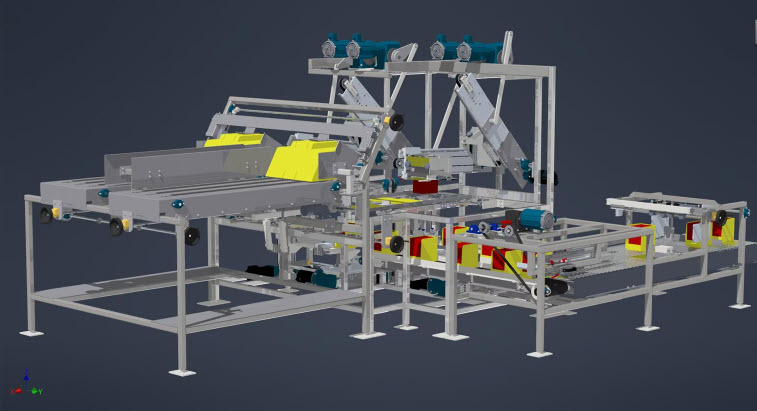
Does Autodesk Inventor Work on Mac? It’s Easier Than You Think
If you’re an engineer or designer who happens to own a Mac, then you might be surprised to learn just how simple it is to run Autodesk Inventor on a Macbook or other similar primarily MacOS-based device. Inventor on Mac Being an…
Autodesk Inventor
-
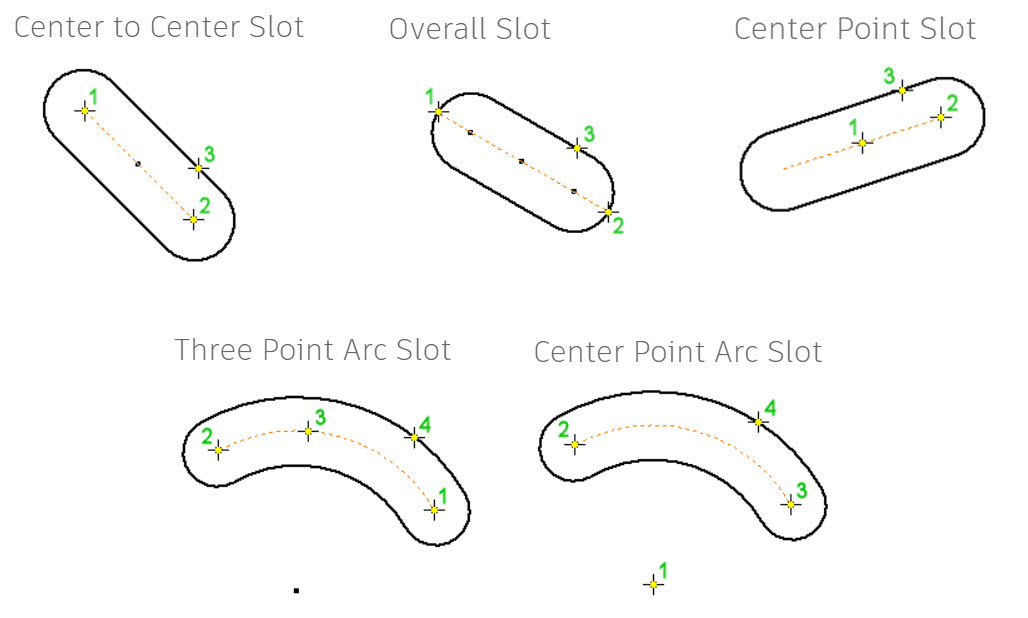
Create Slots in Inventor: 5 Easy Ways
Slot creation in Inventor simplifies mechanical design with built-in tools, offering straight and curved slot options, constraints application, and best practices to enhance workflow, precision, and project quality. As mechanical designers and engineers, we’re always looking for ways to speed up the…
Autodesk Inventor
-
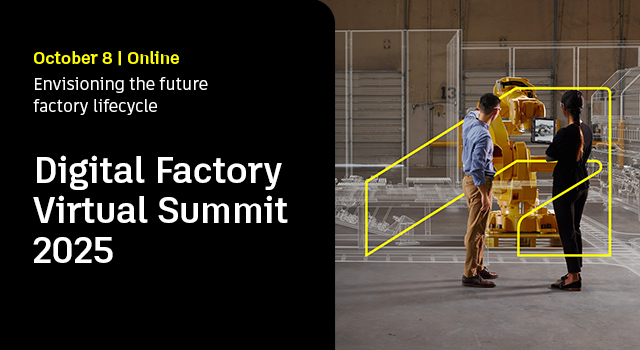
Digital Factory Virtual Summit 2025
Join an exclusive gathering of industry leaders and executive decision-makers at the EMEA Digital Factory Virtual Summit—your gateway to the future of manufacturing.DATE: 8 October 2025TIME: 11:30 AM CET | 10:30 AM BSTExplore how cutting-edge digital technologies are transforming factories—boosting throughput, enhancing flexibility, accelerating…
Autodesk Factory Design Utilities