
Jim Byrne
Jim is dedicated to the success of our customers who use our technology to design, validate, and manage their intellectual property. He has over 20 years of experience demonstrating and implementing software solutions.

JIT tools significantly enhance manufacturing efficiency by automating and optimizing tasks. Autodesk’s Inventor, Vault, and Factory Design Utilities aid in improving production processes and workflows. Are increasing manufacturing inefficiencies giving you a headache? Just-in-time (JIT) tools can streamline and automate tasks, greatly enhancing manufacturing efficiency. Let’s explore the uses and benefits of JIT tools, specifically…
Production

Explore the physics behind the Olympic long jump, where speed, takeoff angle, and body mechanics combine in a perfect example of projectile motion. Learn how athletes use science and technique to maximize jump distance and outpace the competition. Track and field events are some of the most watched competitions in the Summer Olympics. The long…
Design & Engineering
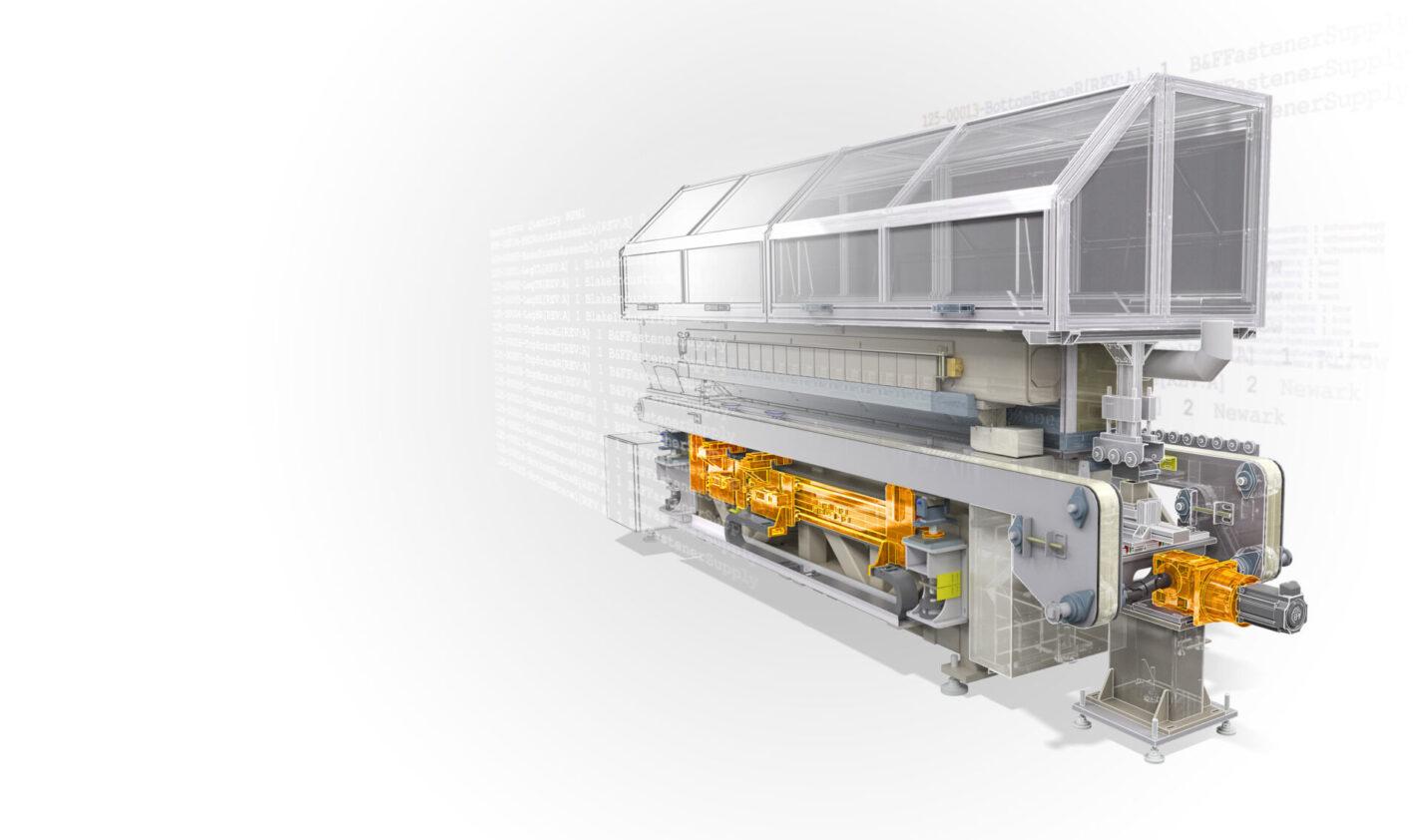
iLogic in Autodesk Inventor adds intelligence to models—streamlining workflows and improving productivity without requiring extensive programming knowledge. Autodesk Inventor iLogic is a powerful tool that enhances your design process by automating repetitive tasks, improving consistency, and increasing productivity. iLogic in Inventor lets you create rules that automatically update iProperties, replace components, and modify assemblies without…
Autodesk Inventor
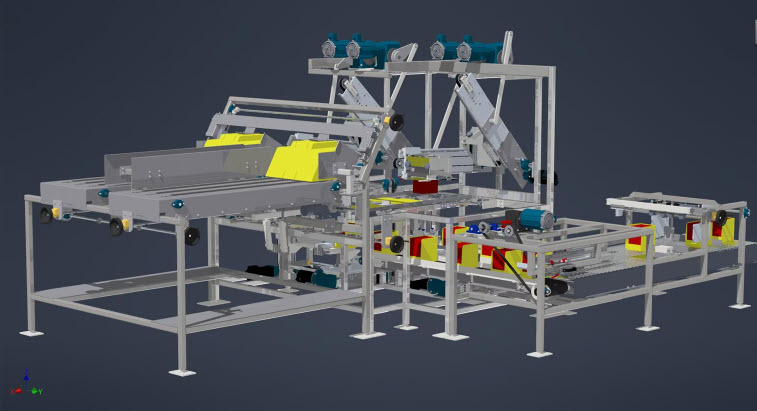
If you’re an engineer or designer who happens to own a Mac, then you might be surprised to learn just how simple it is to run Autodesk Inventor on a Macbook or other similar primarily MacOS-based device. Inventor on Mac Being an engineer and designer myself who has more of a hankering for the visual…
Autodesk Inventor
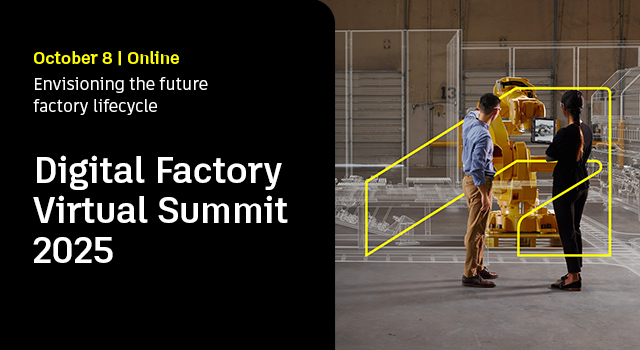
Join an exclusive gathering of industry leaders and executive decision-makers at the EMEA Digital Factory Virtual Summit—your gateway to the future of manufacturing.DATE: 8 October 2025TIME: 11:30 AM CET | 10:30 AM BSTExplore how cutting-edge digital technologies are transforming factories—boosting throughput, enhancing flexibility, accelerating time to market, and advancing sustainability. This is more than a summit; it’s…
Autodesk Factory Design Utilities
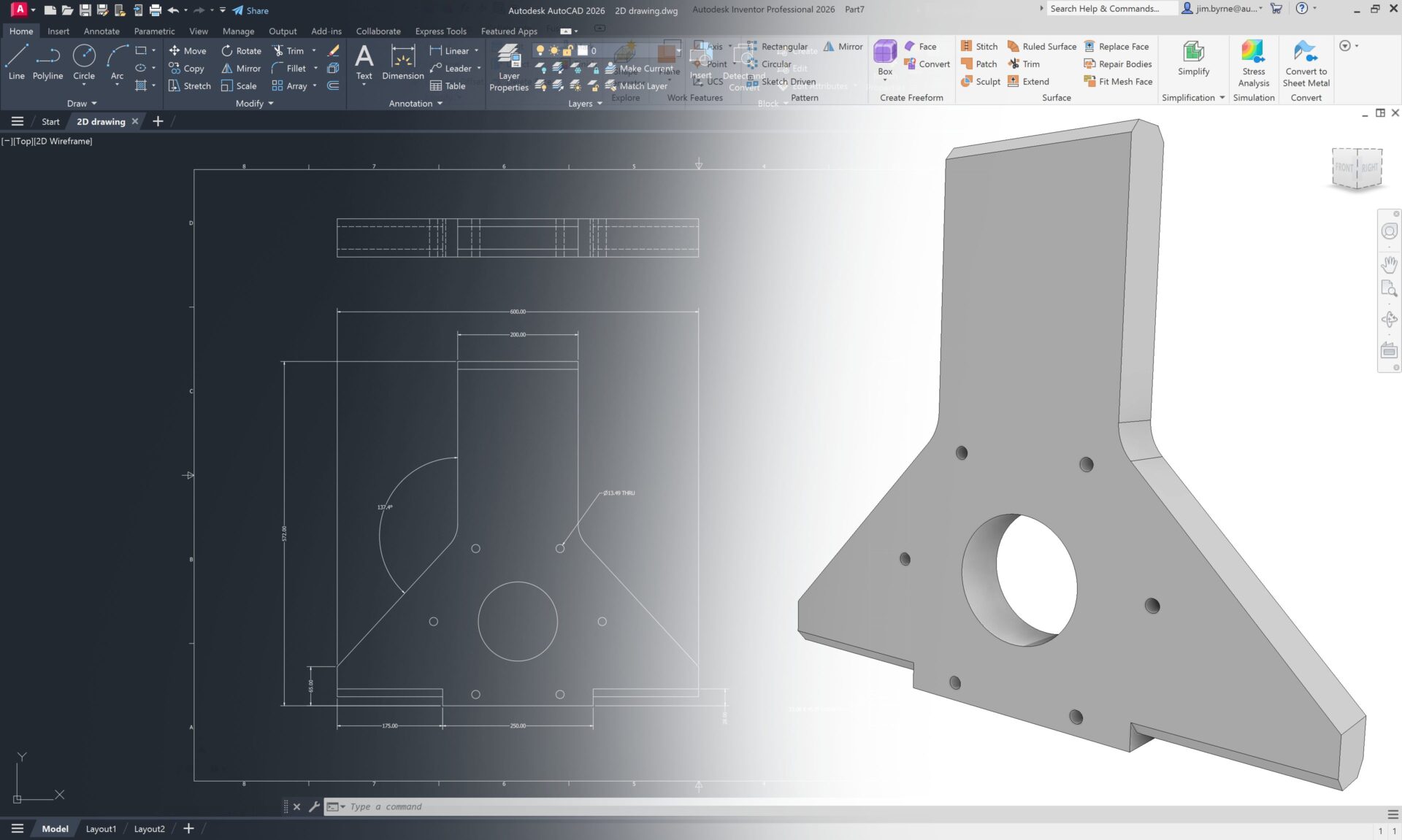
Most of you reading this article already know the benefits of designing in 3D. With the 3D model you can quickly create accurate manufacturing drawings, check for interferences in assemblies, run simulations, create toolpaths for CNC, additive manufacturing, and more! The list goes on. You may have AutoCAD drawings of designs that are not yet…
Autodesk Inventor
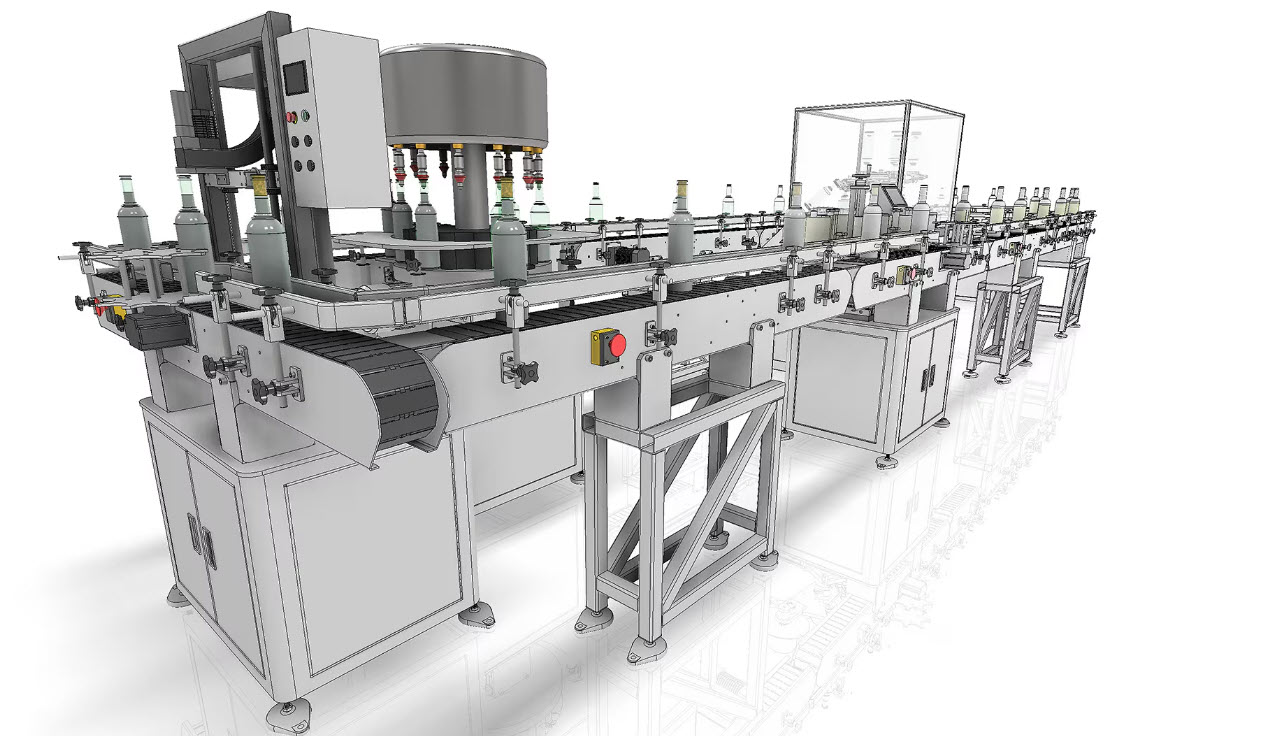
Learn about machine design and how Autodesk Inventor provides comprehensive tools for optimizing and streamlining these designs. Machine design involves creating and developing mechanical systems to perform specific tasks. This process transforms concepts into detailed blueprints for manufacturing, incorporating scientific principles, technical knowledge, and creativity. It makes sure that machines are functional, reliable, and efficient,…
Design & Engineering
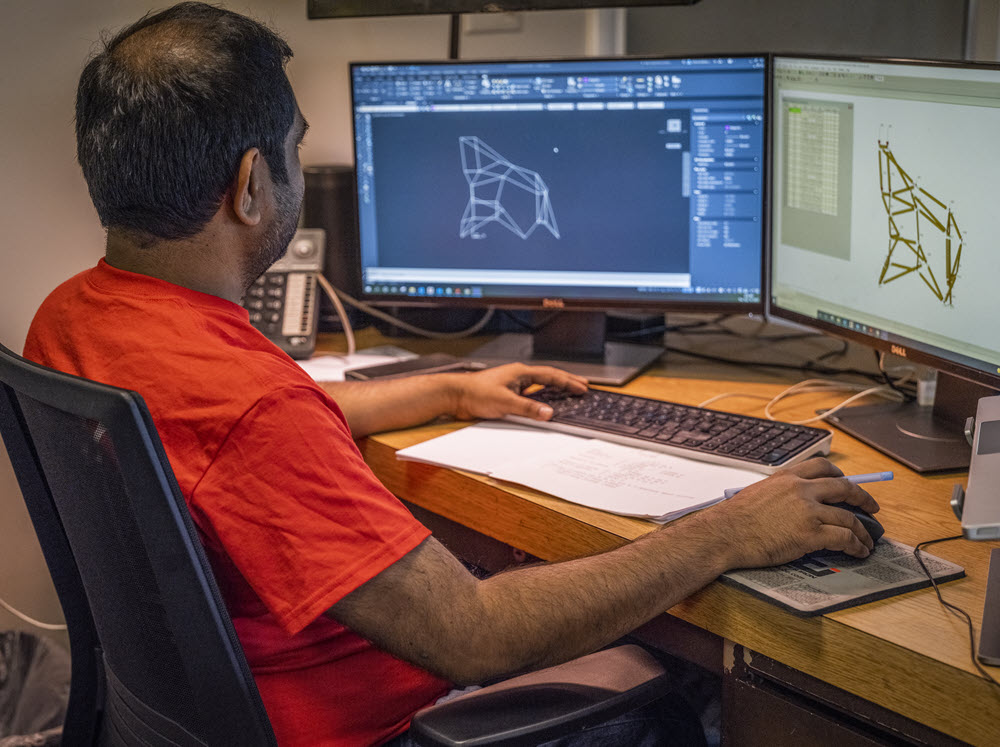
Learn how the Frame Generator in Inventor streamlines the creation of complex frameworks, offering efficiency, accuracy, and consistency. Autodesk Inventor is a powerful tool for 3D mechanical design, simulation, visualization, and documentation. Among its many features, the frame generator is an extremely useful tool for engineers and designers working with structural frameworks. Let’s dive into…
Design & Engineering
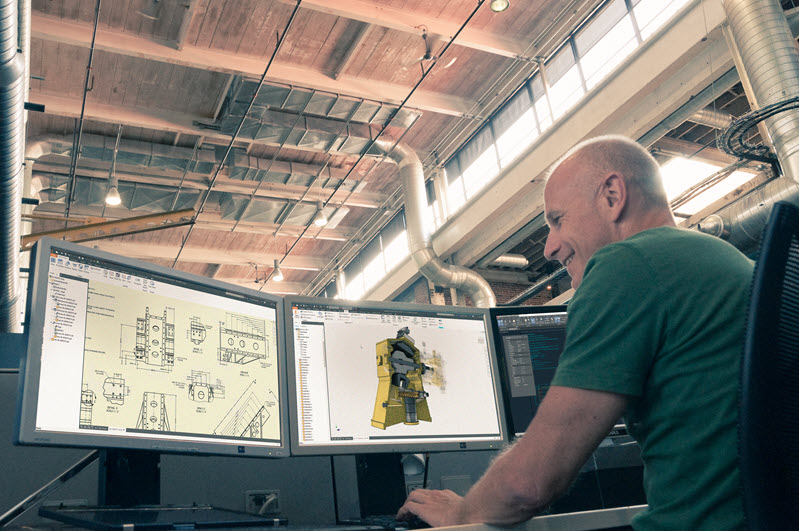
Explore the key design accelerators in Autodesk Inventor that help address to the top priorities of modern designers and engineers. Design accelerators in Autodesk Inventor are essential tools to streamline your design process. They are component generators and calculators that aid in creating and validating various mechanical components such as shafts, fasteners, gears, belts, and…
Design & Engineering
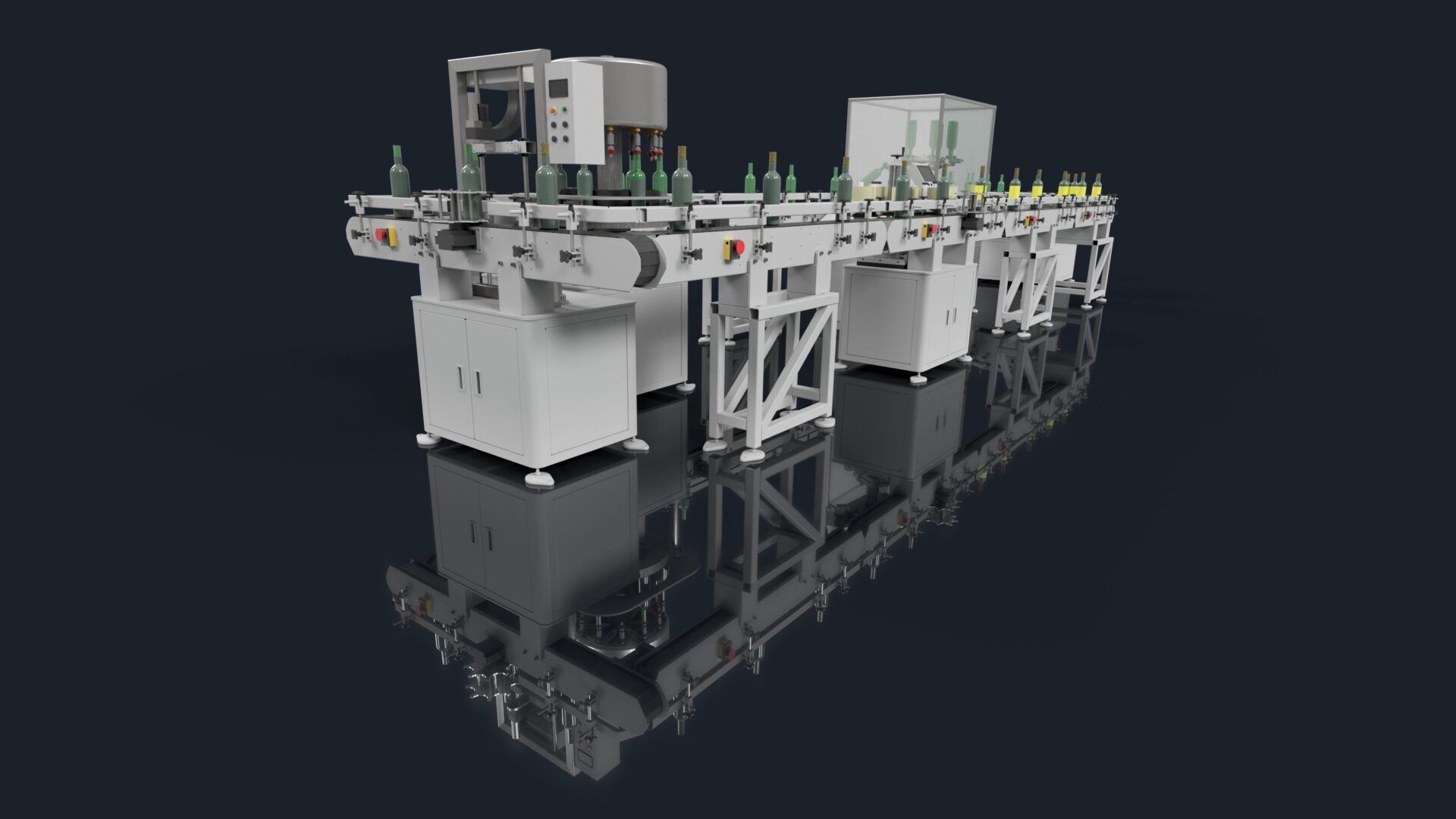
Visualization with theProduct Design & Manufacturing Collection In this post… OverviewUnderstanding and selling with visualizationWhat your peers sayResources Overview Manufacturing can be incredibly complex—for both the teams involved in designing, engineering, and the factory floor, as well as your sales team or potential customers. That’s why so many leading companies rely on visualization tools to…
Autodesk Inventor
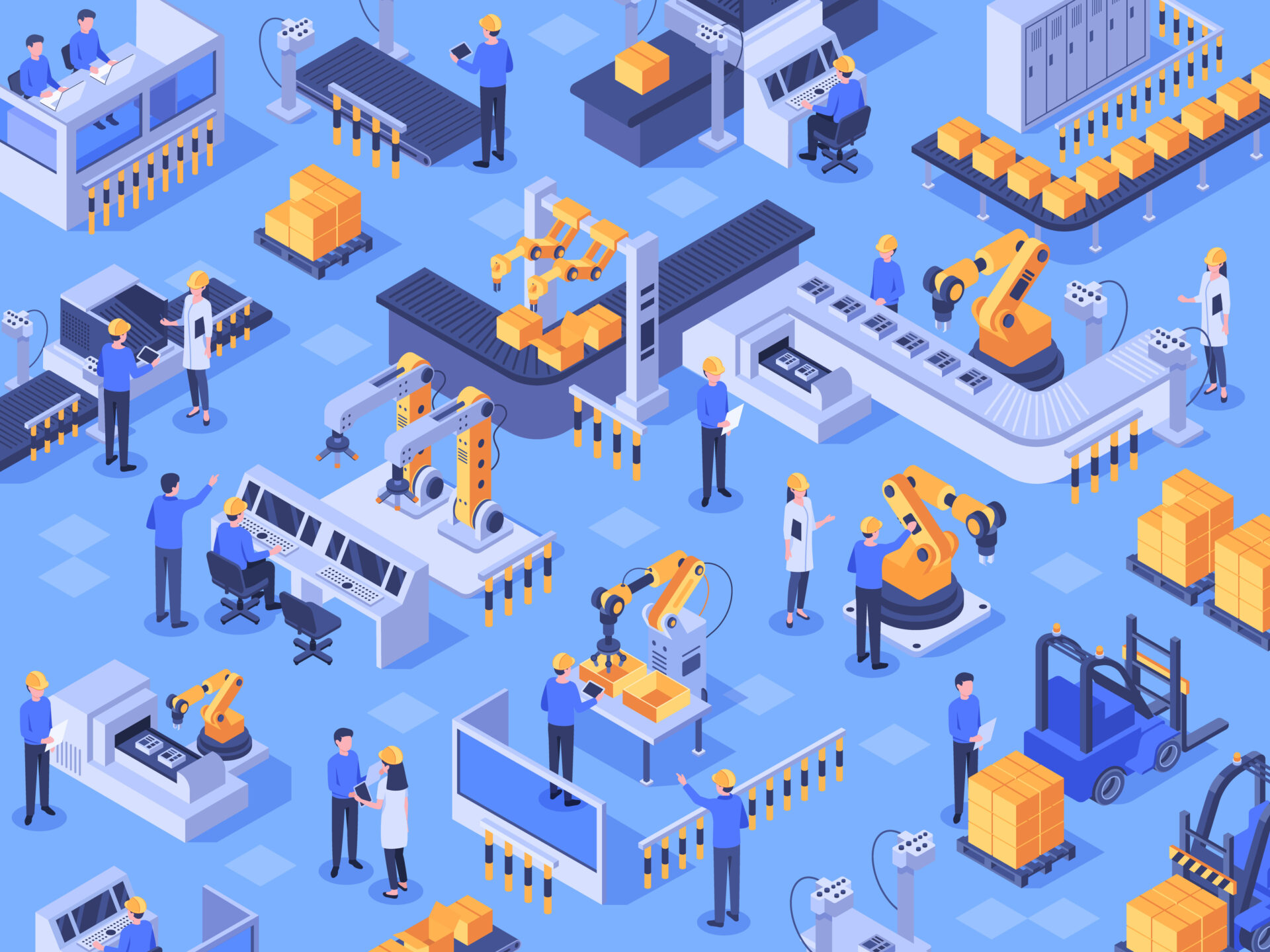
Factory design and layout with theProduct Design & Manufacturing Collection In this post… OverviewSpecialized factory softwareSupporting software and workflowsCustomer storyResources Overview Whether you’re breaking ground on a new facility or retrofitting an existing one, factories are among the biggest investments a company can make. That’s why it’s critically important to rely on the right tools…
Autodesk Inventor
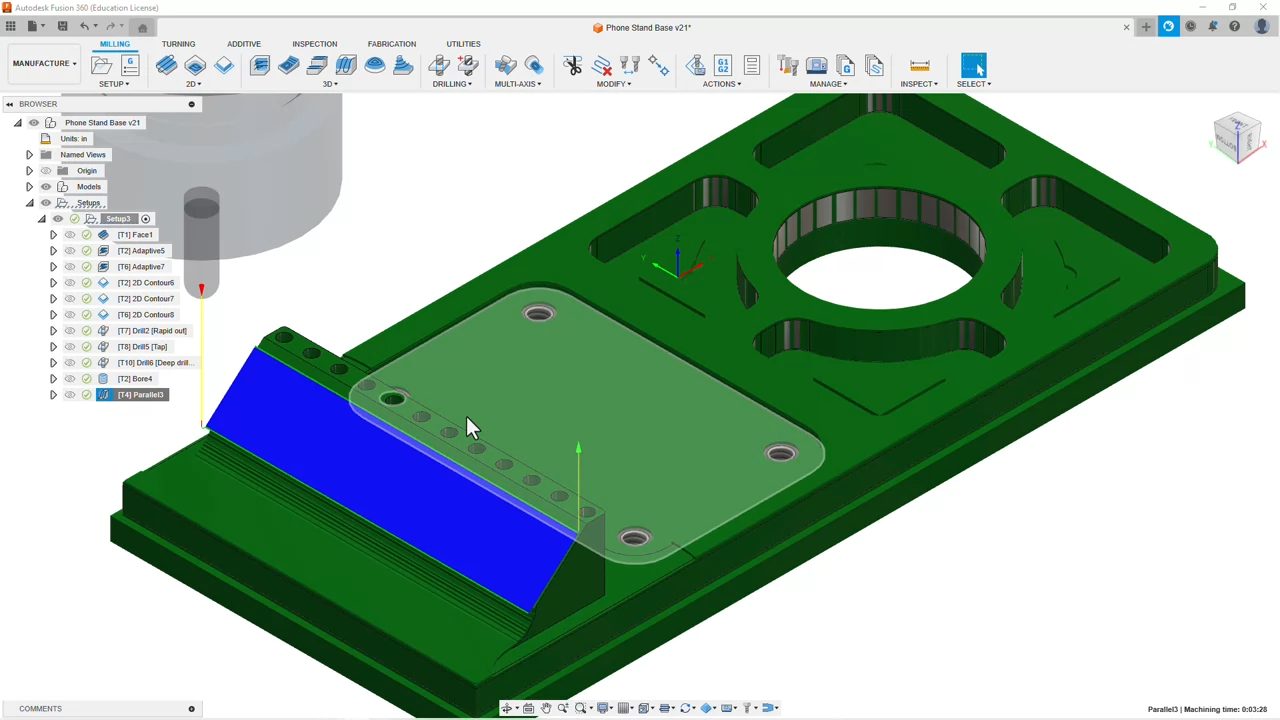
Advanced manufacturing with theProduct Design & Manufacturing Collection In this post… OverviewAll-in-one with Autodesk FusionCAM workflowsNesting workflowsReal world exampleResources Overview The manufacturing industry is changing rapidly—and what was just a dream yesterday will be business as usual tomorrow. That’s why the advanced manufacturing tools and workflows that come with the Autodesk Product Design & Manufacturing…
Autodesk Inventor