 Lauren Poon
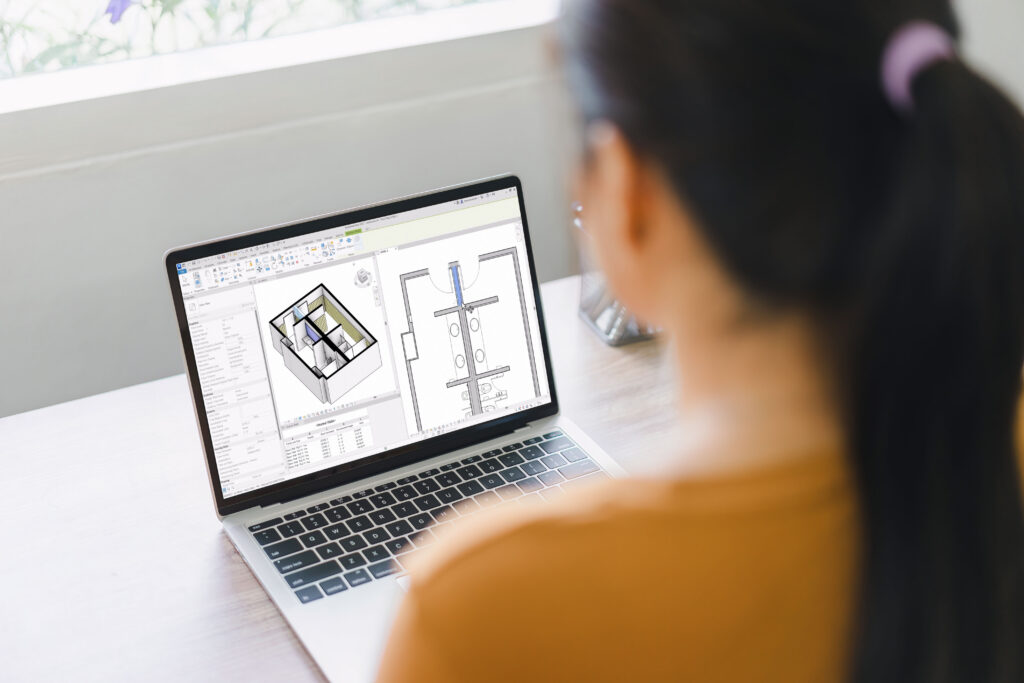
A wall is rarely just a wall. Walls define space, filter between inside and outside, provide structural support, and shape the composition and design of a building. In Revit, walls also manage enclosure, host openings, express material intent, and form the basis of construction documentation.
Our goal for Revit Architecture is to help architects design with less friction. And with wall workflows, we saw friction between intent and output, and an opportunity to make a meaningful improvement to architects’ everyday work.
For Revit 2027, that meant focusing on two connected needs: supporting multi-wall workflows and making wall joins accurate enough to document from directly.
Supporting multi-wall workflows
As projects grow more complex, many teams model wall layers as separate but coordinated elements. This better reflects how buildings are designed across disciplines and assembled on site. In user surveys, we’ve seen this approach to modelling increase steadily.
Architects do not think of walls as single objects. They think of them as systems: structure, substrate, air gap, finish, cladding, and everything in between. Revit 2027 is designed to support that layered way of working, helping separate wall elements behave more like coordinated parts of one assembly.
Accurate wall joins without manual intervention
In a multi-wall model, join behavior is critical. Finish layers need to stop, wrap, or continue predictably. When the model cannot resolve these conditions correctly, teams often turn to filled regions, manual overlays, or one-off fixes to communicate intent.
Those workarounds may solve the drawing in the moment, but they also create distance between the model and the documentation. Revit 2027 reduces that gap by making joins more accurate and consistent at scale, rather than manual corrections at each condition.
A more connected wall workflow
Revit 2027 builds on several recent wall enhancements to better support this layered way of working across a complete workflow: from setup, to creation, to coordination, to documentation.
1. Define how wall layers join
In earlier versions of Revit, every compound element required a Core layer. Because Core layers always took priority at joins, they could override the behavior teams wanted in layered wall assemblies.
Revit 2026 removed that requirement and expands layer priority controls, giving users more flexibility to decide which layers have priority join order. This creates cleaner automatic joins and less manual correction across the model.
2. Create walls faster
Once the wall assembly is defined, Revit 2026 also made it faster and easier to create walls.
With Place by Room, users can generate finish walls around rooms in a single click. When more precision is needed, Place by Segment lets users create finish walls only where specific conditions are required. They can select individual walls or columns, whether those elements are room-bounding or not, and whether they are in the host model or a linked model.
Users can also flip wall orientation during placement, helping ensure finishes face the correct direction from the start.
3. Keep finish walls coordinated as the design changes
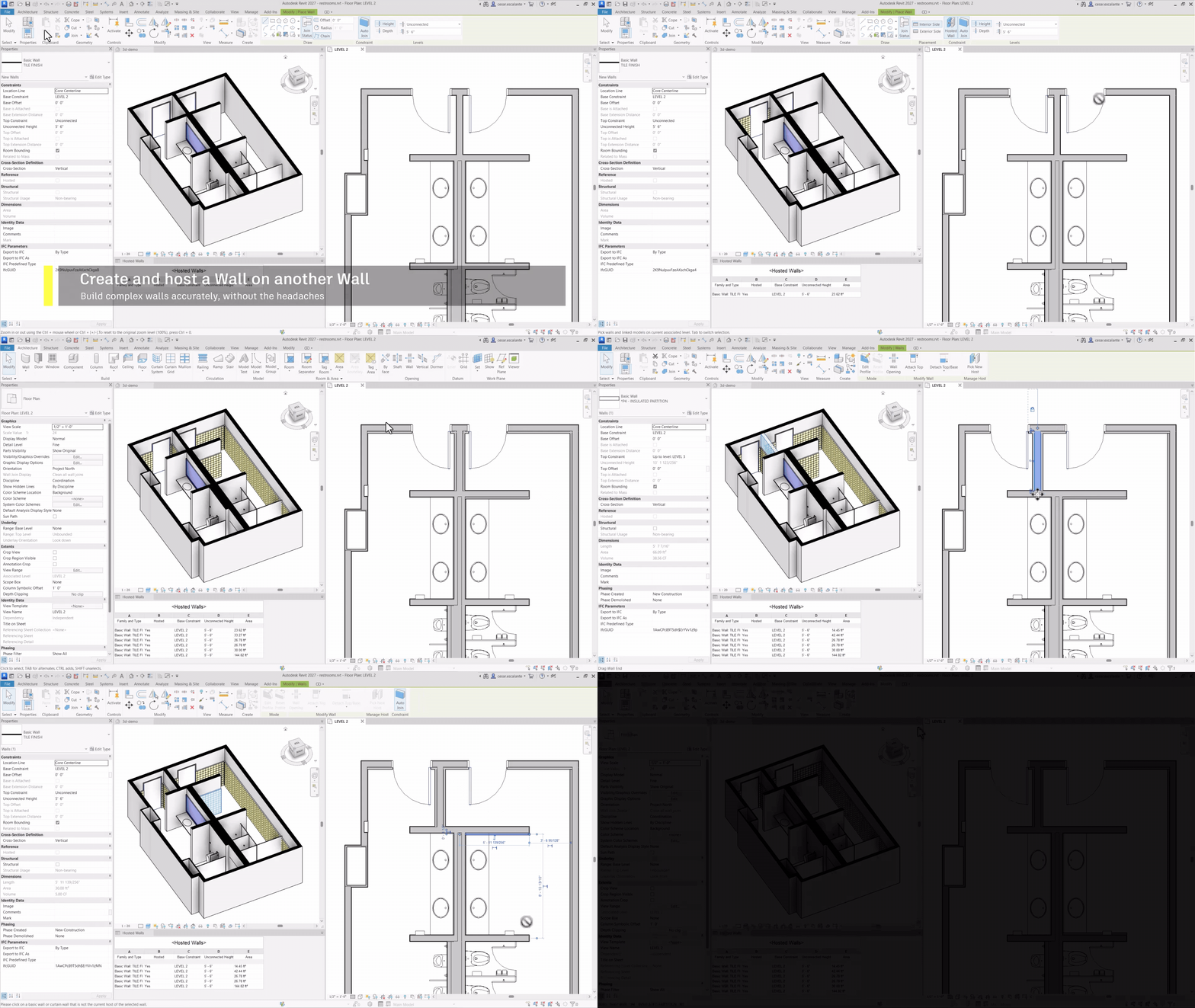
Creating finish walls is only useful if they stay coordinated as the project evolves. New to Revit 2027, with Hosted Walls, walls can now be hosted to other walls. When the host wall moves, rotates, or changes cross-section, the hosted finish walls follow automatically. Instead of relying on locked constraints, which can introduce errors and limitations, Hosted Walls are designed specifically to keep related wall elements connected.
4. Check and document with confidence
Hosted walls also makes it easier for Teams also need to verify and document them. Hosted relationships are exposed through instance parameters, including Hosted and Offset from Host. This allows teams to use view filters to visually check which finish walls are hosted and whether offsets are applied correctly.Hosted walls also makes it easier for Teams also need to verify and document them. Hosted relationships are exposed through instance parameters, including Hosted and Offset from Host. This allows teams to use view filters to visually check which finish walls are hosted and whether offsets are applied correctly.
Hosted walls can also be scheduled, making it easier to review, manage, and document finish wall conditions across a project.
Small improvements, compounded across the project
When we prioritize development in Revit, we look for changes that have the greatest impact on everyday practice. Wall workflows are among the most-used in Revit: architects create, edit, join, coordinate, document, and revise walls throughout the life of a project. Improvements here multiply quickly.
Revit 2027 and recent releases move wall modeling closer to the way architects think about real buildings — not as isolated objects, but as layered systems that need to stay coordinated from model to documentation. Together, these improvements make one of Revit’s most fundamental building elements more predictable, more scalable, and more aligned with how architects actually work.
For architects, the outcome is straightforward: fewer manual fixes, fewer drafting workarounds, and more confidence that the model represents the building as intended.