
AU Class
AU Class
class - AU

AutoCAD Drawing Productivity

Share this class
Search for keywords in videos, presentation slides and handouts:

    Description

    Examples of Drawing tools to aid the production of technical drawings

    Key Learnings

    • Simple changes that may be made to the user interface to aid technical drawing production.
    • Overlooked time saving sub functions of useful daily used commands
    • Using Blocks and Dynamic Blocks
    • Creating working with, and customising pallets.

    Downloads

    Tags

    Product
    AutoCAD
    Industries
    Architecture
    MEP engineering
    Structural engineering
    Topics
    Design
    Drafting
    People who like this class also liked
    AutoCAD Customization Boot Camp: Basic (No Experience Required)
    Hands-on Lab

    AutoCAD Customization Boot Camp: Basic (No Experience Required)

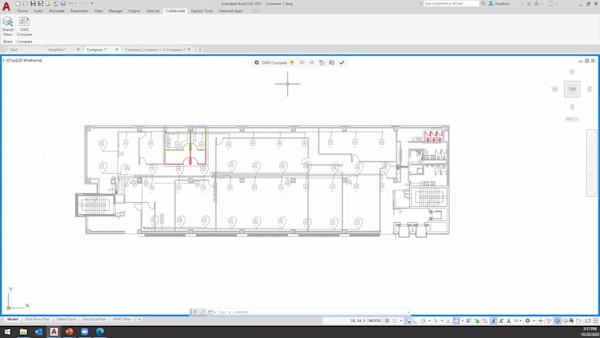
    Let’s Collaborate: Sharing and Comparing Drawings in AutoCAD 2021
    Instructional Demo

    Let’s Collaborate: Sharing and Comparing Drawings in AutoCAD 2021

    AutoCAD Customization Boot Camp: Automate Workflows and Tasks
    Hands-on Lab

    AutoCAD Customization Boot Camp: Automate Workflows and Tasks

    Drawing from Experience: Four CAD Managers with Decades of Experience Tell All
    Panel

    Drawing from Experience: Four CAD Managers with Decades of Experience Tell All

    Drawing from Experience: Four CAD Managers with over 100 Years of Experience Tell All
    Roundtable

    Drawing from Experience: Four CAD Managers with over 100 Years of Experience Tell All

    Drawing from Experience: Tell All of 4 CAD Managers with Over 100 Years of Experience
    Roundtable

    Drawing from Experience: Tell All of 4 CAD Managers with Over 100 Years of Experience