From dragons to sweeping landscapes and explosive battle sequences, Maya is a top choice for creating believable characters and the worlds around them.
Features
3D animation, motion graphics, and VFX software
Dynamics and effects
-
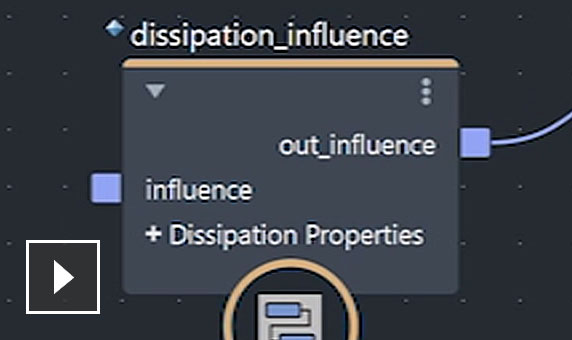
![Video: Learn how to create visually complex and natural-looking effects with Bifrost for Maya]()
Bifrost for procedural effects
A new visual programming environment using dynamic solvers makes it quick and easy to create blockbuster-worthy effects procedurally. (video: 1:57 min.)
-
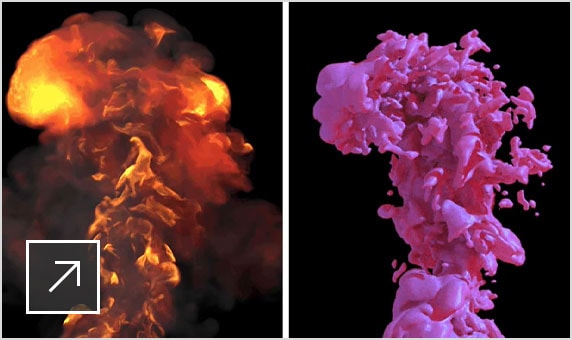
![2 images side by side with an explosion effect on the left and the same explosion but with a different, pink liquid effect on the right]()
Ready-to-use graphs
From snow to dust storms, create great-looking effects right out of the box with prebuilt graphs.
-
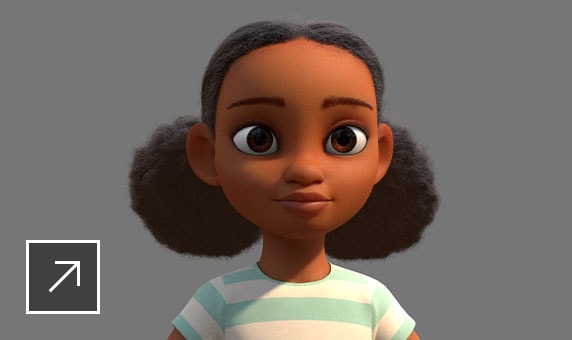
![Rendering of an animated cartoon African American girl with 2 puffy pigtails and a blue-and-white striped T-shirt]()
Interactive hair grooming
Generate realistic clumping effects in hair and fur for more natural-looking hair.
-
Deep adaptive liquid simulation
Simulate high-level details just where you need them with the new adaptive solver for Bifrost liquids.
-
Bifrost Ocean Simulation System
Create realistic ocean surfaces with waves, ripples, and wakes.
-
-
-
3D animation
-
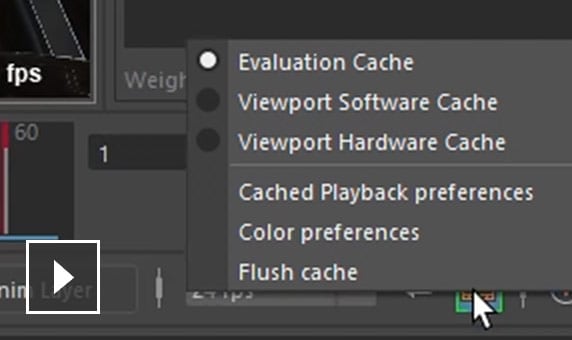
![Video: Spend more time animating and less time waiting by using Cached Playback in Maya]()
Cached Playback
Faster animation playback in Viewport 2.0 lets you review animations and produce fewer Playblasts. (video: 2:29 min.)
-
New
![Video: Spend more time animating and less time waiting by using Cached Playback in Maya]()
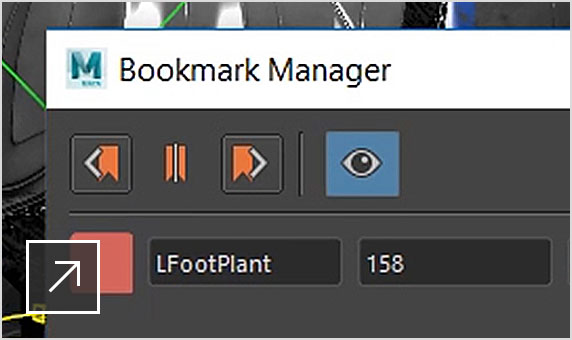
Animation Bookmarks
Mark, navigate, and organize specific events in time and easily zoom into playback ranges in the Time Slider.
-
New
![Maya user interface showing the Rokoko Motion Library open to the first screen of assets]()
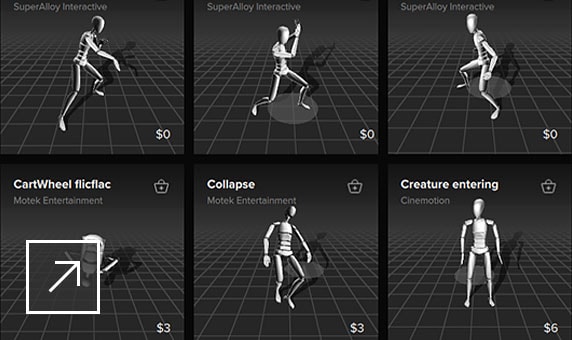
Native motion library plugin
Plugin for Rokoko’s Motion Library makes it easier to access high-quality motion capture data right in software.
-
![User interface of Time Editor in Maya featuring 3D animation of a guy making the sign of the horns, standing next to a motorcycle]()
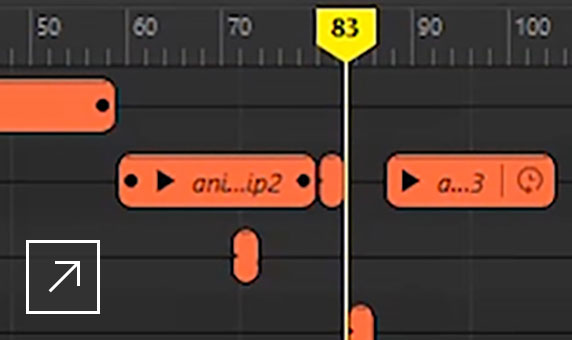
Time Editor
Make high-level animation edits with a nondestructive, clip-based, nonlinear editor.
-
![3D rendering of a bulldog running towards the camera with mouth open, tongue hanging out, and drool flying in the air]()
Geodesic voxel binding
Produce high-quality, production-ready-bound characters in less time.
-
-
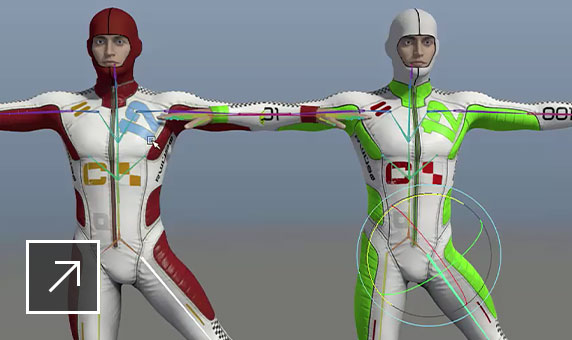
Shape authoring workflow
Fine-tune your characters and animation more quickly and easily.
-
Parallel rig evaluation
Get quicker playback and manipulate faster with the integrated performance profiler.
-
Performance capture
The Butterworth and Key Reducer filters help you refine animation curves, particularly when using motion capture data.
Rigging
-
New | Matrix drive workflows
New matrix-driven transform and operation nodes help reduce node and connection clutter in your scenes.
-
New | Pin to geometry
Use new Proximity and UV Pin nodes to precisely track positions on deforming geometry.
-
New | Proximity Wrap deformer
The new GPU-accelerated Proximity Wrap deformer brings better memory use and a performance boost to artist workflows.
3D rendering and shading
-
![Photo of the face of a young woman who’s half-smiling, with brown eyes and brown hair with bangs]()
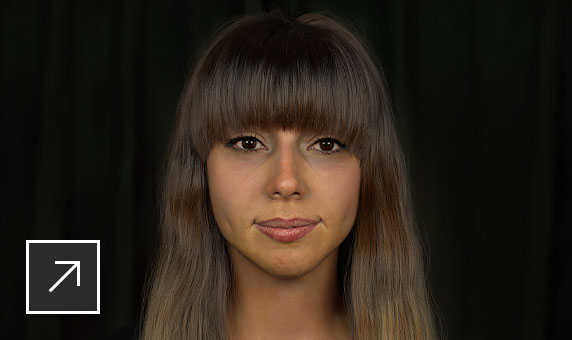
Arnold integrated with Maya
Use Arnold RenderView to view scene changes in real time, including lighting, materials, and camera.
-
![Video: Preview work in higher quality and save time by producing fewer preview renders to get the final result]()
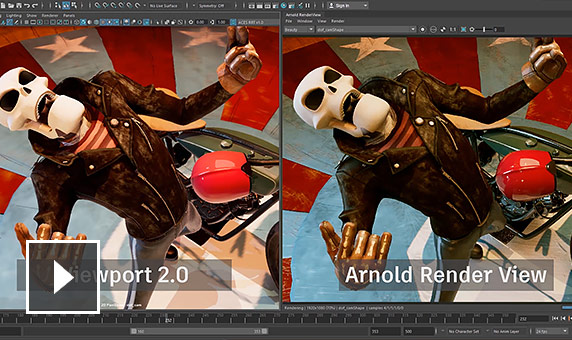
Beautiful working environment
Viewport 2.0 preview is now closer to the final Arnold render, spurring creativity and saving time. (video: 59 sec.)
-
![Video: Get an introduction to using Arnold in Maya]()
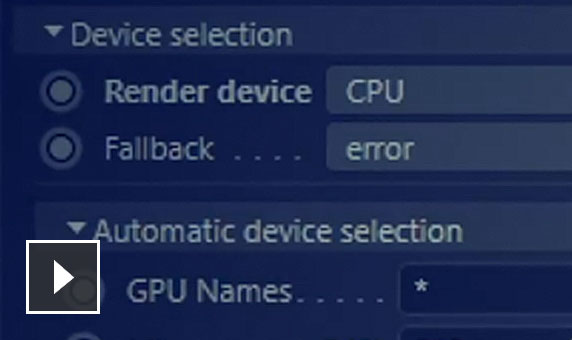
Arnold GPU/ CPU
Use Arnold integrated in Maya for production rendering on both CPU and GPU. (video: 1:55 min.)
-
-
Color management
Efficient library enables faster, more consistent Boolean operations on polygon geometry.
3D modeling
-
NEW | Remesh
Specify exactly where you need extra detail on a model by redefining the topology of any area on the mesh.
-
NEW | Repotologize features
Generate clean topology preserving the original mesh shape while reconstructing surface topology into evenly distributed quads.
-
UV editor workflow, look, and feel
The enhanced UV Editor interface includes a new UV Toolkit with better tools and functionality.
-
-
Polygon modeling
Efficient library enables faster, more consistent Boolean operations on polygon geometry.
-
Motion graphics
-
MASH nodes
The MASH toolset gives you new nodes (curve, signal, world, placer, and more), as well as updates to existing nodes.
-
3D Type
Create branding, flying logos, title sequences, and other projects that require text.
-
Motion Graphics toolset
Quickly create complex procedural effects and animations with instanced objects.
Pipeline integration
-
Pipeline flexibility
Create, customize, and integrate Maya into complex production pipelines more easily.
-
Scripting and API
Create Maya scripts and write plug-ins in Maya Embedded Language (MEL) or Python scripting language.
-
Scene Assembly tools for smarter data
Create large, complex worlds more easily, and manage production assets as discrete elements.


