-
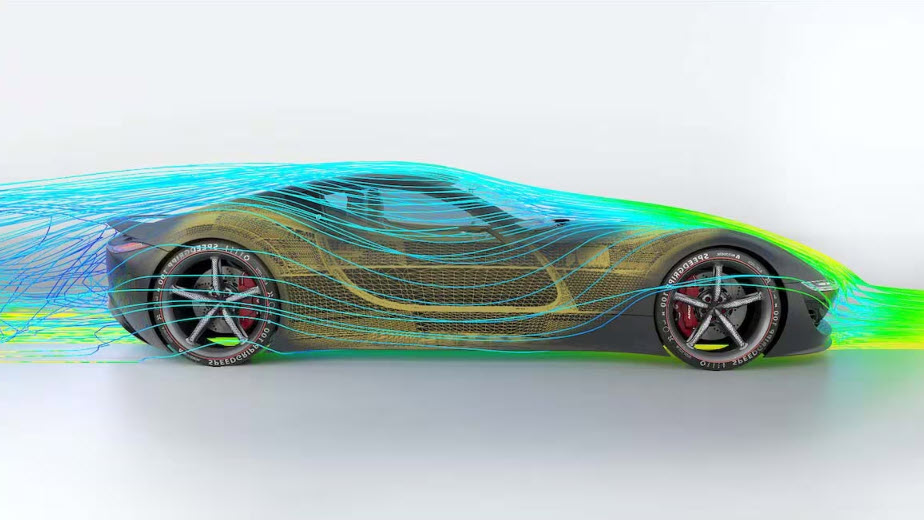
Simulation Software in Design & Engineering
Discover the value of simulation software in design and engineering, its applications across industries, and how Autodesk Nastran and Autodesk Fusion provide powerful tools for optimizing product design and manufacturing. Through advanced modeling and analysis capabilities, simulation allows for thorough evaluation of designs under realistic conditions, unlocking efficient problem-solving, cost reduction, and product innovation. Let’s…
Design & Engineering
-

2D and 3D Design: Top Workflows with AutoCAD and Inventor
The integration of 2D and 3D workflows using AutoCAD and Inventor enhances productivity, quality, and competitiveness by enabling a seamless design process, improving collaboration, and automating tasks. The integration of 2D and 3D workflows is crucial for enhancing productivity, product quality, and market competitiveness in manufacturing. AutoCAD and Inventor, offer powerful capabilities that, when used…
Design & Engineering
-
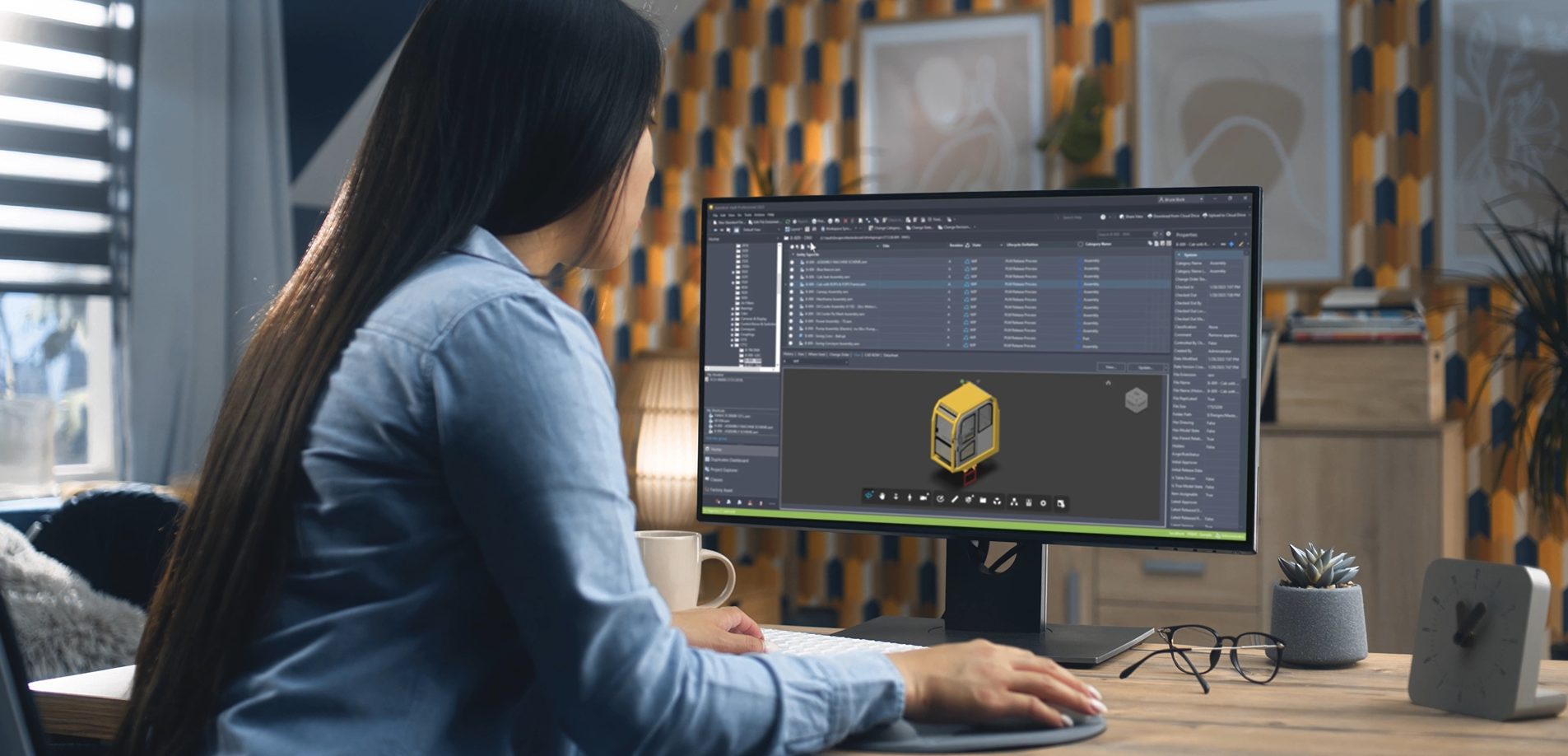
Getting Started with Autodesk Vault: A Step-by-Step Guide for CAD Data Management
Learn how to set up Autodesk Vault Professional, manage CAD data, and optimize workflows with our detailed guide.
Autodesk Vault
-

PLM vs. PDM: What’s the Difference?
Learn the differences between PLM vs. PDM, when to use each and explore Autodesk solutions that can help. In product development and manufacturing, two concepts often come into play: Product Lifecycle Management (PLM) and Product Data Management (PDM). While these terms are sometimes used interchangeably, they refer to distinct systems with unique functionalities and purposes.…
Data & Process
-
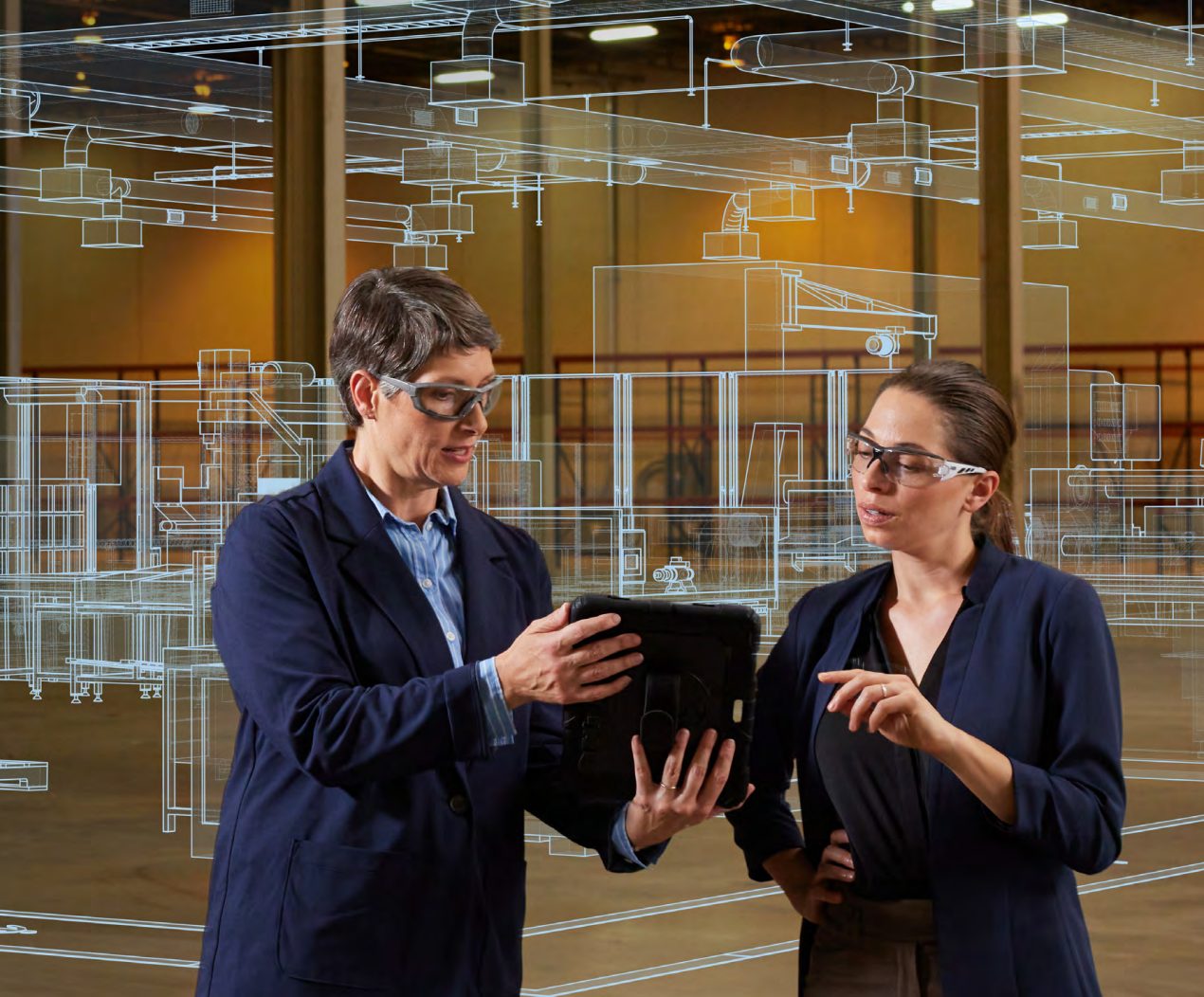
Factory Simulation and Virtual Reality in Manufacturing
Factory simulation helps manufacturers achieve efficiency, and precision by enabling virtual modeling, analysis, and optimization of production processes.
Production
-
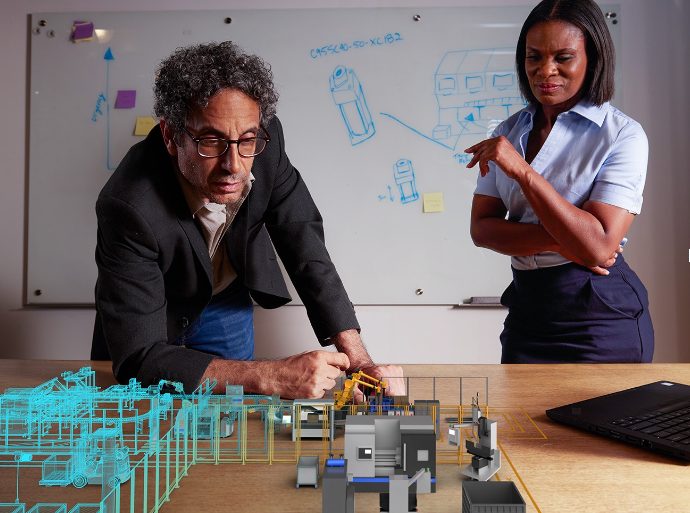
Starting the Digital Factory
This blog discusses AI and automation in the digital factory, highlighting the benefits of predictive maintenance and real-time data optimization. Explore how Autodesk solutions empower manufacturers to create digital twins, experiment with factory layouts, and collaborate effectively with stakeholders. The digital factory is helping organizations to transform and innovate their factories and operations. Currently, the…
Production
-
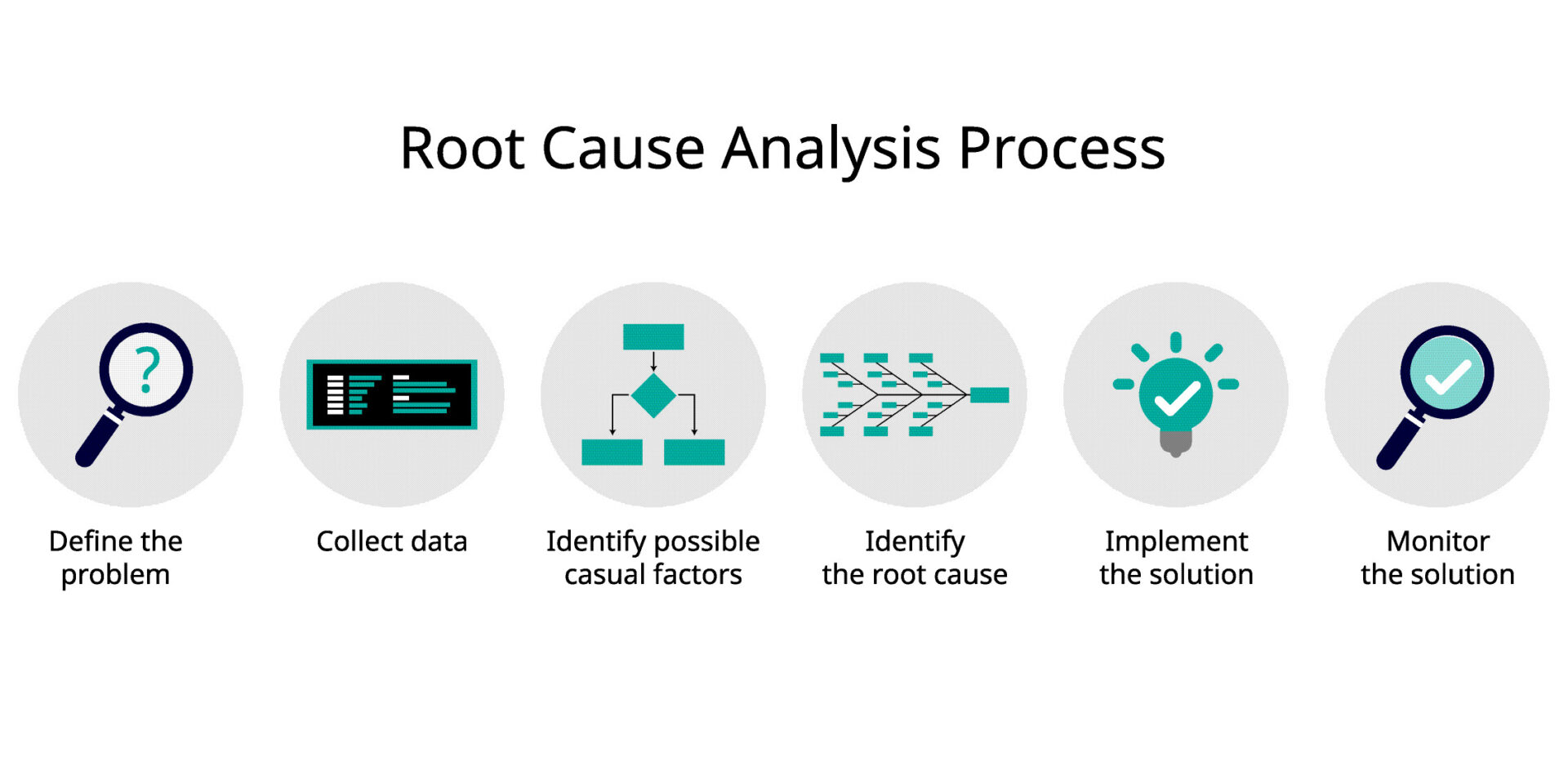
Root Cause Analysis: Unlocking Efficiency and Quality with Autodesk Solutions
Root cause analysis (RCA) is essential in manufacturing for identifying and addressing the underlying causes of problems, thereby improving quality, efficiency, and productivity. Autodesk offers a range of solutions that support RCA by providing tools for data collection, analysis, simulation, and process optimization. Root cause analysis in manufacturing In the manufacturing industry, problems and inefficiencies…
Data & Process
-

What is Statistical Process Control (SPC) in Manufacturing?
Explore statistical process control, its importance in reducing process variability, and the tools used for real-time monitoring. Learn how Autodesk Vault enhances SPC implementation by providing centralized data management, collaboration features, and integration with design tools. What is statistical process control (SPC) in manufacturing? Statistical process control is a data-driven methodology for monitoring, controlling, and…
Data & Process
-

SAP Certified Integration for Autodesk Vault Optimizes Data Flow
Discover SAP-certified integration for Autodesk Vault Professional. Seamlessly connect Vault PDM with SAP ERP for enhanced efficiency and collaboration.
Data & Process
-

What is PLM (Product Lifecycle Management) in Manufacturing?
Learn what PLM is, the role it plays in manufacturing, and factors to consider when choosing a PLM software solution.
Data & Process
-
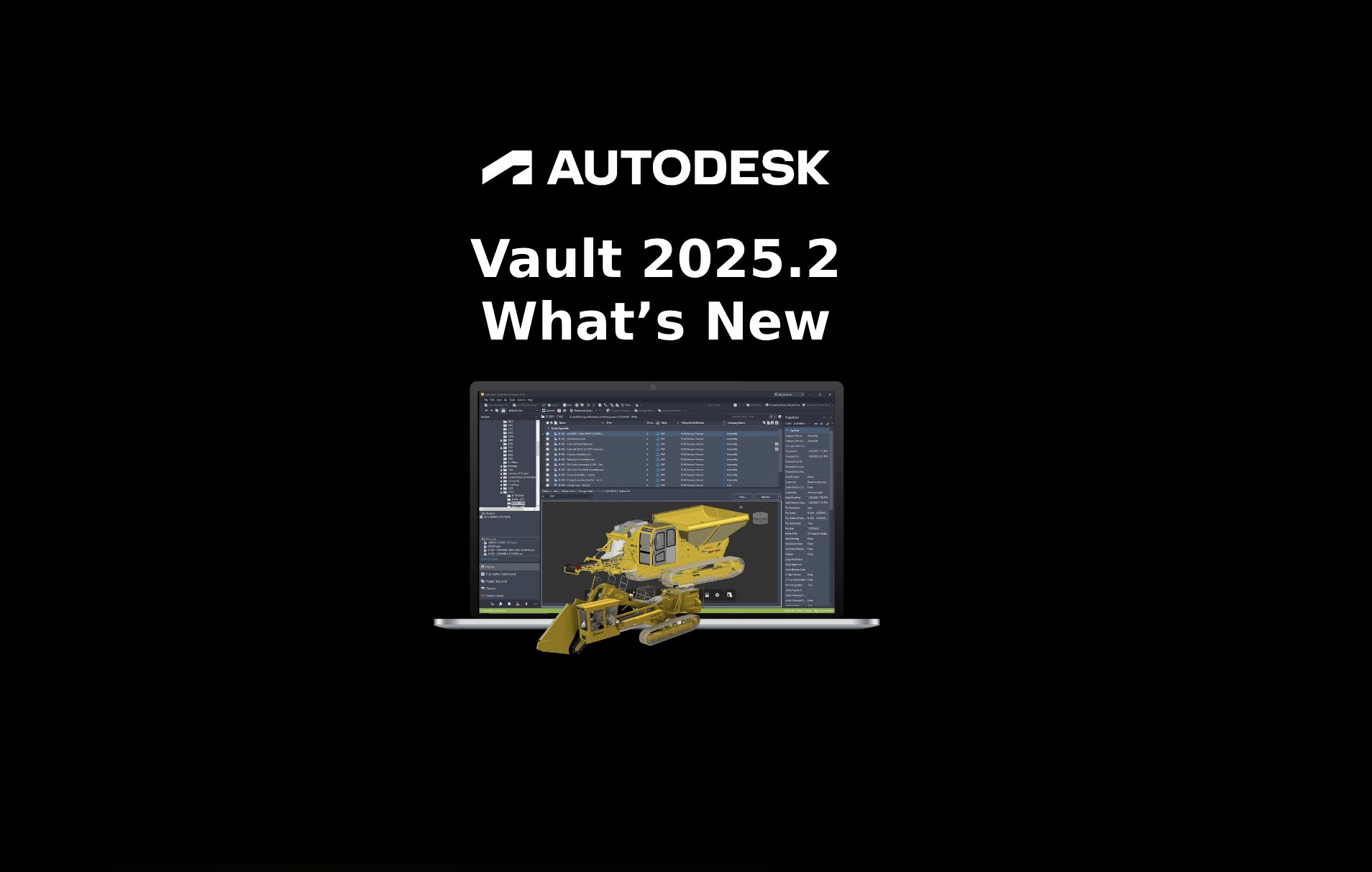
Autodesk Vault 2025.2 What’s New
Discover new features in Autodesk Vault 2025.2! Unlock productivity with Data APIs, client deployment enhancements, hyperlink UDPs, and more.
Data & Process
-
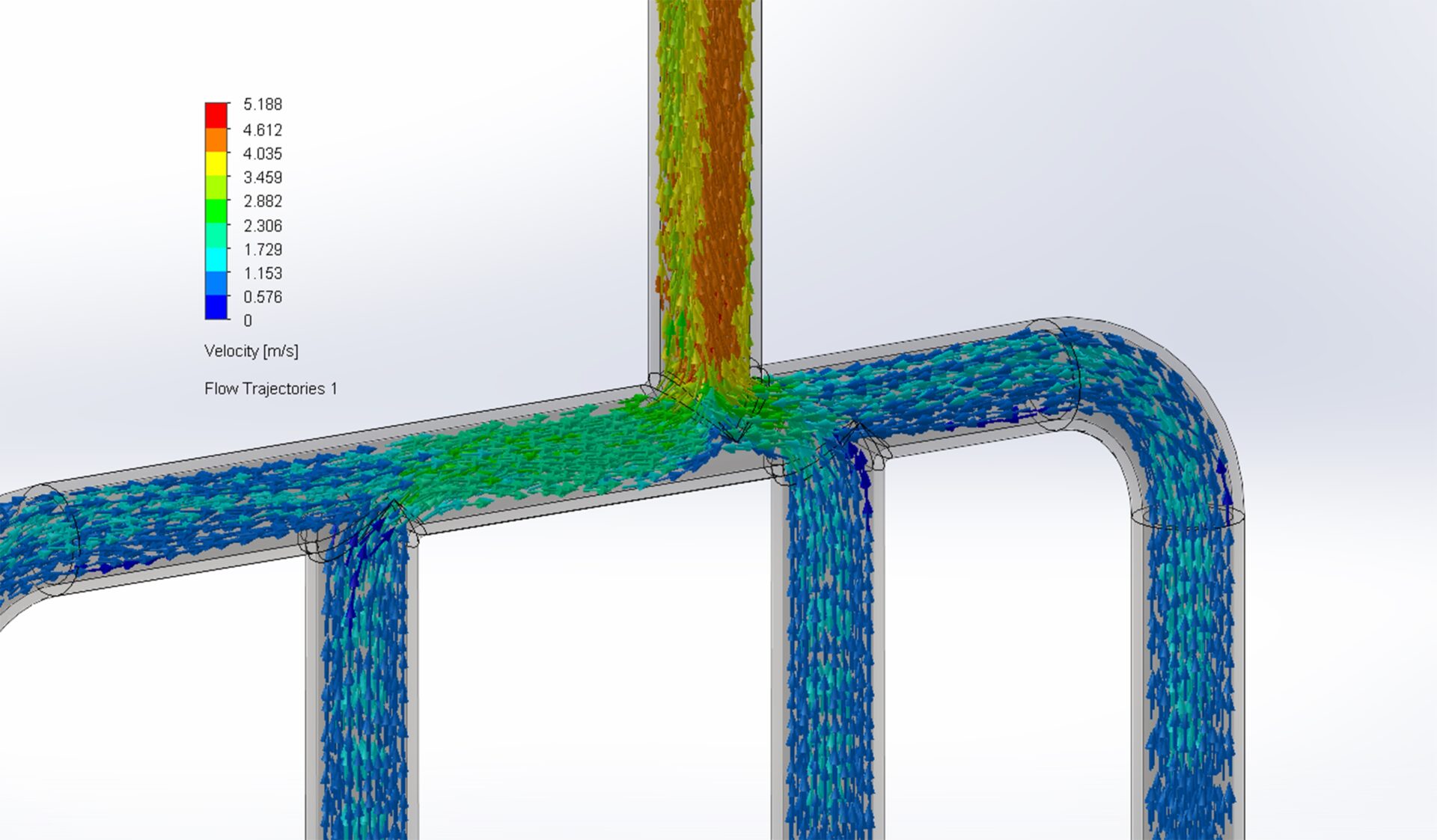
Flow Simulation and its Importance in Design and Manufacturing
Understand exactly what flow simulation is, its importance in design and manufacturing, and how Autodesk solutions can help.
Design & Engineering