Autodesk Inventor
-
Essentials of Tolerance Analysis for Modern CAD Workflow
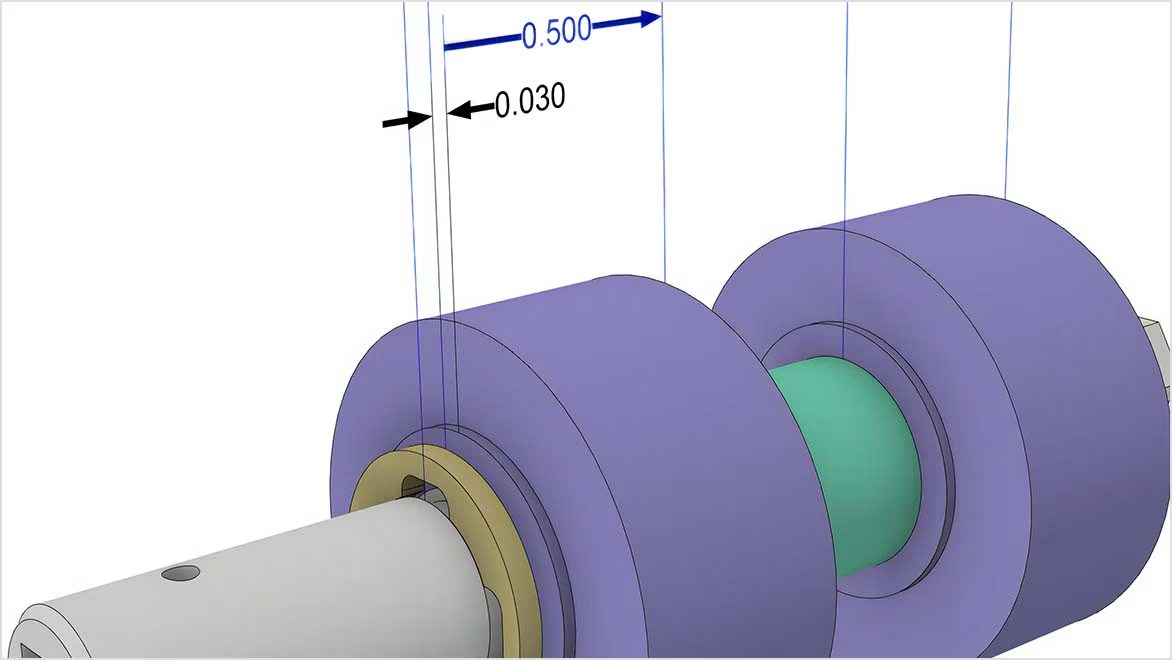
This article examines the importance of tolerance analysis in ensuring reliable assembly and controlling manufacturing costs for mechanical design. It discusses how Autodesk Inventor Tolerance Analysis integrates with CAD models so engineers can validate dimensional variation and optimize design decisions early in the workflow. Success in product development is a function of both precision and…
Design & Engineering
-
Inventor 2026.2 What’s New
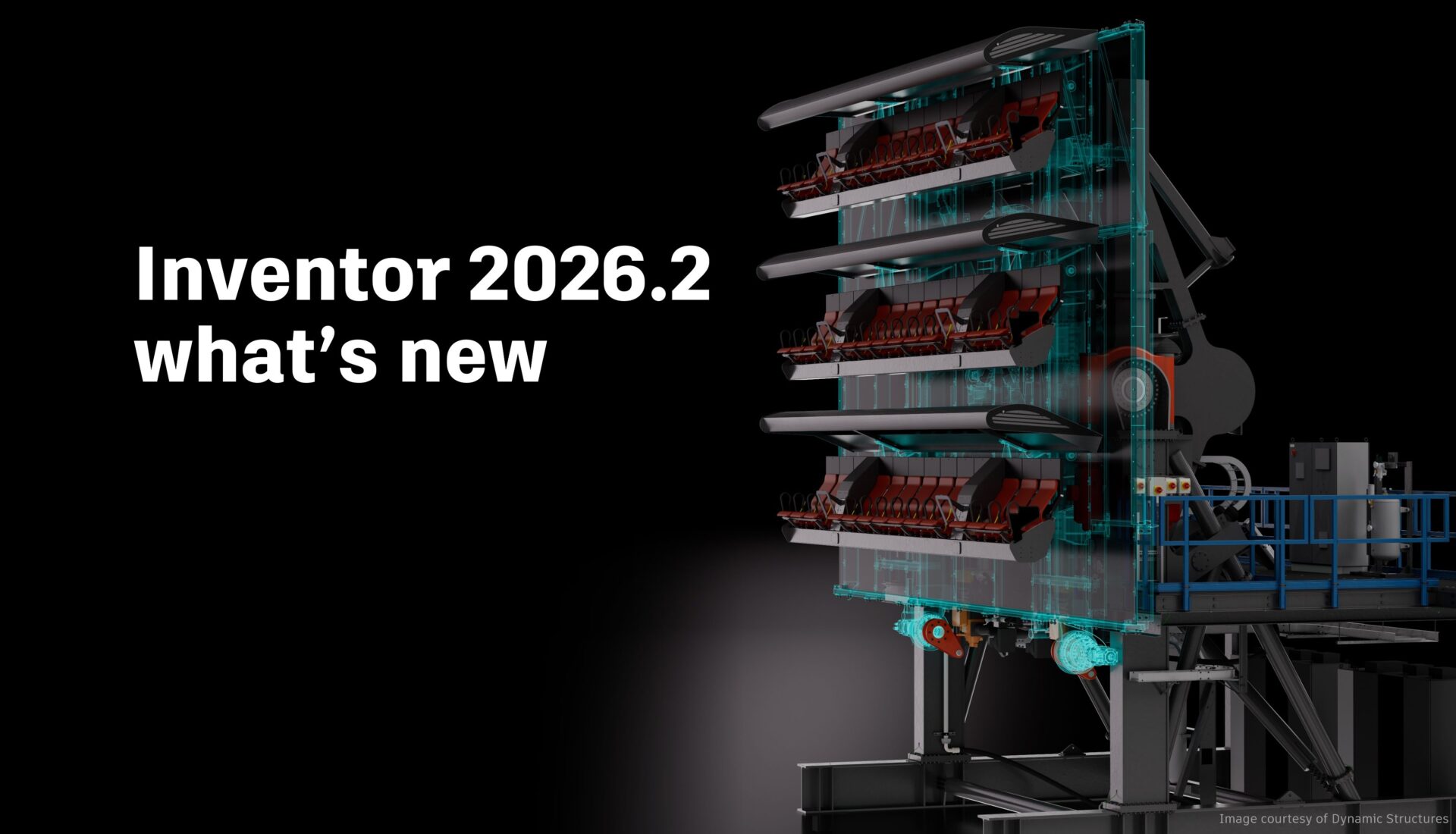
Inventor 2026.2 is another great point release with several enhancements across the board for sketching, part and assembly modeling, and drawings. Thank you again to everyone who contributed their ideas and feedback for all three of our major releases for Inventor 2026. Assembly enhancements Place and Insert command With Inventor 2026.2, assembling components just became…
Autodesk Inventor
-
Model-Based Definition (MBD) and The Role it Plays in Modern Manufacturing [Update 2025]
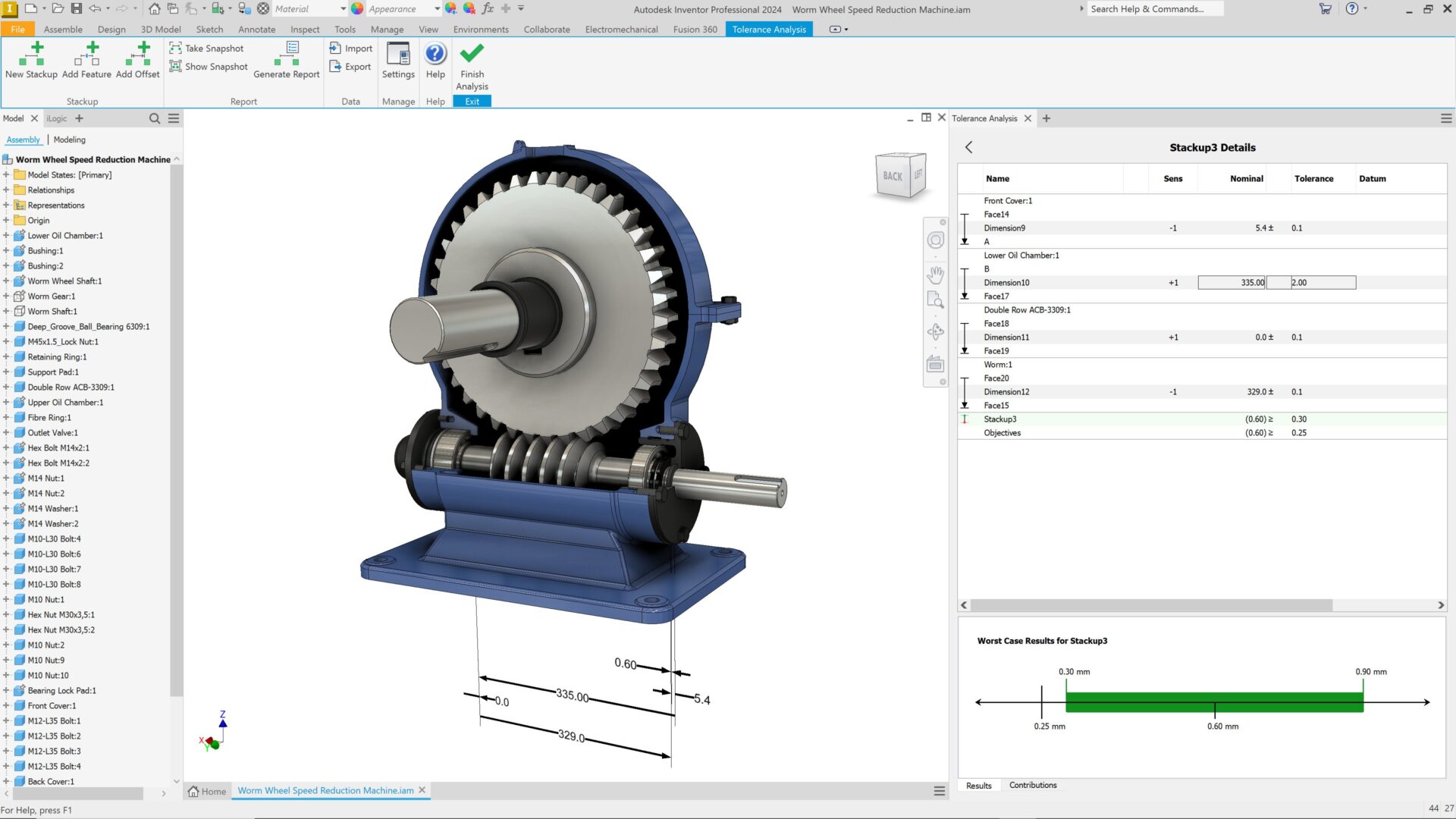
Explore the benefits of model-based definition (MBD), its benefits across manufacturing, and how Autodesk solutions can help. For more than a century, 2D engineering drawings were the universal language of manufacturing. They captured dimensions, materials, and tolerances, serving as the primary reference for turning product concepts into physical parts. As manufacturing technologies and product complexity…
Design & Engineering
-
Solve Design Inefficiencies by Shifting from 2D to 3D CAD
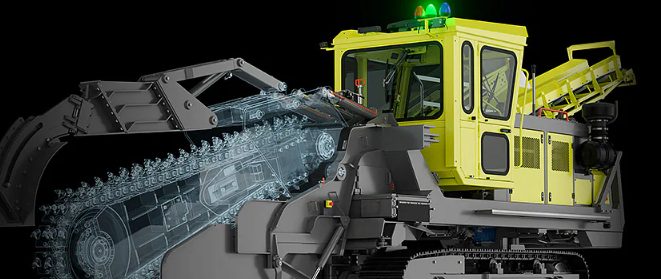
Struggling with outdated 2D workflows? Discover how transitioning to 3D design empowers manufacturers to reduce errors, speed up production, and stay competitive with Autodesk’s seamless 2D-to-3D integration. Manufacturing companies face increasing pressure to improve product quality, reduce time-to-market, and streamline production processes. A critical business challenge many manufacturers encounter is the need to evolve from…
Design & Engineering
-
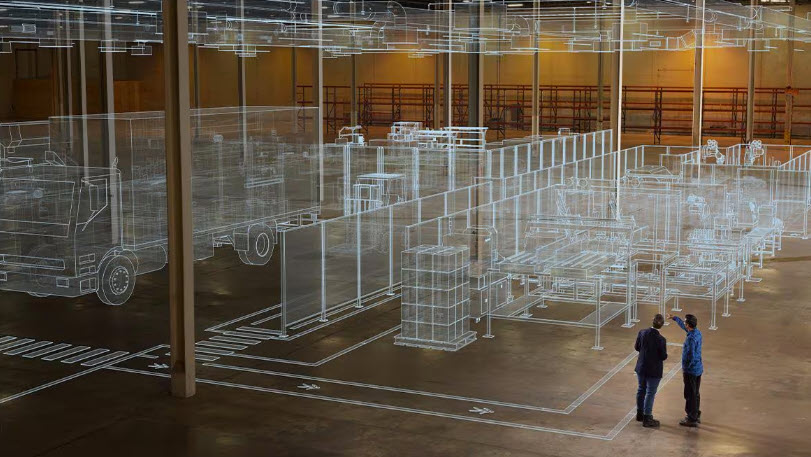
Unifying Factory Solutions for Smarter Production
Explore how Autodesk’s integrated factory production solutions help manufacturers optimize factory layouts, streamline production processes, and improve operational efficiency for smarter, faster factory production. Autodesk is entering a new era of unified production—one where smart collaboration and digital factory solutions converge to transform how products are designed, engineered, and manufactured across industries. By integrating FlexSim with AutoCAD, Inventor Factory Design Utilities, Vault – and introducing…
Production
-
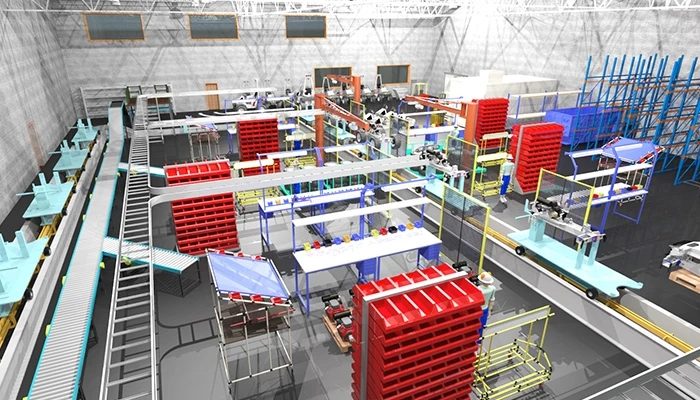
The Digital Factory: Analytics and Cloud Platforms for Smarter Manufacturing Decisions
Examine how advanced analytics and cloud platforms turn manufacturing into digital factories with actionable insights for agility and flexibility. Learn how Autodesk Factory Design Utilities unifies design, simulation, and collaboration to optimize operations and stay resilient in a competitive and unpredictable market. Manufacturing has reached a stage where traditional approaches are no longer viable. Instead,…
Production
-
Desktop Connector for Fusion – What’s New
We are excited to announce a major release of Autodesk Desktop Connector for Fusion. If you are new to this technology, then you came to the right place. We will explain what it is used for and cover all of the enhancements. There will also be resources at the end of this article that will…
Industry Cloud for Manufacturing
-

Desktop Connector for Fusion – Best practices guide
How is data stored in Fusion? Autodesk Fusion combines CAD, CAM, CAE, and PCB into a single, integrated cloud software platform. Fusion combines fast and easy organic modeling with precise solid modeling, so you can go from design to manufacturing, seamlessly. At a high level, Fusion provides one shared place for you and your team…
Design & Engineering
-

Unlocking Industrialized Construction with Informed Design in Autodesk Inventor
Autodesk Informed Design for Inventor allows product managers and engineers to create configurable, manufacturable building product models that seamlessly integrate with architectural workflows, streamlining industrialized construction from design through fabrication. Industrialized construction is transforming the building industry by applying manufacturing principles to accelerate project delivery, enhance quality, and reduce costs. At the heart of this…
Autodesk Inventor
-
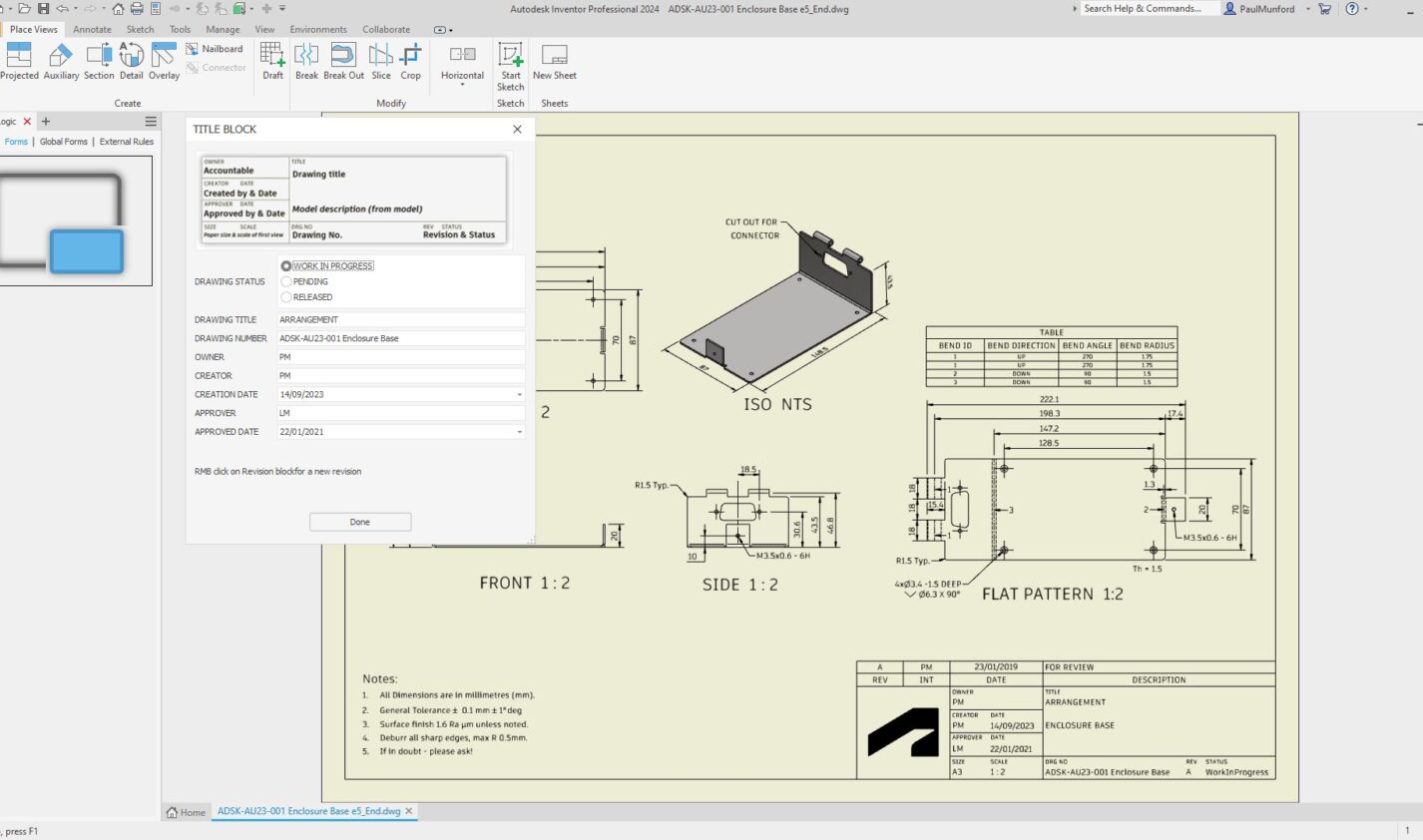
Streamline Title Block Management in Inventor with iLogic Forms
Optimize your Inventor title blocks easily with iLogic forms. Streamline data entry, maintain CAD standard compliance, and reduce errors with a centralized, easy-to-use interface. Automate title block updates to save time and boost consistency across your projects. Learn how to simplify your workflow today with iLogic. Filling out title blocks in Inventor can often be…
Autodesk Inventor
-

Enhanced Efficiency with Just-In-Time (JIT) Tools in Manufacturing
JIT tools significantly enhance manufacturing efficiency by automating and optimizing tasks. Autodesk’s Inventor, Vault, and Factory Design Utilities aid in improving production processes and workflows. Are increasing manufacturing inefficiencies giving you a headache? Just-in-time (JIT) tools can streamline and automate tasks, greatly enhancing manufacturing efficiency. Let’s explore the uses and benefits of JIT tools, specifically…
Production
-
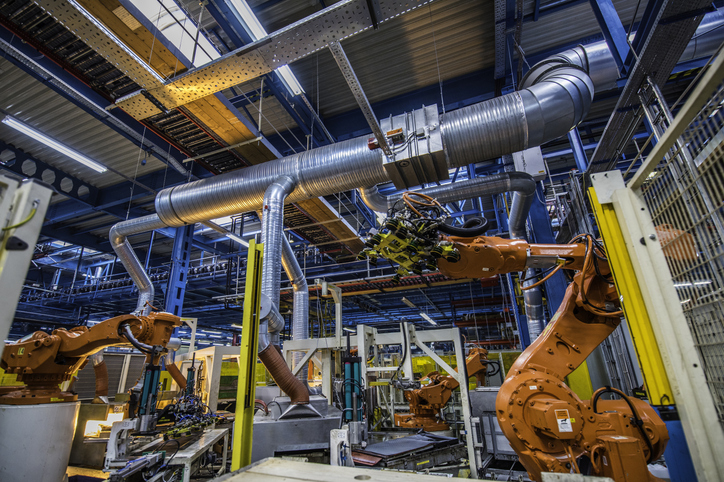
Trends in Industrial Automation: Transforming Manufacturing in 2025 and Beyond
Industrial automation, projected to reach $378.57 billion by 2030, is being transformed by IIoT, Industry 4.0, AI, edge computing, collaborative robots, and 5G. These technologies enhance real-time monitoring, predictive maintenance, and operational efficiency in manufacturing. Industrial automation – key takeaways The manufacturing landscape is changing as emerging technologies reshape how companies approach production, efficiency, and…
Production