• Streamline Title Block Management in Inventor with iLogic Forms

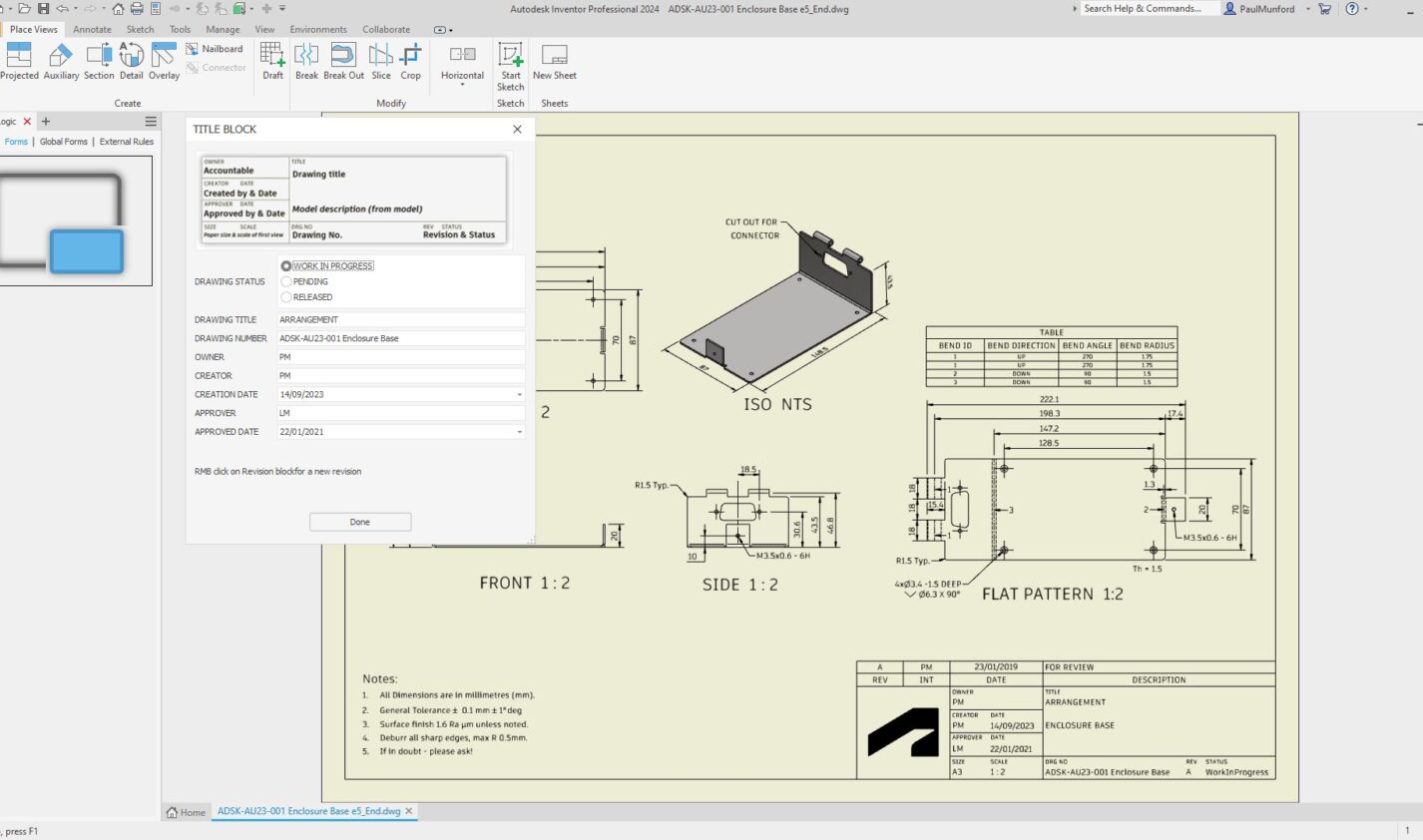
    Optimize your Inventor title blocks easily with iLogic forms. Streamline data entry, maintain CAD standard compliance, and reduce errors with a centralized, easy-to-use interface. Automate title block updates to save time and boost consistency across your projects. Learn how to simplify your workflow today with iLogic. Filling out title blocks in Inventor can often be…


  • a Screenshot of the Autodesk Inventor user interface, showing a 3D model of a sheet metal item, with an iLogic form for data entry.

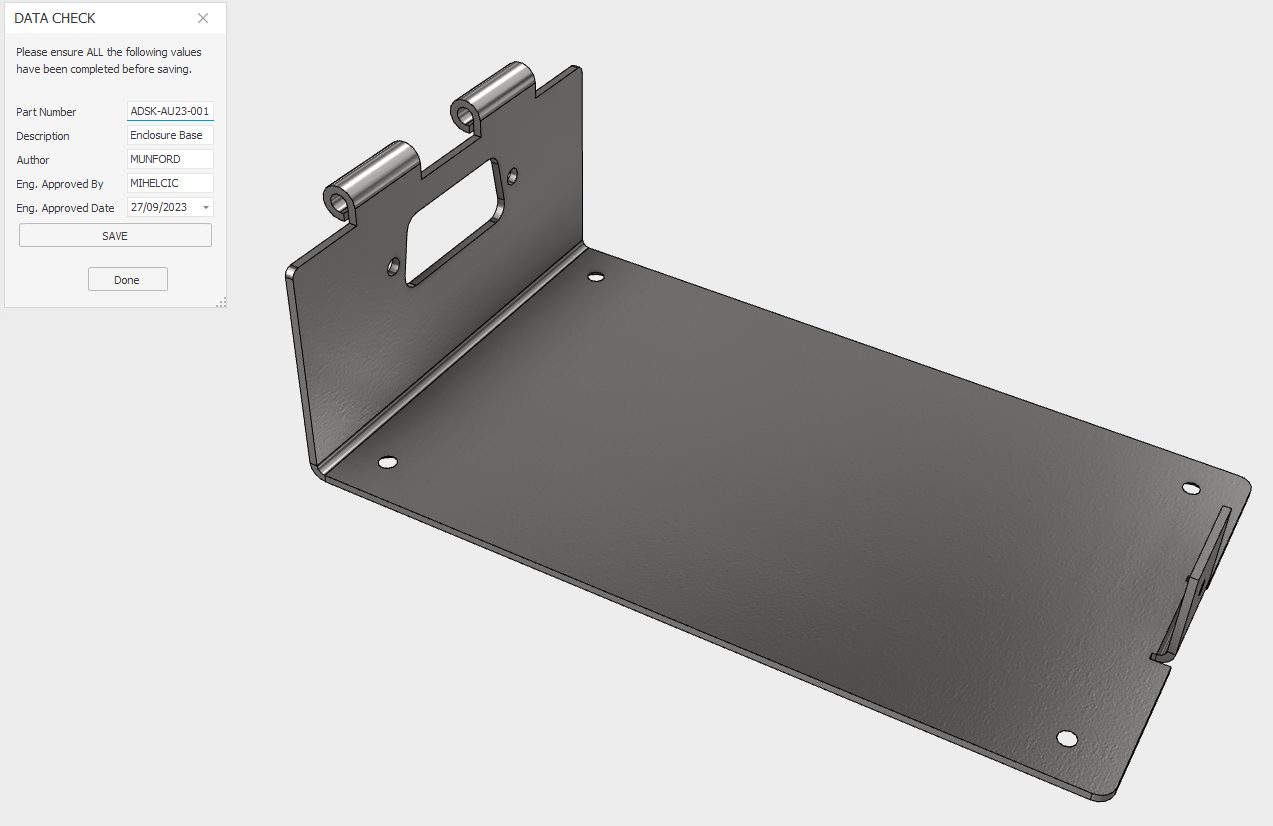
    Autodesk Inventor iLogic for data conformance.

    Discover how Autodesk Inventor iLogic can help with consistent data entry for crucial iProperties in preparation for BOM, Partlist, or data transfer to a PLM or ERP system.


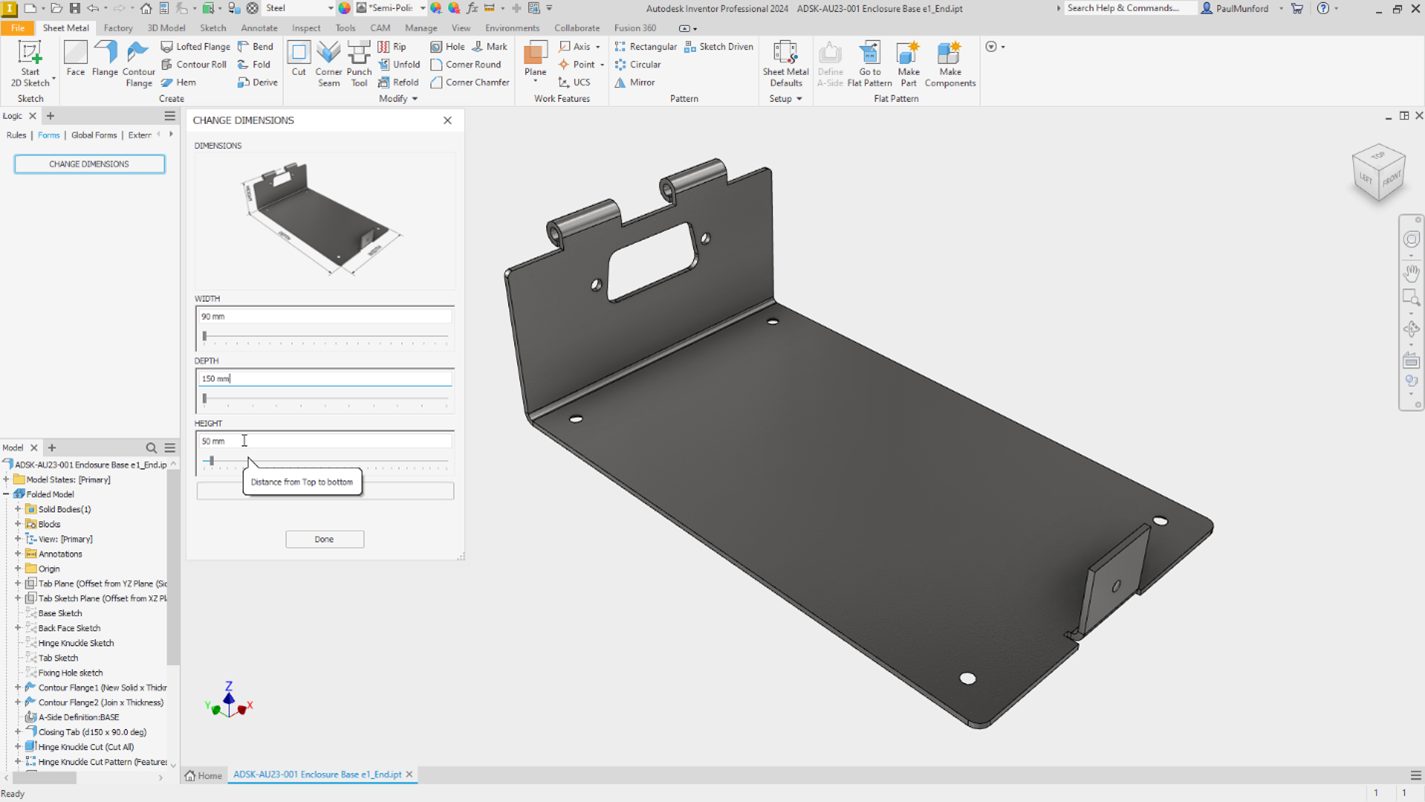
  • An image from Autodesk Inventor showing a sheet metal CAD model, with an iLogic form.

    Autodesk Inventor iLogic forms to communicate design intent.

    Unleash the power of Autodesk Inventor with these five iLogic hacks designed specifically for non-programmers. Discover how to build on the intelligence in your design to create configurable models and automate processes. This blog post will guide you on how to efficiently communicate design intent by adding an input form using iLogic. Learn step-by-step how…


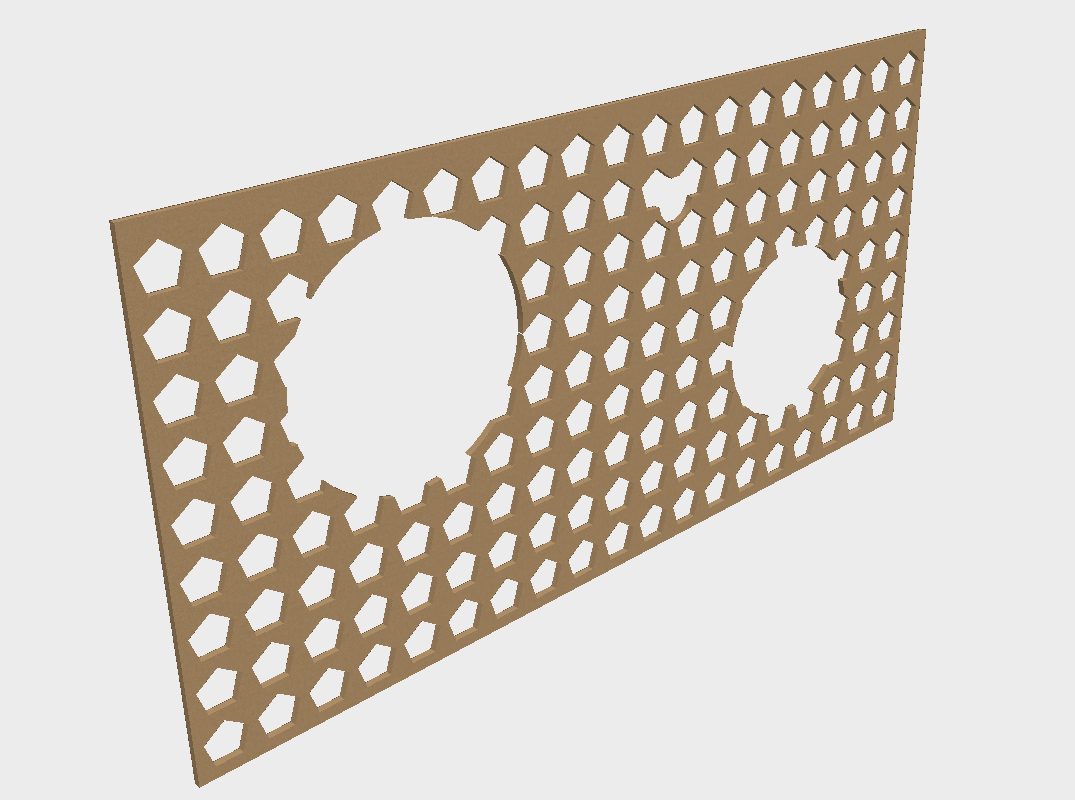
  • A patterned panel modeled in Autodesk Inventor.

    Autodesk Inventor Pattern Optimisation with Optimized Compute.

    Understand how the 'Optimized compute' option in Autodesk inventor patterns can speed up pattern generation, and reduce file size on disk.


  • A design engineer works on a prototype machine. The machine is shown as a virtual reality wireframe 3D model, overlaid onto the image. The caption reads 'Find elegant solutions to your most interesting problems'. The text reads 'You belive that good design and engineering can solve any problem, at Autodesk. so do we.'

    AU Year-Round Learning for Product Design & Engineering Professionals

    You believe that good design and engineering can solve any problem. So do we. Explore design and engineering case studies and tutorials from the AU design and make conference to learn more.


  • An image of a 3D model, created in Autodesk Inventor's shet metal envoionment.

    Autodesk Inventor Sheet Metal, Flat pattern success—Every time!

    ‘Failure in creating a flat pattern.’ Who needs it? No one wants to create an Autodesk Inventor sheet metal part that won’t unfold! This article by Paul Munford gives tips and tricks to garentee your sheet metal models will unfold every time


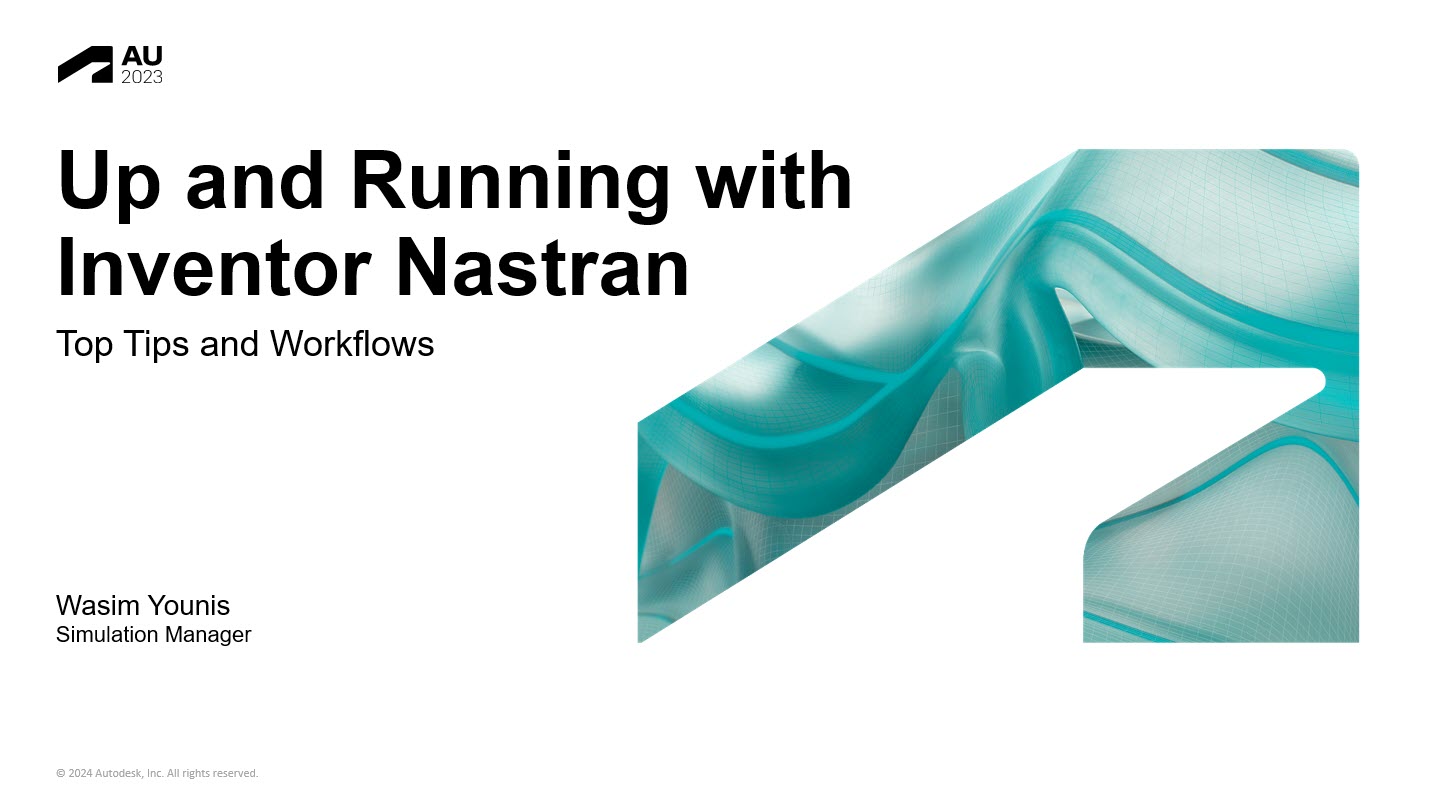
  • Cover slide for 'Up and Running with Inventor Nastran Tops Tips and Workflow' AU class by Wasim Younis

    Up and Running with Inventor Nastran: Top Tips and Workflows

    Check out this Top Rated session on Inventor Nastrans by Wasim Younis. Class materials from Autodesk University are available free.


  • A slide from the Autodesk University presentation 'A Factory Design Utilities Discussion with Peers on a Successful Deployment' by Todd Schmook and kevin Smedly

    Factory Design Utilities Discussion with Peers on a Successful Deployment

    Check out this Top Rated session on Factory Design utilities by Todd Schmoock and Kevin Smedley. Class materials from Autodesk University are available free.


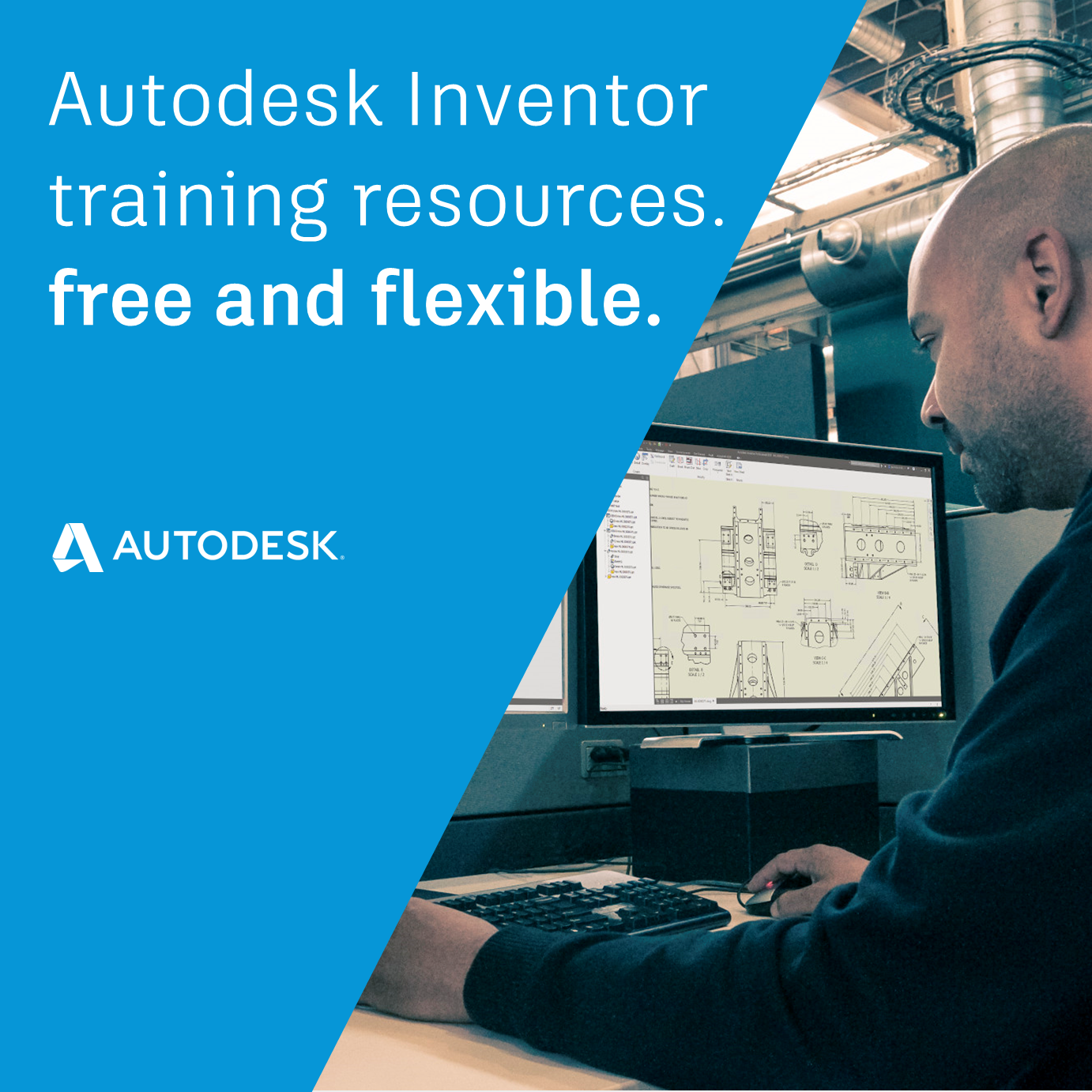
  • Autodesk Inventor training materials

    Autodesk Inventor training resources, free and flexible.

    Whether you are an Inventor novice, or an expert – we all benefit from taking a moment to examine our workflows and look for opportunities to improve.The good news is that there is a wealth of Inventor training resources and opportunities out there for you, from the quick and easy to bespoke tailored training. Whether…