Autocad
  • Blog
  • Learning
  • Product News
  • Customer Spotlight
  • Events
Download Free Trial
Buy

Learning

  • generative design
    Learning
    Video of the Month: Learn About Generative Design

  • autocad_one_key_shortcuts_feature
    Learning
    More Shortcuts: AutoCAD One Key Shortcuts App

  • Installing AutoCAD with the License Manager
    Learning
    The Well-Oiled Machine – Installing and Managing Your Subscription, Part 1: Tuesday Tips With Lynn

  • 3ds Max drawing. Linking AutoCAD files to 3ds Max.
    Learning
    Linking AutoCAD Files in 3ds Max: Video Tip

  • Broken XREF Paths
    Learning
    AutoCAD’s XREF-ellent Adventure, Part 1: Tuesday Tips With Lynn

  • Offset in AutoCAD
    Learning
    Apps to Help Offset in AutoCAD

  • Point Cloud Improvements: Cropping
    Learning
    Get to the Point – Point Cloud Improvements, Part 2: Tuesday Tips With Lynn

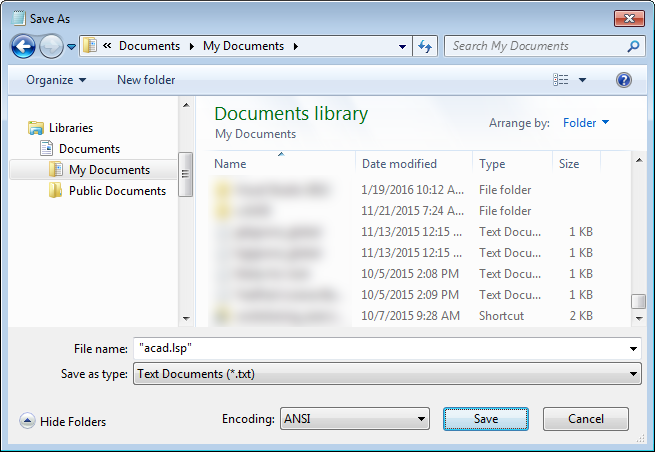
  • Saving a .lsp file in Notepad. Bootstrap AutoCAD Deployments for Customizations.
    CAD Management
    Bootstrap AutoCAD Deployments for Customizations (4)

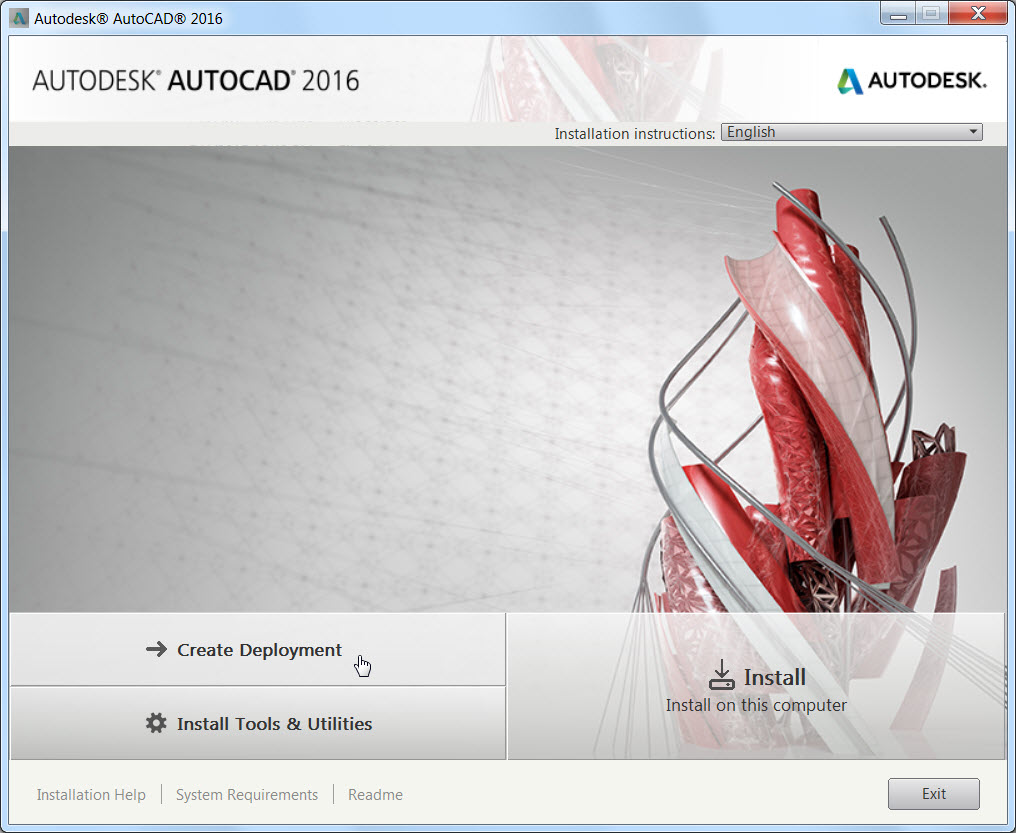
  • AutoCAD Create Deployment screen
    CAD Management
    Robert Bell's "Bootstrap AutoCAD Deployments for Customizations" Series

Previoius
  • 1
  • ...
  • 54
  • 55
  • 56
  • 57
  • 58
  • 59
  • 60
  • ...
  • 78
Next
Autodesk
Company overview
Careers
Investor relations
Newsroom
Diversity and belonging
Autodesk Foundation
Sustainability
Contact us
Students and educators
Affiliate program
Autodesk Research

How to buy

View all products
Buying with Autodesk
Renewal options
Find a reseller
Sales and refunds
Choose your subscription plan
Pay as you go with Flex
Support
Product support
Manage your account
Download and install software
COVID-19 resources
Education support
Contact support

Privacy | Do not sell or share my personal information | Cookie preferences | Report noncompliance | Terms of use | © 2026 Autodesk Inc. All rights reserved