What if creating a CAD block was as simple as describing it, letting you spend less of your time drafting and more time designing?
My team at Autodesk is exploring how AI can simplify some of your core CAD workflows. Starting today, you can get an inside look into the future of the AutoCAD portfolio through our new Tech Previews on AutoCAD on the web. We have lots more ideas in the works, and we can’t wait for you to try them!
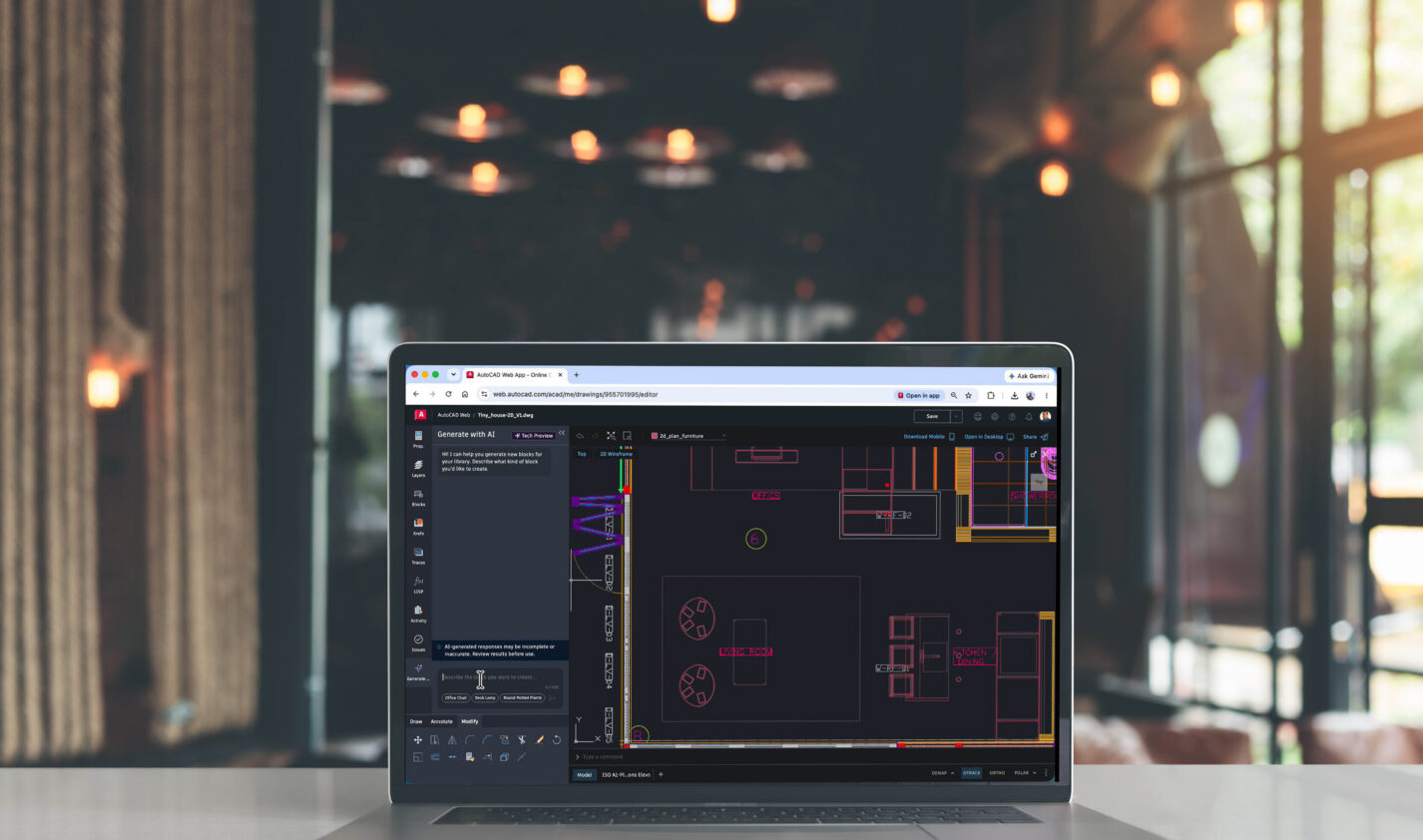
Our first Tech Preview is Block Generate with AI. You can use natural language to generate a 2D block. In the description, you can specify the shape. Some examples:
- 3-seater sofa with 3 cushions
- Double vanity with round bowls and rounded corners
- Round table with four chairs
- Double door with equal leaves and 90-degree swing arcs
Designed to help you get to design faster
Blocks are a fundamental part of many AutoCAD workflows, but creating a new one can interrupt your momentum. Block Generate with AI is designed to help you quickly generate a starting point so you can spend less time creating common objects and more time designing.
Because the generated block is editable, you remain in control. You can modify the geometry to meet your project’s needs before incorporating it into your drawings.
As a Tech Preview, generated geometry may need some editing, particularly dimensions, as we continue developing the experience. Your feedback will help us improve future iterations.
Try it and tell us what you think
Block Generate with AI is available as a Tech Preview in AutoCAD on the web.
If you’d like to learn how to enable the Tech Preview, write effective prompts, and start generating blocks, check out our Block Generate with AI Help article.
Which block will you generate first? We’d love to hear your ideas in the Autodesk Community.