-
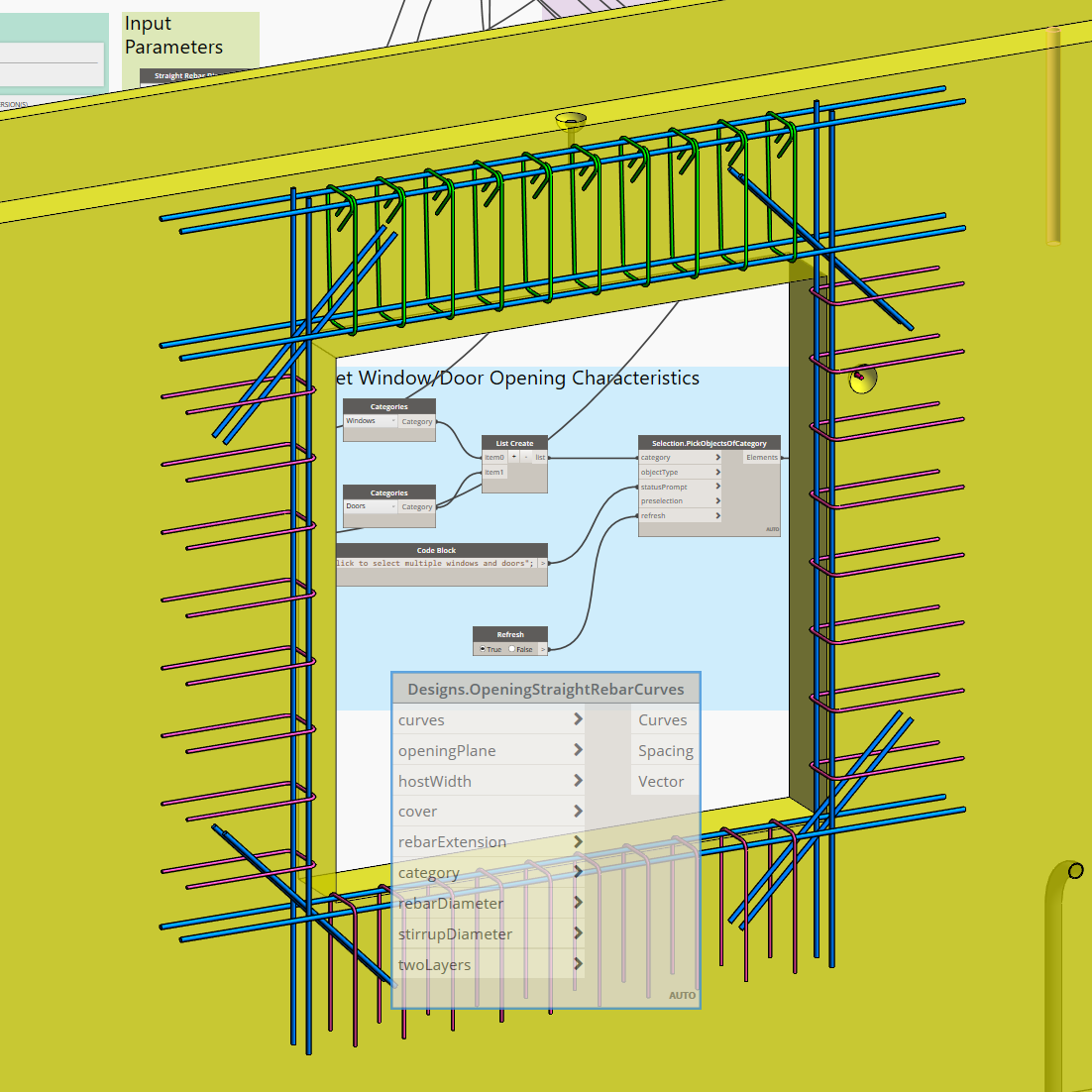
Learn the Power of Dynamo for Automated Reinforcement Detailing – Part 1
In this blog post I would like to demonstrate how to automate reinforcement designs with the Dynamo graphical programming interface using the example of standard rebar designs for window and door openings. Revit 2019.1 comes with Dynamo 1.3.3 preinstalled, however the workflows…
Structure
-
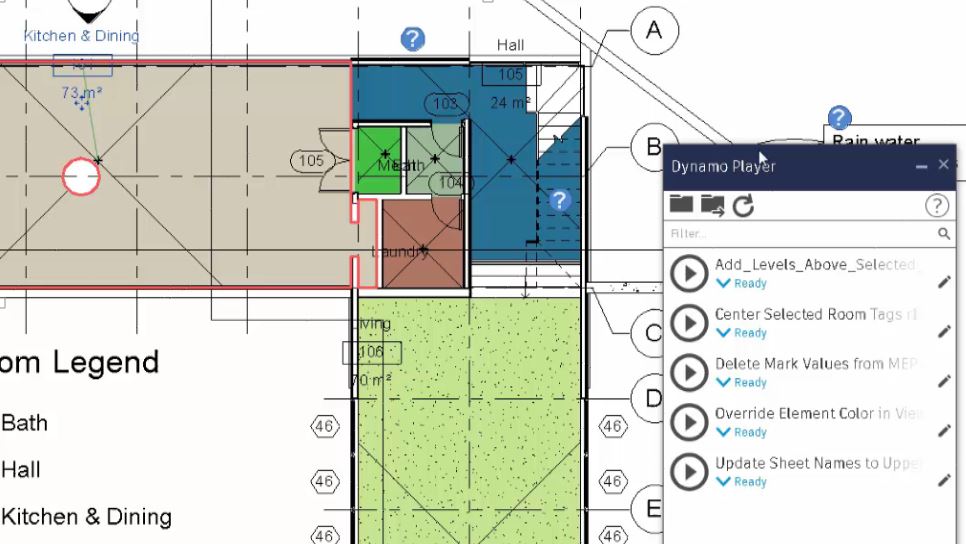
Do more with Inputs in Dynamo and the Dynamo Player
By now you have surely heard of the Dynamo Player, the awesome little tool for running Dynamo scripts (graphs) in the background in Revit. If you have not heard of it, it is available in Revit 2017.2 and up and appears in…
Uncategorized
-
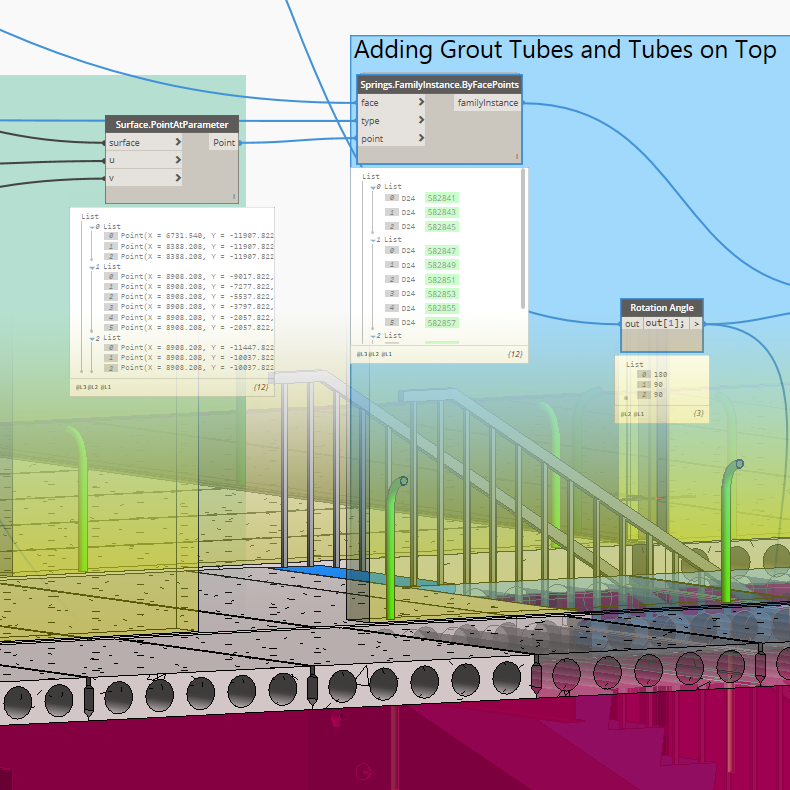
Adding Grout Tubes to Precast Walls using Dynamo
In this post of the Structural Precast series I would like to show you how in Revit we can easily add grout tubes and tubes on top to precast walls. Grout tube and tube on top are families that come with the…
Structure
-
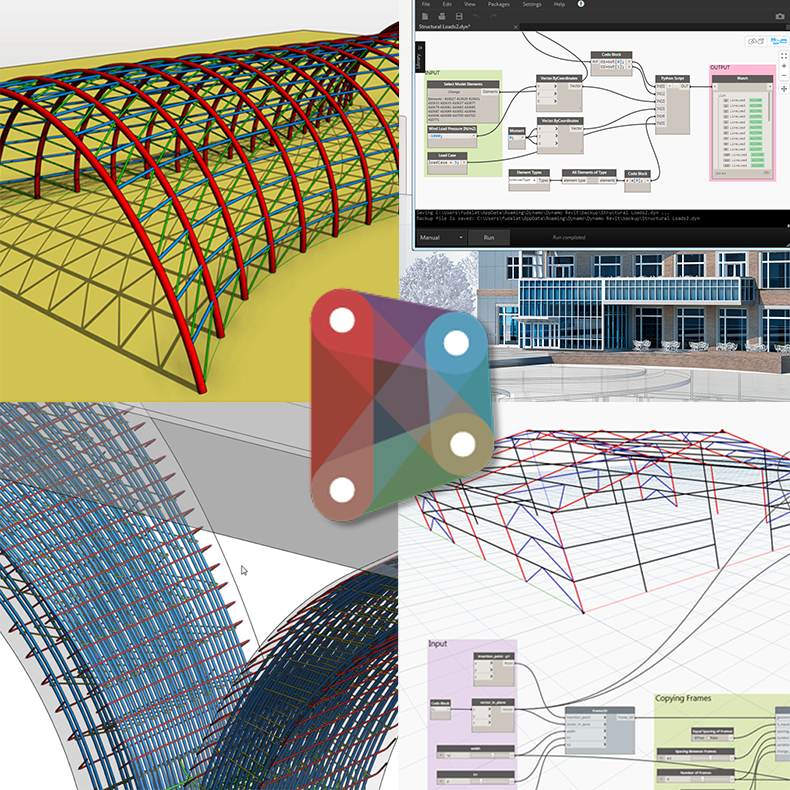
AEC Collection Workflows: Dynamo for Structure
The visual programming interface of Dynamo for Revit is enabling structural engineers with the tools to build structural models with minimal energy and make their own structural design tools. In the early stages of the structural design structural engineers and designers can…
Structure
-

What’s in the Autodesk AEC Collection for Revit MEP users
The Autodesk Architecture, Engineering, and Construction Collection gives you access to a set of integrated tools — including Revit — that equip you to meet any project challenge – now and in the future. Here’s the full list of products and services…
MEP
-
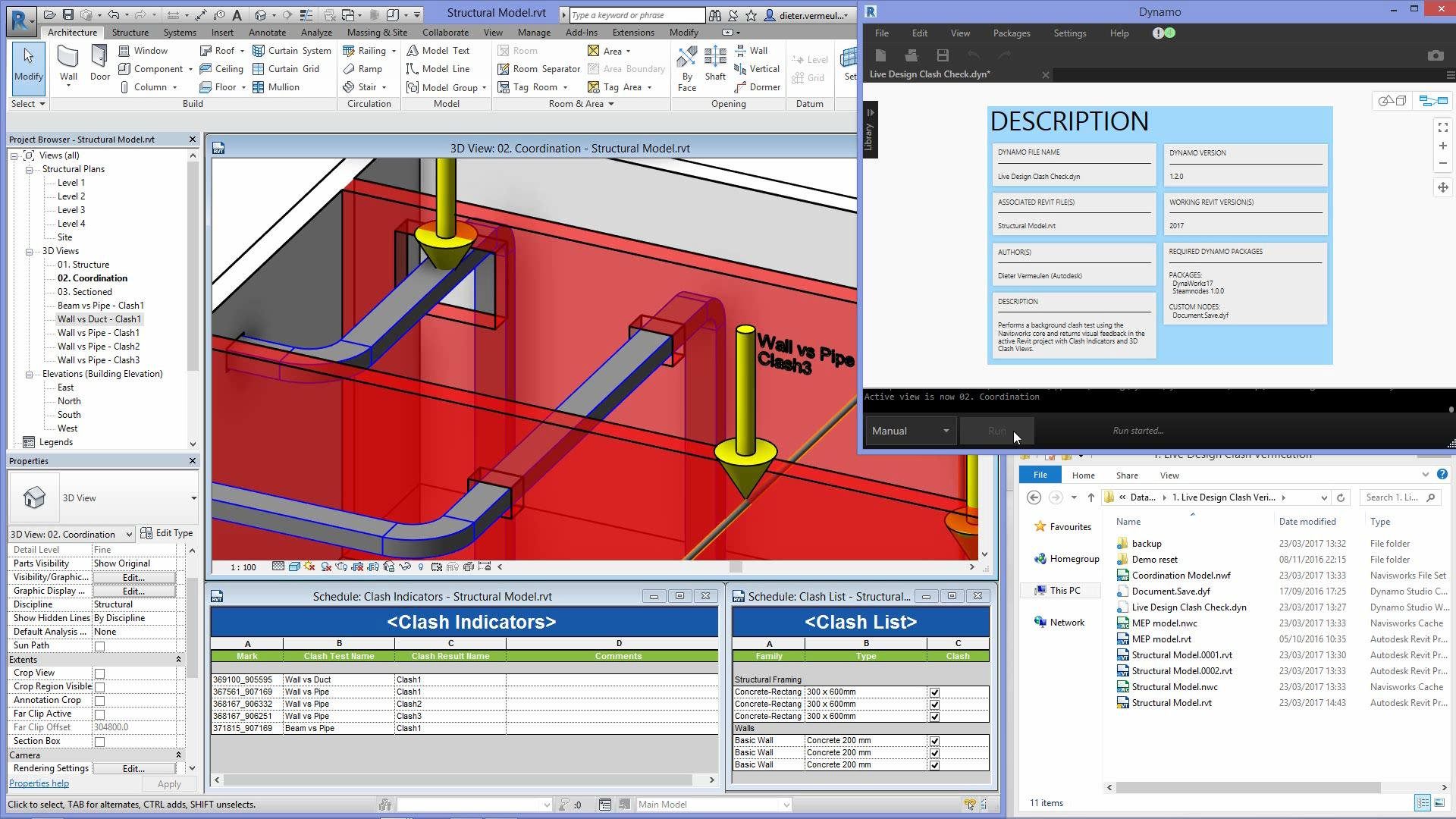
Using Revit, Dynamo and Navisworks for better MEP Coordination
Let’s take a look at a clash detection workflow between Revit, Dynamo Studio, and Navisworks Manage that can help improve design optimization and efficiencies in building design coordination. This workflow streams clash results between MEP and structural designs using a live link between…
Tips, tricks & tutorials