-
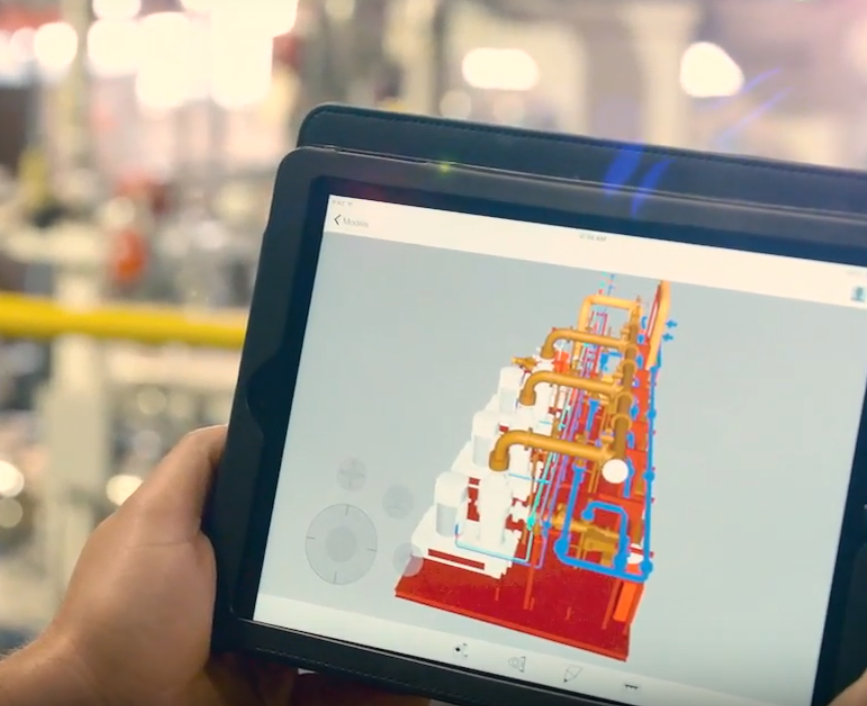
What’s in the Autodesk AEC Collection for Revit MEP users
The Autodesk Architecture, Engineering, and Construction Collection gives you access to a set of integrated tools — including Revit — that equip you to meet any project challenge – now and in the future. Here’s the full list of products and services…
MEP
-
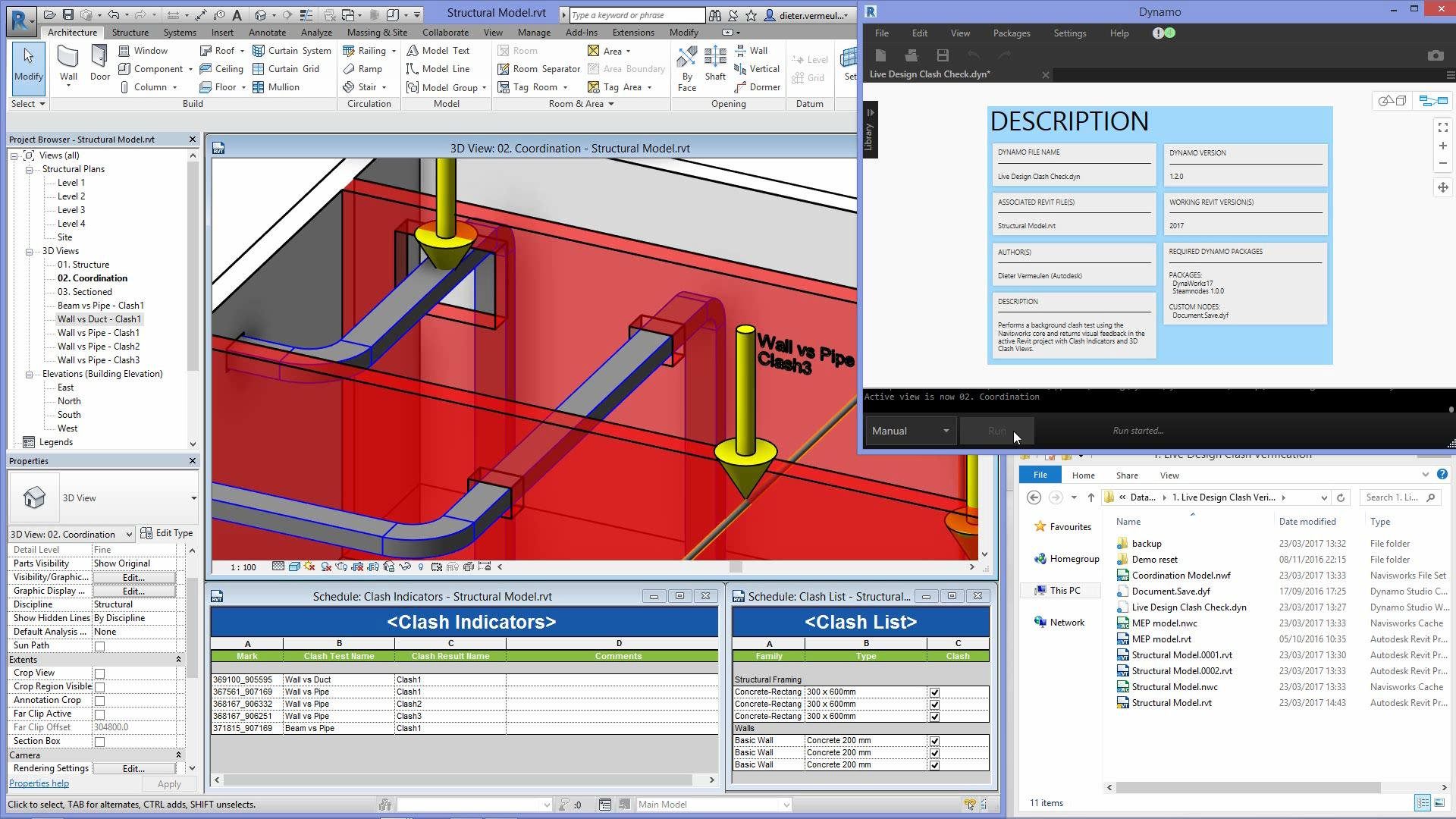
Using Revit, Dynamo and Navisworks for better MEP Coordination
Let’s take a look at a clash detection workflow between Revit, Dynamo Studio, and Navisworks Manage that can help improve design optimization and efficiencies in building design coordination. This workflow streams clash results between MEP and structural designs using a live link between…
Tips, tricks & tutorials
-
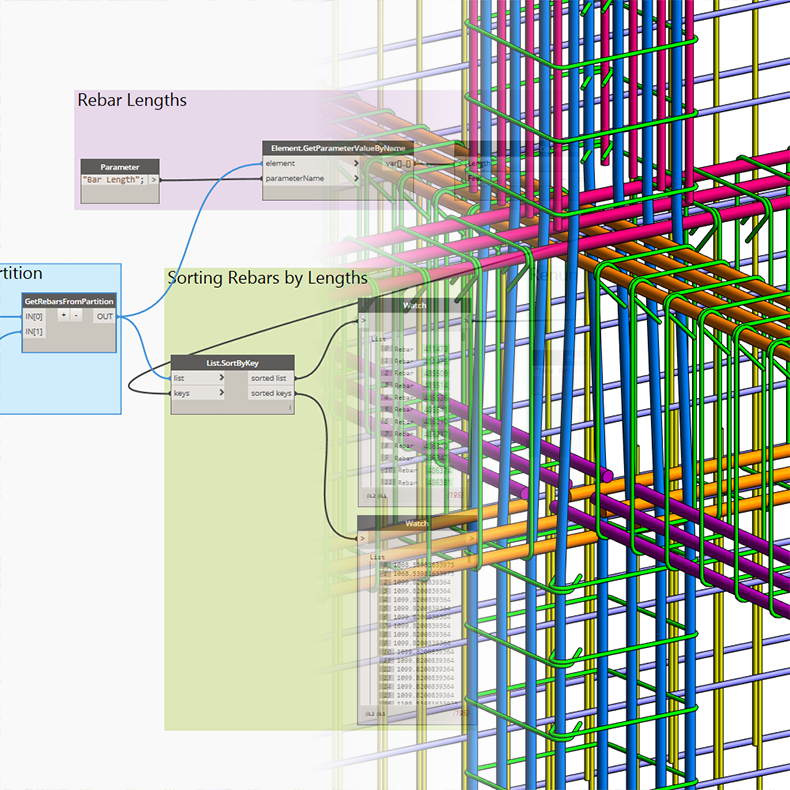
How to Manage Rebar Numbering with Dynamo
Before we move into the Dynamo part let me quickly highlight rebar numbering and partitioning in Revit. In Revit, numbering allows identical reinforcement elements to be matched for schedules and tags. Partitioning in Revit gives you the ability to define a common…
Uncategorized
-
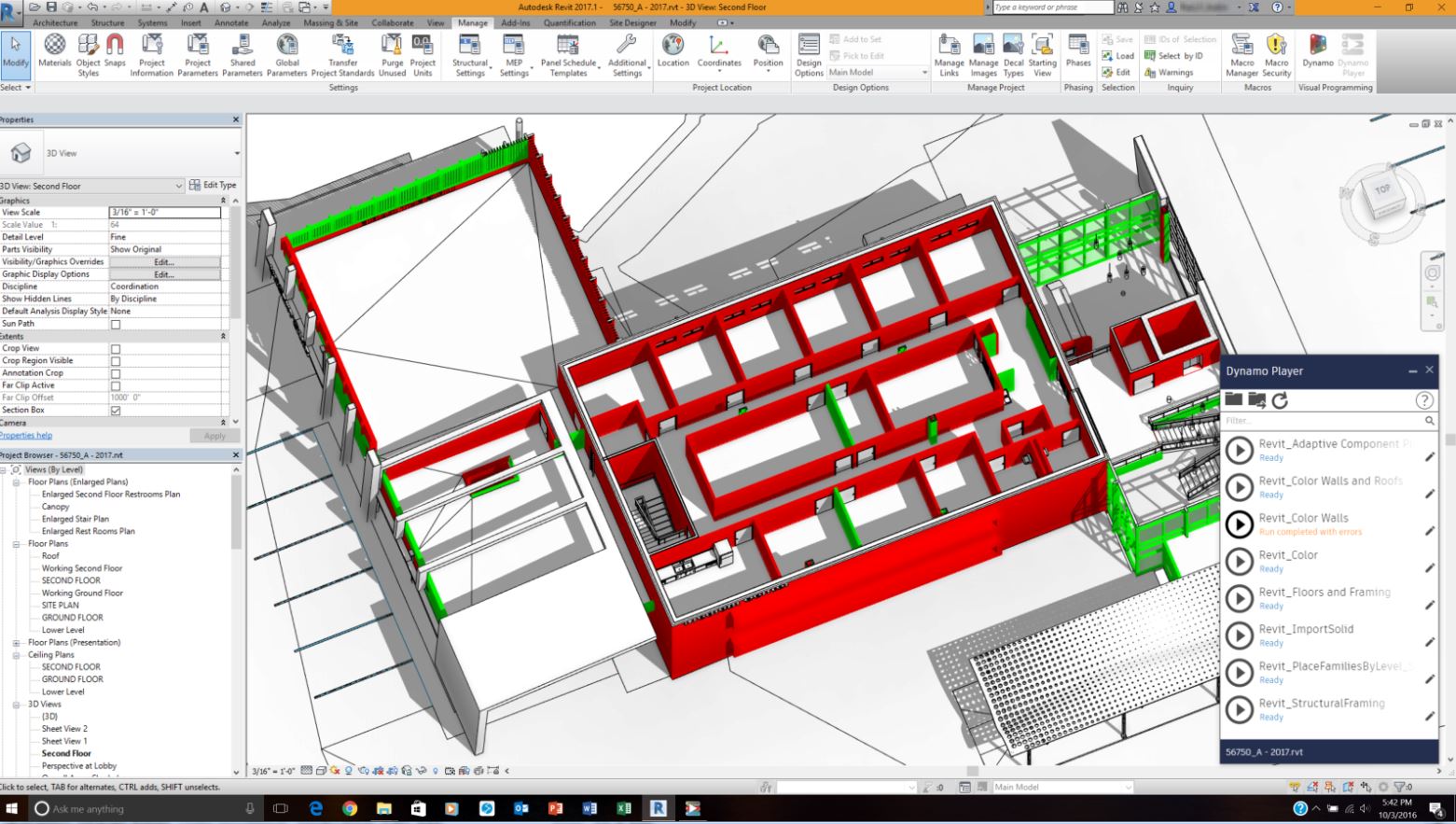
How to make generative design work for you with the Dynamo Player
If you’re reading this, there’s a chance you’re already familiar with Dynamo Player, the powerful scripting tool that installs with Revit versions 2016 and later. Or maybe you’re not and would like to know more. Dynamo is a tool for generative design…
Tips, tricks & tutorials
-
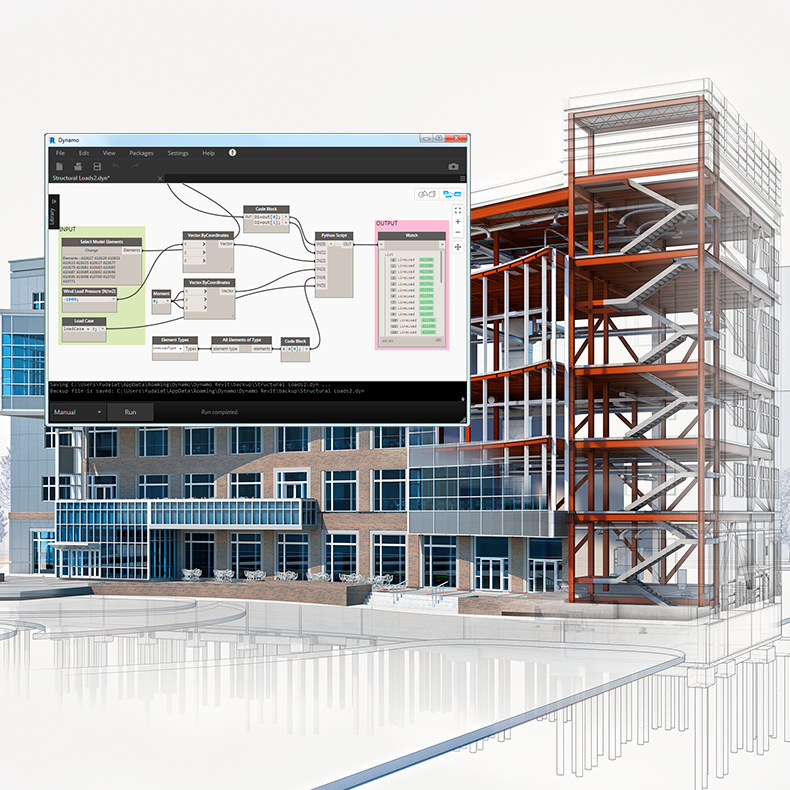
Dynamo to Generate Wind Loads in Revit
High winds can be very destructive because they generate pressure against the surface of a structure. In structural engineering we call the intensity of this pressure the wind load. The effect of the wind is dependent upon the size and shape of…
Uncategorized
-
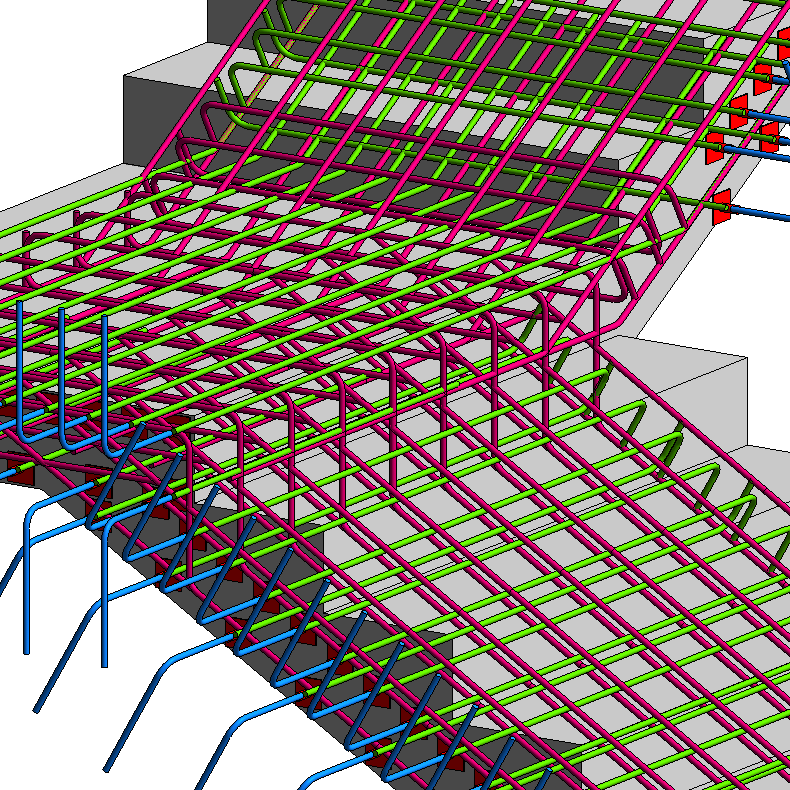
How to Deal with Rebar Detailing Visibility in Revit
In order to better present, review and document all our rebar detail designs in Revit we want to have them displayed as solid objects and visible in concrete formwork in shaded views. This requires that the rebars are visible in view as…
Uncategorized