-
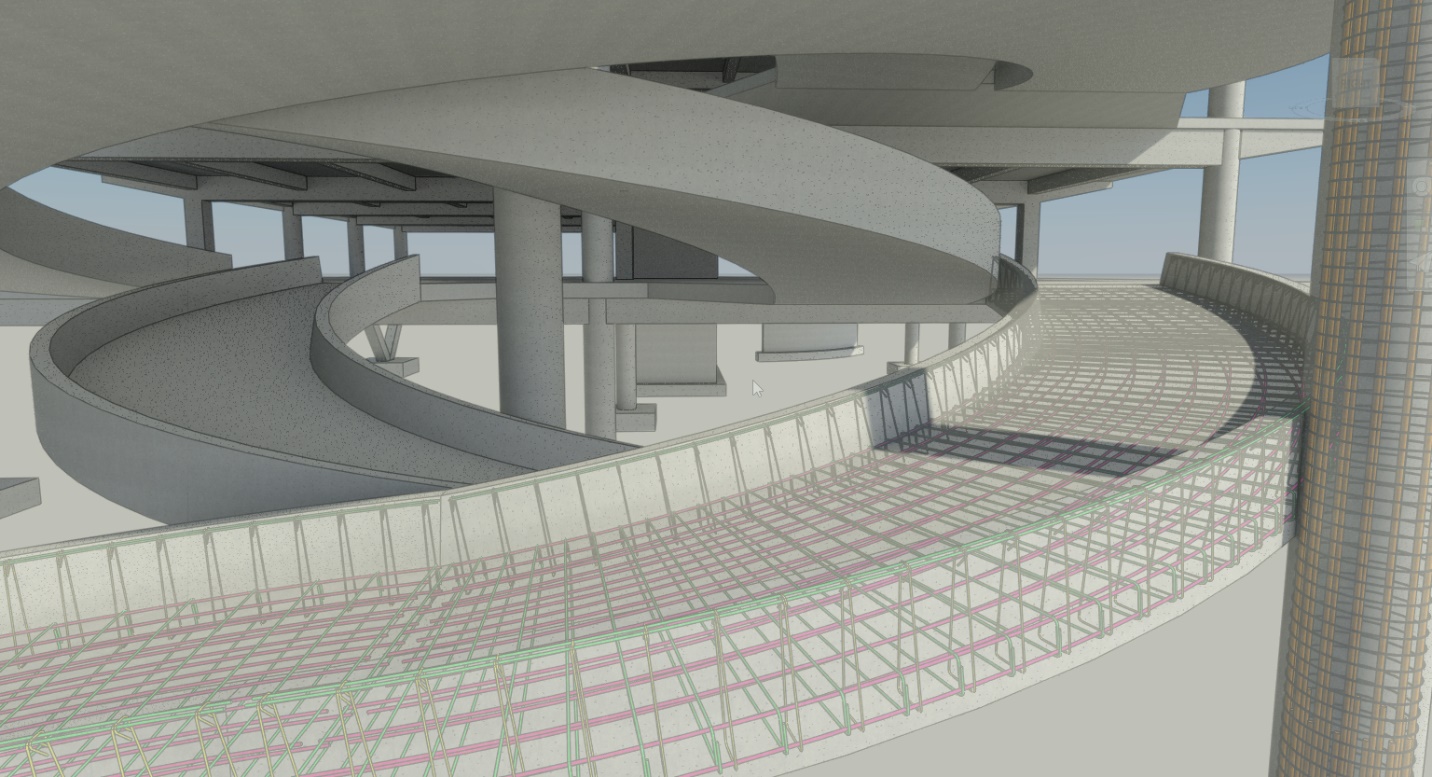
The 2D to BIM Story: A Better Approach to Concrete Design and Detailing
CAD has helped grow the architecture, engineering, and construction (AEC) industry far beyond manually produced paper drawings, empowering us to produce more complex, more accurate designs. Today, the AEC industry continues to face new challenges, including financial constraints that increase pressure to…
Structure
-
Resources and Roadmap for Generative Design in Autodesk Revit and Dynamo
Where to start learning about generative design in Revit and the product team takes your questions.
Architecture
-
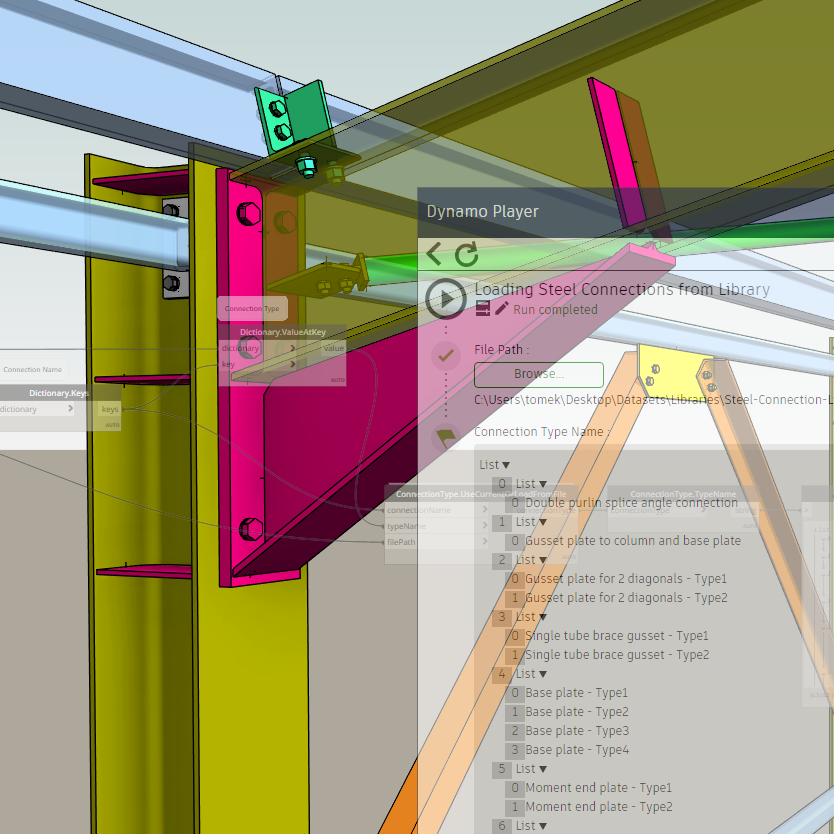
Loading Steel Connections from Libraries using Dynamo
The new version (2020.2.115) of the Autodesk Steel Connections 2020 Dynamo package introduces a bunch of new Dynamo nodes and capabilities. One of these new features allows Dynamo scripts to load preconfigured connection types from external Revit files, rather than requiring them…
Structure
-
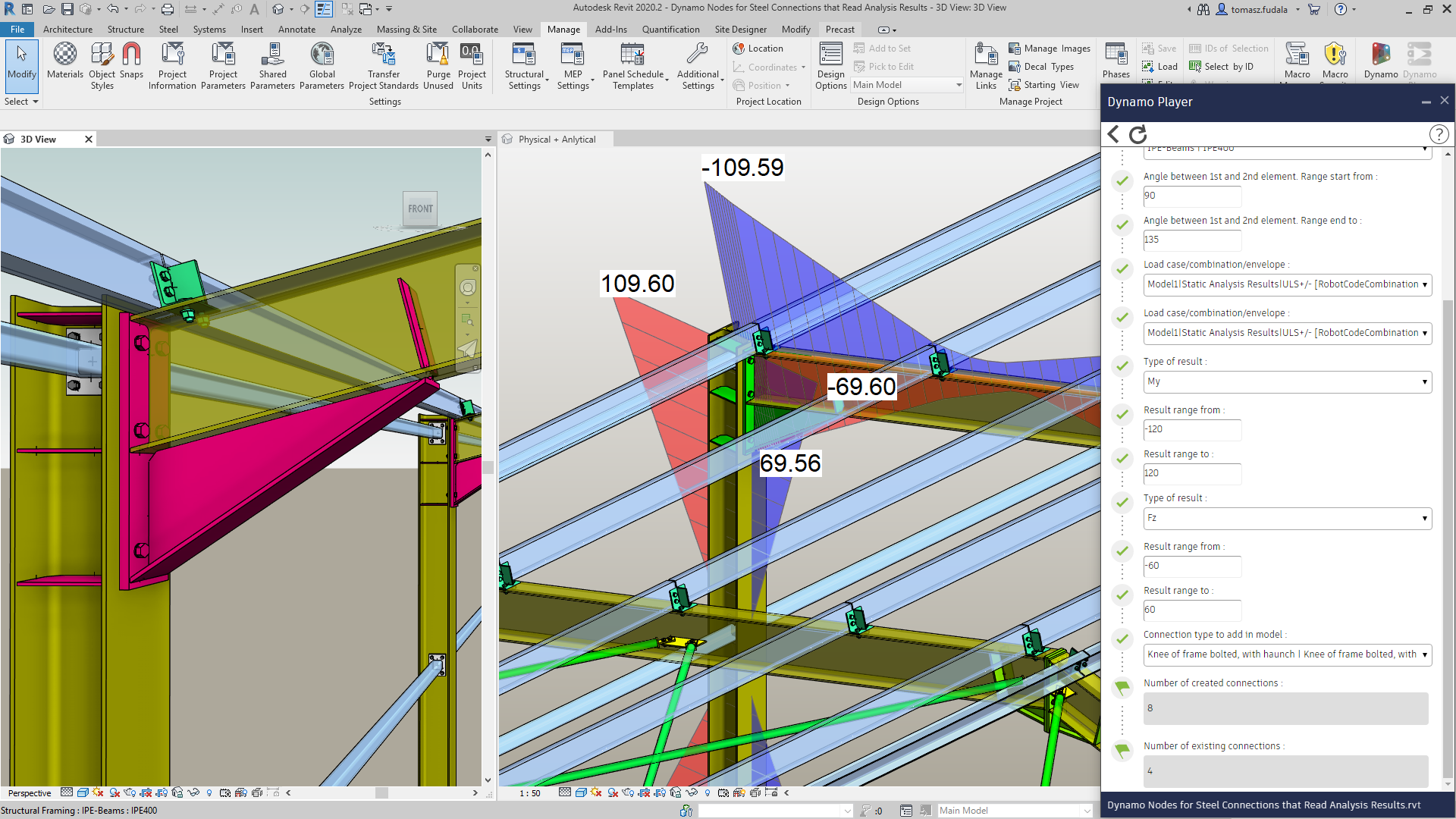
New Dynamo Features to Automate Connections Modeling with Design Input and Predefined Libraries
With Autodesk University 2019 unfolding this week, it’s a perfect time to introduce new functionalities in Dynamo that will empower structural engineers to bring automation into their steel connection workflows. With the Revit 2020.2 point release, new Dynamo nodes and sample scripts…
What’s New
-
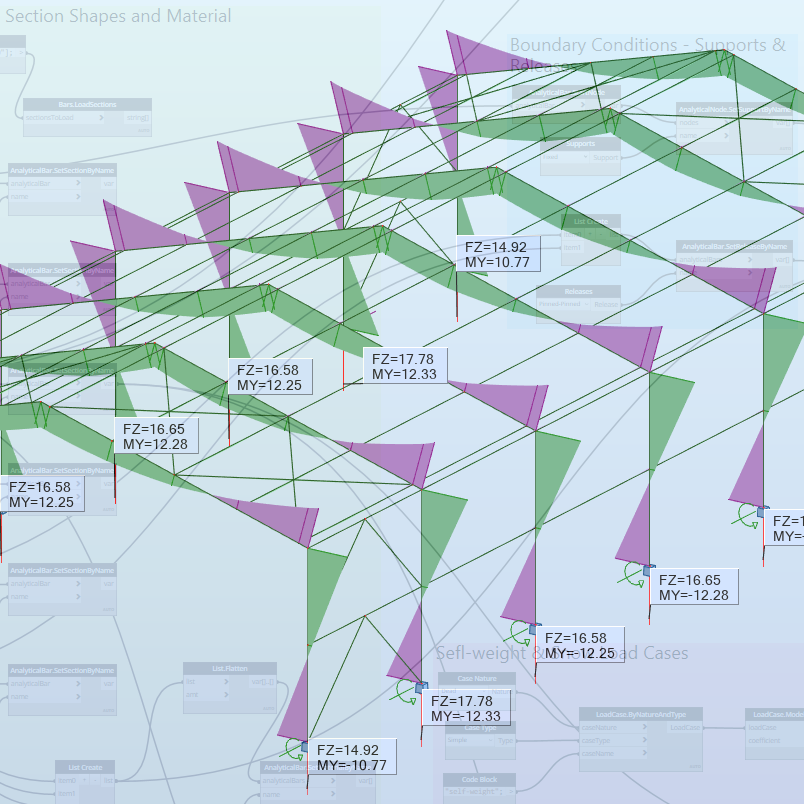
Portal Frame with Structural Analysis for Dynamo Package – Part 02
In the Part 1 of this topic I demonstrated how to leverage the portal frame Dynamo geometry to create its analytical model representation in Robot Structural Analysis Professional. I also introduced the Structural Analysis for Dynamo package that enables parametric modeling and…
Structure
-
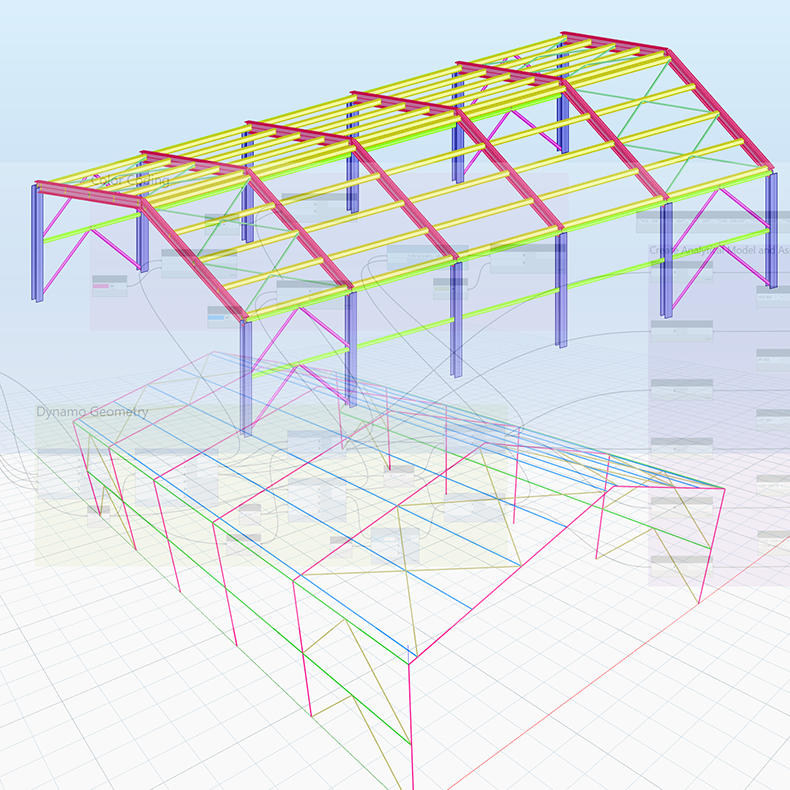
Portal Frame with Structural Analysis for Dynamo Package – Part 01
In my previous post I showed you how to create a fully parametrized portal frame geometry in the Dynamo environment. After the Dynamo geometry is set, you can create the analytical model representation of this geometry in the Robot Structural Analysis Professional…
Structure