AU Class
AU Class
class - AU

Let's Get Together: Using Connectors in FEA

Share this class
Search for keywords in videos, presentation slides and handouts:

    Description

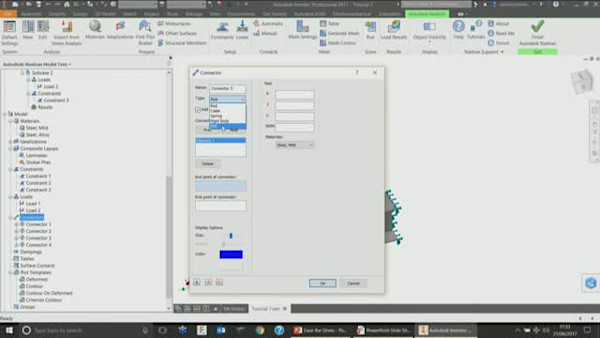
    This class covers the use of bolted connections, joints, rigid elements, and other element types to link parts within multi-body assemblies inside Autodesk Nastran In-CAD and Simulation Mechanical.  Several models will be displayed to highlight the differences between solid and idealized connectors, and how each approach can affect the results. 

    Key Learnings

    • Discover the differences between various connectors
    • Understand the limitations of using connectors over solid modeled components
    • Learn how to use automated connectors like Bolted Connections
    • Develop skills to construct connectors manually

    Tags

    Product
    Inventor Nastran
    Fusion
    Inventor
    Industries
    Product design and manufacturing
    Topics
    Simulation & Analysis
    Finite Element Analysis
    People who like this class also liked

    Ease the Stress
    Instructional Demo

    Ease the Stress

    Up and Running with Nastran In-CAD
    Hands-on Lab

    Up and Running with Nastran In-CAD

    Autodesk CFD and Inventor Nastran—Best Tools to Design Ecofriendly Electric Cars
    Industry Talk

    Autodesk CFD and Inventor Nastran—Best Tools to Design Ecofriendly Electric Cars

    Just in Time! Computational Design Creates a Uniquely Better Suspension
    Explore

    Just in Time! Computational Design Creates a Uniquely Better Suspension

    FEA Best Practices: Speed-Up Simulation Workflow in Autodesk Fusion 360 and Inventor
    Instructional Demo

    FEA Best Practices: Speed-Up Simulation Workflow in Autodesk Fusion 360 and Inventor

    Enhancing Autodesk Inventor Nastran with Femap: Unleashing Advanced Meshing and Midsurfacing Capabilities
    Instructional Demo

    Enhancing Autodesk Inventor Nastran with Femap: Unleashing Advanced Meshing and Midsurfacing Capabilities