
Description
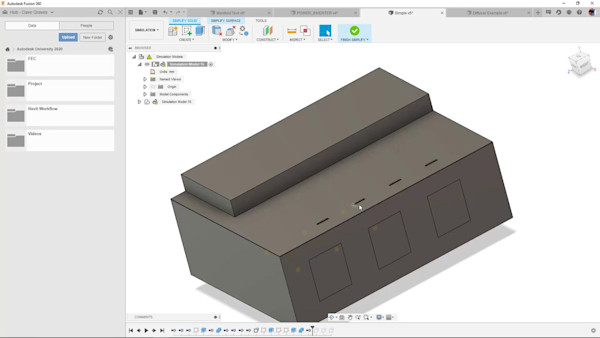
Have you attended our Autodesk University Factory Live Experience? Want to learn how we created some of the parts using Autodesk Fusion 360 software’s newest extension? In this session, the team that helped design the casing for the Autodesk University name badges will walk through how the NEW Autodesk Fusion 360 Product Design Extension can automate your design for plastic injection molding by defining your manufacturing up front, automating repetitive modeling tasks, creating manufacturing-specific features, and checking for manufacturing defects through simulation. These tools can increase your speed of development, improve your relationship with suppliers, and reduce your time to market. Come see how Autodesk Fusion 360 Product Design Extension can help you with your next plastic injection molding design!
Key Learnings
- Learn what’s in the new Product Design Extension.
- Learn how to use Product Design Extension to automate your workflows.
- Learn about using the Design Advice to check for manufacturability.
- Learn about simulating the entire manufacturing process all in the same platform.
Downloads
Tags
Product | |
Industries | |
Topics |
People who like this class also liked

Autodesk Product Briefing
Generative Design in Fusion 360: A Year in Review and a Look Ahead


Instructional Demo