Autocad
  • Blog
  • Learning
  • Product News
  • Customer Spotlight
  • Events
Download Free Trial
Buy

Learning

  • Switching tracks from Microstation to AutoCAD
    Learning
    AU 2015 Recorded AutoCAD Classes: Surviving the Switch from MicroStation to AutoCAD

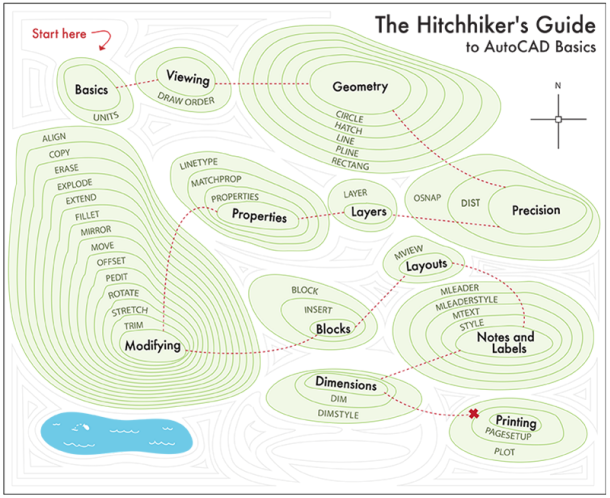
  • Map of Hitchhiker's Guide to AutoCAD Basics.
    Learning
    The Hitchhiker's Guide to ... the Basics of AutoCAD Viewing

  • The right software trial helps ensure you'll make the best use of AutoCAD. A gear assembly designed with AutoCAD software.
    CAD Management
    Autodesk CAD Manager Center—Your Guide to Software Trial Success

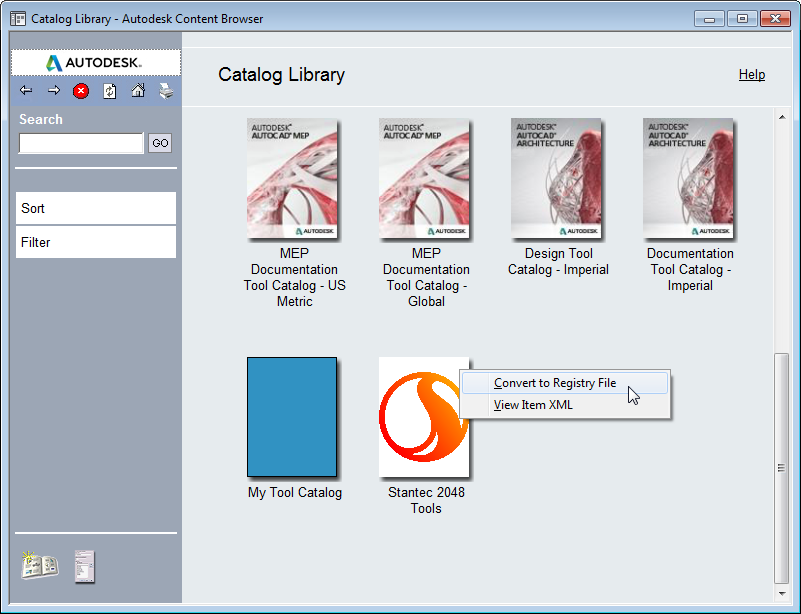
  • Publish AutoCAD-based product catalog data in a bootstrapped deployment.
    CAD Management
    Bootstrap AutoCAD Deployments for Customizations (7)

  • Survey data in AutoCAD Civil 3D
    Learning
    AU 2016 Video: Advanced Tips for Survey Data in AutoCAD Civil 3D

  • Lynn Allen photo_tips and tricks
    Learning
    AutoCAD Command Line Enhancements — Better Three Ways: Tuesday Tips with Lynn

  • Adding 3D Modeling to 2D Designs, Part 3
    Learning
    Adding 3D Modeling to 2D Designs, Part 3

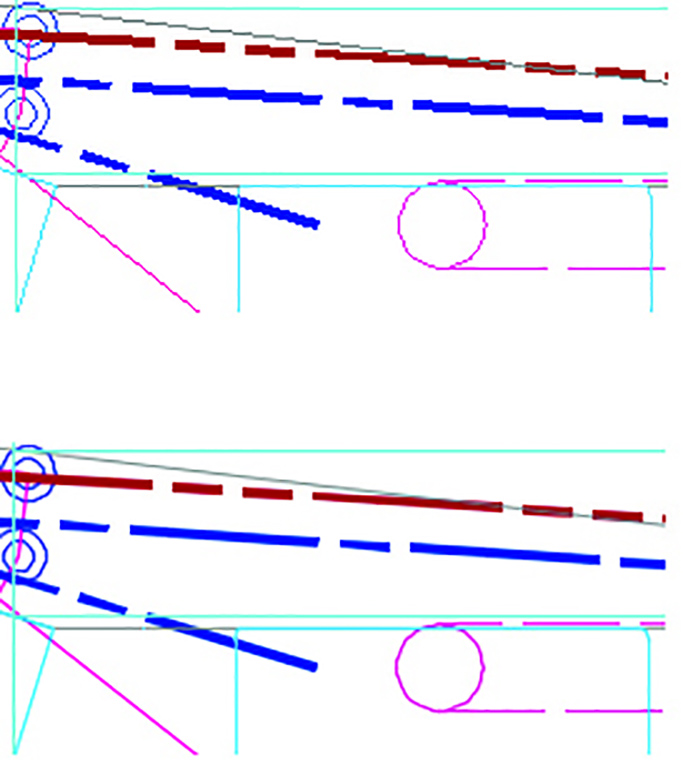
  • Improved Graphics: Before and After
    Learning
    (Don’t) Jump Around – Graphics Enhancements, Part 1: Tuesday Tips With Lynn

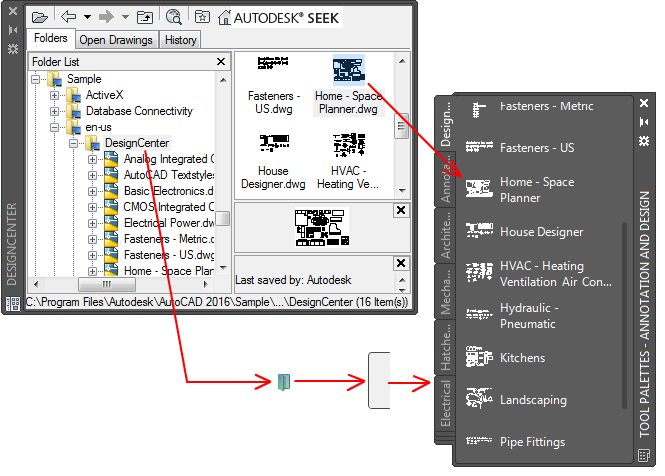
  • Create an AutoCAD tool palette tab using a DesignCenter shortcut menu.
    Learning
    Autodesk University 2015 AutoCAD Recorded Classes: Palling Around with Tool Palettes

Previoius
  • 1
  • ...
  • 68
  • 69
  • 70
  • 71
  • 72
  • 73
  • 74
  • ...
  • 78
Next
Autodesk
Company overview
Careers
Investor relations
Newsroom
Diversity and belonging
Autodesk Foundation
Sustainability
Contact us
Students and educators
Affiliate program
Autodesk Research

How to buy

View all products
Buying with Autodesk
Renewal options
Find a reseller
Sales and refunds
Choose your subscription plan
Pay as you go with Flex
Support
Product support
Manage your account
Download and install software
COVID-19 resources
Education support
Contact support

Privacy | Do not sell or share my personal information | Cookie preferences | Report noncompliance | Terms of use | © 2026 Autodesk Inc. All rights reserved