-
Data Exchange Connector for McNeel Rhino® Now in Public Beta
The new Rhino Connector makes it easier to share geometry and property data with Revit. Autodesk is pleased to announce the release of the McNeel Rhino Connector into Public Beta. Built on Autodesk Forge, the Rhino Connector lets you share geometry and…
Architecture
-

Customer Feedback: How You Can Help Shape the Future of Revit
You are working on a Revit project, and something happens. You suddenly have an idea for a feature you need. Or something just is not working the way it should. Maybe you would just like to see what is in the works…
Roadmaps
-

Data Exchange Connector for Autodesk Revit Now in Public Beta
Create and update Data Exchanges directly in Revit with a new Data Exchange Connector for the desktop. Back in April of this year, we launched Data Exchanges, a new way to share and manage your data across the teams and apps you…
Technology Preview
-
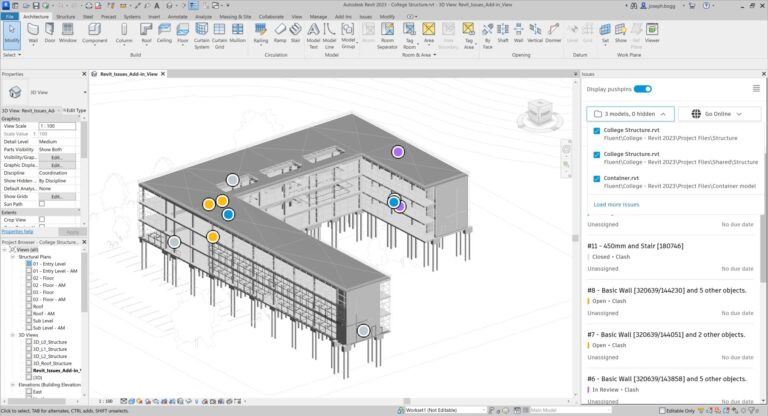
New Release for Revit Issues Add-in Now Available
In July, a new update to the Revit issues add-in released to the Autodesk Construction Cloud, which enables you to view issues from linked Revit models, visualize Model Coordination clashes by tolerance, and view issues from the project model in Design Collaboration.…
What’s New
-
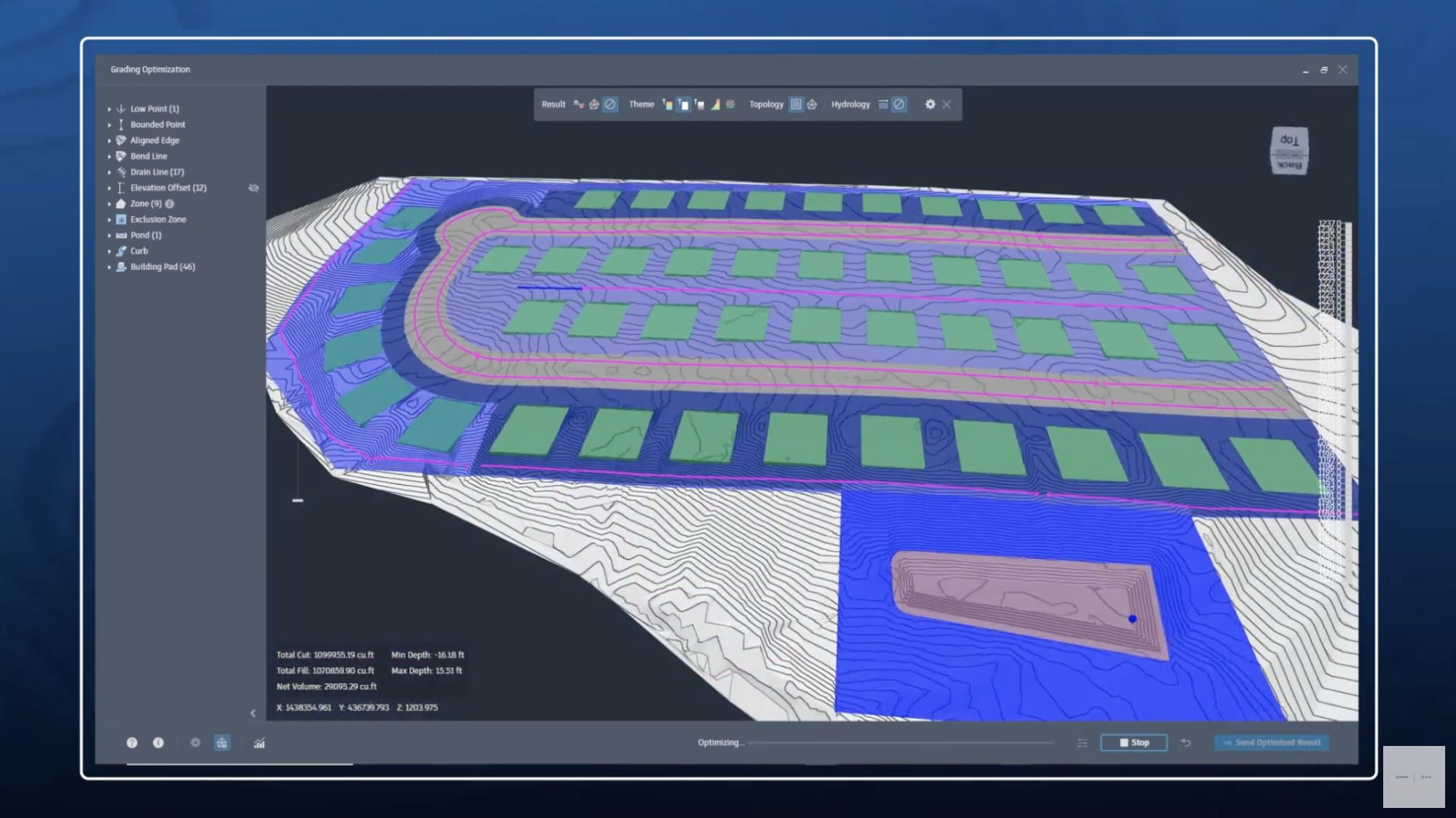
What’s New in Grading Optimization for Civil 3D
Autodesk Grading Optimization for Civil 3D helps eliminate the tedious, often time-consuming process of grading tasks from your design workflow. In this article we’ll review the latest capabilities in this extension for Autodesk Civil 3D. You’ll also find a collection of highly…
What’s New
-
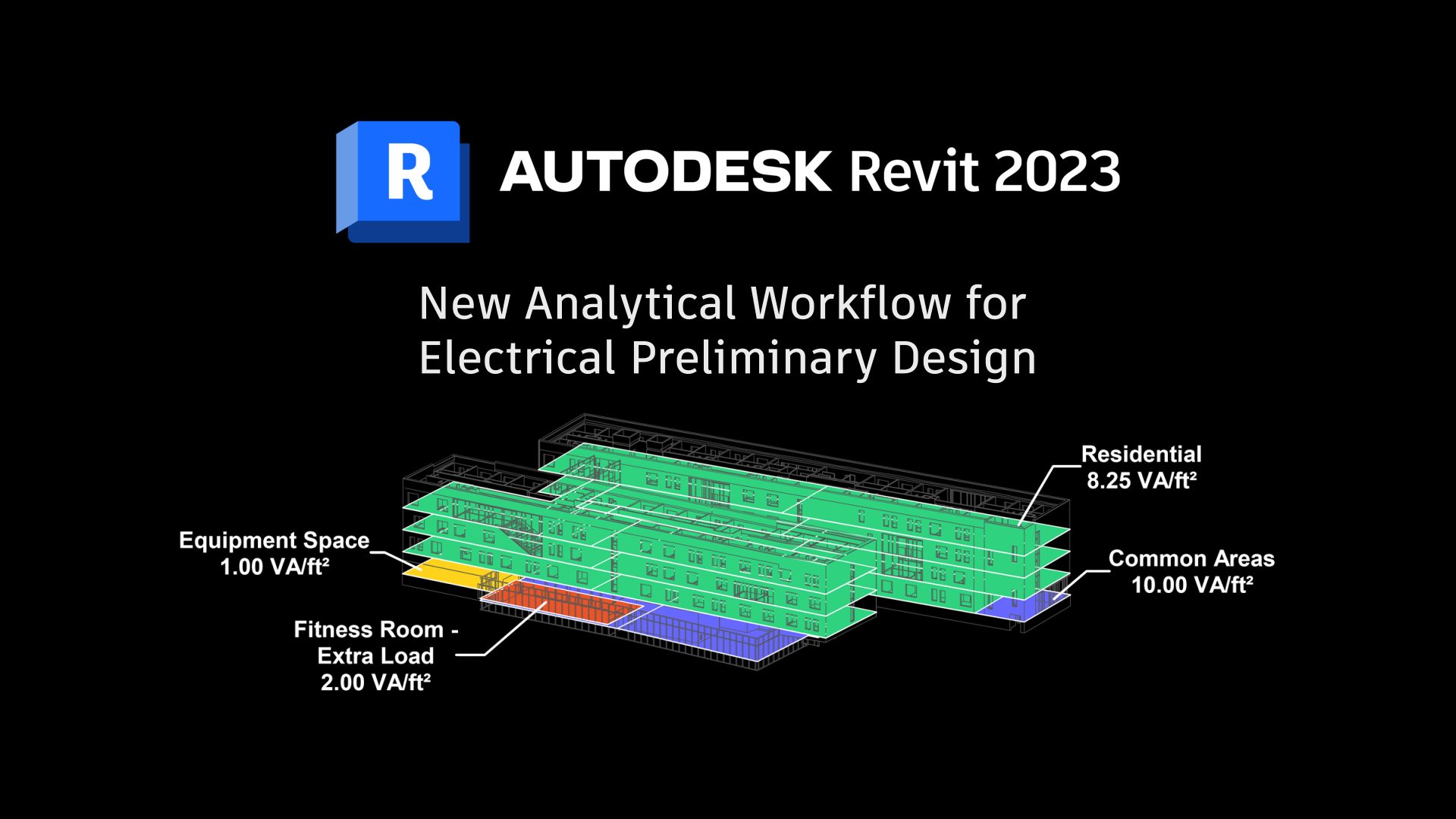
Revit 2023: New Analytical Workflow for Electrical Conceptual Design
Authored by: Martin Schmid, Product Manager and Brandon White, Technical Marketing Manager With the launch of Revit 2023, we shared a What’s New for MEP post, and mentioned the new electrical preliminary design capabilities in Revit. In this post, we will dig in…
MEP