Artist-friendly 3D animation software
Artist-friendly 3D animation software
ONI: Thunder Gods Tale. Image courtesy of Megalis VFX.
 An artist motion captures an actors movements for 3D animation
What is 3D animation?
What is 3D animation?

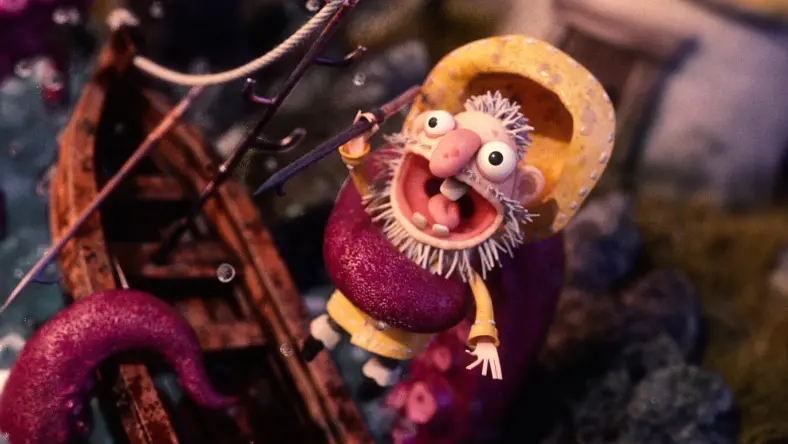


 A 3D model by Peter Sandeman entitled Theres a Snake in My Boots shows a boy on a hobby horse.
Enhanced principles
Enhanced principles
 Image courtesy of Joel Zakrisson.
Meet growing demand with powerful 3D animation workflows
Meet growing demand with powerful 3D animation workflows
 Image courtesy of Alexandre Mougenot.
Animate your vision into reality with battle-tested features
Animate your vision into reality with battle-tested features

Asset modeling
Asset modeling
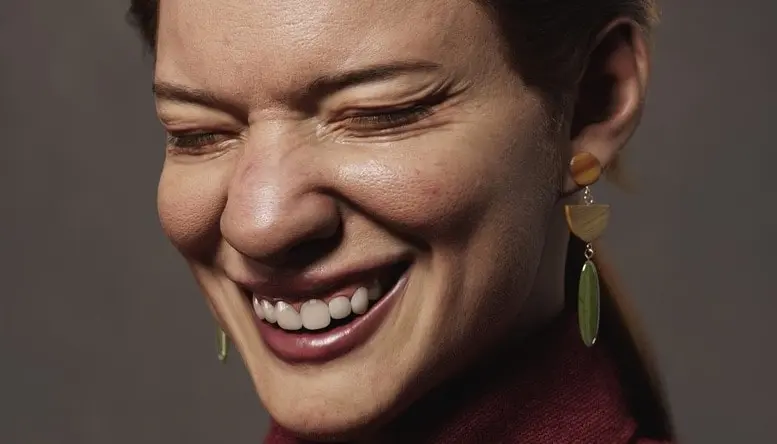
Character animation software
Character animation software
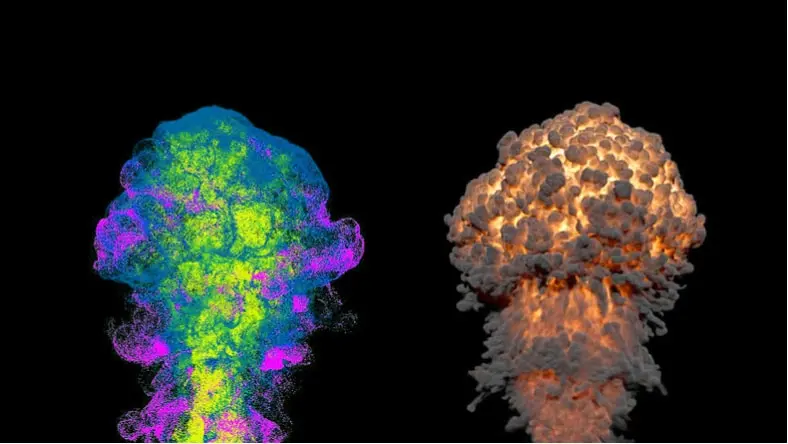
Dynamics and effects
Dynamics and effects
Unlock educational access to Autodesk software
Unlock educational access to Autodesk software
 Image courtesy of Mikros Animation
Balancing art and technology for storytelling in animation
Balancing art and technology for storytelling in animation


 Image courtesy of EyeQube Studios Pvt. Ltd.
How is 3D animation changing?
How is 3D animation changing?
 Image courtesy of Tim Burroughs.
Future-proof animation workflows with open standards
Future-proof animation workflows with open standards
 Image courtesy of Cinzia Angelini.
Boost your brand with intuitive 3D animation software
Boost your brand with intuitive 3D animation software
What is 3D animation?
3D animation uses computer graphics to make objects look like they’re moving in three-dimensional space. Artists use 3D modeling software to build these objects. Next comes rigging, the process of creating a skeleton for the 3D model or character. Animators pose the rig at strategic points, enabling it to move and perform a range of actions and gestures. Newer methods of animation involve motion capture, which records an actor’s live movements for digital animation.
What are the essential skills required for 3D animation?
The most essential skills for making 3D animation are the comprehensive skills needed for animation software such as Maya or 3ds Max. These skills include creating 3D models, textures, lighting, other visual effects, and the animation itself through keyframing and/or motion capture.
Additional artistic and soft skills will also help. Understanding the principles of animation in general—like timing, spacing, anticipation, and squash-and-stretch—will apply to 3D animation specifically, as will a knack for drawing, visual composition, color, and design. Attention to detail and soft skills like problem-solving and good team communication are also important.
How long does it take to create a 3D animation?
Creating a 3D animation takes a considerable amount of time, as well as skills and organization. The specific time it takes for 3D animation depends on the animation’s complexity and required detail, the number and experience level of contributors, the length of the animation, and the specific hardware and software technologies.
A very simple 3D animation may take only a few hours, or it could take several days to create a 30-second clip. Popular feature-length 3D-animated movies almost universally require a large team and multiple years to produce.
Can 3D animation be used in virtual reality (VR) experiences?
Yes, 3D animation can be and quite frequently is used in VR experiences. 3D animations help build out the immersive and interactive environments of VR. Their ability to represent hyperrealistic surroundings with lifelike textures, physics, lighting, and so forth can make VR worlds convincing to the user.
However, 3D animations intended specifically for VR use need to factor in concerns like user interactivity, potential motion sickness, and so on. Those concerns contribute to making 3D animations for VR even more complicated to create than 3D animations for traditional screens.
Which Autodesk software is best for 3D animation?
Autodesk offers a complete suite of tools for creating high-quality animated content:
3ds Max offers a rich and flexible toolset for modeling 3D assets and environments.
Maya has the animation toolset to bring 3D assets to life, from animating attributes of any object to transforming joints and bones, inverse kinematics (IK) handles, and models over time.
Arnold is integrated with Maya and 3ds Max, enabling high-quality previews and quick iterations.
MotionBuilder helps you capture, edit, and play back complex character animations.
Flow Production Tracking (formerly ShotGrid) streamlines workflows for animation studios by unifying production management, creative reviews, and pipelines.
What collaboration features are included in Autodesk 3D animation software?
Autodesk software excels at making collaboration on 3D animation projects more efficient. The Media & Entertainment Collection includes all the tools necessary to build a powerful and scalable 3D animation pipeline. Add Flow Production Tracking (formerly ShotGrid) production management software to simplify animation reviews and project management and unify geographically dispersed teams.
How can Autodesk software help speed up 3D animation workflows?
Autodesk software drives efficiency in 3D animation workflows. From 3ds Max and Maya for modeling and animation to Arnold for rendering and Flow Production Tracking (formerly ShotGrid) for production management, Autodesk software streamlines the entire process from asset creation through final output. Recent updates to both 3ds Max and Maya have focused on helping animators work more efficiently. For example, cached playback in Maya drastically increases the speed of animation playback by letting you evaluate iterations of animation right in the viewport, rather than producing multiple playblasts. Arnold is the default renderer in both 3ds Max and Maya, allowing you to see high-quality previews of animations and iterate changes fast.
Why choose 3ds Max or Maya for 3D animation?
3ds Max and Maya are both used by creative studios around the world for animation, modeling, visual effects, and rendering. 3ds Max offers a robust toolset for modeling, intuitive texturing and shading, and high-quality rendering; Maya offers powerful tools for character creation, lifelike animation, and detailed simulations.
Read more about the differences between 3ds Max and Maya.
What is the difference between 2D and 3D animation?
2D animation involves drawing characters and scenes in a two-dimensional space, often by hand or using digital tools. 3D animation uses computer-generated imagery to create three-dimensional models and environments. While 2D animation has a more traditional, artistic feel, 3D animation offers greater depth and realism.