2D CAD drafting and drawing
2D CAD drafting and drawing
2D CAD software offers limitless possibilities, from crafting a dream treehouse to precise technical drawings. Professionals and beginners alike appreciate its user-friendly, advanced capabilities, available in the AutoCAD products.
What is 2D CAD software?
What is 2D CAD software?
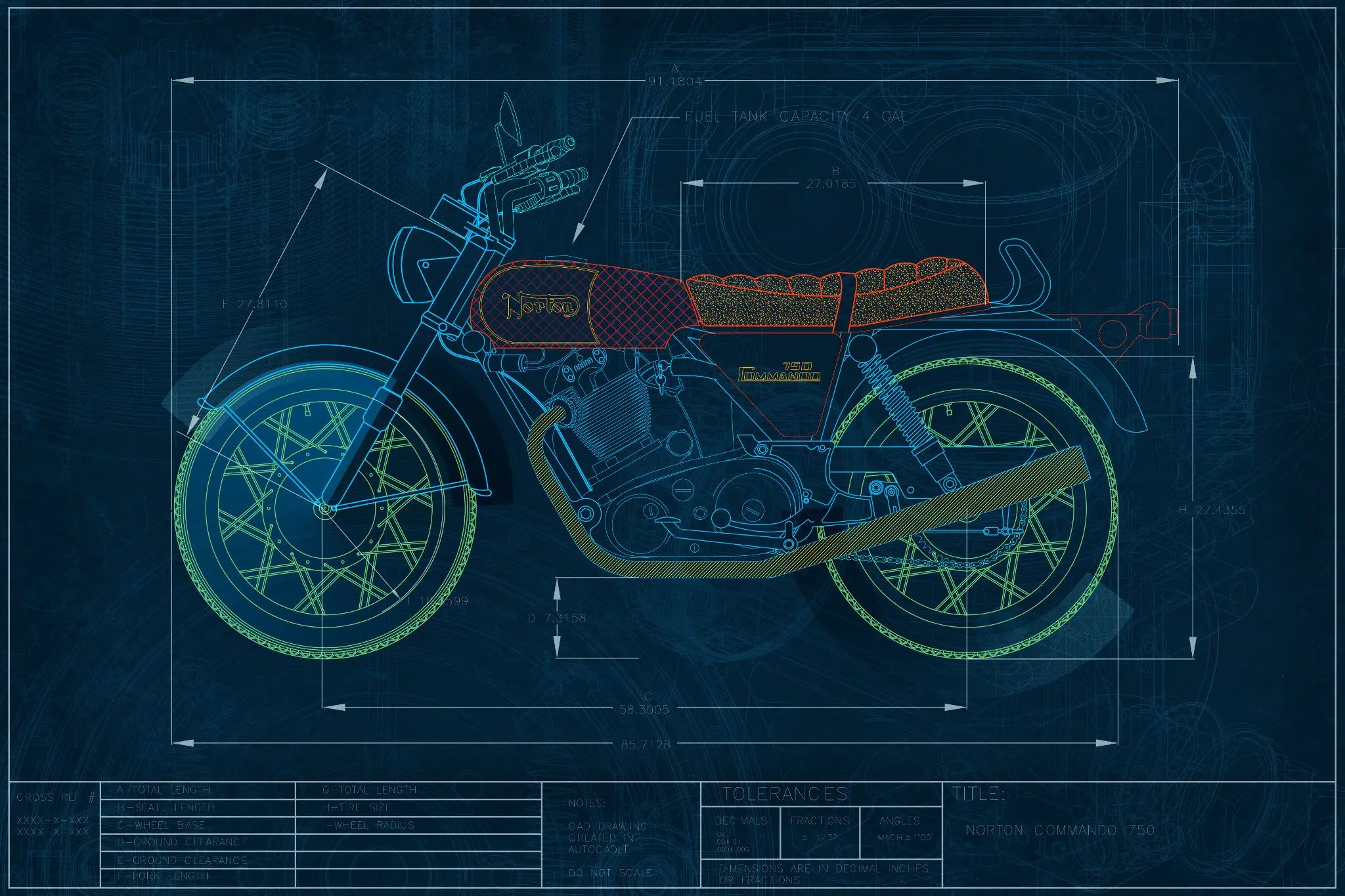
2D computer-aided design (CAD) software is a digital platform that allows professionals in fields like architecture, engineering, and manufacturing to create precise technical drawings and plans in two dimensions.
AutoCAD and AutoCAD LT are popular 2D CAD software tools that provide a digital platform for crafting detailed floor plans, producing drawings for building permits, and designing mechanical components with precision.
2D computer-aided design (CAD) software is a digital platform that allows professionals in fields like architecture, engineering, and manufacturing to create precise technical drawings and plans in two dimensions.
AutoCAD and AutoCAD LT are popular 2D CAD software tools that provide a digital platform for crafting detailed floor plans, producing drawings for building permits, and designing mechanical components with precision.

How do professionals use 2D CAD software?
How do professionals use 2D CAD software?
2D CAD is a type of software that helps people create drawings and plans on a computer. It's used in different industries, like architecture and engineering, to create plans for buildings or products. With 2D CAD, you can quickly insert commonly used building parts, like doors or furniture, and easily change the design.
Autodesk offers 2D software applications such as AutoCAD LT that are used for designing and creating products. These software tools provide features that aid in creating accurate 2D drawings, which are faster and more precise than manual drawings.
2D CAD is a type of software that helps people create drawings and plans on a computer. It's used in different industries, like architecture and engineering, to create plans for buildings or products. With 2D CAD, you can quickly insert commonly used building parts, like doors or furniture, and easily change the design.
Autodesk offers 2D software applications such as AutoCAD LT that are used for designing and creating products. These software tools provide features that aid in creating accurate 2D drawings, which are faster and more precise than manual drawings.
2D drawing and drafting
2D drawing and drafting
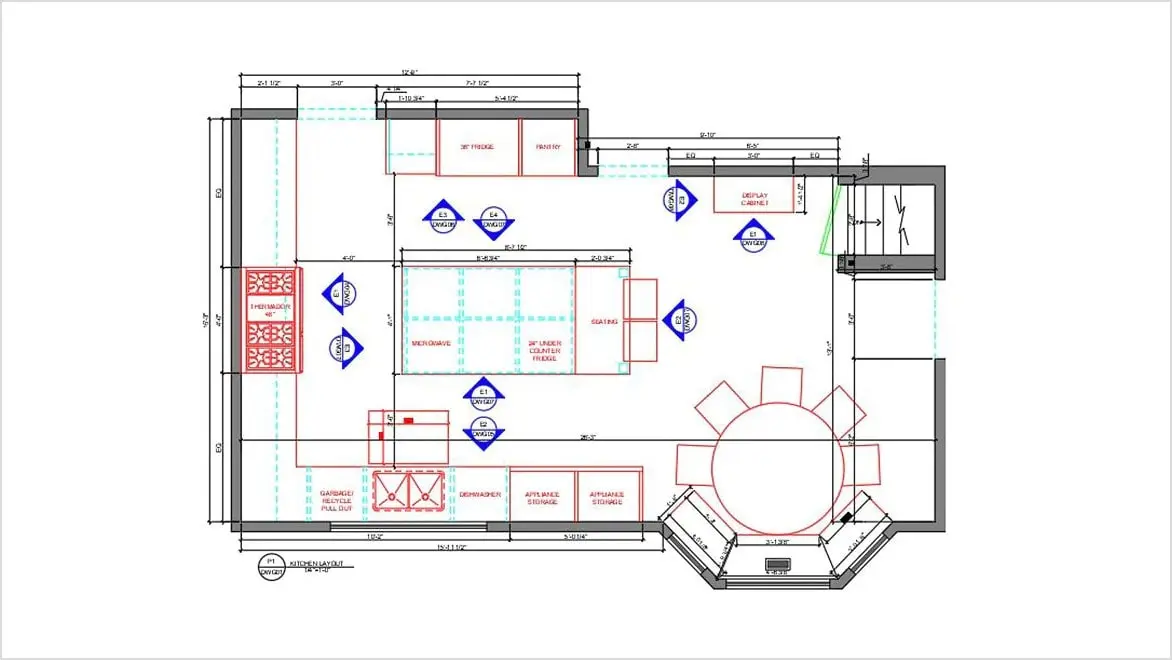
With 2D CAD, users can create technical drawings with an array of features, including adjustable line styles, closed shapes, and crosshatching. 2D CAD offers the ability to save settings; annotate drawings; and easily replicate fonts, styles, and color pallets. Its collaborative interface increases efficiency with multiple-component projects, such as product design or illustrations.
2D CAD software makes it easier to take concepts from the drawing/design phase to the drafting phase to flesh out precise dimensions and scale. Architects, engineers, and construction professionals will appreciate the built-in efficiency in AutoCAD, offering features that streamline the drawing process alongside integrated workflows. Users can develop landscaping layouts, floor plans, and more, as well as view and collaborate on plans across a multitude of devices, including desktop, web, and mobile.
With 2D CAD, users can create technical drawings with an array of features, including adjustable line styles, closed shapes, and crosshatching. 2D CAD offers the ability to save settings; annotate drawings; and easily replicate fonts, styles, and color pallets. Its collaborative interface increases efficiency with multiple-component projects, such as product design or illustrations.
2D CAD software makes it easier to take concepts from the drawing/design phase to the drafting phase to flesh out precise dimensions and scale. Architects, engineers, and construction professionals will appreciate the built-in efficiency in AutoCAD, offering features that streamline the drawing process alongside integrated workflows. Users can develop landscaping layouts, floor plans, and more, as well as view and collaborate on plans across a multitude of devices, including desktop, web, and mobile.
2D CAD drafting and drawing software

NEW OFFER - Flex now starting at $99
Autodesk Flex lets you prepay with tokens for flexible access to 100+ Autodesk products for a daily rate. Rates vary based on the product used. Flex is a great option for team members or solopreneurs who want to explore a product or only need project-based access. Combine Flex tokens with Autodesk products on select projects to:
Access 3D capabilities, BIM modeling and industry-specific toolsets.
Run advanced simulations, generate photorealistic renders, and access specialized manufacturing tools.
Scale software access up during production peaks without extra seats or long-term commitments.
What can you design with 2D CAD software?

Architectural floor plans
Architectural floor plans
The special arrangement of windows, doors, and interior and exterior spaces is essential to any architectural design project.
The special arrangement of windows, doors, and interior and exterior spaces is essential to any architectural design project.

Technical drawings
Technical drawings
From product assembly to engineering layouts, technical drawings are better with the accuracy of 2D CAD software.
From product assembly to engineering layouts, technical drawings are better with the accuracy of 2D CAD software.

Interior design
Interior design
The interplay of color, texture, light, and space can be expertly depicted in 2D CAD software.
The interplay of color, texture, light, and space can be expertly depicted in 2D CAD software.

Landscape design
Landscape design
Designing a landscape layout requires notating every detail of plant species and hardscape material.
Designing a landscape layout requires notating every detail of plant species and hardscape material.
See how customers are using 2D CAD software

RED BEAN INTERIOR DESIGN
AutoCAD LT opens doors for interior designer
AutoCAD LT opens doors for interior designer
An Interior designer highlights her skills with AutoCAD LT to land a new job and creates a competitive advantage for the firm.
An Interior designer highlights her skills with AutoCAD LT to land a new job and creates a competitive advantage for the firm.

WISE LABO
Moxy hotel blends fun and design with AutoCAD LT
Moxy hotel blends fun and design with AutoCAD LT
Discover how Tokyo-based Wise Labo blends fun, inspiration, and AutoCAD LT for the design of the Moxy Hotel in Osaka.
Discover how Tokyo-based Wise Labo blends fun, inspiration, and AutoCAD LT for the design of the Moxy Hotel in Osaka.

NATURE'S DESIGNS
Helping a landscape design business blossom
Helping a landscape design business blossom
A landscape designer shares the inspiration to start her own business and how AutoCAD LT helps her succeed with the design process.
A landscape designer shares the inspiration to start her own business and how AutoCAD LT helps her succeed with the design process.

Extend your workflow with 2D to 3D CAD software
Extend your workflow with 2D to 3D CAD software
Bring complex ideas to life by turning 2D drawings into 3D models with integrated software from Autodesk. Streamline digital workflows for design, visualization, and 3D simulation to transform the 2D-to-3D creative process.
Bring complex ideas to life by turning 2D drawings into 3D models with integrated software from Autodesk. Streamline digital workflows for design, visualization, and 3D simulation to transform the 2D-to-3D creative process.
2D CAD software frequently asked questions (FAQ)
What is 2D CAD software?
2D CAD software is used to create precise two-dimensional technical drawings and documentation digitally. It is commonly used in architecture, engineering, manufacturing, construction, and design to replace manual drafting processes.
What can you design with 2D CAD software?
2D CAD software is used to create:
It supports a wide range of industries and project types, from product assembly to building permits.
Who uses 2D CAD software?
Architects, engineers, drafters, designers, manufacturers, and construction professionals use 2D CAD software to create accurate technical drawings, floor plans, schematics, and project documentation for design, manufacturing, and construction projects.
What are the benefits of 2D CAD software?
The benefits of 2D CAD software include improved accuracy, faster revisions, better organization, and increased productivity. Digital drafting tools help teams create and update technical drawings more efficiently than manual drafting methods.
What is the difference between 2D CAD and 3D CAD?
2D CAD creates flat technical drawings using height and width dimensions, while 3D CAD creates three-dimensional models with height, width, and depth. 2D CAD is commonly used for drafting and documentation, whereas 3D CAD is used for design visualization, modeling, and analysis.
Which Autodesk products are available for 2D CAD drafting and drawing?
Autodesk offers AutoCAD, AutoCAD LT, and AutoCAD Web for 2D drafting and drawing. AutoCAD LT focuses on 2D drafting and documentation, while AutoCAD adds 3D modeling, automation, and industry-specific tools. AutoCAD Web enables users to work with CAD drawings online from virtually anywhere.
What's the difference between AutoCAD and AutoCAD LT for 2D drafting?
AutoCAD and AutoCAD LT both deliver professional 2D drafting and documentation capabilities. AutoCAD includes the complete 2D drafting experience, plus additional tools for 3D modeling, industry-specific workflows, AI-powered automations, and advanced customization. AutoCAD LT is designed for users who need a cost-effective, streamlined solution focused on 2D drafting.
Is there a free trial available for AutoCAD?
Yes, Autodesk offers free trials of both AutoCAD and AutoCAD LT, allowing you to explore their drafting, drawing, and documentation features before purchasing a subscription. AutoCAD LT is designed specifically for professional 2D drafting and documentation, while AutoCAD includes additional 3D modeling, automation, and industry-specific tools.
How much do AutoCAD and AutoCAD LT cost?
AutoCAD and AutoCAD LT are available through subscription plans with monthly, annual, and 3 year options. Visit the Autodesk pricing page for current pricing and licensing details.
Can students and educators access Autodesk 2D CAD software for free?
Yes, eligible students and educators can access Autodesk 2D CAD software, including AutoCAD and AutoCAD LT, at no cost through the Autodesk Education plan. The plan provides free educational access to Autodesk software for learning, teaching, and academic projects, subject to eligibility requirements.
Can 2D CAD drawings be extended into 3D models?
Yes, Autodesk software such as Autodesk AutoCAD and Autodesk Fusion can help users use 2D CAD drawings, DWG/DXF files, or sketch geometry as a starting point for creating 3D objects and models. This helps streamline workflows from drafting to design, visualization, prototyping, and simulation.
To learn more, watch the AutoCAD tutorial on converting 2D objects to 3D objects and read the Autodesk Fusion support article on importing DWG files into Fusion.