ONLINE CAD AND CLOUD CAD SOFTWARE
ONLINE CAD AND CLOUD CAD SOFTWARE
Work faster and smarter from anywhere with online and cloud CAD software.

What is cloud and online CAD software?
What is cloud and online CAD software?
Cloud and online CAD software run in a local browser or through a web or mobile app, unlike traditional CAD software installed on a local computer. They offer many of the same capabilities as traditional CAD software but are updated through a remote server and are acquired through a subscription, usually on a monthly or annual basis.
Cloud and online CAD software run in a local browser or through a web or mobile app, unlike traditional CAD software installed on a local computer. They offer many of the same capabilities as traditional CAD software but are updated through a remote server and are acquired through a subscription, usually on a monthly or annual basis.
Benefits of online CAD

DESIGN ANYWHERE
Take the power of Autodesk cloud software with you wherever you go. Draft, edit and view CAD designs on different devices.
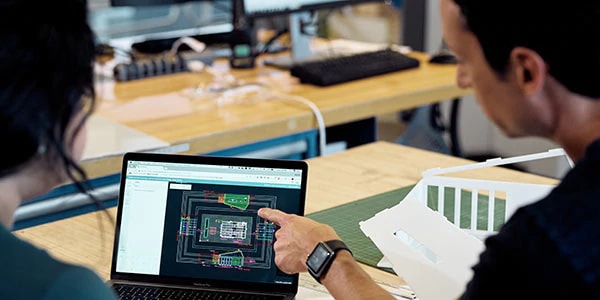
GREATER COLLABORATION
Cut down communication time and bring design teams together in an environment that harnesses the power of the cloud. Keep team members updated with the most recent designs and plans.

STREAMLINED WORKFLOWS
Streamline your drafting, review, and revision workflows. Track projects, add comments, share files, and take your projects on-site with online CAD or via your mobile device.
Our best-selling online cad software & programs
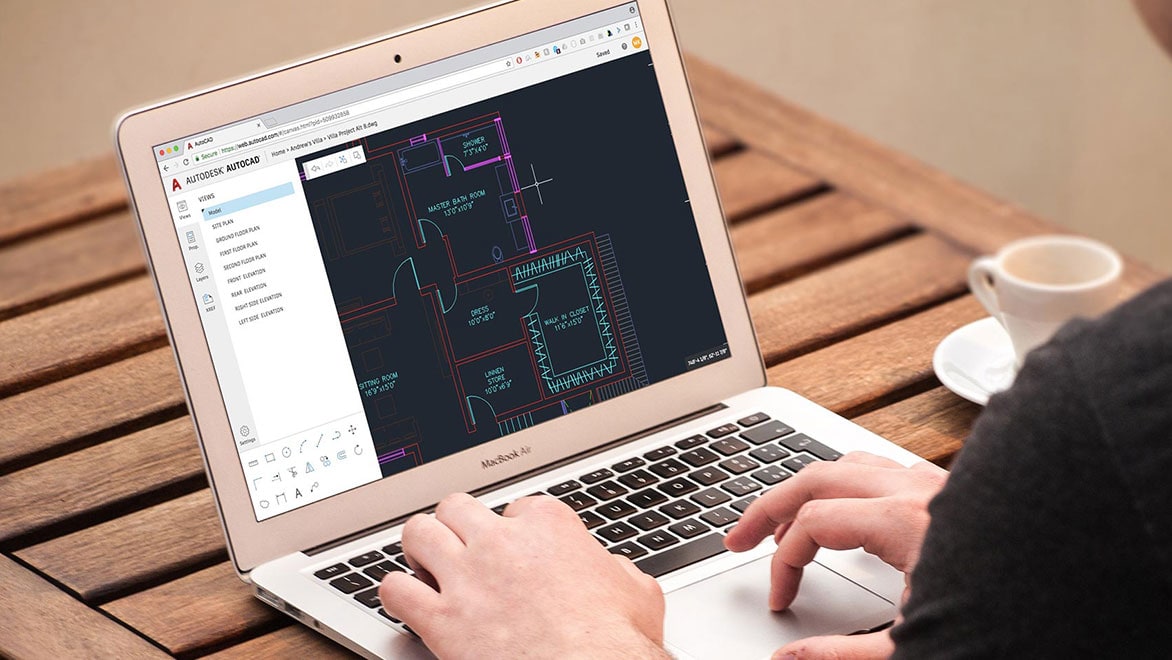
AutoCAD web app
AutoCAD web app
With no install required, you can extend your workflows and view and edit your CAD drawings quickly in a web browser on any computer. The new AutoCAD web app is included when you subscribe to AutoCAD and AutoCAD LT.
With no install required, you can extend your workflows and view and edit your CAD drawings quickly in a web browser on any computer. The new AutoCAD web app is included when you subscribe to AutoCAD and AutoCAD LT.

AutoCAD mobile app
AutoCAD mobile app
With the AutoCAD mobile app, you can view, create, edit, and share your drawings on the go and in the field from your mobile device. The AutoCAD mobile app is included when you subscribe to AutoCAD and AutoCAD LT.
With the AutoCAD mobile app, you can view, create, edit, and share your drawings on the go and in the field from your mobile device. The AutoCAD mobile app is included when you subscribe to AutoCAD and AutoCAD LT.
Additional cloud and online CAD software
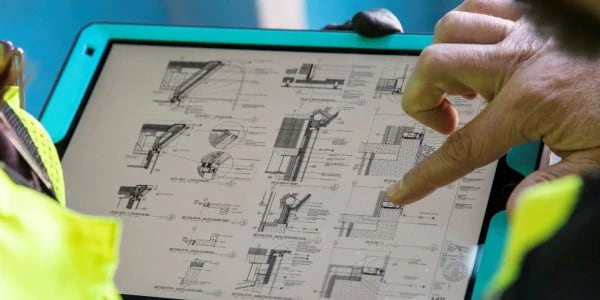
BIM 360
BIM 360 is a unified platform connecting your project teams and data in real-time, from design through construction, supporting informed decision-making and leading to more predictable and profitable outcomes.
Learn more (US Site)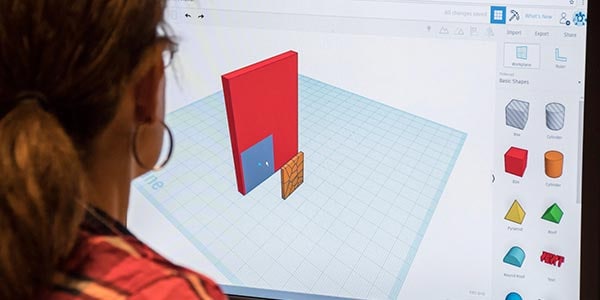
TINKERCAD
Tinkercad is a free, online CAD app for 3D design, electronics, and coding. It's used by teachers, kids, hobbyists, and designers to imagine, design, and make anything.
Try it now
AUTODESK CLOUD SERVICES
Design in the cloud using Autodesk cloud services. Edit, collaborate, and render in the cloud. Upload and access files anytime and anywhere. Whether you need to work with others on a mockup or render a 3D image, adding cloud services to your Autodesk software helps you get the job done faster.
Learn moreSee how customers are using online CAD software
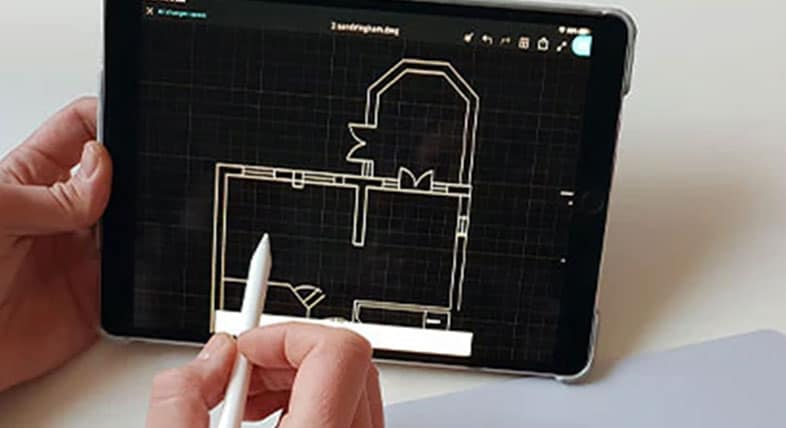
AutoCAD mobile app provides instant solution
AutoCAD mobile app provides instant solution
For a new design department, the discovery of the AutoCAD mobile app brings on-site design, as well as unexpected benefits with workflow and accuracy.
For a new design department, the discovery of the AutoCAD mobile app brings on-site design, as well as unexpected benefits with workflow and accuracy.

AutoCAD helps in revival of historic building
AutoCAD helps in revival of historic building
An architectural draftsman at Southwestern Baptist Theological Seminary uses AutoCAD, AutoCAD mobile app, and AutoCAD web app for drawing a remodel.
An architectural draftsman at Southwestern Baptist Theological Seminary uses AutoCAD, AutoCAD mobile app, and AutoCAD web app for drawing a remodel.
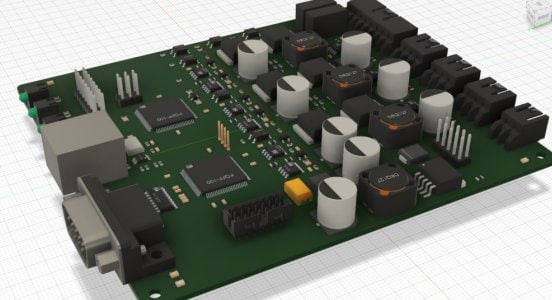
Taking cloud-based collaboration to the sky
Taking cloud-based collaboration to the sky
Collaboration is key for TEN TECH LLC Engineering Services. By using a centralized cloud-stored dataset, multiple engineers can work together.
Collaboration is key for TEN TECH LLC Engineering Services. By using a centralized cloud-stored dataset, multiple engineers can work together.
Online CAD software tutorials
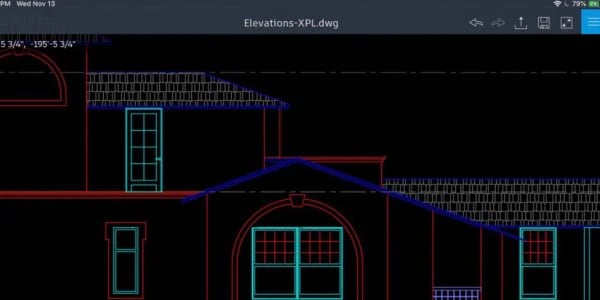
Using mobile technology: get AutoCAD on your phone and tablet
Learn how to use your Autodesk account to enable the web and mobile folders in AutoCAD and discover how to work with the AutoCAD web app and mobile app.
Get started (US Site)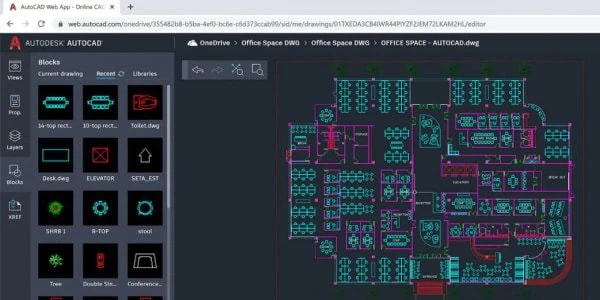
Collaborate in AutoCAD anytime, anywhere? Discover the AutoCAD web app!
Discover how you and your team can work efficiently together and collaborate using the AutoCAD web app.
Get started (US Site)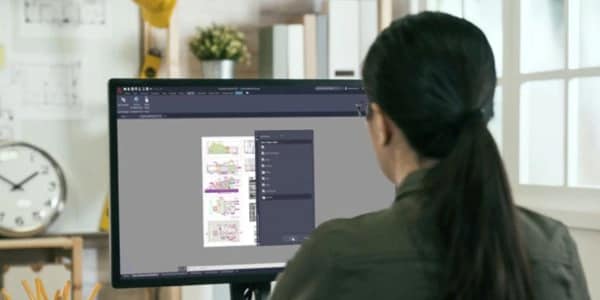
New integrations improve AutoCAD and AEC workflows
Discover new improvements for AutoCAD and AEC workflows, including Autodesk Docs Extension for AutoCAD plugin with productivity gains when publishing PDFs.
Get startedCLOUD COLLABORATION AND HYBRID WORKPLACES IN THE AGE OF COVID-19
Learn more (US Site)HOW GLOBAL ARCHITECTURE & ENGINEERING FIRMS ARE REVITALIZING WORK IN 2020
Learn moreCourtesy of Buro Happold
Free online CAD software resources
AutoCAD licenses FAQ (US Site)
Get answers to popular questions about AutoCAD software licenses and subscriptions, and see what’s possible with Autodesk software.
AutoCAD official blog
Get news, tips, and insider resources straight from Autodesk staff.
Learn Fusion 360 shortcuts (US Site)
Fusion 360 is a powerful 3D modeling and design software, and using keyboard shortcuts can enhance your efficiency.
Learn BIM 360
Learn how to use BIM 360 to accelerate delivery, coordinate effectively, and reduce risk on your construction projects.
Autodesk keyboard shortcuts (US Site)
Get shortcut keys and commands lists for popular Autodesk products.
Learn AutoCAD shortcuts (US Site)
AutoCAD is a powerful drafting and design software, and using keyboard shortcuts can significantly improve your workflow.