AU 2026: The biggest Autodesk announcements
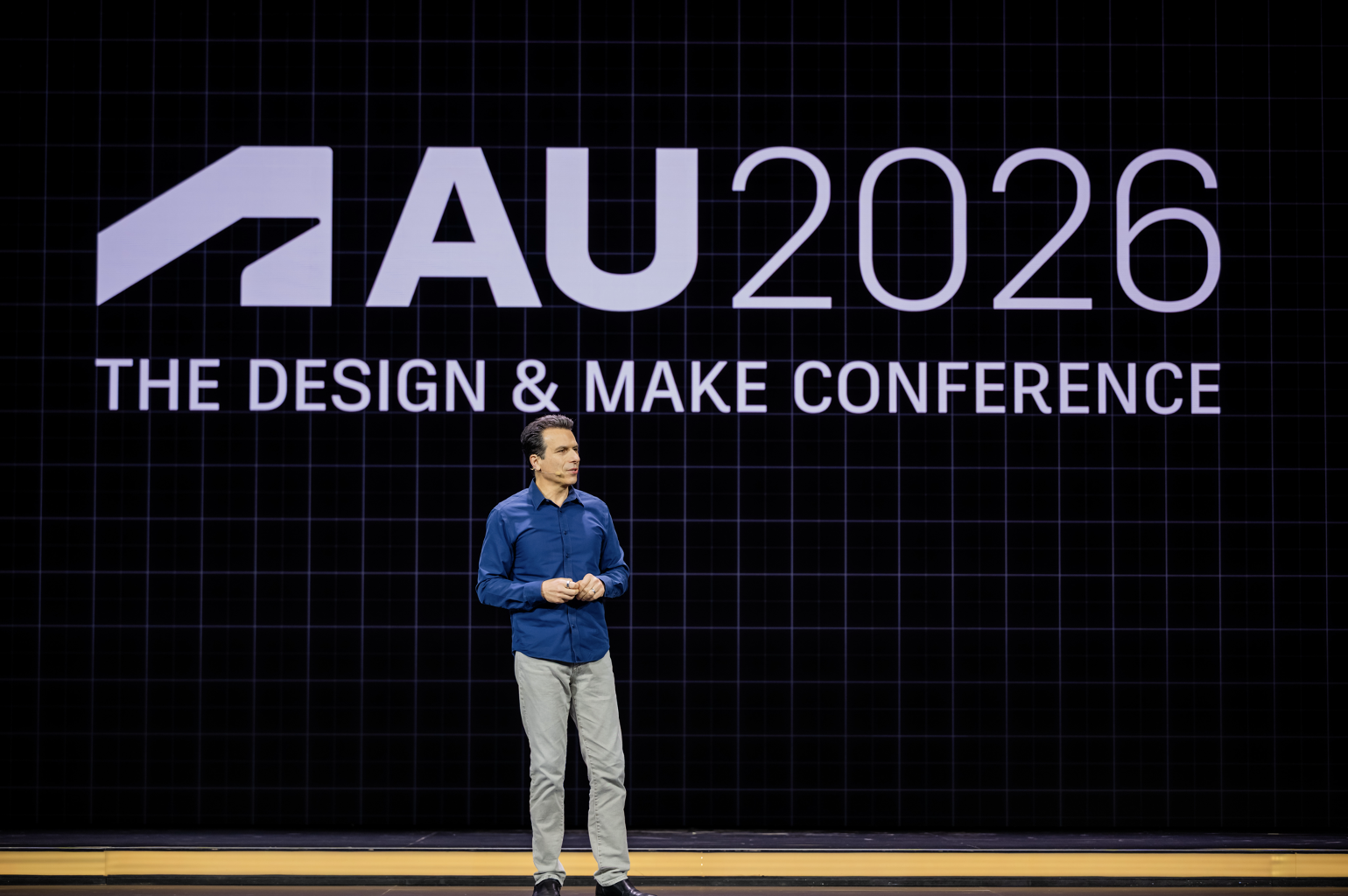
At AU 2026, we shared a lot of product news. But taken together, the announcements told a bigger story about where Autodesk products are headed, highlighting the progress we’re making across our industry clouds—Forma, Fusion, and Flow—and how that vision is coming to life.
We introduced new AI capabilities and agents, deeper connections between Autodesk products, and more integrated workflows across design, manufacturing, construction, media and entertainment, and operations.
Behind all of it is a simple idea: the more Autodesk software understands about your projects, the more it can help you accomplish. By bringing project intelligence into everyday workflows, we are making it possible to spend less time on manual tasks and handoffs, and more time focused on the work that needs your expertise.
Across nearly every Autodesk product at AU, you could see that idea becoming real.
AI that understands more than a prompt
One of the biggest themes at AU was the evolution of Autodesk Assistant.
Assistant is already available across many Autodesk products. What sets it apart from a general-purpose AI is that it works from the context of your project: the models, data, relationships, workflows, and decisions that make every project different. A generic model starts from a prompt. Assistant starts from your work.
We introduced capabilities including: Autodesk Context, which is how Assistant understands how project information, people, activities, and decisions relate to one another. Assistant Builder lets customers and partners bring their own agents and expertise into Assistant, building on the same project context. Autodesk AI Orchestrator matches each task to the model best suited for it.
The goal isn't AI for AI's sake. It's giving people a way to spend less time finding information, moving between tools, and completing repetitive tasks—and more time applying their expertise.
Fusion is taking on more of the busywork
For designers, engineers, and manufacturers, we showed how AI is moving deeper into Autodesk Fusion.
New capabilities like AutoAssemble and AutoTimeline can help turn geometry without constraints or design history into something engineers can immediately work with.
We also showed Assistant-powered configurations, where an engineer can describe product requirements and let Assistant build the configurations, and previewed AutoPart, which can turn an idea and reference image into precise, editable Fusion geometry.
On the manufacturing side, System Modeler introduces a visual way to create and reuse automations. New machining and sheet-metal workflows automate more of the repetitive work required to prepare designs for production.
Inventor will become the first Fusion Connected Client, strengthening workflows between desktop tools and Fusion. We're also bringing Autodesk Assistant into Inventor and Vault and continuing to expand Fusion's automation and extensibility.
We're rethinking PLM
AU also brought a different approach to product lifecycle management.
Autodesk previewed a new agentic PLM experience in Fusion, designed to make product lifecycle information available where people are already working rather than requiring them to constantly chase approvals and information through another system.
That experience extends into collaboration tools such as Microsoft Outlook and Teams and connects with business systems so information about risk, compliance, inventory, and cost can become part of the product workflow.
Forma is connecting more of the AEC lifecycle
For architecture, engineering, and construction, many of the announcements centered on Autodesk Forma.
Forma is expanding further into infrastructure. Civil 3D is becoming a Forma Connected Client, helping civil engineers work with teams using Forma and Revit from shared project context.
We also introduced Forma Street Design, a new solution for exploring streets and intersections earlier in the design process, and announced more consistent geolocation workflows across Forma, Revit, and Civil 3D.
For architects, AI is beginning to take on more of the work between an idea and a documented design. Building Layout Explorer can generate layouts based on project requirements. Experimental Revit capabilities can rearrange room elements as designs change. And Assistant can help optimize annotations instead of requiring teams to fix them manually every time the model changes.
The same idea extends into project data.
New smart controls in Forma Data Management can automatically manage access based on project metadata. Sheets Agent can search inside drawings. Drawing Change Analysis can identify meaningful changes between revisions. And Autodesk is working on an agent that can review drawings against codes, standards, and project requirements.
For construction teams, AI-powered Insights in Project Home can help identify the information that needs attention across RFIs, issues, and schedules and Workflow Studio can automate repeatable project processes.
Flow is giving storytellers new ways to create
The announcements weren't limited to the built world.
In Media & Entertainment, we showed how Autodesk Flow is bringing generative AI into professional production workflows while keeping artists in control.
Wonder 3D in Flow Studio can turn an image or prompt into a 3D character. The new 3D editor brings characters, animation, camera movement, and environments together in an editable scene.
Through our work with World Labs, Marble can generate 3D worlds from an image or prompt. Those worlds can become part of Flow Studio workflows and move into Maya for more detailed work.
We also introduced Canvas in Flow Studio, a node-based environment where artists can combine different AI models and inputs, and expanded MotionMaker in Maya.
The common thread is faster iteration: making it easier to explore an idea, change it, discard it, and try another without giving up creative control.
Autodesk is moving further into operations
As Autodesk expands further into Operations, we are finding new ways to connect data across the entire lifecycle, bringing design, make, and operate closer together and closing the loop between what we create and how it performs in the real world.
With Tandem, teams can build digital twins that connect models with real operational information. A new integration with Forma brings BIM information into Tandem, while Autodesk Assistant can help connect equipment and sensor data.
We're also bringing FlexSim simulation directly into Tandem. That means teams can use the digital twin that they already have to test operational changes instead of rebuilding the environment in a separate simulation tool.
And with MaintainX now part of Autodesk's portfolio, we're connecting operational insight with the people responsible for acting on it. Tandem identifies a potential equipment problem, MaintainX helps coordinate the maintenance response, and the resulting operational history can eventually inform a better design upstream in Fusion.
That's an important shift.
Instead of design, make, and operations existing as separate stages, the information generated in one stage can make the others better.
Summary: Expanding human capacity
Taken individually, AU 2026 brought dozens of new capabilities across Autodesk.
Taken together, the story is much simpler.
We're connecting more of the data behind the work. We're giving AI more of the context it needs to be useful. We're automating time-consuming tasks so people can focus their creativity and oversight where it matters most. And we're connecting workflows across products and across the lifecycle—from the first idea through design, production, construction, and operations.
The result isn't one new AI feature or one new product.
It's a more connected way to design, make, and operate—one where technology can handle more of the repetitive work while people stay in control of the decisions that matter.
Learn more about AU 2026 announcements and executive perspectives in these articles:
- Closing the gap between what we can imagine and what we can build
- Autodesk Advances AI in its Three Industry Clouds
- How Autodesk Forma and AI are advancing a more connected future for AEC
- Autodesk advances AI for design and manufacturing at AU 2026
- From idea to final frame: Where Autodesk can shorten the production loop
- Closing the loop: how operations data improves Design & Make
- New AI Transparency Cards help answer customer questions in Autodesk Assistant
- Autodesk launches Support for Small Business and expands tools to help small teams save time, manage costs, and strengthen security