3D modeling with 3ds Max
3D modeling with 3ds Max
Image courtesy of G BIN.
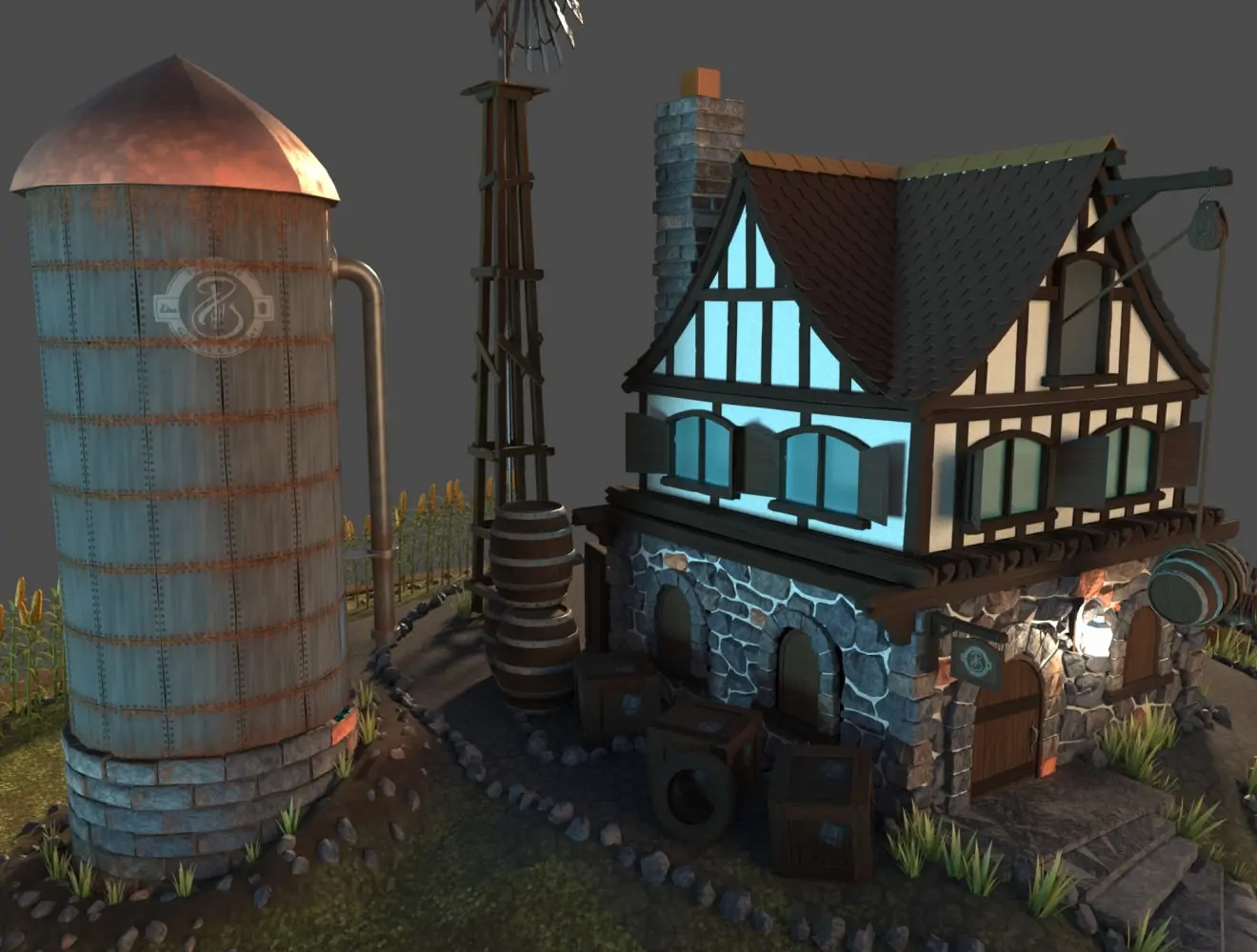
 Stylised environment created with 3ds Max. Image courtesy of Pengzhen Zhang.
Unlock the power of 3D modeling in 3ds Max
Unlock the power of 3D modeling in 3ds Max

Flex gives you pay as you go pricing
Flex gives you pay as you go pricing
Give your character designs personality
Give your character designs personality
Image courtesy of CD PROJEKT RED


Game developers
Game developers

Animation and VFX artists
Animation and VFX artists

Architects
Architects

Product designers
Product designers
 City environment made with 3ds Max by Michael Shkliaryk
How does 3D modeling work in 3ds Max?
How does 3D modeling work in 3ds Max?





When is 3ds Max 2026 available?
Autodesk 3ds Max is available now. It was released on March 26, 2025. You can find out more .
What is the difference between 3ds Max and Maya?
3ds Max and Maya are used by creative studios around the world for animation, modeling, visual effects, and rendering. Use our comparison guide to explore each product’s strengths.
Is 3D modeling in 3ds Max good for beginners?
Yes, 3ds Max is suitable for complete beginners as well as experienced pros. It includes a variety of beginner-friendly features such as intuitive viewport navigation, a helpful welcome screen and basic geometries to begin modeling. For more info, check out our quick-start guide.
Is 3ds Max suitable for architectural modeling?
Yes, 3ds Max is used for 3D modeling by designers and architects. 3ds Max includes a range of features suitable for animation and architectural visualizations, including the ability to render realistically with lighting and non-destructive editing. Physical camera settings, meanwhile, make life-like visualizations possible. Often used in conjunction with other Autodesk products like AutoCAD or Revit, architects can seamlessly transition from 2D drawings to 3D models, enhancing their design workflow and achieving comprehensive and stunning architectural visualizations.
Does 3ds Max have a similar command like “Drape” in SketchUp?
3ds Max does not have a direct equivalent to SketchUp's "Drape" command. However, you can achieve similar results by using 3ds Max tools such as the Conform Compound Object, FFD (Free Form Deformation) Modifier, and ProBoolean Modifier. These tools allow for versatile and precise surface projection and modeling.
Can 3ds Max run on a Mac?
3ds Max is designed to run on Windows and does not have a native version for macOS. However, it can be run on a Mac using solutions like Boot Camp, Parallels Desktop, or other virtualization software to install and run Windows on the Mac.
How do I import a 3D model with texture into 3ds Max?
Importing models with textures is simple. First, open the asset browser in the editor and navigate to the folder where you want to import the model. Then, click import. In the import options that appear, ensure that materials, shared materials, create materials folder, textures, and shared textures are all switched on. Then, click import. You can find a more detailed explanation here.
Is there a 3ds Max community for learning more about 3D modeling?
Yes, there is. You can ask and respond to questions on our 3ds Max forums. In addition, you can also share your own knowledge and experience, and explore specific fields relating to using 3ds Max.