
Architecture, Engineering & Construction Collection
Save on the products you need with the Autodesk AEC Collection
Access industry-leading tools like Revit, Forma Site Design, AutoCAD, and more—all in one scalable bundle for the designers, engineers, and construction professionals.
Architecture, Engineering & Construction Collection
Save on the products you need with the Autodesk AEC Collection
Access industry-leading tools like Revit, Forma Site Design, AutoCAD, and more—all in one scalable bundle for the designers, engineers, and construction professionals.
AEC Collection
Workflows for efficient MEP systems
AEC Collection
Workflows for efficient MEP systems
AEC Collection
Workflows for efficient MEP systems
Collaborative project delivery
Tools to support your creativity
AEC Collection
Workflows for efficient MEP systems
AEC Collection
Workflows for efficient MEP systems
AEC Collection
Workflows for efficient MEP systems
Collaborative project delivery
Tools to support your creativity
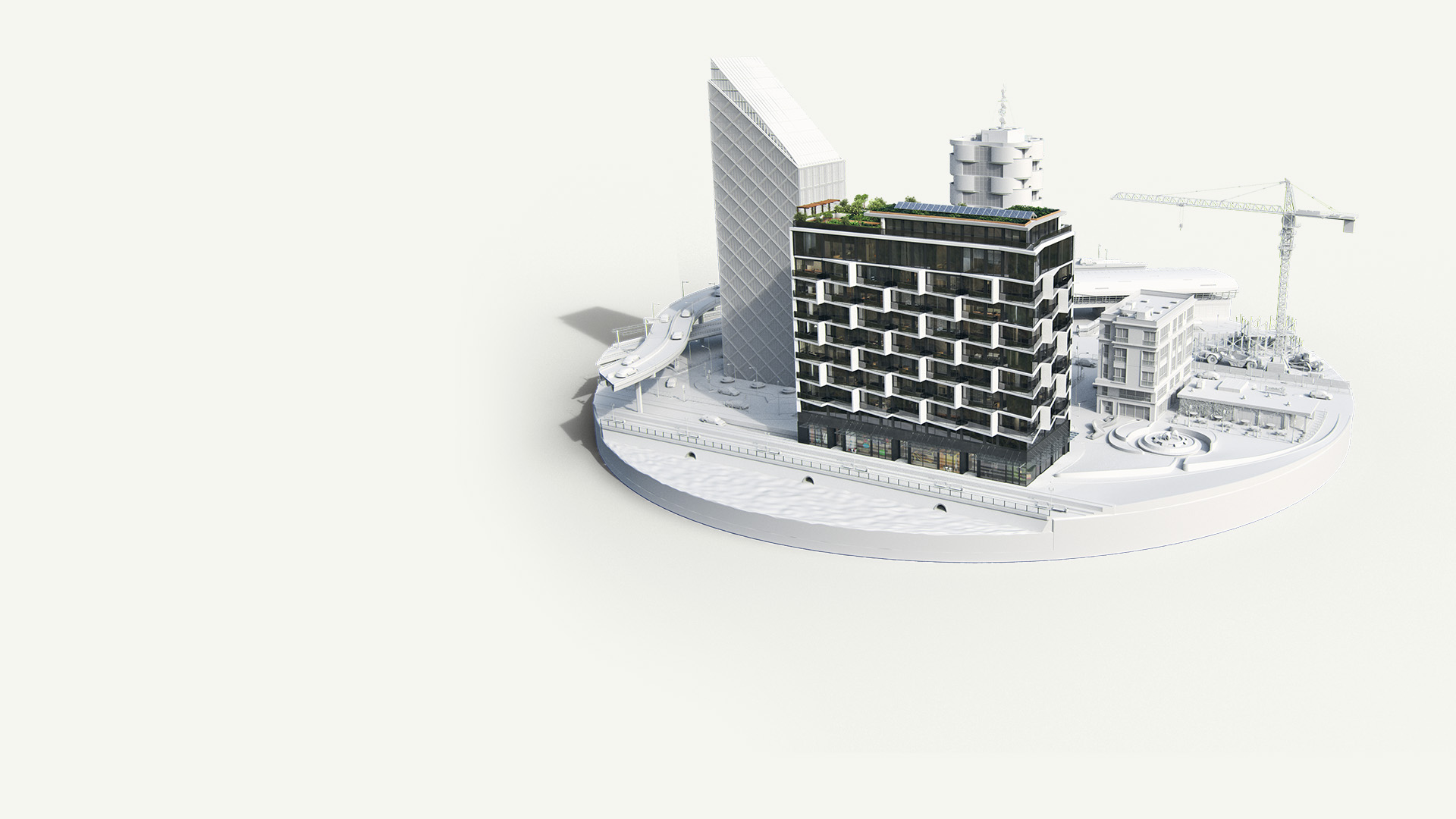
Evaluate system feasibility early
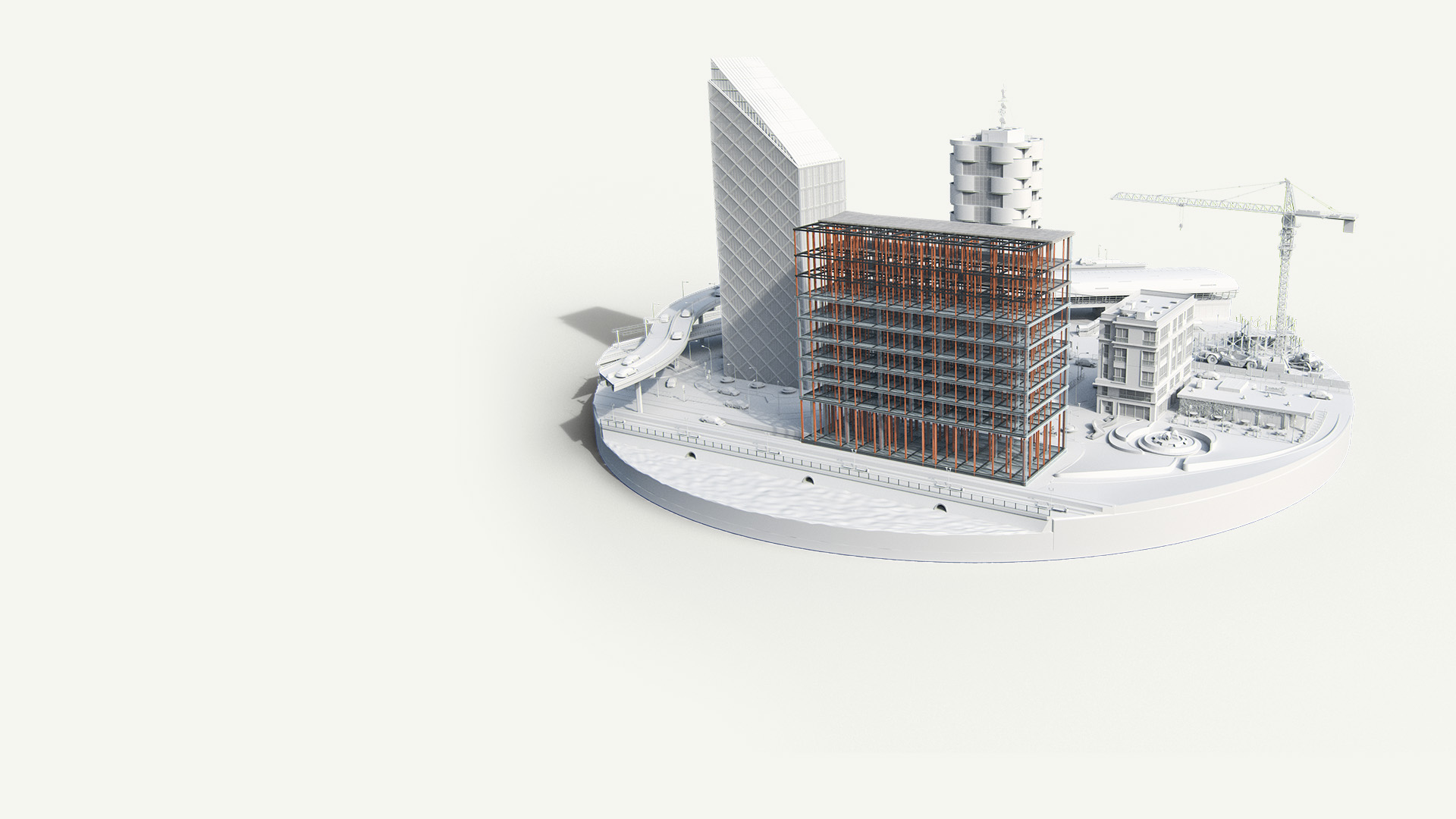
Design and coordinate building systems
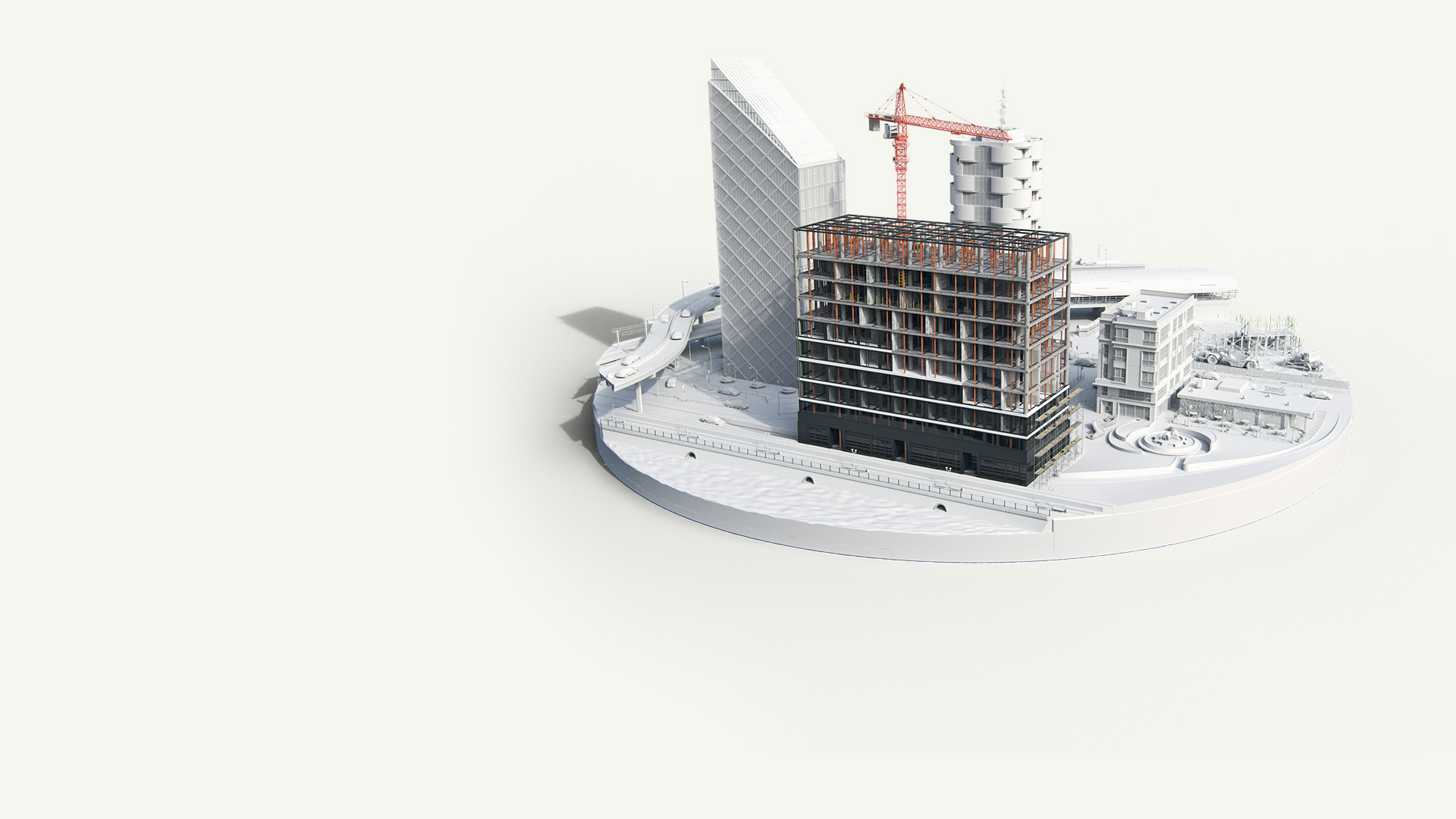
Coordinate systems across trades
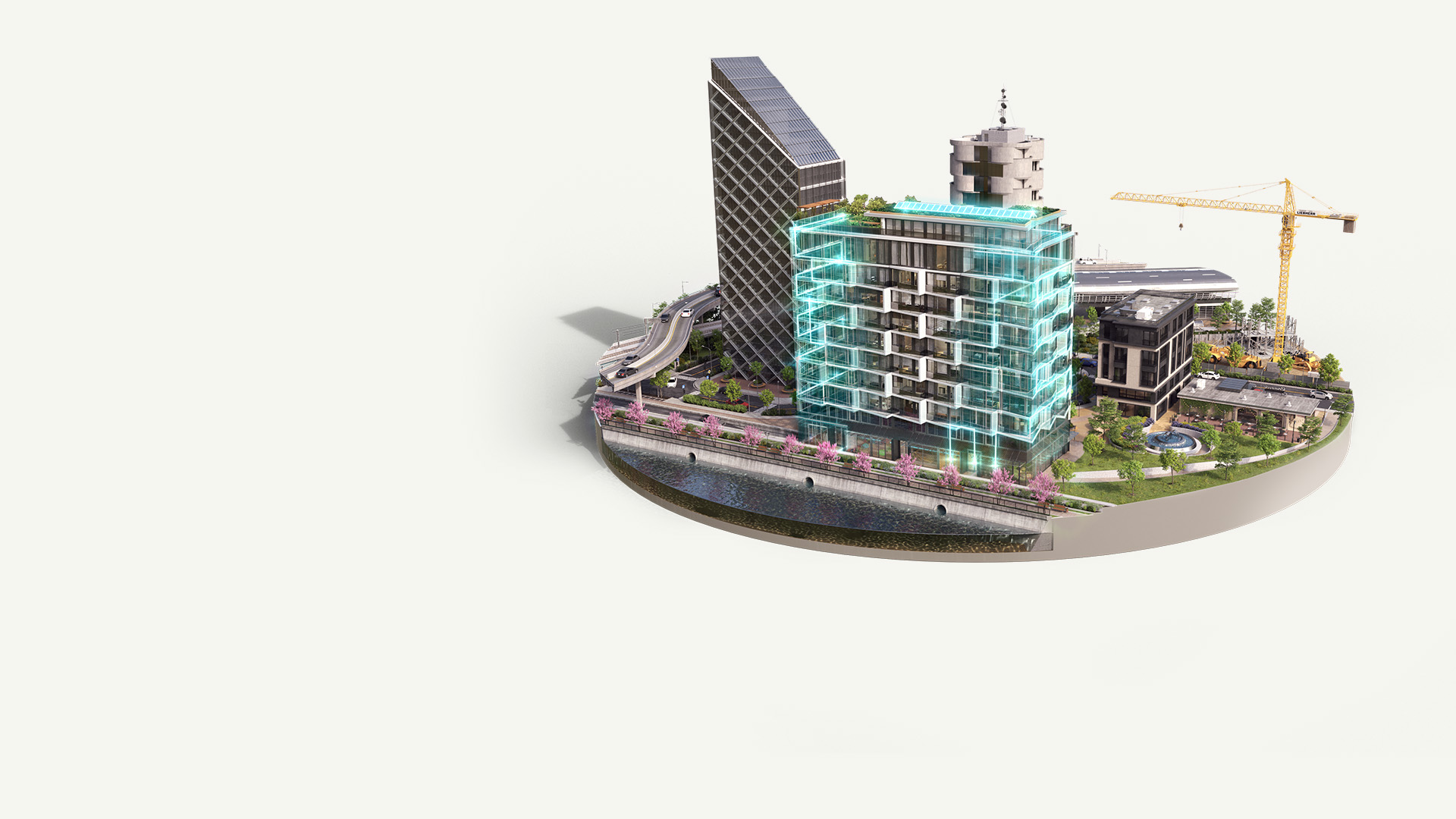
Optimize building systems over time
Exclusive to the AEC Collection

Space, zone, and load requirements
Define spaces, zones, and loads from Revit, DWG, or PDF to size equipment with confidence.

Equipment selection and sizing
Select and size equipment using zones, schedules, custom calculations, and export to other tools.

Systems and energy analysis
Run advanced building and energy simulations with EnergyPlus connected to Revit.

Equipment layout
Layout major mechanical and electrical equipment in 2D or 3D for distribution planning.

Distribution routing and sizing
Route MEP systems, calculate losses, and size ducts, pipes, and cables automatically.

Plant and equipment room layouts
Design plant and equipment rooms in 2D or 3D for smarter planning and visualization.
Save on all your MEP workflows
$2,095/year
$1,220/year
$3,005/year
Take MEP systems from concept to detailed layout with Revit, CADmep, and AutoCAD.
AutoCAD
Fabrication CADmep
Revit
$3,675/year
Compare to purchased separately
Customer success
Saved 30-40% time and 20% costs, enabling faster, optimized design outcomes
Pinnacle Infotech
We saved almost 30–40% of our time. Meeting the challenging schedule wouldn’t be possible without BIM.
–Bimal Patwari, Founder & CEO of Pinnacle Infotech
Customer success
Saved 30-40% time and 20% costs, enabling faster, optimized design outcomes
Pinnacle Infotech
We saved almost 30–40% of our time. Meeting the challenging schedule wouldn’t be possible without BIM.
–Bimal Patwari, Founder & CEO of Pinnacle Infotech
Latest AEC news and updates
Stay current with Autodesk's CAD, BIM, and cloud solutions
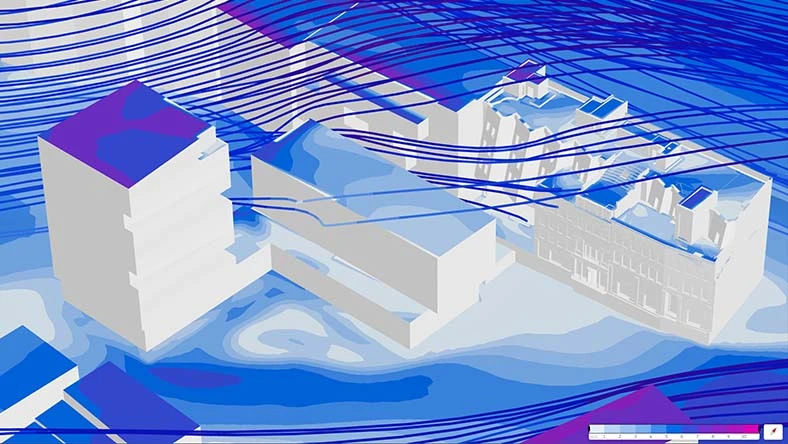
Article
How Forma industry cloud is shaping the future of AECO
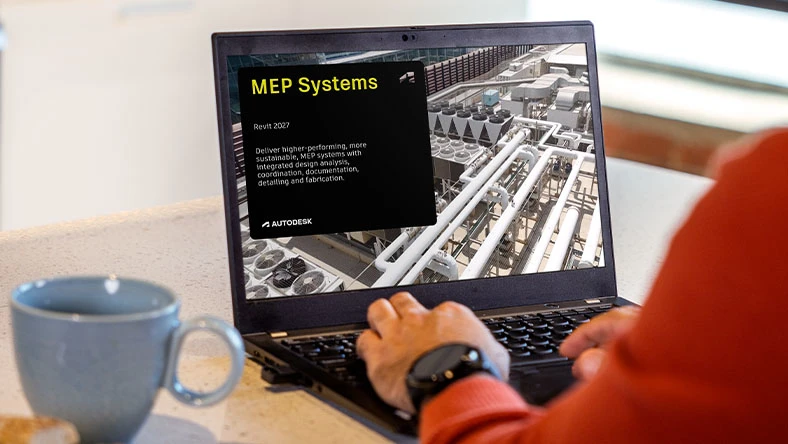
Product news
What’s new in Revit 2027
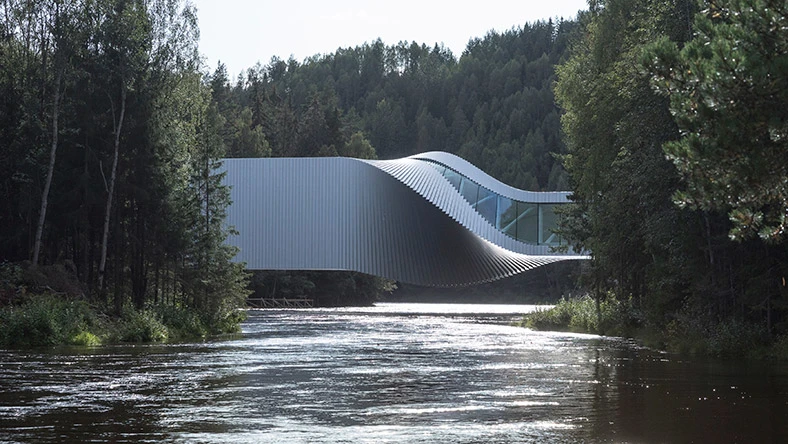
Customer story
Max Fordham sees big improvements in project outcomes since adopting BIM
Image courtesy of Laurian Ghinitoiu/BIG
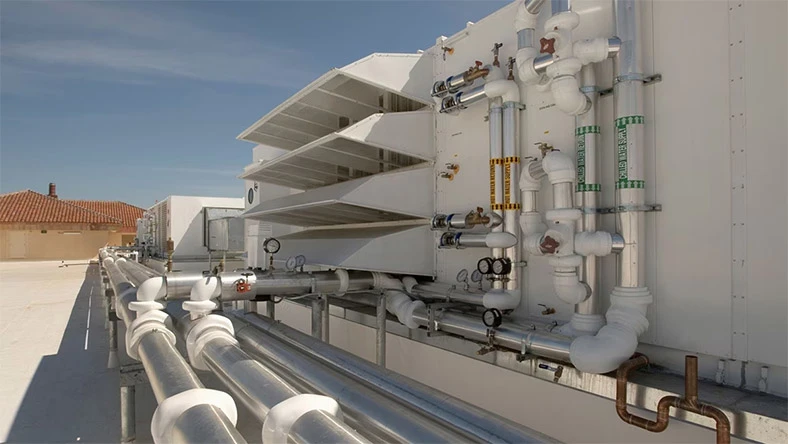
E-book
MEP engineering solutions for an evolving industry
Questions? We have answers
What is the Architecture, Engineering & Construction Collection?
The AEC Collection includes BIM and CAD software, including Revit, Civil 3D and AutoCAD, as well as a cloud-based common data environment enabling designers, engineers, and contractors to efficiently deliver high quality building and infrastructure projects. Powerful site planning and analysis software such as Site Design and schematic design tool, Building Design, help AEC professionals realize design intent, while model-based design solutions accelerate design processes and support integrated workflows for multi-discipline coordination. Analysis and optimization tools improve design quality and ensure constructability. Construction coordination and schedule simulation help reduce costs and minimize field coordination issues during construction. With the AEC Collection, teams can create with ease, explore what’s possible, and build with confidence.
What products are included in the AEC Collection?
The Architecture, Engineering & Construction Collection includes an integrated set of BIM and CAD tools that support early-stage design to construction. This includes popular software such as Revit, Forma Site Design, Forma Building Design, AutoCAD, Infraworks, Civil 3D, Forma Data Management, and more. Visit the included software page for further details.
How are the products in the AEC Collection integrated?
The collection includes products needed to complete design and construction workflows across the project lifecycle, such as conceptual design, site surface coordination, environmental analysis, bridge design, structural analysis, steel detailing and fabrication, and mechanical fabrication. Data exchange and interoperability of products in the collection allows you to move data between products and third-party applications to complete these workflows. The collection also includes access to a common data environment, providing document management and control to the entire project team. With Forma Data Management, teams can simplify reviews and approval workflows, as well as data management across the project lifecycle.
How much does an Autodesk AEC Collection subscription cost?
The price of an annual AEC Collection subscription is $3,675 and the price of a monthly AEC Collection subscription is $460. The price of a 3-year AEC Collection subscription is $11,030.
What if we don't need every product in the AEC Collection?
Use the products you need and will get the most value from. If you use just 2 or 3 of the products in the collection, the subscription cost is likely to be lower than subscribing to products individually.
Take the time you need to discover the new capabilities you can bring to your workflow, by exploring the range of software available. Increase the capabilities of your business, simplify software administration, and reduce the time spent from project start to completion.
How do I upgrade from an individual product subscription to a collection?
If you purchased your subscription online from our website, you can upgrade to the AEC Collection when your current product subscription expires. If you purchased your subscription from a sales representative or authorized partner, contact them for assistance. Learn more about upgrading your Autodesk product or plans.
What are the system requirements for the AEC Collection?
Most desktop products in the AEC Collection run on Microsoft® Windows®. AutoCAD can run on Microsoft® Windows® and also Apple® macOS® and Linux®. See AEC Collection system requirements for specific product details.
Can I install the AEC Collection on multiple computers?
See Autodesk industry collection licensing behavior for full details on computer access for single-user and multi-user licenses.
How do I download a trial of the AEC Collection?
To try the products in the collection, download the free trial for each product you’re interested in. That way, you spend time downloading only what you need—and you can trial any number of collection products simultaneously. To try the browser-based cloud software Forma Site Design, initiate a trial here.
What if I need help downloading and installing a trial?
Review our support article to troubleshoot Autodesk product download issues.


Products you can trust
From payment flexibility to always-on support, expect excellence.

