
Furniture Design & Production
From concept to craftsmanship with Autodesk Fusion
From concept to craftsmanship with Autodesk Fusion
Design, engineer, and manufacture furniture in one platform.
From custom one-offs to production runs
From custom one-offs to production runs
Fusion handles custom cabinetry, residential furniture, office systems, and production lines in a single platform. Model, document, and program CNC without exporting between tools, so drawings, cut lists, and toolpaths stay tied to the design as it changes.
Parametric modeling built for made-to-order work
CAM and nesting in the same file as the model
Cloud data your whole shop works from
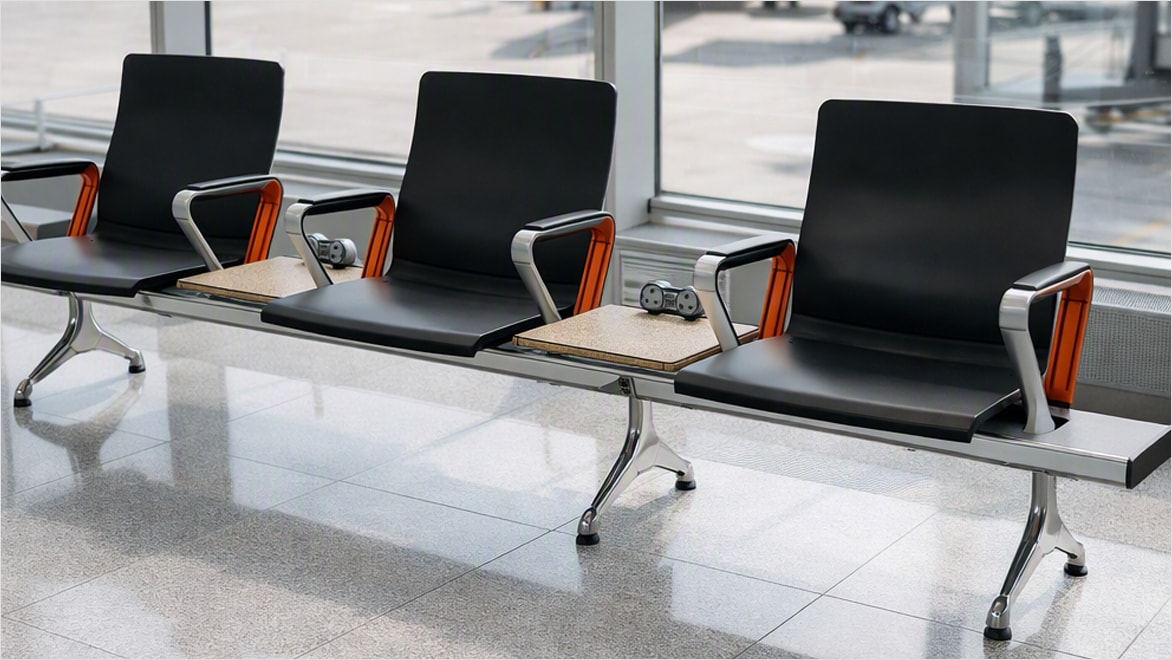
Why furniture manufacturers choose Autodesk Fusion
Model any furniture design
Model any furniture design
Combine parametric, direct, surface, and freeform modeling in one environment. Explore ideas, make changes, and adapt designs as customer requirements evolve.
Go from design to production
Go from design to production
Integrated CAD/CAM keep manufacturing linked to your design. Update the model and toolpaths follow, with no exporting between applications.
Collaborate without confusion
Collaborate without confusion
Designers, engineers, and machinists work from the same cloud data, with version control keeping everyone aligned from concept through production.
Features and capabilities
Modeling, documentation, CAM, visualization, and AI all in one solution.

3D modeling
3D modeling
Model anything from a single cabinet to a full seating assembly. Parametric, direct, surface, and freeform tools in one environment.
Collaboration and data management
Collaboration and data management
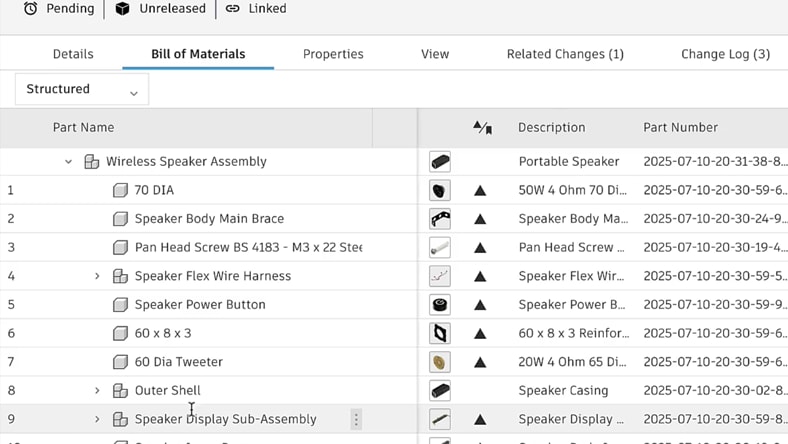
Cloud data management with version history and controlled access. Share with clients and suppliers, keep one current file, and stop hunting for the latest revision.
Manufacturing and integrated CAM
Manufacturing and integrated CAM
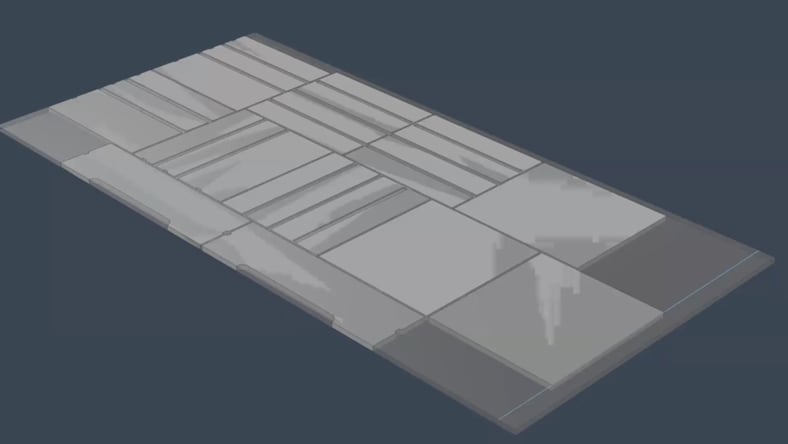
Program CNC without leaving Fusion. Generate toolpaths straight from the model, nest parts automatically to get more out of every sheet, and post to your machine.
Visualization and rendering
Visualization and rendering
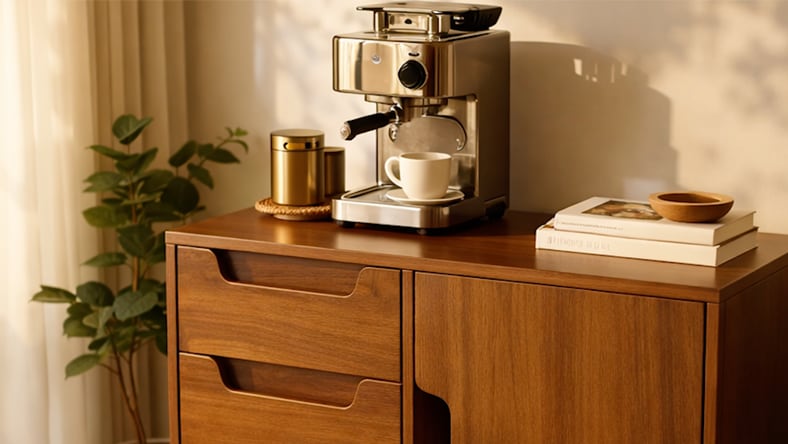
Show a client the finish before you buy the veneer. Photorealistic renders for approvals and marketing, plus AI image generation to explore options fast.
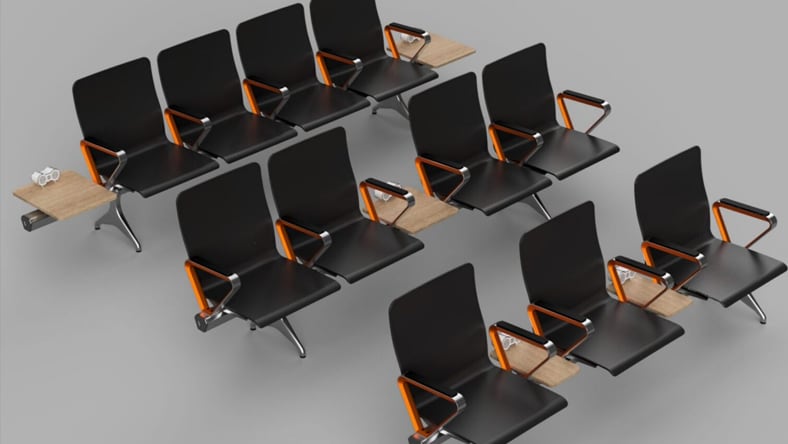
Product configurations
Product configurations
Manage variants without a file for every option. Set sizes, materials, hardware, and features as configurable choices, then generate the version the customer ordered.
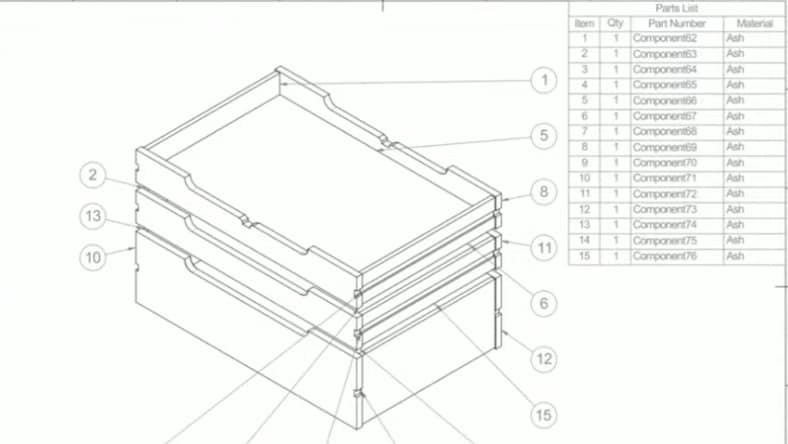
Production drawings
Production drawings
Shop drawings, cut lists, and dimensioned views generated from the model — and updated with it. Fewer transcription errors, no drawing that contradicts the part.
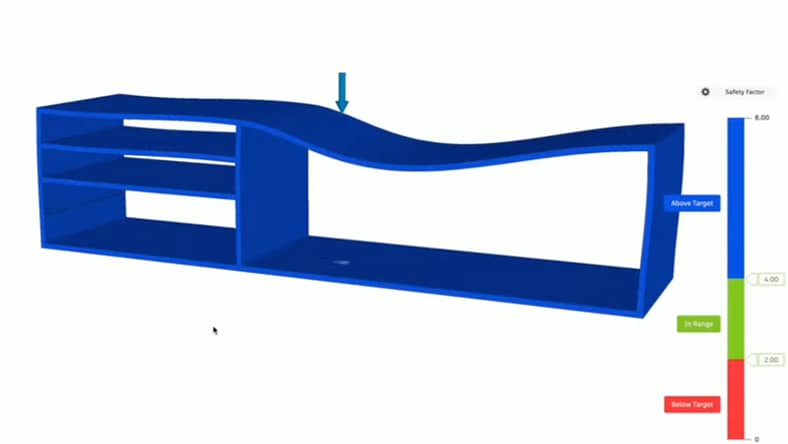
Simulation
Simulation
Test strength and fit before you cut. Find the joint that fails or the shelf that sags in the model, not in the prototype.
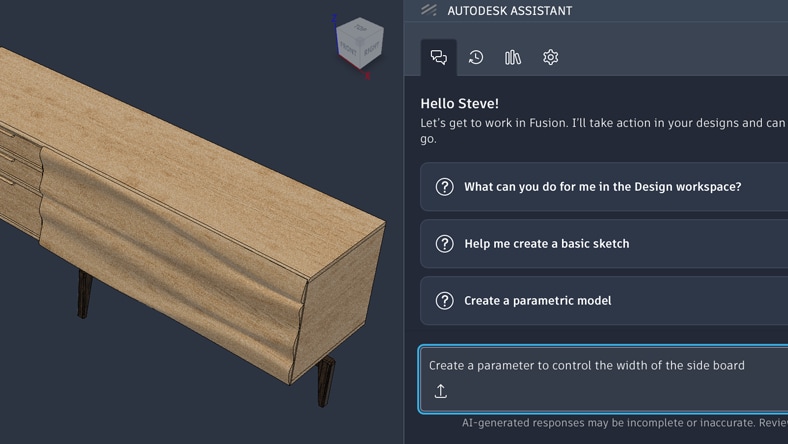
Autodesk Assistant
Autodesk Assistant
AI built into Fusion. Ask a question in plain language, create custom add-ins, and hand off routine steps instead of digging through menus.
Furniture makers already building with Fusion

Extend Fusion with furniture industry partners
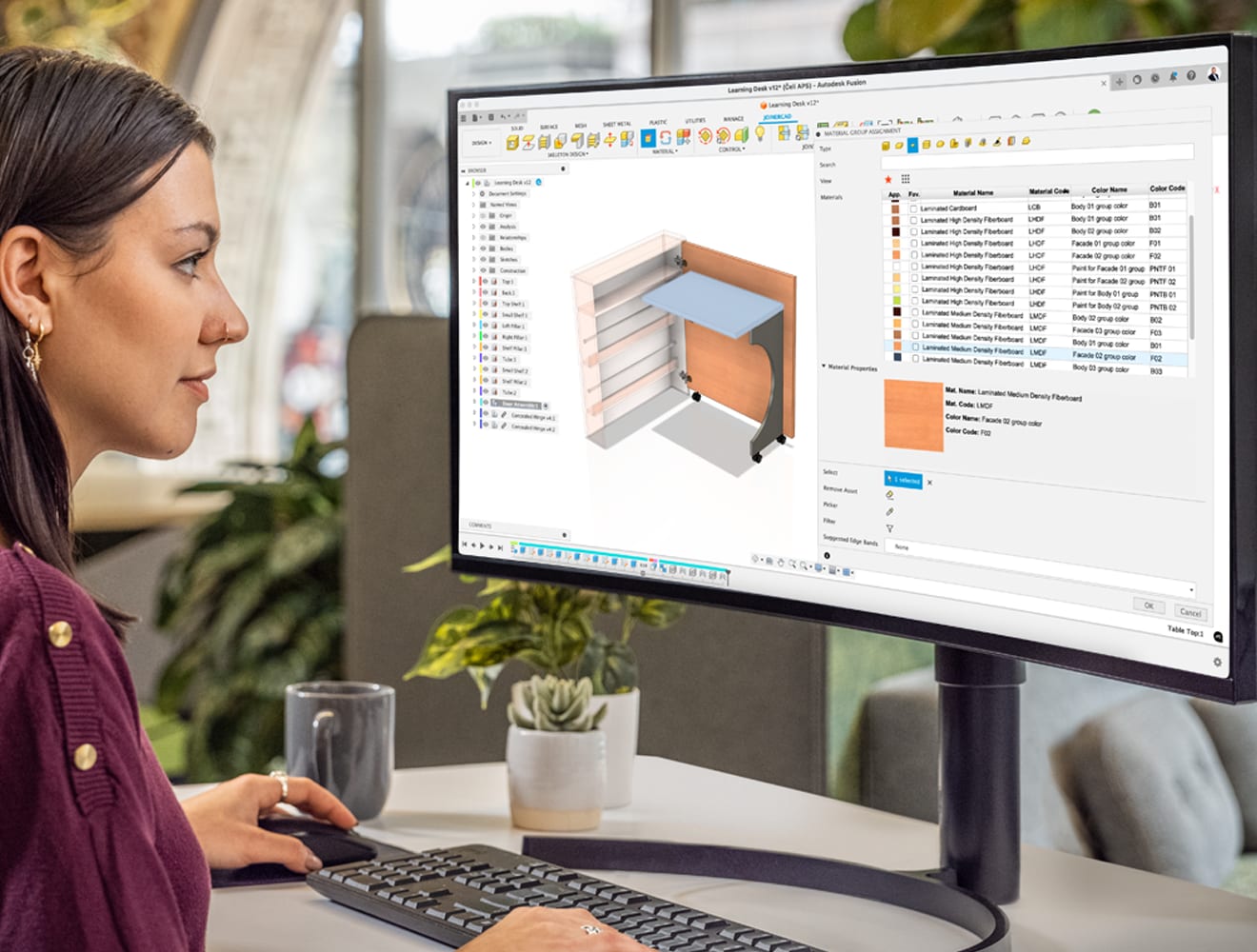
JoinerCAD
JoinerCAD extends Fusion for cabinet and joinery design with library-driven construction, joinery and hardware, plus automatically generated cut lists—all within your Fusion workflow.
JoinerCAD extends Fusion for cabinet and joinery design with library-driven construction, joinery and hardware, plus automatically generated cut lists—all within your Fusion workflow.

Continue exploring with these helpful resources

VIDEO TUTORIALS
Designing furniture in Fusion: Everything you need to know
Designing furniture in Fusion: Everything you need to know
Learn the basics of designing furniture in Fusion from start to finish in this series of step-by-step video tutorials.

WEBINAR
Transforming furniture manufacturing with integrated technology solutions
Transforming furniture manufacturing with integrated technology solutions
Discover how cutting-edge technology is addressing today's biggest challenges in the furniture design and manufacturing landscape.

COURSE
Autodesk Fusion for furniture, millwork, and woodworkers
Autodesk Fusion for furniture, millwork, and woodworkers
Real examples of Fusion applied to furniture and millwork production, with parametric modeling, joinery, and CAM tips for every skill level.
We're here to help
We're here to help
Talk to a Fusion expert about what it would take to get Fusion integrated into your furniture business.
Talk to a Fusion expert about what it would take to get Fusion integrated into your furniture business.
We're here to help
We're here to help
Talk to a Fusion expert about what it would take to get Fusion integrated into your furniture business.
Talk to a Fusion expert about what it would take to get Fusion integrated into your furniture business.
Frequently asked questions (FAQ) on woodworking and furniture design software
Can we bring our existing files into Fusion?
Yes. Fusion imports DWG, DXF, Inventor, SOLIDWORKS, Rhino, SketchUp, STEP, and IGES. 3D models come in ready to edit, and 2D DWG linework lands on a sketch plane you can dimension and build from.
We work in 2D AutoCAD today. How does Fusion fit?
Fusion is model-first: you build the design in 3D, and shop drawings, cut lists, and toolpaths come from that model and update with it. Your existing DWG linework imports as a starting point, so drawings become an output instead of the thing you maintain by hand.
Will Fusion work with our CNC machines?
Fusion includes a library of post processors covering most routers, mills, and lathes used in furniture and millwork production, and posts are editable if a machine needs something specific.
How do we get started?
FAQ answer. Lorem ipsum dolor sit amet, consectetur adipiscing elit, sed do eiusmod tempor incididunt ut labore et dolore magna aliqua.
Does Fusion generate shop drawings and cut lists?
Yes. Drawings and parts lists come from the 3D model and update when it changes, so documentation stays in sync with the design.
Does Fusion nest parts for sheet goods?
Yes. Automatic nesting arranges parts across sheets to reduce waste, and the nested layout feeds directly into your toolpaths.
How long does it take a team to get productive in Fusion?
Most designers coming from another CAD tool are working in Fusion within days. Guided tutorials, a furniture-specific course, and Autodesk Assistant help shorten the ramp.
Do we need Fusion if we outsource manufacturing?
Yes. Fusion produces the drawings, models, and production-ready files your fabricator needs, and you can share them without giving up control of the design data.
Does Fusion run on Mac?
Yes, on both Mac and Windows.