 Eric Suesz
 Trevor English
The art of hydraulic modeling straddles the intersection of creative ingenuity and technical prowess. Can AI agents help you be more creative and technically proficient even if you don’t have a background in computer programming?

Creating an effective and accurate hydraulic model isn’t just about ingesting all of your data, but also about getting all of that data to output results, visualizations, and optimizations.
InfoWorks ICM and InfoWorks WS Pro, leading solutions for hydraulic modeling of catchments and water distribution networks respectively, have long provided toolsets and workflows to help modelers achieve these goals. Our development teams at Autodesk consistently work to implement new features and improvements into these solutions to provide hydraulic modelers and engineers a better bag of tools.
The cutting edge of that work often involves experimenting with scripting, and we encourage our community of customers to experiment as well. We want customers to able to make their own tools – craft their own hammers, so to speak – so they can level up their hydraulic modeling beyond the provided feature set.
This ability to customize hydraulic modeling solutions comes at the hand of Ruby scripting, a two-word phrase that would’ve sent shivers down my spine as an early engineer and modeler. After all, if I had wanted to code, I would’ve chosen mechanical or electrical engineering. I became a civil engineer to model pipes and build treatment plants, but I digress.
Ruby scripting for hydraulic modelers isn’t the wild west anymore
Ruby scripting, while a powerful capability to manufacture your own hydraulic modeling tools within InfoWorks solutions, has for awhile been relegated to only the bravest modelers and engineers who are willing to step into the unknown world of computer programming.
But fear not, in between generating AI videos of cats for Instagram, Large Language Models (LLMs) are coming in handy for hydraulic modelers. With a few clever prompts, Ruby scripting in your hydraulic modeling solutions can generate new and incredibly useful capabilities.
Since LLMs like Cursor AI and Claude significantly lower the barrier to writing code and since InfoWorks ICM and WS Pro provide a clean user interface for running code inside your modeling environment, it’s now easier than ever for hydraulic modelers to make their own metaphorical modeling hammers. Ruby scripting for hydraulic modelers isn’t the wild west anymore.
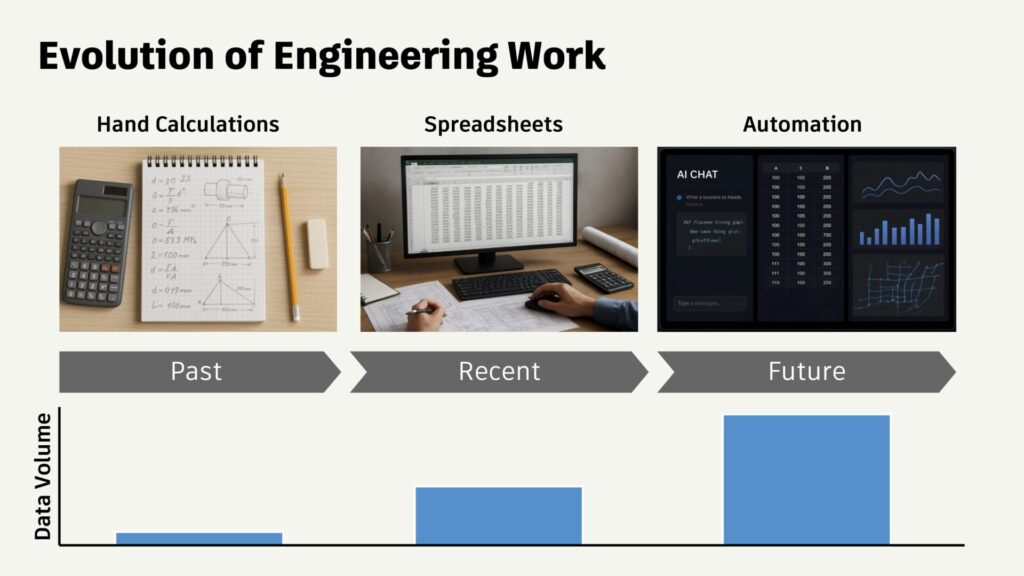
Even with an account on platforms like ChatGPT, users can access AI tools to assist with scripting tasks. AI tools can help translate complex scripting tasks into plain English, making them more accessible to everyone, even those without programming expertise. An AI assistant can also support engineers by helping with automation and data management tasks, streamlining workflows and providing guidance throughout the scripting process.
Autoprofiling with Ruby: Saved you 1,000 clicks
A great illustration of this comes from our team’s ongoing development of InfoWorks ICM. We know that some customers grow tired of manually creating profiles – selection lists. They would like to have the ability to generate profiles automatically, without all the click click clicking.
“How might we change that for them?” asked InfoWorks ICM Product Manager Samer Muhandes to his team. In response, Autodesk Support Engineer Alex Grist took on the challenge with a “hold my beer” spirit, creating an “autoprofile” Ruby script, which they shared on LinkedIn for any customer who wanted to try it out. The result: A handy autoprofiling feature that we may add to InfoWorks ICM in the future – but that any customer can implement themselves right now.
Clash detection with Ruby: wildly efficient
Another time-consuming task for some customers is clash detection. Depending on how they’ve set up their workflow, some customers may be exporting, switching platforms, and importing back again, which can become a real drag.
To make that more efficient, Solutions Engineer Ahmed Younes created a Clash Detection script and shared it on LinkedIn, which automatically detects and reports vertical clashes between any two conduits across multiple networks. It calculates the signed vertical clearance, identifies the closest approach point, and provides optional map labeling and CSV export. With that script, our customers can now detect clashes directly in InfoWorks ICM or InfoWorks WS Pro without relying on external tools. Just import your networks in any format and run the script.
What makes modeling with Ruby so powerful?
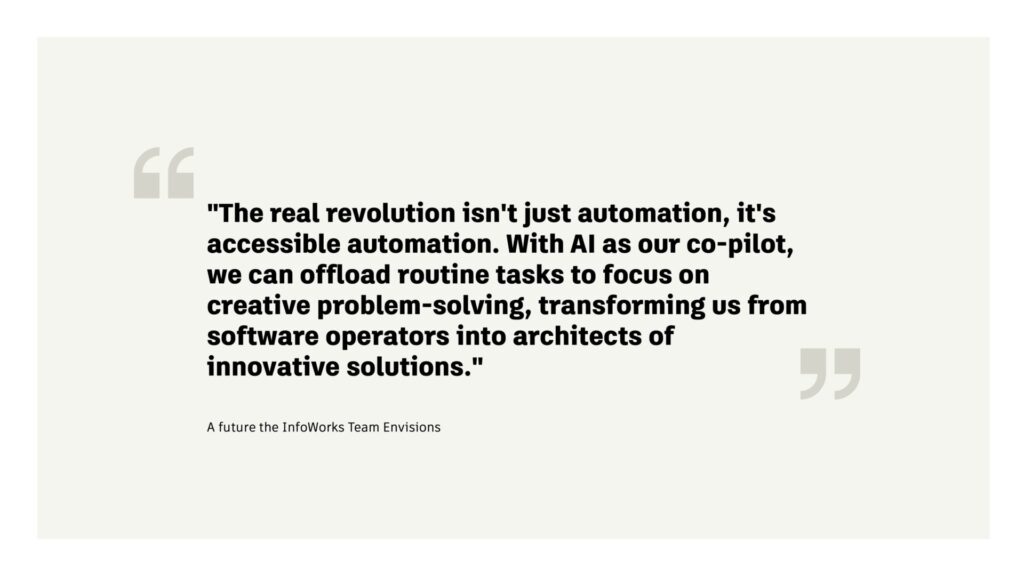
Ruby scripting isn’t just some fun tool to make your models prettier – although that is in itself a noble goal. In certain cases, it’s enabling a level of hydraulic analysis never before seen. What makes it so powerful?
- Impressive automation: Ruby enables the automation of end-to-end workflows. Even a small automation can make a big difference in your day-to-day modelling.
- API-based: It offers a full scripting interface to read and write model data, to drive tools and UIs, and to call on imports and exports (eg, ODEC).
- Inside the software: Because we’ve included Ruby scripting objects in the software, you can develop your own Ruby library within the database and simply drag and drop them into the Task Sequence window to set up your automations.
- Collaborative: You and your colleagues can store your Ruby scripts directly in your shared database, so any new “hammers” that get forged can benefit everyone.
- Secure and transparent: the version control features and easy-to-assign data flags inside our software let you iterate with confidence.
People-powered community scripting
One of the coolest things about Ruby scripting in InfoWorks ICM and WS Pro is that it is driven by our customer community, which builds on top of itself. As engineers and modelers work to write and implement more Ruby scripts, that code can be uploaded to public databases, like our own GitHub, for others to use as needed. Some scripts can even generate a summary table to streamline analysis and reporting, making it easier to review complex network data.
If you’re looking to do more with your hydraulic modeling, try taking advantage of the approachable Ruby scripting interface in InfoWorks ICM and InfoWorks WS Pro to take the art of your hydraulic model to the next level. For that matter, you can also use Ruby scripting with InfoAsset Manager, which also has a Ruby scripting editor inside.
Community scripting is opening up new possibilities for automation and analysis, allowing users to leverage advanced techniques that were previously out of reach.
If you’re still scared of prompting ChatGPT to output Ruby code, try a workflow with pre-checked code from GitHub first to get comfortable. After you familiarize yourself with the lay of the land, diving in deep becomes far less scary. And don’t feel like you must use ChatGPT. Many of the engineers on our team have found more comfort and success working with Cursor and Copilot. Choose the one that works best for you.
Taking your first steps into scripting with AI agents
- InfoWorks WS Pro offers a helpful guide for Ruby scripting that will walk you through the entire process. InfoWorks ICM also has a slightly shorter Ruby scripting guide, with both solutions offering an interface that makes the task of running code easier.
- How are our customers embracing scripting? In a recent customer story, the Arcadis water team walks through how Ruby scripting allowed them to analyze a northern Californian water district’s network in ways that they never imagined.
- Product Manager Nathan Gerdts can walk you through the process for both InfoWorks ICM and InfoWorks WS Pro if you’ve never tried scripting before. Watch his recent Autodesk University presentation Unlock the Power of AI-Enhanced Scripting for Hydraulic Modeling in InfoWorks ICM and InfoWorks WS Pro and learn about all of your scripting options – and which ones will fit with what you’re trying to accomplish.