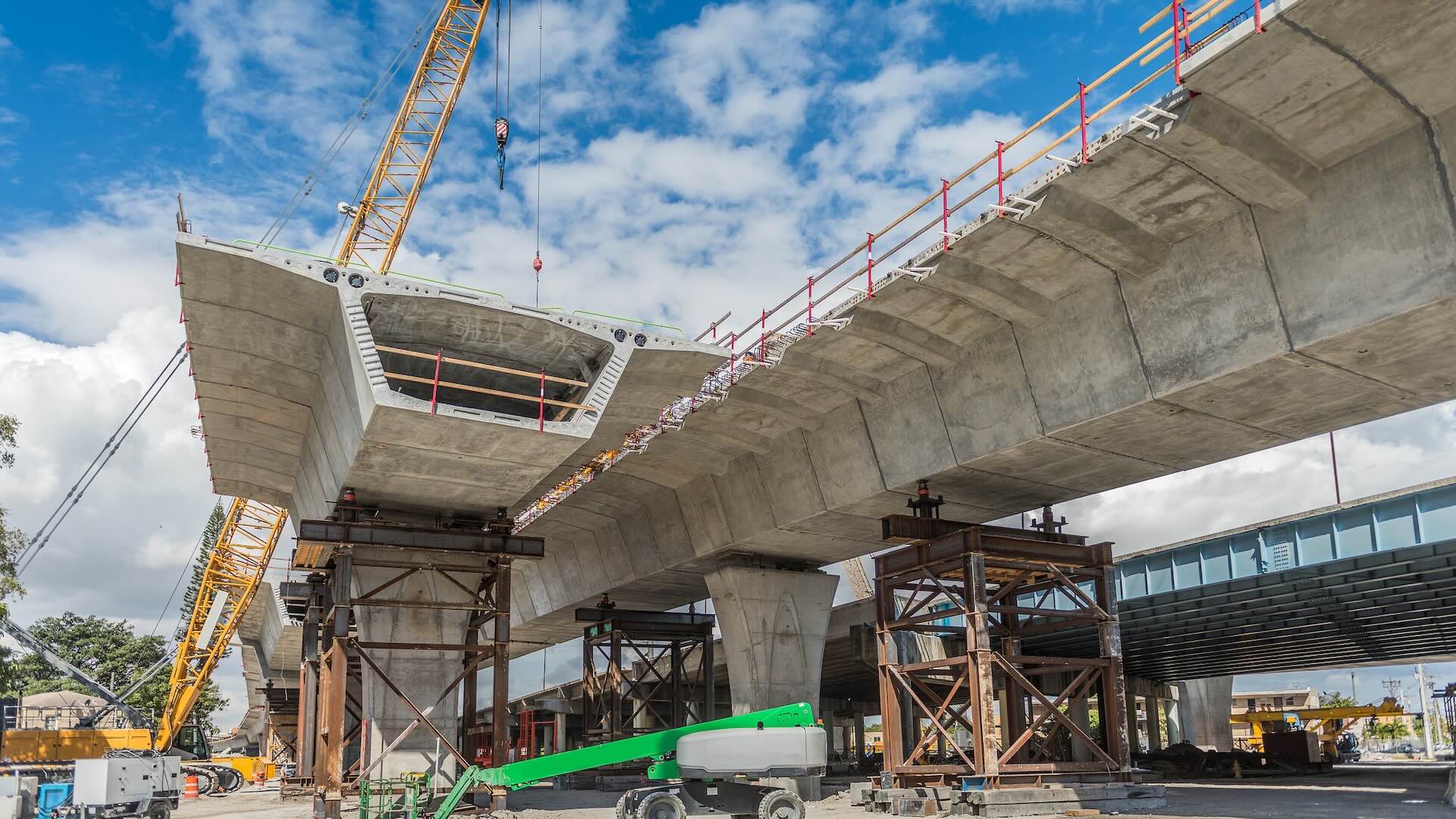
Infrastructure projects are a unique class because, unlike vertical building projects, they span large geographies, can involve linear and horizontal infrastructure, involve multiple jurisdictions, and unfold over much longer timelines. And because they're built for public or regional use, the client is often a public agency, with end users being the communities that use these public facilities.
Infrastructure projects are complex by nature, so they benefit immensely from streamlined workflows, tight collaboration, and data-driven decision-making.
Having a robust platform from a company like Autodesk is a strong start, and if you want to get even more value out of it, leveraging the right integrations can make your day-to-day a lot easier.
This blog will showcase the top integrations that extend Autodesk’s capabilities for infrastructure professionals. Take a look below and see which ones make the most sense for your projects.
Infrastructure projects are uniquely challenging in that teams juggle more tools, more stakeholders, and more data than most. They often involve fragmented solutions, which means data lives in siloes. As any team knows, this increases risk and slows decision-making.
When you have a unified platform and tight, seamless integrations, teams can work from the same source of truth and move faster with confidence.
That’s why Autodesk is committed to an open, connected platform and providing an interoperable ecosystem that connects workflows with industry partners rather than locking teams into disconnected systems.
Autodesk supports infrastructure work from early planning through delivery and operations with tools built to handle the scale of these projects. Examples include Civil 3D for detailed civil design and documentation, InfraWorks for early-stage planning, and specialized solutions for Water Infrastructure design, analysis, and management. Beyond that, Autodesk Forma, the AECO industry cloud ensures teams can use it to streamline just about every phase of the project from design through operations.
Thanks to these tools, infrastructure teams can unlock benefits like:
Just as important, Autodesk’s open platform makes it easy to connect third-party tools through its AECO Technology Partner Ecosystem. That way, you can extend your tech stack and make sure data flows from one system to the next.
We all know construction projects involve multiple teams using a variety of technologies. And when these project components don’t connect with each other, it creates issues like fragmented data and disconnected processes.
The good news is that the construction industry has started to recognize the importance of connected systems.
There’s a growing trend toward more integrated workflows and cloud-based collaboration. When done right, infrastructure teams reduce manual work, improve accuracy, and make faster, more informed decisions.
With that, let’s dive into the top integrations that make Autodesk a powerhouse for infrastructure construction.
These integrations help infrastructure projects stay connected, so data is synced, and everyone stays on the same page.
What it does: Esri provides ArcGIS, a comprehensive geospatial platform that serves as the "location intelligence" layer for infrastructure. You can integrate ArcGIS with AutoCAD, Civil 3D, Revit, Autodesk Forma Site Design, and Forma Data Management to bridge BIM and GIS across the entire infrastructure lifecycle from planning, design, and construction through to operate and maintain. Teams can use ArcGIS to manage, analyze, and visualize 2D and 3D data together, including authoritative GIS layers, engineering models, drone imagery, and evolving digital twins within a shared geographic context. This allows spatially accurate information to be used consistently across desktop, web, and field workflows.
Why it matters: Infrastructure exists in complex environments, and having reliable data about those environments is key. With ArcGIS, teams can view their designs alongside authoritative data, including property lines, environmental constraints, utility networks, and flood zones. That, in turn, helps them make smarter choices and optimize their designs.
Use case: ArcGIS with Autodesk enables users to understand land use, utilities, and community context. For example, urban infrastructure and transportation planning teams can evaluate site constraints or test how projects will impact surrounding communities.
What it does: An AI-powered capital planning solution, Aurigo is built for owners of large-scale facilities and infrastructure. It helps owners streamline the "top-down" activities of a project. Think: identifying investment opportunities, simulating funding scenarios, and forecasting cash flow.
Why it matters: Infrastructure projects require massive investments, and a tool like Aurigo can help with planning and decision-making around these jobs. It improves governance by providing visibility into budgets, cash flow, and performance, helping agencies have tighter control over their financials.
Use case: Transportation and city infrastructure programs benefit from Aurigo. For instance, a city or utility department can use the platform to plan out a 5 or 10-year infrastructure roadmap, prioritizing bridge repairs versus new pipeline construction based on available funding.
Private sector capital programs benefit in the same way. An investor-owned utility can prioritize substation upgrades versus new transmission builds, while data center operators and life sciences or manufacturing firms can weigh facility retrofits against new construction based on available capital.
What it does: GeoDin is a leading geotechnical data management software suite for understanding the ground to design and build safe and sustainable infrastructure. GeoDin solutions cover the entire geotechnical workflow, from on-site data capture (GeoDin Onsite) to manage and analyze the geotechnical data (GeoDin) and finally, visualizing the ground data in 3D models (GeoDin Ground). GeoDin Ground plug-in for Autodesk Civil 3D brings ground data, including borehole data and lithological soil and rock layers, directly into the infrastructure design environment to enable data driven design workflows.
Why it matters: Subsurface uncertainty is one of the biggest risks in infrastructure construction. Thanks to GeoDin, teams can gain better visibility into ground conditions and reduce overall project risk.
Use case: GeoDin is used across medium to large-scale infrastructure projects, such as tunnels, bridges and pipelines, to ensure uncertainty on the ground uncertainty is minimized, unforeseen delays and rework are eliminated, and engineering designs have reduced overengineering for more cost effective and sustainable construction works.
What it does: A platform made specifically for water and wastewater infrastructure, Optimizer integrates with InfoWorks ICM and InfoWorks WS Pro to automate the complex process of network planning. Instead of having engineers manually test design scenarios, Optimizer uses smart algorithms to analyze thousands of combinations of assets, sizes, and configurations to find the most mathematically efficient solution for a water system.
Why it matters: Traditional planning relies heavily on manual analysis and assumptions. Optimizer replaces guesswork with data-driven insights. Teams can lower lifecycle costs, meet regulatory requirements, and build systems that can handle droughts, floods, or any other climate pressures.
Use case: Optimizer is ideal for utilities planning stormwater, wastewater, and water distribution systems, especially when managing overflow risks, prioritizing capital investments, or balancing short-term fixes with long-term resilience goals.
What it does: ORIS is a materials intelligence and Life Cycle Assessment (LCA) platform for road, rail, and other civil infrastructure. Teams can integrate it with Civil 3D and AutoCAD to calculate the carbon footprint and resource consumption of a design in real-time. ORIS leverages a database of 50,000+ geolocated suppliers and GIS-based route optimization to help engineers select the most eco-friendly materials.
Why it matters: A big part of a project's environmental impact is determined during the design phase. That's why it's incredibly important to make sustainable decisions early on. ORIS helps infrastructure teams do this by enabling them to assess carbon impact and adjust their designs accordingly.
Use case: Comparing different pavement structures and material specifications (e.g., recycled aggregates vs. virgin stone) during conceptual design to find the lowest-carbon path. This makes ORIS a great fit for highway and pavement design projects.
What it does: Sensat is a geospatial and intelligence platform that helps organisations de-risk complex infrastructure projects. It brings together reality capture, CAD, BIM models, schedules, and site photos into one visual, real-world environment, giving teams the accurate data they need to make informed decisions at critical points throughout the construction lifecycle.
Why it matters: Major infrastructure decisions often hinge on terrain, constraints, and conditions found outside traditional drawings. Sensat lets project teams overlay models and documents onto real-world site data, spotting critical issues much earlier and avoiding costly risks later on.
Use case: During pre-construction and design, Sensat helps delivery teams spot delivery risks and design clashes at the earliest stages, reducing rework, safety incidents, and regulatory exposure before any boots hit the ground. Ideal for high-scale projects where interfaces are complex, and risks could be significant.
What it does: Transcend Design Generator helps infrastructure teams automate conceptual and preliminary design for water and wastewater treatment facilities. It uses engineering logic, parametric rules, and AI-assisted workflows to turn governed project inputs into structured, traceable engineering data and preliminary design deliverables. These can flow into Autodesk Forma workflows and downstream BIM environments.
Why it matters: Early-stage infrastructure design is often slow, iterative, and resource-intensive. Transcend helps teams explore more design options quickly. It reduces manual engineering work and supports better decisions early. This includes choices about cost, performance, project constraints, and sustainability.
Use case: For municipal water and wastewater projects, teams often need to compare multiple scenarios quickly. Transcend helps generate and structure this option data up front. This makes it easier to assess feasibility, align stakeholders, and move into Autodesk-based design workflows with more confidence and better information.
What it does: VAPAR uses AI to automatically analyze CCTV footage of stormwater and wastewater pipes. Instead of manually reviewing hours of video, teams get standardized defect detection and condition data that flows directly into asset management tools like Info360 Asset.
Why it matters: Pipe networks are vast and hidden, so manually monitoring them can be slow and difficult. VAPAR can speed up the process and reduce human error. And because it uses AI to code defects, it can also reduce subjectivity between different inspectors.
Use case: Teams that look after municipal stormwater and wastewater systems or manage large pipe networks can use VAPAR to speed up inspections and gather data for smarter maintenance and renewal decisions.
Leveraging integrations isn’t just about improving workflows and collaboration.
Yes, a well-integrated tech stack leads to less manual work and better data flow—but the impact goes beyond data. Connected ecosystems like the one Autodesk provides through the AECO Technology Partner Ecosystem help reduce project risk and enable your teams to make smarter decisions earlier.
Ultimately, this clears the path for even bigger goals. Want to meet and exceed your sustainability targets? Need to unlock real digital maturity and data-driven decision-making? When you keep your tech connected, everything works together to move projects forward.
Integrations play a critical role in helping infrastructure teams manage complexity, reduce risk, and make better decisions across long project lifecycles. If you're using Autodesk tools and are looking to unlock even more value out of the platform, leveraging the right partner solutions can help you get there. Explore the AECO Technology Partner Ecosystem and start building smarter with Autodesk today.