Game assets: Create video game assets with industry-standard software to unlock a world of benefits
Game assets: Create video game assets with industry-standard software to unlock a world of benefits
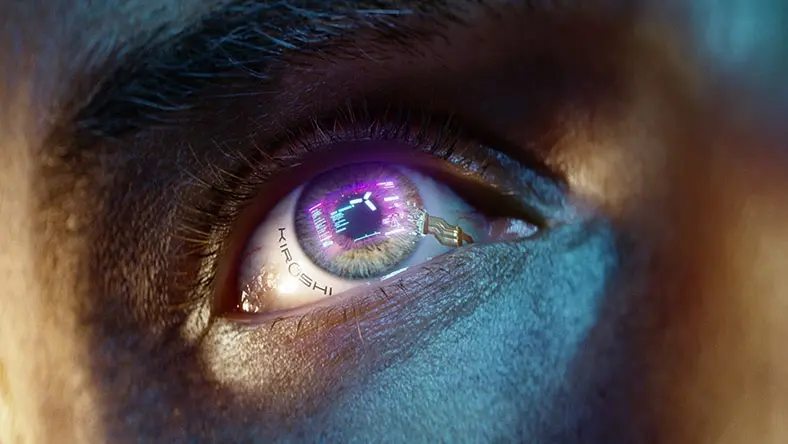
Image courtesy of CD PROJEKT Red
 Video games are built from digital content assets like environments, characters, and sounds. Image courtesy of Anastasiya Osichkina.
What are game assets?
What are game assets?
 Game designers work with advanced software to develop video game assets.
How game assets are created
How game assets are created
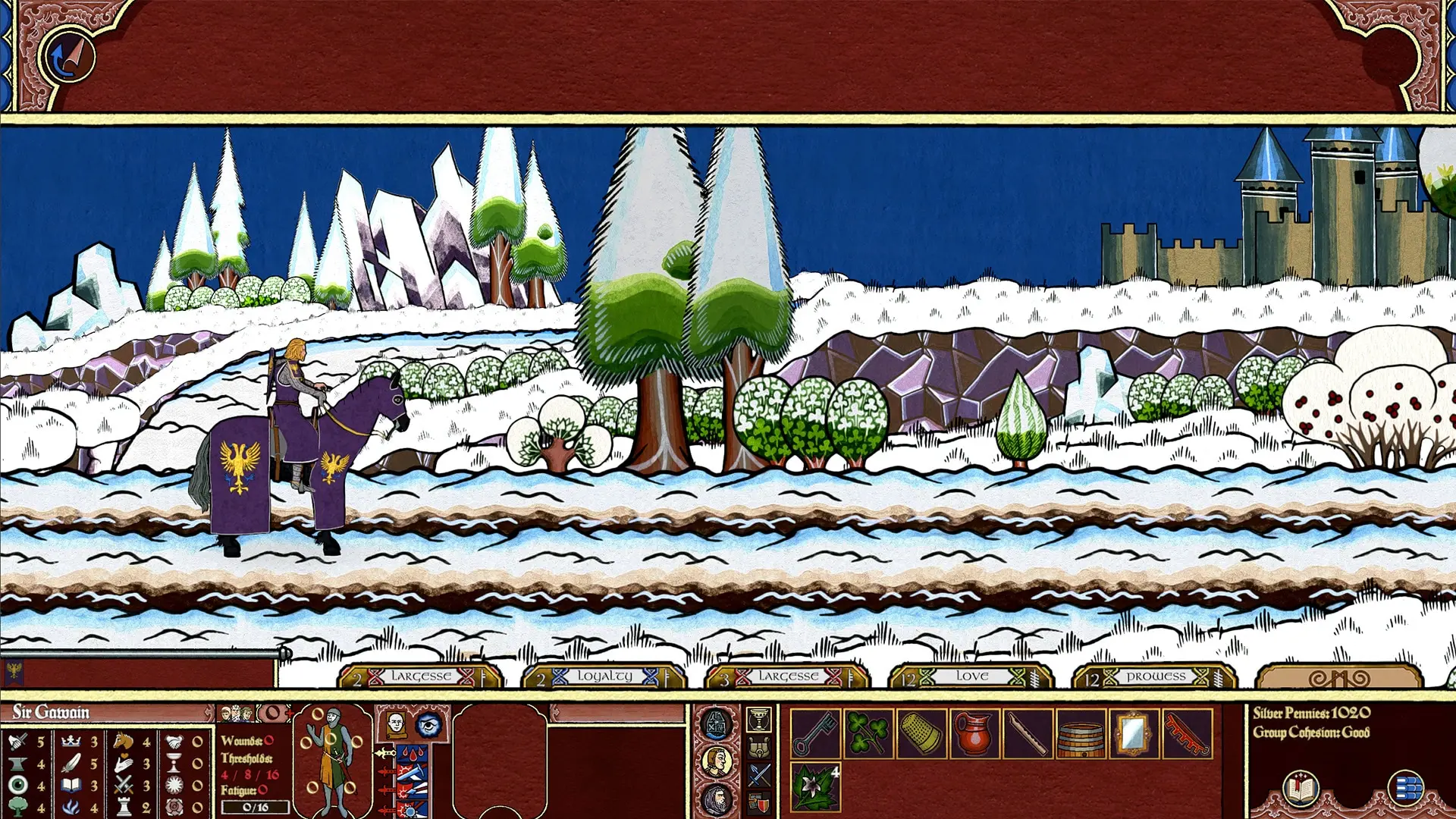
 3D game assets are usually more complicated and time-consuming to develop than 2D assets. Image courtesy of Michael Shkliaryk.
2D or 3D? That is the question
2D or 3D? That is the question

What is an example of a game asset?
A game asset is any deliverable content item for a video game, including 3D models, textures, animations, and sounds. An example of a video game asset is one of the rings of power in a Lord of the Rings video game—but it could also be the character who wears the ring, the texture layer on the ring that makes it shiny, the sound that plays when the ring goes on, or the animation of a character putting on the ring.
What tools are needed to create game assets?
Some software tools needed to create game assets include programs for making concept art and textures such as GIMP (2D) and Autodesk Mudbox (3D); 3D modeling programs such as Autodesk Maya and 3ds Max; character animation software like Autodesk MotionBuilder; and game asset management/project management software like Flow Production Tracking.
How do I make my own game assets?
Once you know the basics of one or more software programs mentioned above, game asset creation unfolds in the following steps: conceive, model, texture, rig, animate, and optimize.
The first game asset creation step may involve researching and brainstorming ideas and creating concept art. If you’re working with a team, modeling may include exchanging ideas and suggestions among them. The same goes for texture mapping and animating.
After those steps, optimization involves compressing the size of the game asset model and texture files so that they load and perform efficiently in a game engine.