What is Flow Production Tracking?
Flow Production Tracking (formerly ShotGrid) is an advanced production management and review tool for managing resources, tracking assets, and keeping people connected at every stage of production.
Keep a constant pulse on tasks, budgets, and timelines.
Boost collaboration with media playback and review tools.
Run productions your way with customizable workflows, application integrations, and an open ecosystem.
What is Flow Production Tracking?
Flow Production Tracking (formerly ShotGrid) is an advanced production management and review tool for managing resources, tracking assets, and keeping people connected at every stage of production.
Keep a constant pulse on tasks, budgets, and timelines.
Boost collaboration with media playback and review tools.
Run productions your way with customizable workflows, application integrations, and an open ecosystem.
Supercharge your studio with powerful production tools
Collaborate in the cloud with Flow Production Tracking and RV

Flow Production Tracking sets the stage for Autodesk’s cloud-first evolution
Supercharge your studio with powerful production tools
Collaborate in the cloud with Flow Production Tracking and RV
Flow Production Tracking sets the stage for Autodesk’s cloud-first evolution
Features
Real-time project tracking
Use Flow Production Tracking’s cloud-based pipeline tools to track, review, approve, and manage data associated with a production.
AI-powered scheduling
Predict, plan, and right-size production resources with automated scheduling capabilities.
Resource planning views
Efficiently manage artist resources with Resource Planning views. Assess capacity, workload, and balance resources at various levels. Seamlessly access live data and export information.
A complete review experience
Enable real-time collaboration, streamline feedback, and keep creative decisions moving forward in one connected review environment.
End-to-end security
SSO, two-factor authentication, IP allowlisting, and project isolation give you peace of mind knowing your projects and IP are fully protected.
Plug-and-play integrations
Design a custom pipeline with integrated tools, including Maya, 3ds Max, and Unreal Engine.
"Flow Production Tracking is such an important part of our process, it’s a foundation that we build our films on."
"At ShadowMachine, we’re really excited about our future and how Flow Production Tracking and Flow Capture will help pave the way for more streamlined processes and communication."
"In Flow Production Tracking, sequence and asset links are compiled, allowing quick access to necessary information."
"[Maya is] our de facto tool for a lot of work, especially animation. It’s battle-tested […] and integrates nicely with Flow Production Tracking."
News and learning resources
Discover learning content, customer projects and insights.

M&E YOUTUBE CHANNEL
Informative videos
Improve your Flow Production Tracking knowledge and skillset with videos by industry professionals.
COURSE
Introduction to Flow Production Tracking
Learn about Flow Production Tracking’s basic capabilities and functionality in this introductory course.
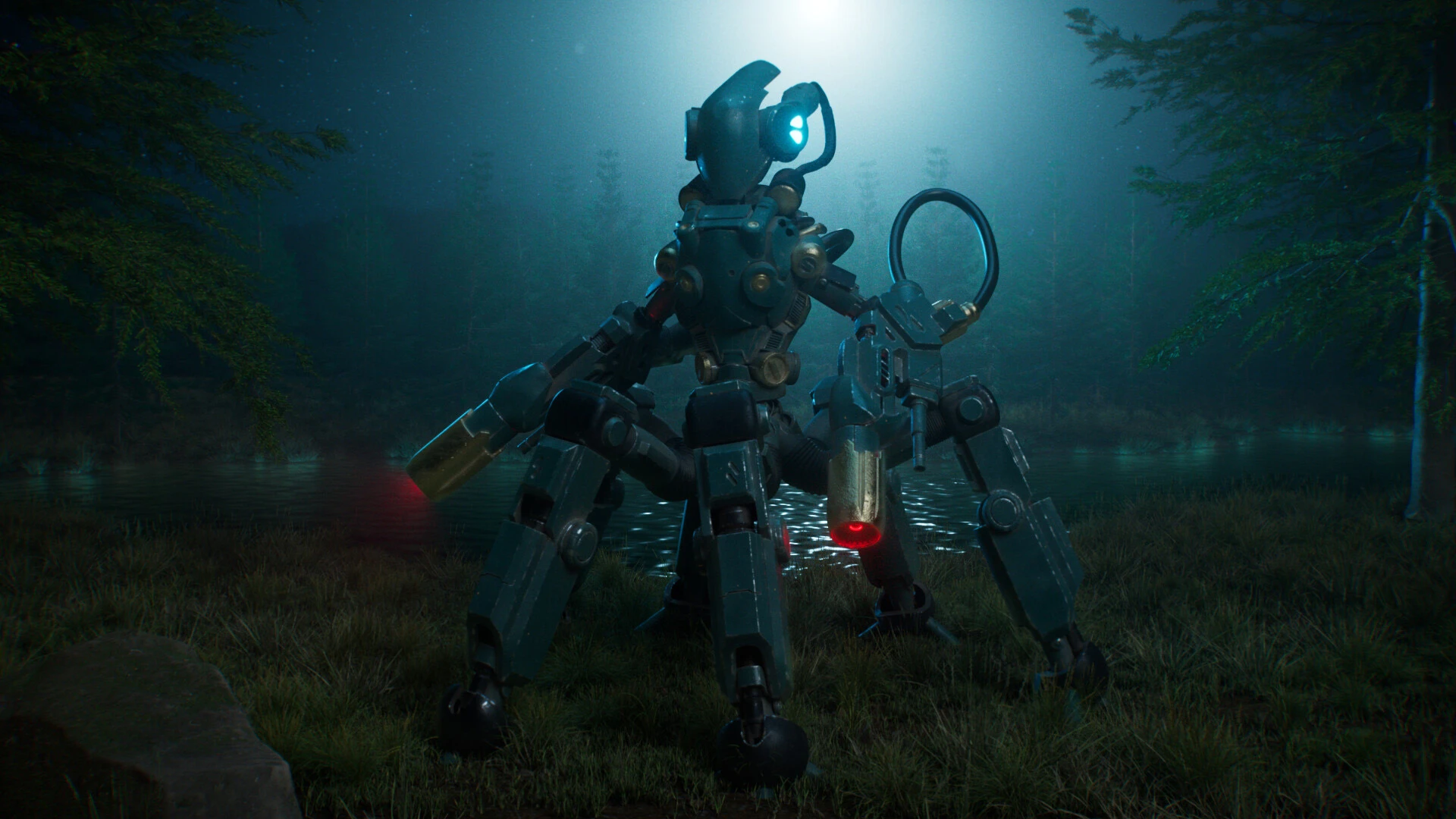
Image courtesy of Mani Aho

DOCUMENTATION
Guides and release notes
Read about new features, fixes, APIs, and more.

Larian Studios brings Baldur’s Gate 3 to life
Explore the game dev magic behind Baldur’s Gate 3 and how Larian Studios used production management tools to achieve remarkable efficiency.
©2024 Larian Studios. ©2024 Wizards of the Coast

Animating the Frontier in Season 2 of 1923
See how Flow Production Tracking is at the core of WeFX’s project management framework as they break down a fully CG horse chase sequence.
Image courtesy of WeFX

Untold Studios innovates with collaborative cloud workflows
Untold Studios creates a pipeline in the cloud, streamlining across animation and visual effects projects.
Image courtesy of Untold Studios
Questions? We have answers.
What is Flow Production Tracking (formerly ShotGrid) used for?
Flow Production Tracking is a production management and review toolset for VFX, animation, and games teams. Flow Production Tracking is equipped to handle creative production tracking needs, allowing teams and studios of any size to focus on the things that matter.
Who uses Flow Production Tracking (formerly ShotGrid)?
Flow Production Tracking is used across the film, TV, and game industries by producers, supervisors, pipeline developers, artists, and more.
Which versions of Flow Production Tracking can I use if I subscribe to the current version?
Your Flow Production Tracking subscription gives you access to install and use the three previous versions. Available downloads are listed in your Autodesk Account after subscribing. See also previous releases available for subscribers.
Can I install Flow Production Tracking on multiple computers?
With a subscription to Flow Production Tracking, you can install it on up to three computers or other devices. However, only the named user can sign in and use that software on a single computer at any given time. Please refer to the Software License Agreement for more information.
How do I convert my Flow Production Tracking free trial to a paid subscription?
Start your trial software and click Subscribe Now on the trial screen or buy Flow Production Tracking here. When buying your subscription, enter the same email address and password combination you used to sign in to your trial. Learn more about converting a trial to a paid subscription.
How much does a Flow Production Tracking (formerly ShotGrid) subscription cost?
The price of an annual Flow Production Tracking subscription is {{price.SGSUB.1year}} and the price of a monthly Flow Production Tracking subscription is {{price.SGSUB.1month}}. The price of a 3-year Flow Production Tracking subscription is {{price.SGSUB.3years}}.
What is the difference between Autodesk Production Tracking and Autodesk Flow Capture?
Flow Production Tracking (formerly ShotGrid) is a production management tool that specializes in tracking deadlines, managing resources like staff and budgets, and reviewing. Autodesk Flow Capture (formerly Moxion) is a cloud-based digital dailies and review tool. Its primary function is to securely capture and stream on-set camera data to the cloud for review.
Do you offer subscriptions for educational institutions?
Qualified academic institutions worldwide are eligible for free access to Autodesk software through the Autodesk Education Community.
What Autodesk AI features are currently available in Flow Production Tracking?
Flow Generative Scheduling, powered by Autodesk AI, is available in Flow Production Tracking. It analyzes multiple scheduling scenarios, weighs trade-offs, and produces resource-optimized, balanced schedules in minutes. This enables teams to adapt quickly and effectively to changing production needs.
What is Autodesk doing to ensure the responsible and ethical use of AI and Machine Learning (ML)?
Some Autodesk AI features do not leverage machine learning and so do not require data for training of the underlying models. When an AI feature does require data for training, Autodesk uses different data sources depending on the feature. You can learn more about whether an Autodesk AI feature relies on machine learning and what data sources are used for training on the feature’s AI transparency card, located within the Trusted AI section of Autodesk's Trust Center. Note: Additional transparency cards are coming soon.


Products you can trust
From payment flexibility to always-on support, expect excellence.


