Civil 3D
Autodesk Civil 3D: Infrastructure design software for civil engineers
Integrated design, optimization, and analysis tools for complex civil infrastructure and engineering projects
What is Autodesk Civil 3D?
Civil 3D enables civil engineers with precision design tools built to meet complex infrastructure challenges in a 3D model-based environment.
Accelerate design and documentation to meet project requirements
Enable advanced automation and analysis tools
Connect project teams to improve collaboration and coordination
What is Autodesk Civil 3D?
Civil 3D enables civil engineers with precision design tools built to meet complex infrastructure challenges in a 3D model-based environment.
Accelerate design and documentation to meet project requirements
Enable advanced automation and analysis tools
Connect project teams to improve collaboration and coordination
INTEGRATED WORKFLOWS
Analyze, iterate, and refine designs
CONTEXTUAL DATA
Gain efficiencies with seamless GIS Integration
COLLABORATION & DATA MANAGEMENT
Improve project collaboration
AUTODESK ASSISTANT (TECH PREVIEW)
Access AI-powered support in Civil 3D
INTEGRATED WORKFLOWS
Analyze, iterate, and refine designs
CONTEXTUAL DATA
Gain efficiencies with seamless GIS Integration
COLLABORATION & DATA MANAGEMENT
Improve project collaboration
AUTODESK ASSISTANT (TECH PREVIEW)
Access AI-powered support in Civil 3D
Features to support your operations
Site and survey workflows
Download, create, analyze, and adjust survey data, as well as transfer field-captured data to the office.

Terrain modeling
Create digital models of topography for land-use studies, transportation system planning, and water flow simulations.
Corridor modeling
Create dynamic and data-rich corridor models for highways, roads, and rail tracks.
Design automation
Use visual programming to generate scripts that automate repetitive and complex tasks, including electrification and signaling.
Drainage design and analysis
Manage stormwater and sanitary sewer design. Define pipeline paths, optimized with hydraulics/hydrology analysis.
Materials and quantities
Use materials and sectional or profile information to create reports for volumes, comparing design and existing surfaces and quantity takeoff.
NEW
Forma Data Management Essentials
Included with standalone Civil 3D subscriptions, Autodesk Forma Data Management Essentials centralizes cloud-based project data.
ENHANCED
Autodesk Assistant
Access AI-generated support and solutions in Civil 3D and troubleshoot your design challenges without leaving the workspace.
ENHANCED
Autodesk AI
Whether you're planning, concepting, or analyzing, Autodesk AI supports your process at every stage of the AECO lifecycle.
Site and survey workflows
Plot the Hydraulic Grade Line (HGL) and Energy Grade Line (EGL) within the long section of the drainage network.
Terrain modeling
Plot the Hydraulic Grade Line (HGL) and Energy Grade Line (EGL) within the long section of the drainage network.
Corridor modeling
Plot the Hydraulic Grade Line (HGL) and Energy Grade Line (EGL) within the long section of the drainage network.
Design automation
Plot the Hydraulic Grade Line (HGL) and Energy Grade Line (EGL) within the long section of the drainage network.
Drainage design and analysis
Plot the Hydraulic Grade Line (HGL) and Energy Grade Line (EGL) within the long section of the drainage network.
Materials and quantities
Plot the Hydraulic Grade Line (HGL) and Energy Grade Line (EGL) within the long section of the drainage network.
NEW
Forma Data Management Essentials
Included with standalone Civil 3D subscriptions, Autodesk Forma Data Management Essentials centralizes cloud-based project data.
ENHANCED
Autodesk Assistant
Access AI-generated support and solutions in Civil 3D and troubleshoot your design challenges without leaving the workspace.
ENHANCED
Autodesk AI
Whether you're planning, concepting, or analyzing, Autodesk AI supports your process at every stage of the AECO lifecycle.
Civil infrastructure workflows
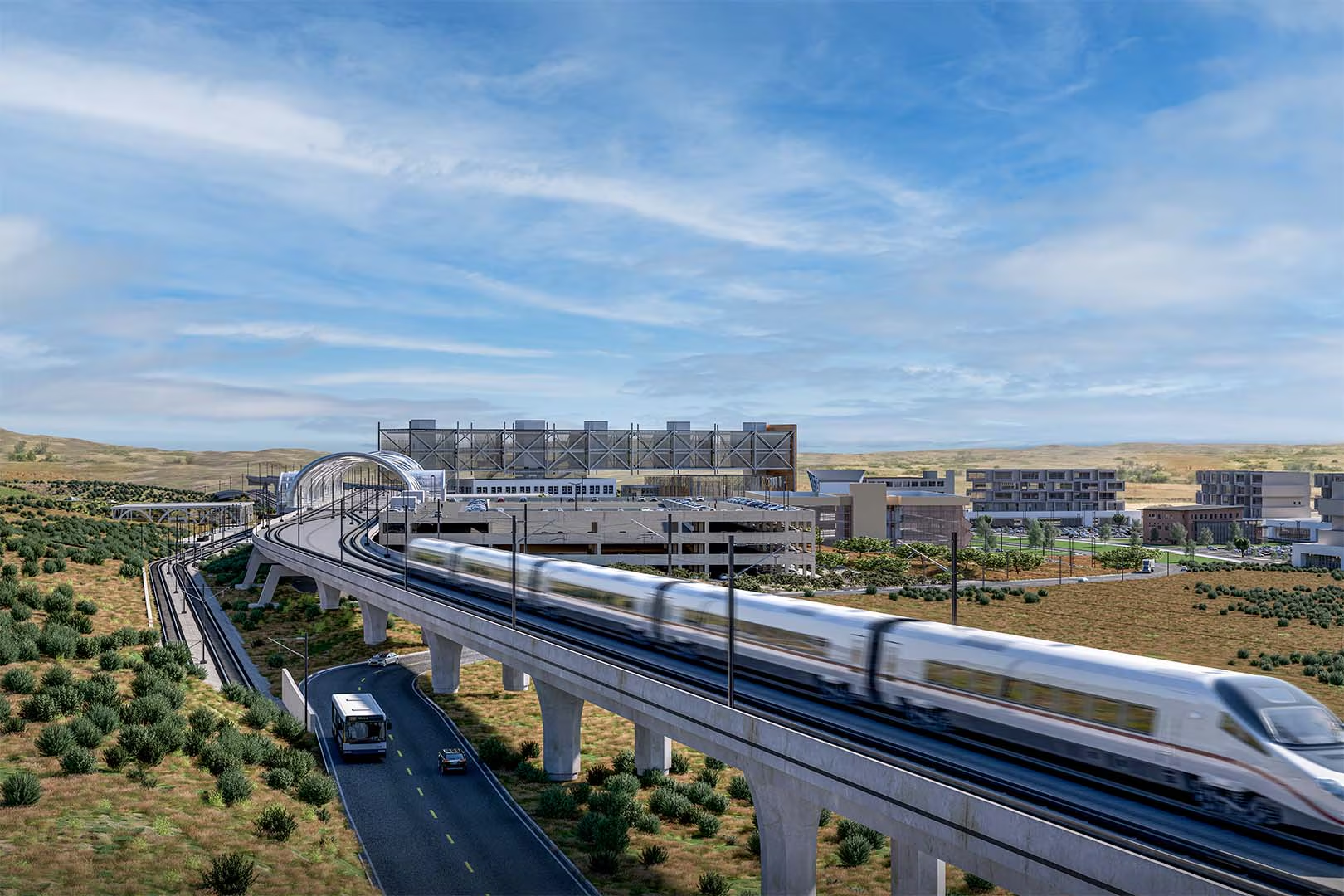
Civil 3D for rail design
Accelerate planning, design, and delivery of transit stations and rail networks.
Accelerate planning, design, and delivery of transit stations and rail networks.
The precision of Civil 3D allowed the team to create an accurate representation of the underground soil, ensuring enough material was available on-site.
[With Autodesk] we're able to collaborate seamlessly using the AEC package on our BIM platform.
The benefits are about transparency and better collaboration.
Design better, smarter, faster with the AEC Collection
Design better, smarter, faster with the AEC Collection
Save up to 80% over individual annual licenses.
Explore a powerful set of tools with extended capabilities built for engineering complex products, equipment, and systems.
Explore a powerful set of tools with extended capabilities built for engineering complex products, equipment, and systems.
Products included


+ 11 more
Design better, smarter, faster with the AEC Collection
Design better, smarter, faster with the AEC Collection
Save up to 80% over individual annual licenses.
Explore a powerful set of tools with extended capabilities built for engineering complex products, equipment, and systems.
Explore a powerful set of tools with extended capabilities built for engineering complex products, equipment, and systems.
Products included
+ 11 more
Civil 3D resources & community
Webinar
What’s new in Civil 3D 2027
Deep dive into the powerful capabilities for infrastructure design workflows.

Blog
Civil 3D highlights and updates
See the latest updates for efficiently designing and digitally modeling infrastructure projects.
PRODUCT ROADMAP
What’s next in Civil 3D
Explore the product development pipeline for Civil 3D and provide your feedback.

AUTODESK UNIVERSITY
Learn advanced civil workflows from your peers
Discover new approaches for better infrastructure with these resources from Autodesk University.

COMMUNITY FORUM
Connect with the Autodesk Community
Ask questions, share your knowledge, or submit product ideas.

AUTODESK LEARNING
Get started on your own Autodesk learning path
On-demand e-learning resources to sharpen your skills, enhance your career, and demonstrate knowledge.
AUTODESK CERTIFICATION
Show off your skills
Validate design and make skills to get hired, advance your career, and accelerate your business.
Questions? We have answers.
What is Autodesk Civil 3D used for?
Autodesk Civil 3D is civil engineering computer-aided design (CAD) software used to plan, design, and deliver land development, water, and transportation infrastructure projects. It includes features to automate tasks and increase productivity such as comparing drawings, grading surfaces, modeling rail and highway corridors, analyzing drainage systems, and producing documentation in a model-based environment.
Who uses Autodesk Civil 3D?
Civil engineers, civil designers, and infrastructure professionals, including those working in transportation, land development, and water projects, use Autodesk Civil 3D to efficiently design, analyze, and document complex civil infrastructure projects.
Which versions of Autodesk Civil 3D can I use if I subscribe to the current version?
Your Autodesk Civil 3D subscription gives you access to install and use the 3 previous versions. Available downloads are listed in your Autodesk Account after subscribing. See also previous releases available for subscribers.
How do I download Autodesk Civil 3D?
Autodesk provides download and install instructions for individuals and administrators. Your available downloads appear in Autodesk Account. Find your product, select a version, platform, language, and download method. For more information, visit the Autodesk Support.
Can I install Autodesk Civil 3D on multiple computers?
With a subscription to Autodesk Civil 3D software, you can install it on up to 3 computers. However, only the named user can sign in and use that software on a single computer at any given time. Please refer to the Software License Agreement for more information.
How do I convert my Autodesk Civil 3D free trial to a paid subscription?
Launch your trial software and click Subscribe Now on the trial screen or buy Autodesk Civil 3D here. When buying your subscription, enter the same email address and password combination you used to sign in to your trial. Learn more about converting a trial to a paid subscription.
How much does an Autodesk Civil 3D subscription cost?
The price of an annual Autodesk Civil 3D subscription is {{price.CIV3D.1year}} and the price of a monthly Civil 3D subscription is {{price.CIV3D.month}} . The price of a 3-year Civil 3D subscription is {{price.CIV3D.3years}} . If you have infrequent users and are interested in a pay-as-you-go option, please visit www.autodesk.com/flex to learn more.
Can I use Autodesk Civil 3D for free?
Yes. Students and educators can get free one-year educational access to Autodesk products and services, renewable for as long as you remain eligible. Learn more.
Which operating system does Autodesk Civil 3D run on?
Autodesk Civil 3D runs on Microsoft® Windows®. See Civil 3D system requirements for details.
What are the main capabilities of Autodesk Civil 3D?
Autodesk Civil 3D provides tools for civil engineering design, analysis, and documentation. It supports workflows such as terrain and surface modeling, corridor design for roads and rail, pipe networks for drainage, and construction documentation. Civil 3D also supports BIM and GIS workflows, enabling teams to ground projects in real-world data and design in a dynamic, 3D model-based design environment.
What AI features are available in Autodesk Civil 3D?
Autodesk Civil 3D includes AI-powered features that help automate tasks and provide in-product guidance. Autodesk Assistant offers conversational support with summarized responses, step-by-step guides, and links to relevant documentation. Other capabilities, like machine learning-based analysis can help improve consistency when working with complex survey data. These features are designed to assist users in the design process and be reviewed to verify results.
Does Autodesk Civil 3D integrate with BIM and GIS systems?
Yes. Autodesk Civil 3D integrates with BIM and GIS workflows to connect designs with real-world context. Using Autodesk Connector for ArcGIS, you can maintain a live connection between Esri ArcGIS® and Autodesk design applications like Civil 3D and InfraWorks.
Through cloud-based tools like Forma Design Collaboration (formerly BIM Collaborate Pro) and Forma Data Management (formerly Autodesk Docs), teams can share coordinated design data across disciplines. Together, these capabilities support informed planning, design, and analysis across infrastructure projects.
What is Forma Data Management Essentials?
Forma Data Management Essentials is a cloud-based project workspace that enables AECO teams to manage, organize, and share project files in a centralized cloud workspace. It provides core cloud-based data management and collaboration capabilities such as document storage, drawing and model viewing, markups, and issue tracking, while connecting AutoCAD, Revit, and Civil 3D workflows to enable access to consistent, accessible project information across teams and phases.
Who uses Forma Data Management Essentials?
Forma Data Management Essentials is designed for drafters, designers, architects, engineers, contractors, and others who work in supported versions of AutoCAD, Revit, or Civil 3D and need a simple, cloud-connected way to manage and collaborate on project data.
What is the difference between Forma Data Management Essentials and Forma Data Management?
Forma Data Management Essentials includes core cloud-based document management and collaboration capabilities such as centralized storage, browser-based drawing and model viewing, markups, issue tracking, and controlled sharing.
Forma Data Management includes everything in Forma Data Management Essentials plus advanced capabilities such as document approvals, metadata-driven workflows, automation, Insights, and API access.
Forma Data Management Essentials is designed as a simple starting point for AECO teams. Forma Data Management supports more advanced project controls and workflows.
Products you can trust
From payment flexibility to always-on support, expect excellence.


