
Nesting software
Nesting software
What is nesting and fabrication?
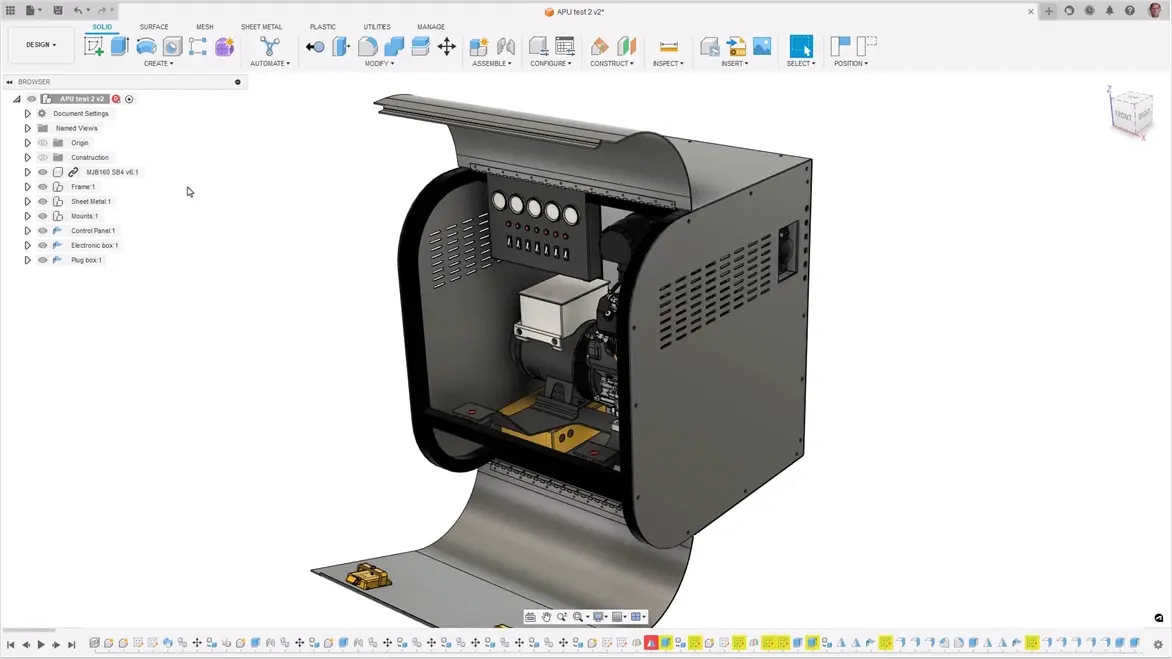
What is nesting and fabrication?
Maximize material utilization
Maximize material utilization
Improve efficiency
Improve efficiency
Optimize cutting paths
Optimize cutting paths
Enhance quality and accuracy
Enhance quality and accuracy
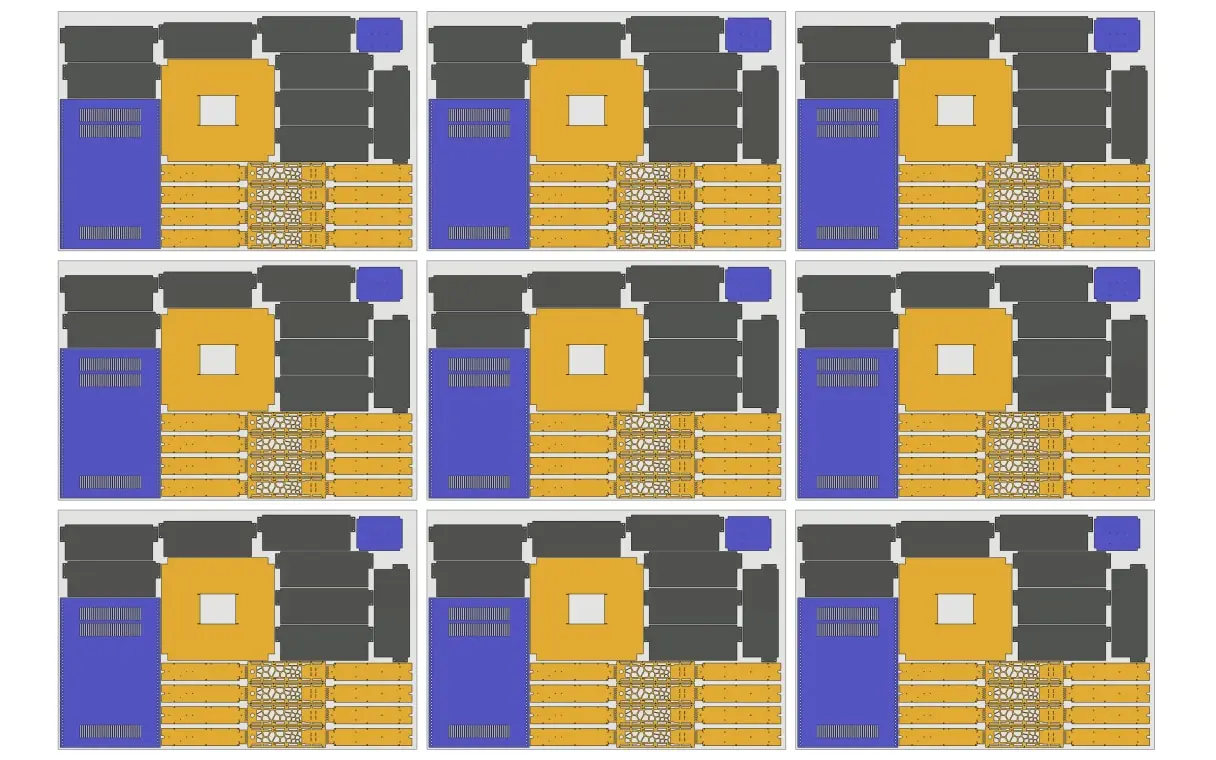
Automatic nesting
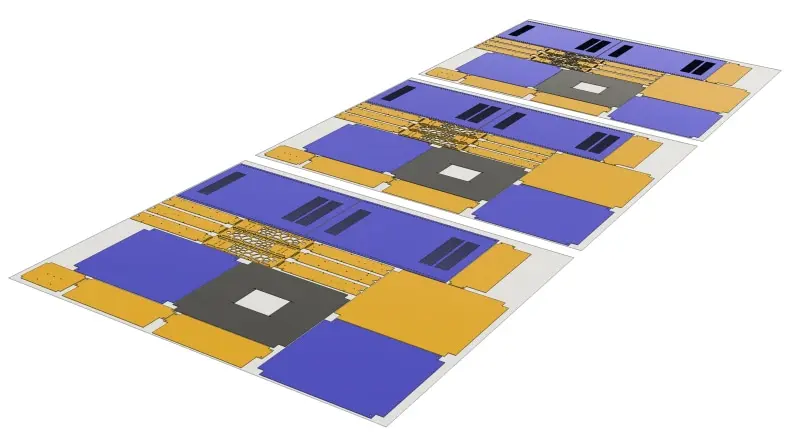
Automatic nesting
Intelligent nesting
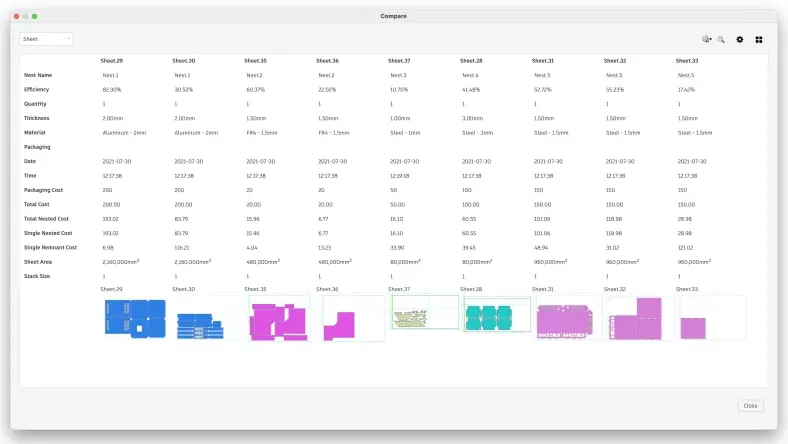
Intelligent nesting
Manual nesting
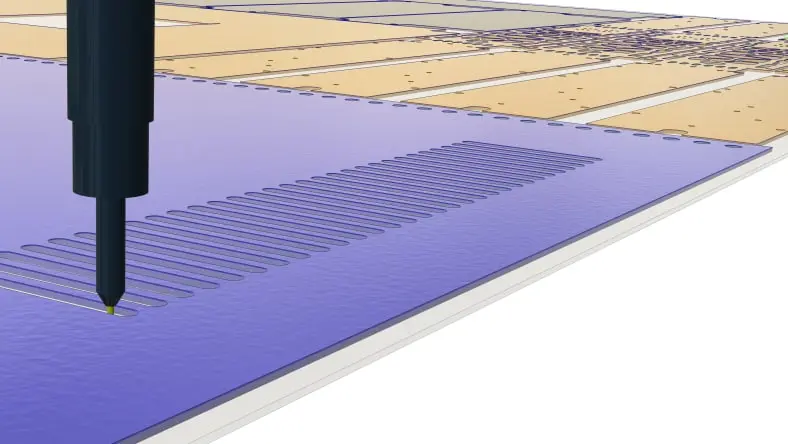
Manual nesting
NEW OFFER - Flex now starting at {{PRICE}} for {{FLEXACCESS.billingQuantity}} tokens
NOUVELLE OFFRE : Flex à partir de {{price.FLEXACCESS.1year}}
Autodesk Flex vous permet de prépayer avec des jetons pour accéder à Fusion et aux fonctionnalités de conception et de fabrication avancées, facturées uniquement lorsque les outils sont utilisés. Il est idéal pour le travail basé sur un projet ou pour un accès occasionnel à des workflows spécialisés. Combinez les jetons Flex avec Fusion pour :
accéder à des workflows avancés de développement des produits à la demande ;
utiliser des fonctionnalités à valeur ajoutée uniquement lorsque cela est nécessaire ;
adapter l’accès en fonction des charges de travail de pointe.
Automatic nesting algorithms
Automatic nesting algorithms
Autodesk Fusion for Manufacturing
Autodesk Fusion for Manufacturing
To start using nesting software in Fusion, follow these simple steps:
To start using nesting software in Fusion, follow these simple steps:
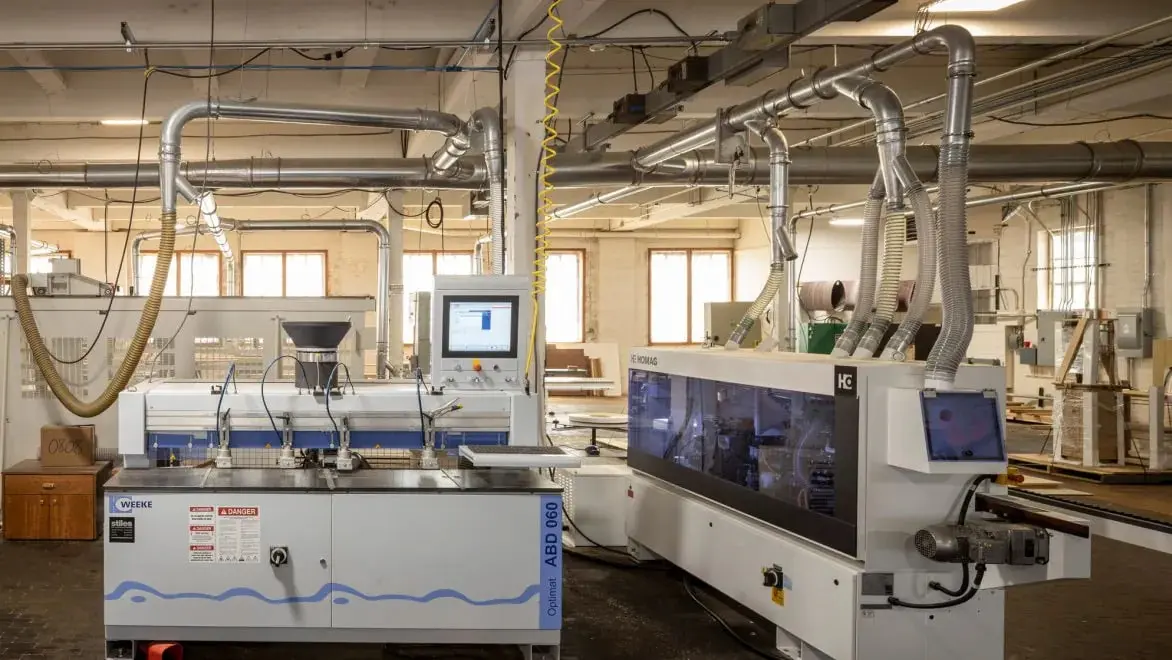
“Previously we were using a different program for nesting to make the cut lists, but that’s still susceptible to human error,” Ganas says. “You type one number wrong and now you have 200 sheets that are 1/16 of an inch off. Fusion 360 has eliminated those kinds of errors. Now we know it’s 100% correct, and that’s a game-changer.”
“Previously we were using a different program for nesting to make the cut lists, but that’s still susceptible to human error,” Ganas says. “You type one number wrong and now you have 200 sheets that are 1/16 of an inch off. Fusion 360 has eliminated those kinds of errors. Now we know it’s 100% correct, and that’s a game-changer.”


How does nesting in Fusion work?
Nesting in Fusion intelligently arranges parts within a sheet based on predefined parameters and constraints. It utilizes advanced algorithms to optimize material usage and enhance manufacturing efficiency.
Can nesting software be used with different materials?
Yes, nesting software is compatible with a wide range of materials, including metals, wood, plastics, and composites. It adapts to the specific requirements of each material type to ensure optimal nesting results.
What is CAD/CAM nesting?
CAD/CAM nesting is the process of efficiently arranging parts to be cut from raw materials, such as sheet metal or fabric, using CAD and CAM software. It maximizes material usage and minimizes waste by automatically optimizing the layout based on part geometry and material constraints.
Does nesting software support sheet metal or wood cutting?
Yes, nesting software supports both sheet metal and wood cutting. It's used in industries like metal fabrication, woodworking, and furniture manufacturing to optimize material usage, reduce waste, and improve cutting efficiency for materials such as steel, aluminum, plywood, MDF, and more.
Is nesting software suitable for laser cutting or CNC machining?
Yes, nesting software is suitable for both laser cutting and CNC machining. It helps generate optimized cutting paths and layouts for machines, for the efficient use of materials and reducing machining time.
What is 2D nesting?
2D nesting is nesting done on flat materials to create 2D parts and shapes. Examples include sheet metal fabrication and carbon manufacturing.
What is common cutting?
Common line cutting is when designs for one or more parts share the same edge, reducing material waste. It may speed cutting times of nested sheets and reduce heat-related distortions.
What is fly cutting?
A fly cutter is a single-point rotary cutting tool that moves across the surface of flat materials. Fly cutting uses this tool to make a shallow cut or to level a material's surface.
What is bump nesting?
Bump nesting is the act of manually dropping shapes or part designs onto the sheet layout. It can be used in conjunction with automatic nesting to fill in spaces left after automatic nesting.
What’s the difference between manual and automated nesting?
The main difference between manual and automated nesting is in how parts are arranged on the material sheet:
Manual nesting involves a user manually placing and rotating parts within a layout. It gives more control but is time-consuming, less efficient, and prone to human error.
Automated nesting uses algorithms to quickly and intelligently arrange parts for optimal material usage. It saves time, reduces waste, and is ideal for complex or high-volume production.