This article is part of a community spotlight series from The Big Room, where industry professionals share real-world construction workflows. In this installment, Steven Bloomer, APAC Digital Design Service Line Leader at GHD, shares how he connected multi-discipline design workflows on a complex rail infrastructure project.
Interoperability has been an ongoing issue throughout my career in digital delivery. On large rail infrastructure projects, the challenge isn’t just the scale of the assets, but the number of organisations and specialist disciplines involved. Designers, fabricators, and suppliers each rely on different authoring tools that suit their specific needs but moving both geometric and alphanumeric information between them has consistently been difficult.
For many years, transferring model data between platforms involved compromise. Either models were simplified, flattened, and reduced to a single mass (resulting in a loss of detail and design intent), OR teams had to rely on complex translation workflows (which were often unreliable and required constant oversight).
Both approaches introduced risk and added effort, particularly during coordination, validation, and project reporting.
When Autodesk introduced Data Exchange, I made it a point to join the public beta program because it addressed problems I was facing on active projects. It provided a practical way to share structured model data directly from authoring tools without asking teams to change how they worked. Instead of exporting static files or recreating models, I could publish model geometry and associated metadata into Autodesk Forma and make it available to the wider team in a controlled manner, all while performing the necessary checks and reviews along the way.
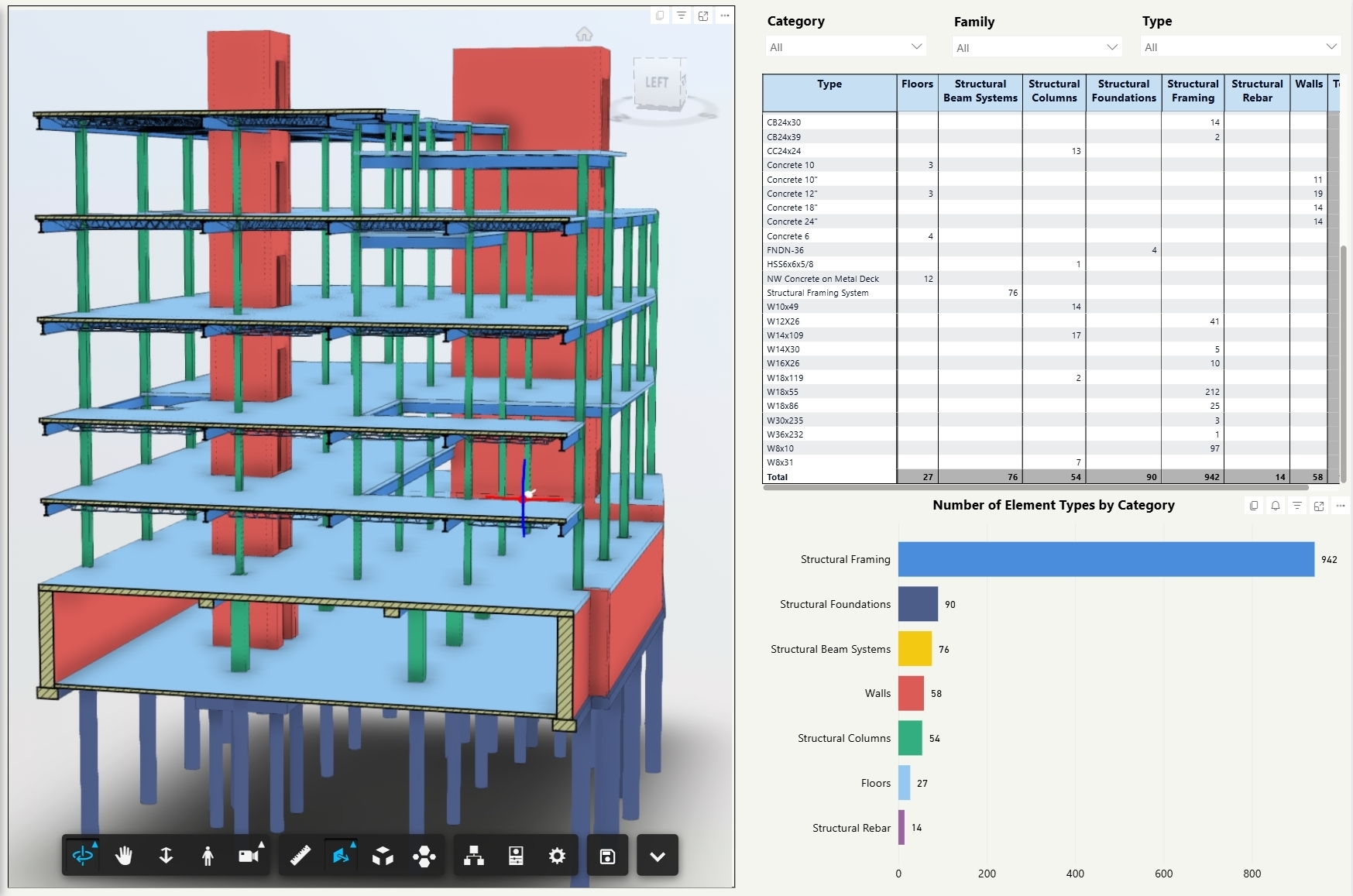
I applied this approach on a large rail infrastructure project involving multiple buildings, a wide range of native design software, and numerous stakeholders. Here’s how it played out in practice:
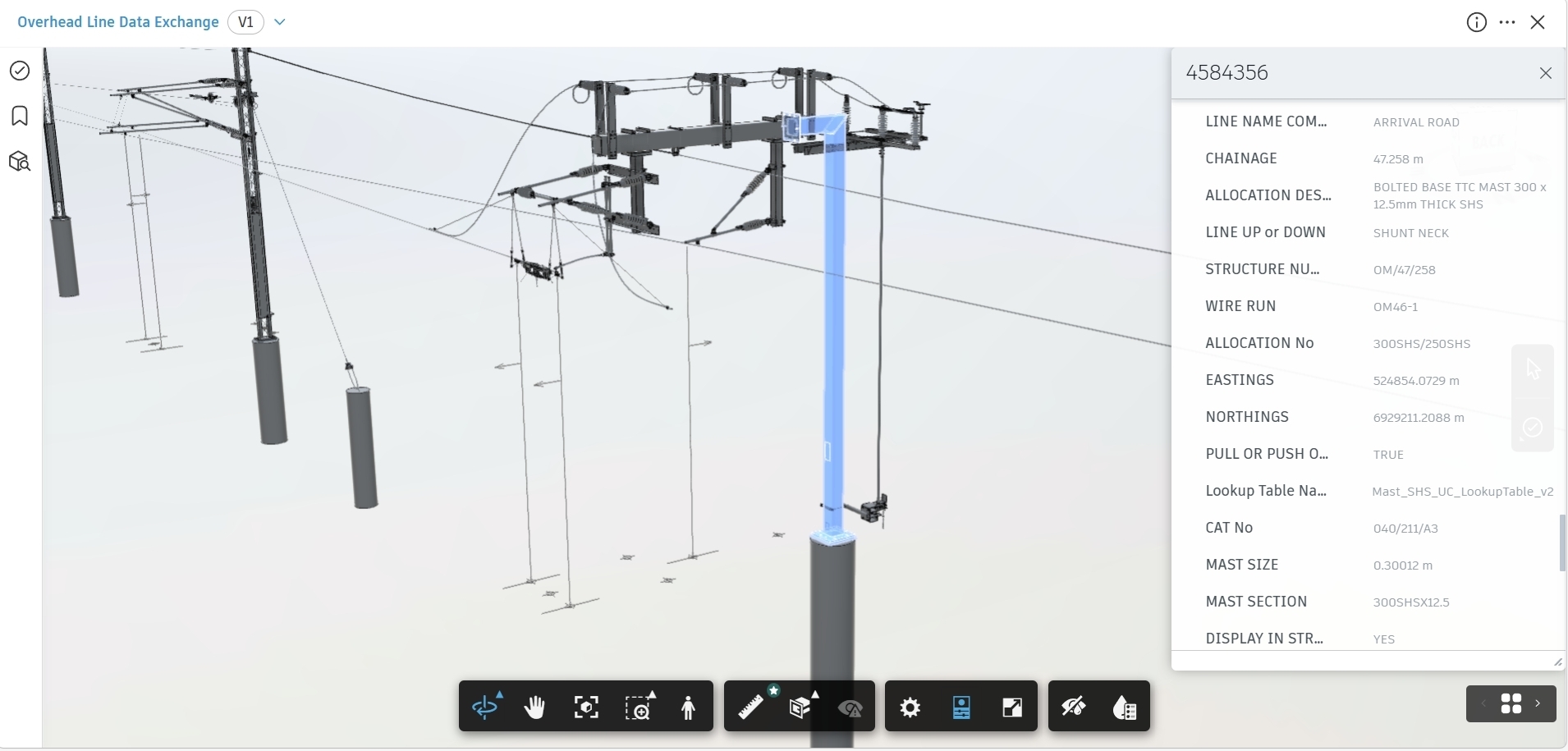
Each discipline was effective within its own environment, but the project struggled to obtain a consistent, up-to-date view of information across the supply chain. Reporting on design status, validation, and readiness relied heavily on manual effort and repeated model exports. The result was slower reporting cycles and less confidence in the data.
My aim was not to replace tools or add extra modeling tasks, but to connect existing workflows in a way that reduced duplication and improved visibility of information.
I used Autodesk Forma Data Management as the common data environment and Data Exchange for information sharing. This approach established a consistent process for publishing structured data across the project. Teams continued working in their native software, while their model data became available for coordination and reporting without rebuilding models or maintaining parallel copies.
Learn More About Forma Data Management
Revit models covered most of the building and building services scope across the site and support facilities. Using Data Exchange, I published structured element data directly from Revit, including the metadata required for validation and reporting.
This allowed me to review model completeness and consistency without asking design teams to generate additional exports. Because the data remained tied to individual model elements, it was clear where issues originated and how they related to the design. This reduced the time spent on manual checks and improved confidence in the information being used during coordination and review.
Supplier and manufacturer designs were primarily developed in Inventor, where assemblies and component information are central to the design intent. Historically, this type of data has been difficult to bring into wider project review without oversimplifying it or rebuilding it in another tool.
I leveraged Data Exchange to include Inventor design data alongside other project models, while allowing suppliers to continue working as they normally would. This increased visibility of supplier progress and reduced the need for separate ‘interpreted’ models created purely for coordination purposes.
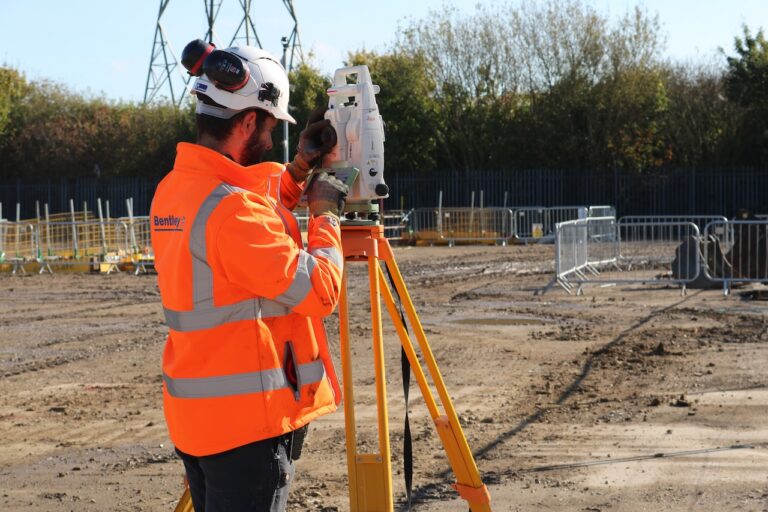
Tekla was used for steel shop detailing and contained a high level of fabrication detail that was essential to the project. I wanted to make this information available for review and coordination without stripping out detail or creating additional rework for the delivery teams.
Data Exchange, once again, proved to be incredibly useful here. It allowed me to share Tekla model data for wider project review without going through the usual time-consuming process of exporting to intermediary formats and then rebuilding elements in Revit. This removed a significant amount of manual effort and reduced the risk of misinterpretation that often comes with conversion workflows.
Having access to current Tekla data alongside other discipline models made it easier to identify misalignment earlier in the process, while design changes were still achievable. It also supported closer collaboration between design and fabrication teams, as discussions were based on shared and current model information rather than translated or simplified references.
For many clients, the metadata or alphanumeric information contained within a model is just as important as the physical geometry. It’s particularly essential for long-term operation and asset management.
Despite this, validating that information has been a long-standing problem on most projects. In my experience, validation has typically relied on manual checking. Teams had to export data to Excel to run queries, or they needed specialist software that only a small number of people know how to operate. These approaches are time-consuming and difficult to maintain as designs change.
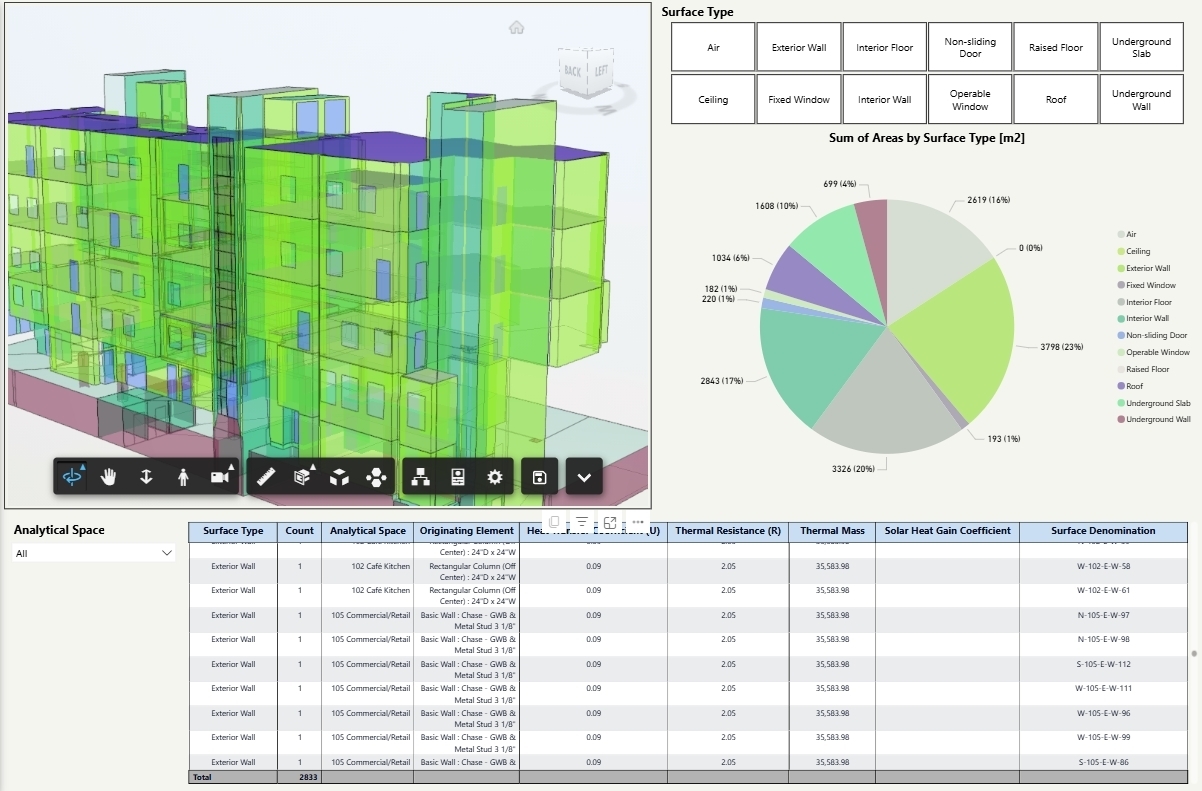
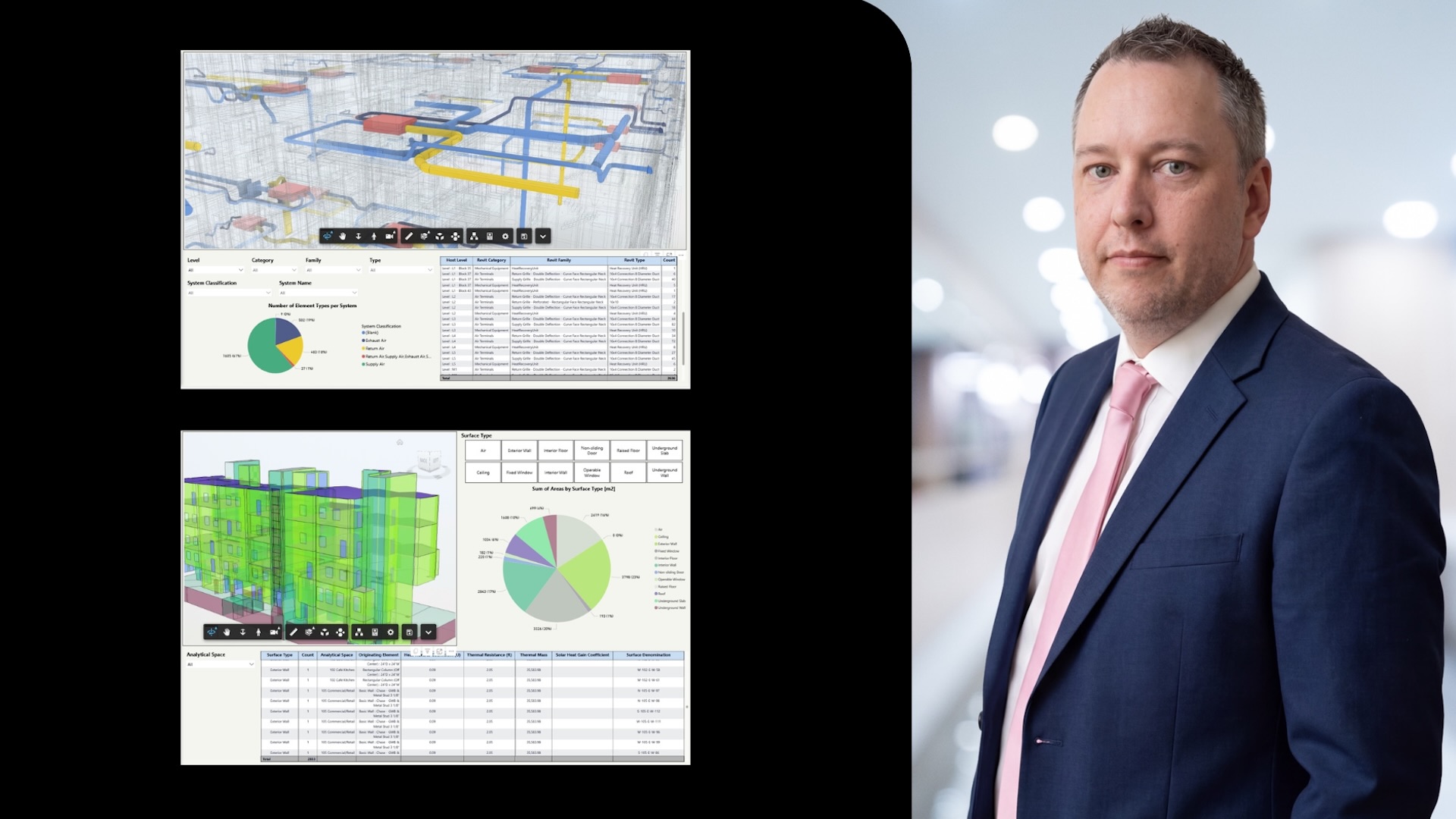
A key outcome of the Data Exchange approach I applied to this project was the ability to validate model metadata consistently across multiple authoring tools using Power BI. By connecting Data Exchange outputs directly into Power BI, I was able to review data from Revit, Inventor, Tekla, and Industry Foundation Classes without manually reformatting or combining datasets.
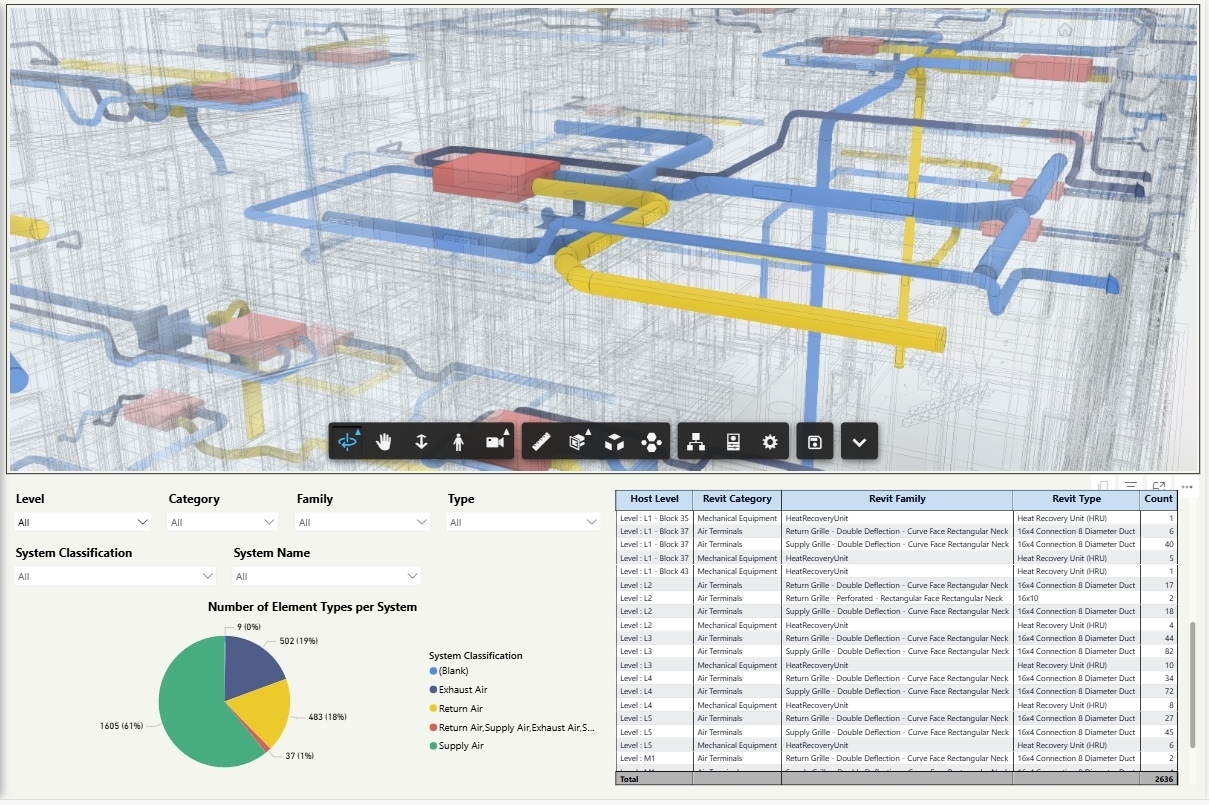
This allowed validation to move away from one-off checks inside individual models and become a repeatable process. I could review asset attributes, classifications, and required parameters across the entire project rather than opening multiple models or relying on spreadsheets that quickly became outdated. When viewed across disciplines, patterns and gaps in the data were much easier to identify than when working tool by tool.
On a rail project with a large number of assets and suppliers, the ability to filter and group information by system, building, or discipline proved particularly useful. Missing attributes, inconsistent naming, and classification issues could be identified early and discussed while the design context was still clear. This reduced delays caused by issues only being discovered late in coordination or through indirect reporting.
Traceability was also critical. Because the data being reviewed in Power BI came directly from the models through Data Exchange, every issue could be traced back to a specific model and element. This made conversations with designers and suppliers more focused, as it was clear what needed to be corrected and where.
Overall, this approach reduced the time I spent collecting and checking data and increased the time available to assess its quality and suitability. On a complex project using multiple modeling platforms, it made model data validation clearer, faster, and easier to manage as the design developed.
The value of this approach was not in introducing new tools or changing established workflows. It was in reducing the effort required to move information between tools that were already in use. Interoperability has long been a source of inefficiency and risk on complex projects.
Data Exchange allowed me to connect disciplines and suppliers through shared, structured data while respecting each team's workflow. On a large rail infrastructure project with multiple design and fabrication software, this provided a practical way to support coordination, validation, and reporting without duplicating models or enforcing a single modeling environment. It allowed more time to be spent addressing project issues and less time managing data transfers.