
Description
Get started with the brand new Assembly Constraints experience in Autodesk Fusion. This short and snappy session will teach you how to set up and use constraints to assemble components efficiently. You'll learn the key methods for creating constraint connections between components to speed up your assembly workflows.
We'll cover real-world examples from industries like consumer products, highlighting the versatility and power of Fusion Constraints in different contexts. Whether you're a beginner or an experienced user, this class will equip you with the essential skills needed to master Fusion Constraints. Don't miss out on the chance to learn how to use this brand new Fusion feature in your workflows.
Key Learnings
- Understand Fusion Constraints Basics: Learn the core concepts and benefits of using Fusion Constraints.
- Industry Applications: Explore real-world examples from consumer products to see Constraints in action.
- Joints vs Constraints: Understand the key differences between Joints and Constraints and their applications in Fusion assemblies.
- Adding Motion to Constraints: Learn how to add motion to Constraints to simulate and analyze movement within your assemblies.
Downloads
Tags
Product | |
Industries | |
Topics |
People who like this class also liked


Instructional Demo
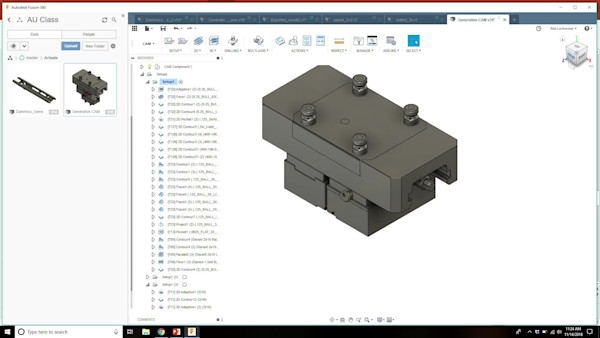
CAM with Generative: Overview with Rob Lockwood
Instructional Demo
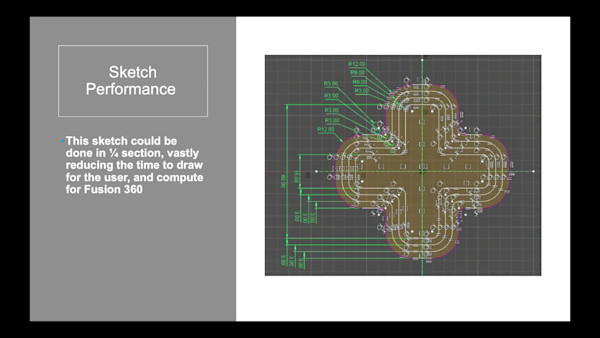
Under the Hood with Fusion 360 Engineers


Instructional Demo