
Autodesk Fusion for mill-turn
Mill-turn software
Mill-turn software
Autodesk Fusion contains a comprehensive toolset of the turning and milling toolpaths for the CAM programming of mill-turn CNC machine tools. Design or import model data then intuitively create the toolpaths needed for machining and produce NC code with proven post processors.
What is mill-turn programming software?
What is mill-turn programming software?
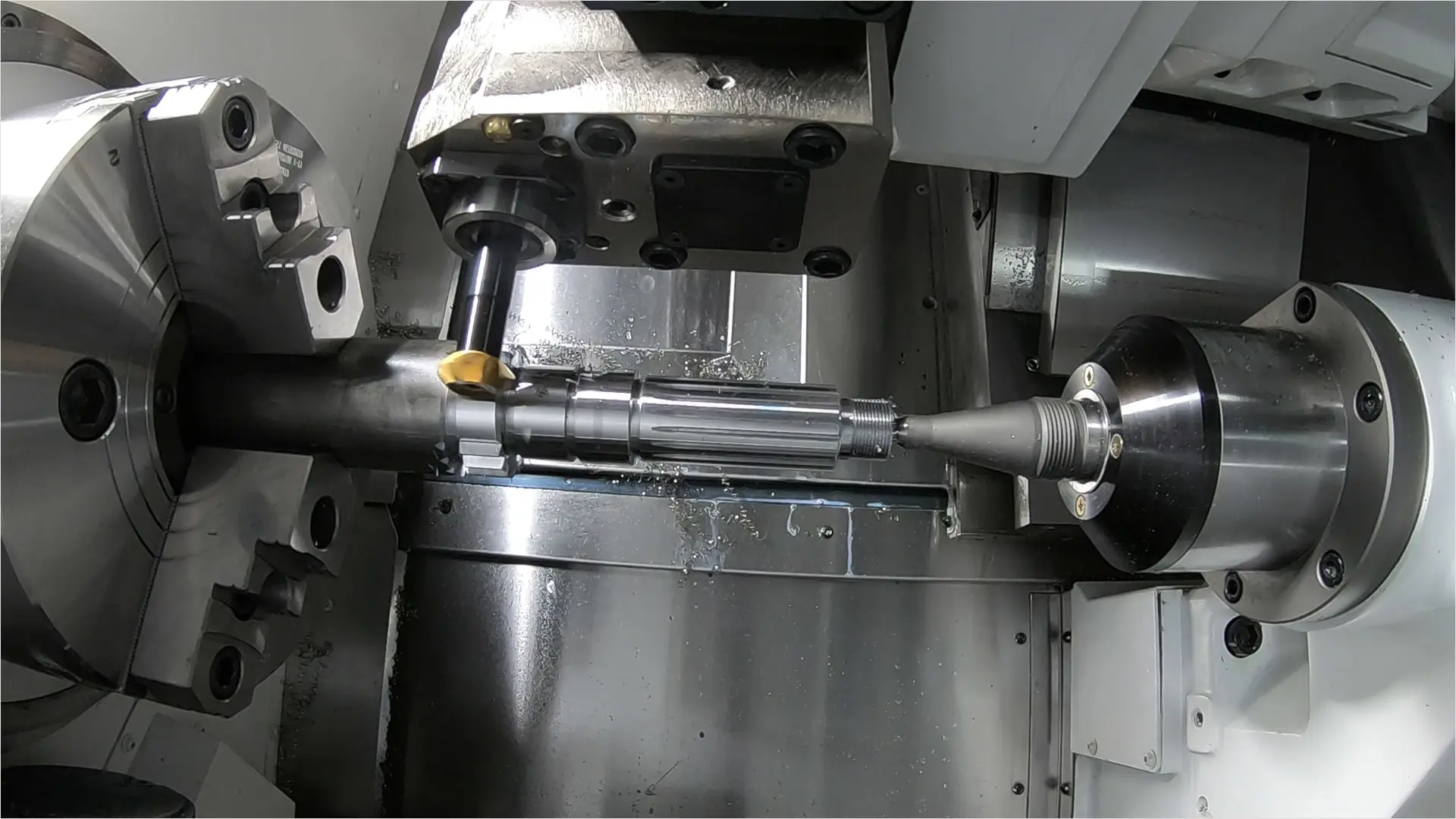
Mill-turn programming software is a type of computer-aided manufacturing (CAM) software designed for programming and controlling multi-axis mill-turn machines. Mill-turn machines are advanced machining centers that combine milling and turning capabilities in a single machine, allowing for the complete machining of complex parts in a single setup.
Mill-turn programming software, like Autodesk Fusion provides tools and features to create CNC (Computer Numerical Control) programs for mill-turn machines. It allows users to define machining operations, toolpaths, and cutting parameters for both milling and turning operations. It also considers the machine's capabilities, such as simultaneous multi-axis movement, live tooling, and synchronized spindle and turret movements.
Mill-turn programming software is a type of computer-aided manufacturing (CAM) software designed for programming and controlling multi-axis mill-turn machines. Mill-turn machines are advanced machining centers that combine milling and turning capabilities in a single machine, allowing for the complete machining of complex parts in a single setup.
Mill-turn programming software, like Autodesk Fusion provides tools and features to create CNC (Computer Numerical Control) programs for mill-turn machines. It allows users to define machining operations, toolpaths, and cutting parameters for both milling and turning operations. It also considers the machine's capabilities, such as simultaneous multi-axis movement, live tooling, and synchronized spindle and turret movements.
How is mill-turn software used?
Machining setup
Machining setup
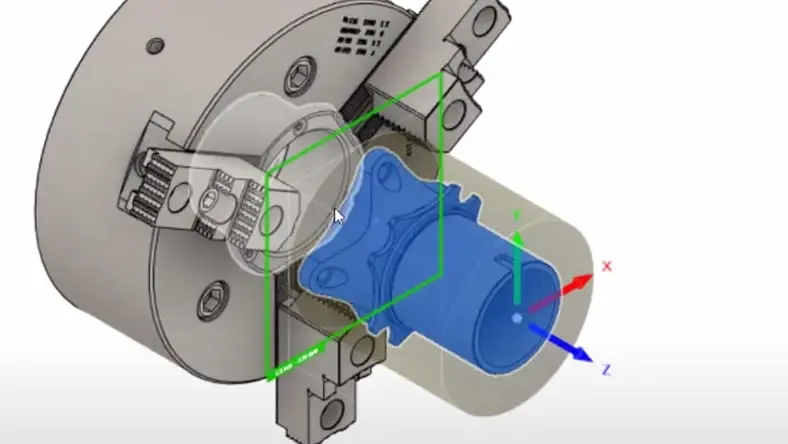
Design 3D models or import CAD data, add work holding for increased accuracy and define the setup needed for the CNC machine tool.
Design 3D models or import CAD data, add work holding for increased accuracy and define the setup needed for the CNC machine tool.
Turning toolpaths
Turning toolpaths
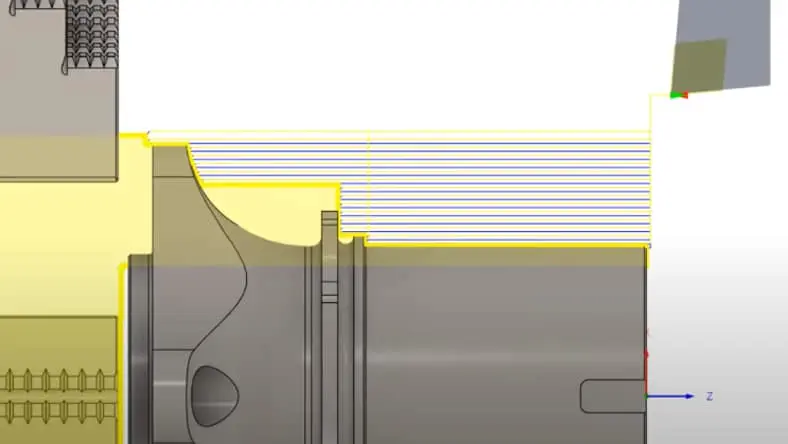
Create the toolpaths needed such as OD, ID turning and grooving to machine cylindrical part features.
Create the toolpaths needed such as OD, ID turning and grooving to machine cylindrical part features.
Milling toolpaths
Milling toolpaths
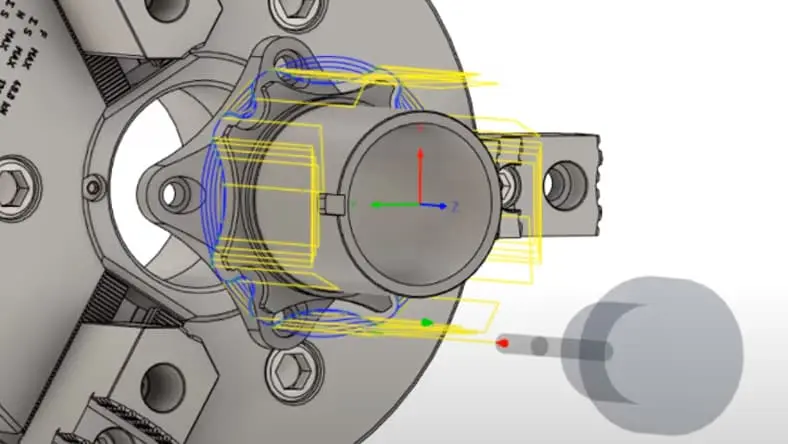
Use positional or simultaneous 2, 3, 4, or even 5-axis toolpaths to efficiently machine part geometry.
Use positional or simultaneous 2, 3, 4, or even 5-axis toolpaths to efficiently machine part geometry.
Benefits of Autodesk Fusion mill-turn software
Integrated CAD/CAM
Integrated CAD/CAM
Autodesk Fusion combines both computer-aided design and computer-aided manufacturing functionalities in a single software. This integration allows for seamless design and manufacturing workflows, reducing the need for data translation between different software tools.
Autodesk Fusion combines both computer-aided design and computer-aided manufacturing functionalities in a single software. This integration allows for seamless design and manufacturing workflows, reducing the need for data translation between different software tools.
Multi-axis machining
Multi-axis machining
Autodesk Fusion supports multi-axis machining, enabling complex mill-turn operations. With the ability to control multiple axes simultaneously, you can achieve more intricate and precise machining operations.
Autodesk Fusion supports multi-axis machining, enabling complex mill-turn operations. With the ability to control multiple axes simultaneously, you can achieve more intricate and precise machining operations.
Live tooling support
Live tooling support
Autodesk Fusion offers support for live tooling, which allows for milling operations to be performed on a turning machine. This capability expands the range of operations that can be performed on a mill-turn machine, increasing its versatility.
Autodesk Fusion offers support for live tooling, which allows for milling operations to be performed on a turning machine. This capability expands the range of operations that can be performed on a mill-turn machine, increasing its versatility.
Industries that use mill-turn software
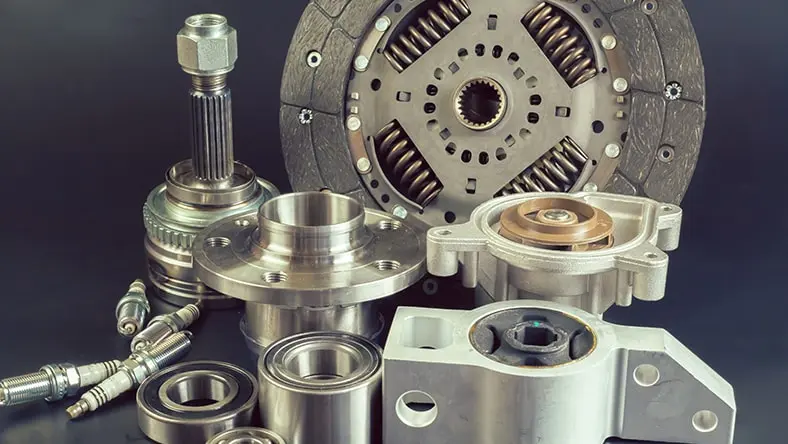
Automotive
Automotive
By combining milling and turning processes together manufacturers increase their productivity of high-volume work with a one and done process.
By combining milling and turning processes together manufacturers increase their productivity of high-volume work with a one and done process.
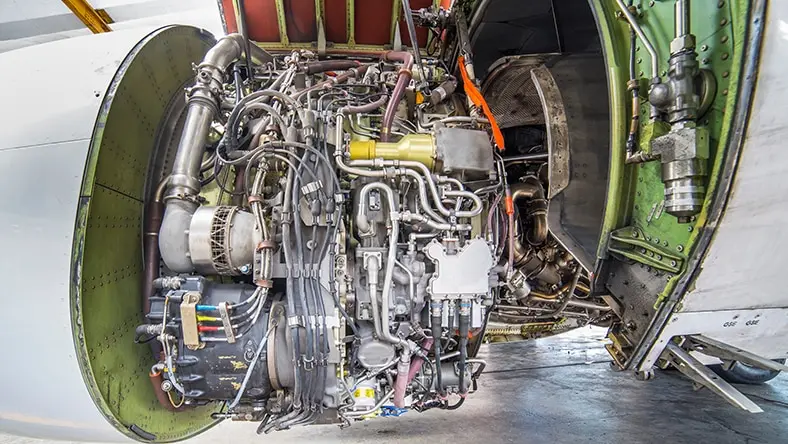
Aerospace
Aerospace
The machining of complex geometries found in aerospace components can be manufactured without the need for custom fixturing and increasing accuracy.
The machining of complex geometries found in aerospace components can be manufactured without the need for custom fixturing and increasing accuracy.
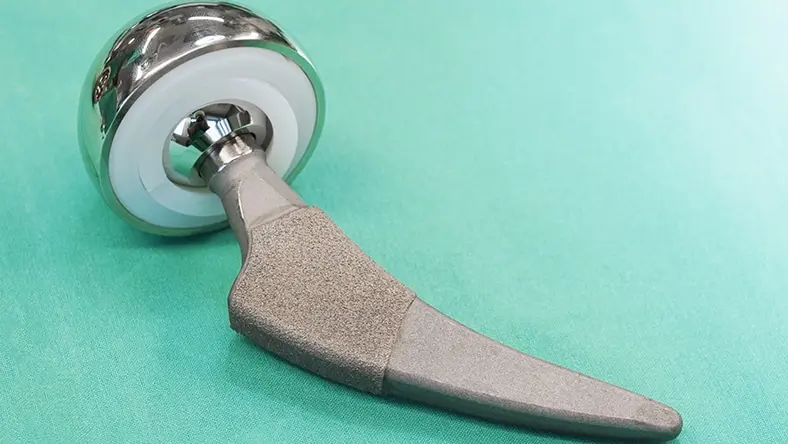
Medical
Medical
The flexibility of a CNC Mill Turn machining center simplifies the process of machining the irregular and organic shapes often found in medical components.
The flexibility of a CNC Mill Turn machining center simplifies the process of machining the irregular and organic shapes often found in medical components.
NEW OFFER - Flex now starting at {{price.FLEXACCESS.1year}}
Autodesk Flex lets you prepay with tokens for on-demand access to Fusion and advanced design and manufacturing capabilities, charged only when tools are in use. It’s ideal for project-based work or occasional access to specialized workflows. Combine Flex tokens with Fusion to:
Access advanced product development workflows on demand
Use high-value capabilities only when needed
Scale access for peak workloads
Get the mill-turn solutions that is right for you
Mill-turn for Autodesk Fusion resources
Fusion YouTube channel
At the official YouTube channel dedicated to Autodesk Fusion, you can find a wide range of video tutorials and demonstrations around mill-turn in Fusion.
At the official YouTube channel dedicated to Autodesk Fusion, you can find a wide range of video tutorials and demonstrations around mill-turn in Fusion.
Knowledge Network
The Autodesk Knowledge Network is a hub for technical documentation, tutorials, and troubleshooting guides. Here you can find specific articles related to mill-turn in Fusion.
The Autodesk Knowledge Network is a hub for technical documentation, tutorials, and troubleshooting guides. Here you can find specific articles related to mill-turn in Fusion.
Fusion Community Forum
The Autodesk Fusion Community Forum is a place where users can ask questions, share knowledge, and engage with other Fusion users. Here you can read existing forum posts about mill-turn or get your questions answered.
The Autodesk Fusion Community Forum is a place where users can ask questions, share knowledge, and engage with other Fusion users. Here you can read existing forum posts about mill-turn or get your questions answered.
Try Autodesk Fusion for mill-turn today.
Frequently asked questions (FAQ) on mill-turn software
What is mill-turn in Autodesk Fusion?
Mill-turn in Autodesk Fusion refers to the capability of performing both milling and turning operations on a single machine. It combines the functionalities of a milling machine and a lathe, allowing for complex machining operations.
Can Autodesk Fusion handle multi-axis mill-turn operations?
Yes, Autodesk Fusion supports multi-axis mill-turn operations. It can control multiple axes simultaneously, enabling the machining of complex geometries and intricate parts.
Does Autodesk Fusion support live tooling?
Yes, Autodesk Fusion supports live tooling. Live tooling allows for milling operations to be performed on a turning machine, expanding the capabilities of mill-turn machines.
Can I import CAD files into Autodesk Fusion for mill-turn operations?
Yes, Autodesk Fusion supports the import of various CAD file formats, including STEP, IGES, and SAT. You can import your existing CAD files into Fusion and use them for mill-turn operations.
Does Autodesk Fusion provide simulation capabilities for mill-turn operations?
Yes, Autodesk Fusion offers simulation capabilities for mill-turn operations. You can simulate the machining process to verify toolpaths, check for collisions, and ensure the accuracy of your machining operations.
Can I generate G-code for mill-turn operations in Autodesk Fusion?
Yes, Autodesk Fusion can generate G-code for mill-turn operations. G-code is a programming language used to control CNC machines. Fusion can generate G-code specific to your mill-turn machine, allowing you to execute the desired machining operations.
Is Autodesk Fusion a cloud-based software?
Yes, Autodesk Fusion is a cloud-based software. Fusion offers cloud storage, collaboration, and access to your designs and projects from multiple devices. Fusion also provides offline capabilities for working without an internet connection.