 InfraWorks
 InfraWorks: Model building and infrastructure design concepts with real-world context

What is Autodesk InfraWorks?
Autodesk InfraWorks conceptual design software helps you model and understand design projects in context. Use it to:
Aggregate large amounts of data to generate information-rich context models.
Visualize conceptual design options for roadway, rail and transit, civil structures, and water infrastructure projects.
Analyze traffic flow across cities and conduct line-of-sight studies to visualize impacts of design changes.
What is Autodesk InfraWorks?
Autodesk InfraWorks conceptual design software helps you model and understand design projects in context. Use it to:
Aggregate large amounts of data to generate information-rich context models.
Visualize conceptual design options for roadway, rail and transit, civil structures, and water infrastructure projects.
Analyze traffic flow across cities and conduct line-of-sight studies to visualize impacts of design changes.

Generate rich context models

Visualize design options and communicate design intent

Analyze design concepts with real-world context
Generate rich context models
Visualize design options and communicate design intent
Analyze design concepts with real-world context
Features to support your operations
Context modeling
Aggregate data to generate a context model that represents a project's built and natural environment.
Conceptual design
Produce design concepts of infrastructure projects, then rapidly evaluate and iterate on design options.
Roadway design
Accelerate design by using component roads and planning roads to get a conceptual view of your project.
Sight distance analysis
Analyze sight distance for roads and intersections to identify blind spots or sight failure zones.
Traffic and mobility simulation
Analyze traffic flow and use multi-modal simulation to evaluate performance.
Parametric civil structures
Use parametric bridge and tunnel component parts and assemblies, as well as parametric road decorations.
"By using Civil 3D, Infraworks and 3ds Max, we create visualizations up to 70% faster. Within a few days, we can generate initial augmented reality models."
"InfraWorks' storyboarding capability was used to create the visualization for stakeholders to act upon."
"Pipelines intersect heavily, so engineers needed absolute accuracy to optimize design and analysis."
Design better, smarter, faster with the AEC Collection
Design better, smarter, faster with the AEC Collection
Save up to 80% over individual annual licenses.
Explore a powerful set of tools with extended capabilities built for engineering complex products, equipment, and systems.
Explore a powerful set of tools with extended capabilities built for engineering complex products, equipment, and systems.
Products included


+ 11 more
Design better, smarter, faster with the AEC Collection
Design better, smarter, faster with the AEC Collection
Save up to 80% over individual annual licenses.
Explore a powerful set of tools with extended capabilities built for engineering complex products, equipment, and systems.
Explore a powerful set of tools with extended capabilities built for engineering complex products, equipment, and systems.
Products included
+ 11 more
Autodesk InfraWorks resources
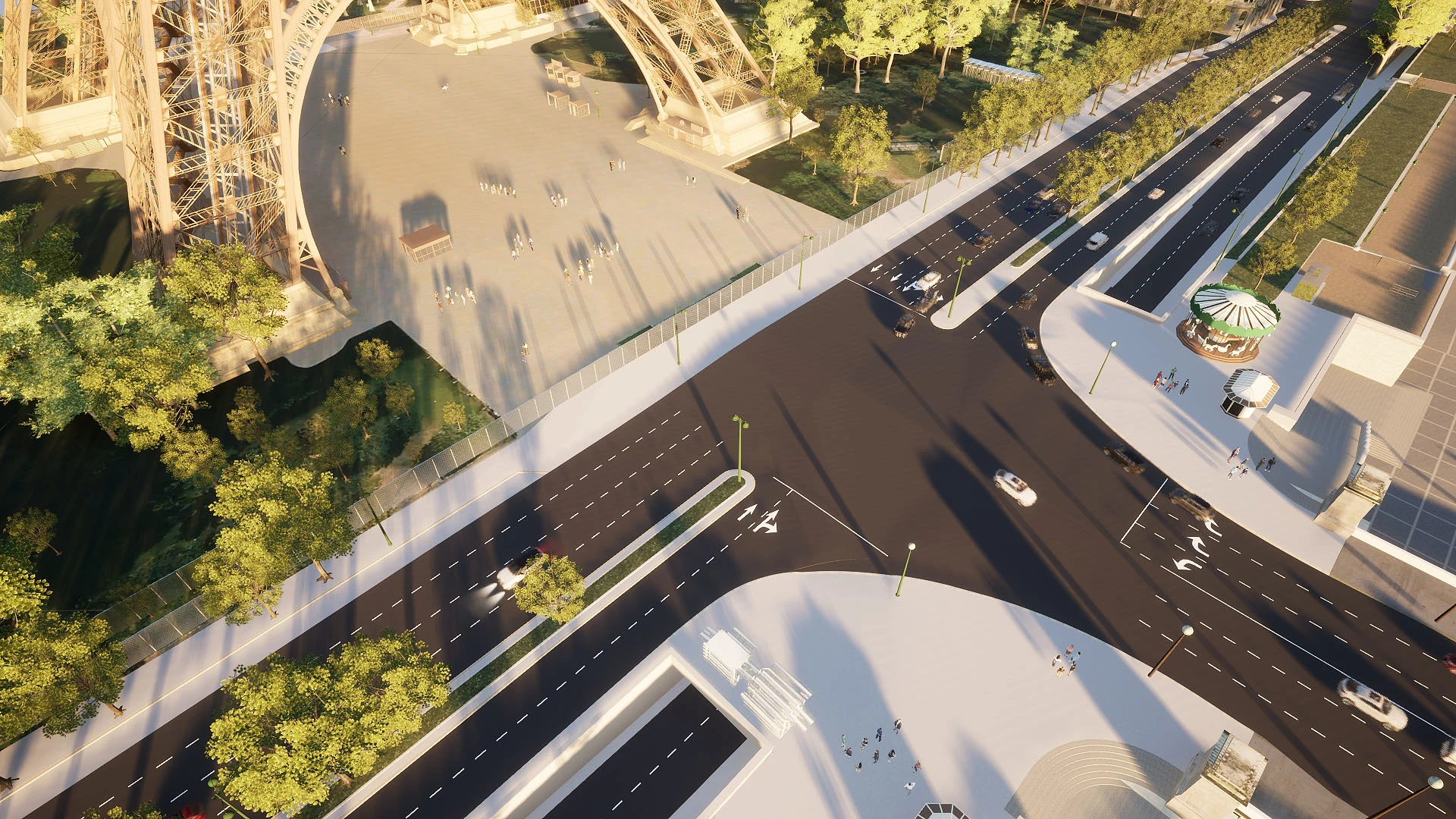
WEBINAR
See what’s new webinar
Discover the latest capabilities to improve civil structure workflows.
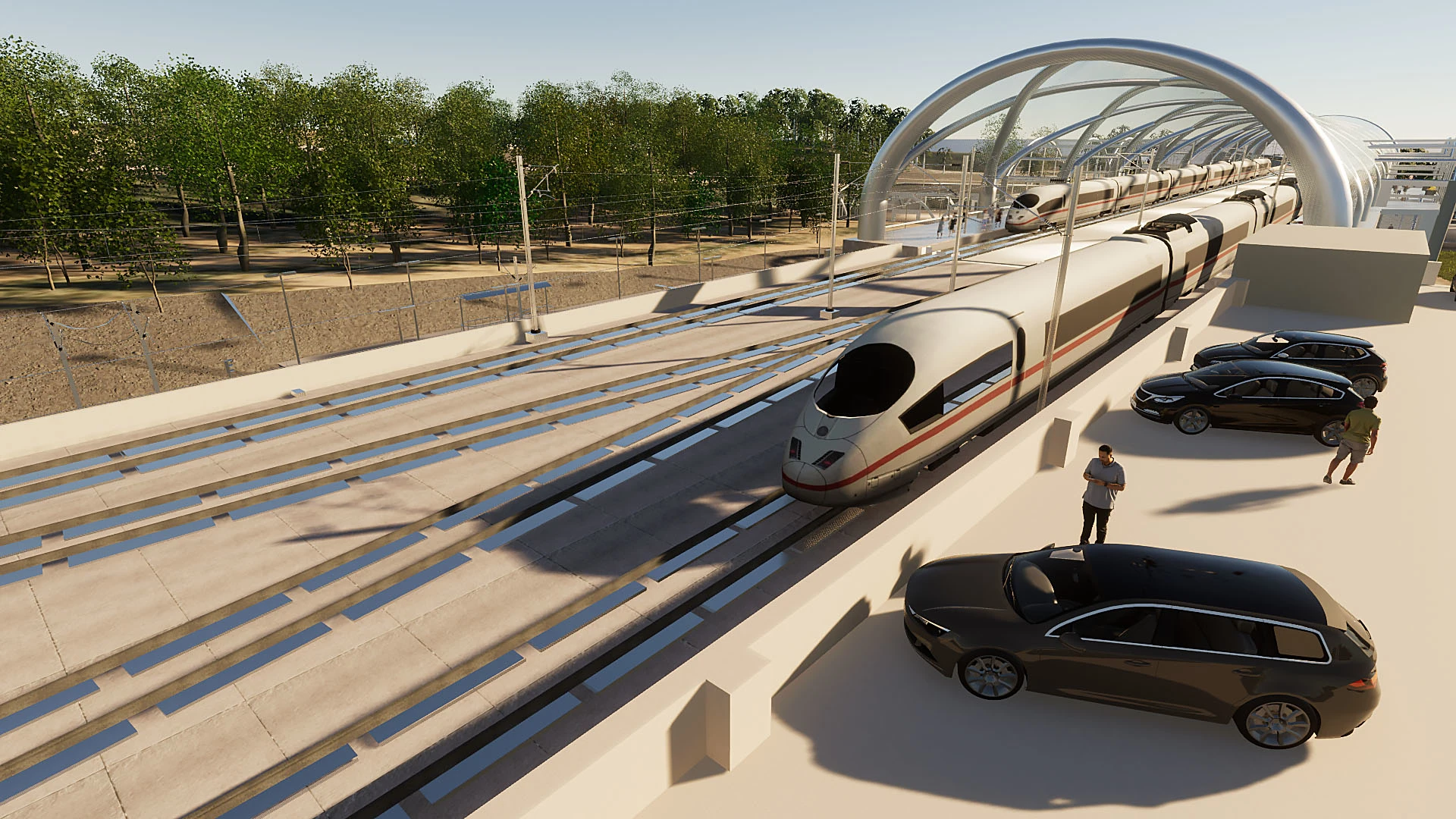
BLOG
See what’s new in InfraWorks
See the latest updates on creating information-rich context models.
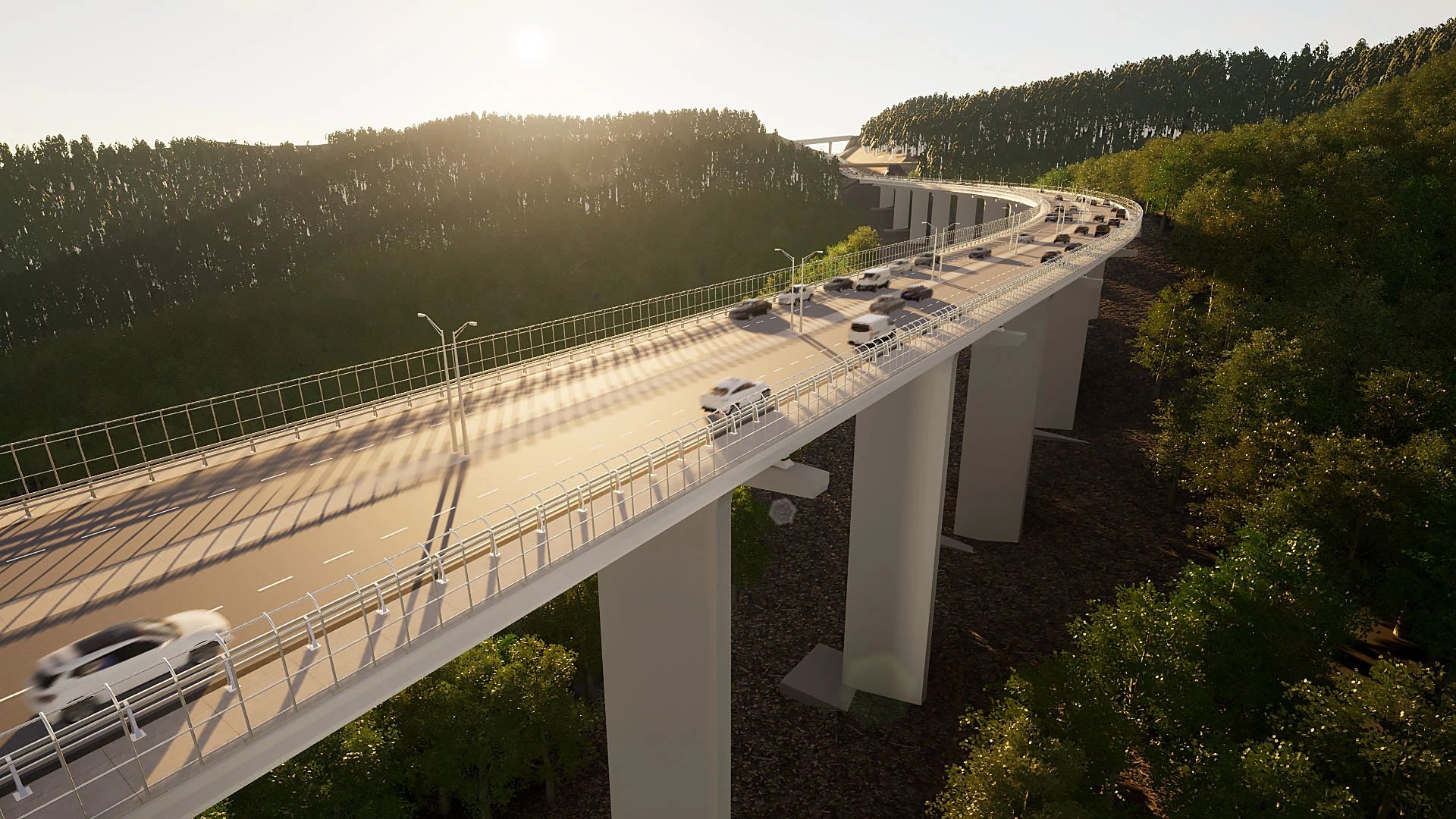
ROADMAP
What’s next for InfraWorks
See what’s new in the product development pipeline with a live look at the Civil Infrastructure public roadmap.
Questions? We have answers.
What is Autodesk InfraWorks used for?
Autodesk InfraWorks lets architecture, engineering, and construction professionals model, analyze, and visualize infrastructure design concepts within the context of the built and natural environment.
Who uses Autodesk InfraWorks?
Civil engineers, civil designers, and other civil infrastructure professionals, including urban planners and surveyors, use Autodesk InfraWorks during the planning and design phase of infrastructure projects.
Which versions of Autodesk InfraWorks can I use if I subscribe to the current version?
Your Autodesk InfraWorks subscription gives you access to install and use the 3 previous versions. Available downloads are listed in your Autodesk Account after subscribing. See also previous releases available for subscribers.
Can I install InfraWorks on multiple computers?
With a subscription to Autodesk InfraWorks software, you can install it on up to 3 computers or other devices. However, only the named user can sign in and use that software on a single computer at any given time. Please refer to the Software License Agreement for more information.
How do I convert my InfraWorks free trial to a paid subscription?
Launch your trial software and click Subscribe Now on the trial screen or buy InfraWorks. When buying your subscription, enter the same email address and password combination you used to sign in to your trial. Learn more about converting a trial to a paid subscription.
How much does an InfraWorks subscription cost?
The price of an annual InfraWorks subscription is {{price.IW360P.1year}} and the price of a monthly InfraWorks subscription is {{price.IW360P.month}}. The price of a 3-year InfraWorks subscription is {{price.IW360P.3years}}. If you have infrequent users and are interested in a pay-as-you-go option, please visit www.autodesk.com/flex to learn more.
Products you can trust
From payment flexibility to always-on support, expect excellence.


