InfoWater Pro
Autodesk InfoWater Pro: Model water systems within ArcGIS Pro
What is Autodesk InfoWater Pro?
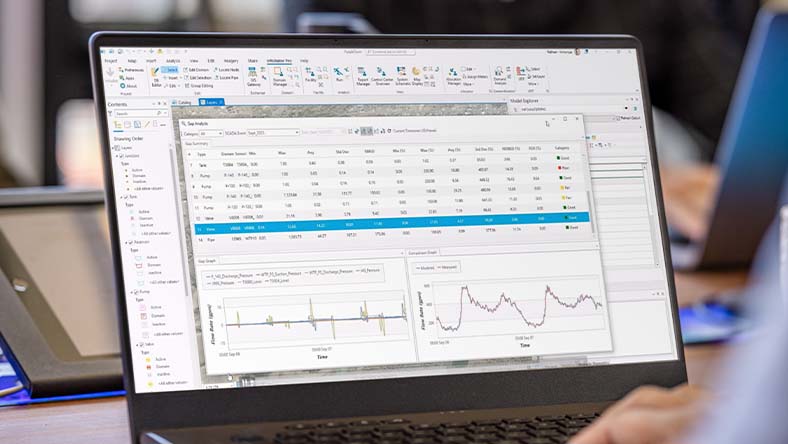
Engineers use Autodesk InfoWater Pro to model water distribution systems in an easy-to-use geographic information system (GIS) interface, supporting data-driven planning and operational decisions.
Use spatial analysis tools available in ArcGIS Pro to help with hydraulic model building and management, reducing duplication across GIS and modeling workflows.
Analyze and understand your water distribution system, including criticality analysis, pressure transient events, and leakage modeling, supporting risk-based planning and resilience.
Present results clearly and share them in ArcGIS Online to support cross-team alignment and stakeholder communication.
What is Autodesk InfoWater Pro?
Engineers use Autodesk InfoWater Pro to model water distribution systems in an easy-to-use geographic information system (GIS) interface, supporting data-driven planning and operational decisions.
Use spatial analysis tools available in ArcGIS Pro to help with hydraulic model building and management, reducing duplication across GIS and modeling workflows.
Analyze and understand your water distribution system, including criticality analysis, pressure transient events, and leakage modeling, supporting risk-based planning and resilience.
Present results clearly and share them in ArcGIS Online to support cross-team alignment and stakeholder communication.
Migrate GIS data to InfoWater Pro seamlessly
Take advantage of non-native modeling data
Share modeling information easily
Migrate GIS data to InfoWater Pro seamlessly
Take advantage of non-native modeling data
Share modeling information easily
Features to support your creativity
NEW
Criticality Analysis
Criticality Analysis lets utilities understand the network isolation valve coverage and corresponding consequence of failure of pipes and valves, supporting data-driven maintenance and investment decisions.
NEW
Share results with Info360
When running cloud simulations, you can share the full results with Info360 for visualization in web dashboards alongside measured data.
NEW
Leakage allocation
InfoWater Pro offers a new approach to leakage allocation based on asset properties. This innovation for the water distribution industry ties together leakage modeling with asset management, allowing you to apply known leakage amounts to existing models while maintaining calibrated behavior.
Model within ArcGIS Pro
Use geospatial tools to efficiently build and edit models, present results, and generate maps.
Model-telemetry connection
Be more confident in your model by connecting external telemetry data for continuous verification.
What-if scenarios
Create, analyze, and compare what-if scenarios to understand the impact of model modifications.
Pressure zone schematic
Quickly view the entire model in a schematic view and get a performance summary of each zone.
Pressure-dependent demand
Get more realistic results during outage simulations with water models.
Fire flow analysis
Easily confirm fire flow capacity by evaluating and improving the readiness of the water supply to fight fires, locally or in the cloud when you need additional scale.
Creating an accurate transient model with InfoWater Pro allowed us to understand the dynamics of the entire system ... and perform what if scenarios without actually going into the field to try things with experimentation.
With a model-based emergency response plan, we can capture information [for] a future event.
Autodesk InfoWater Pro resources
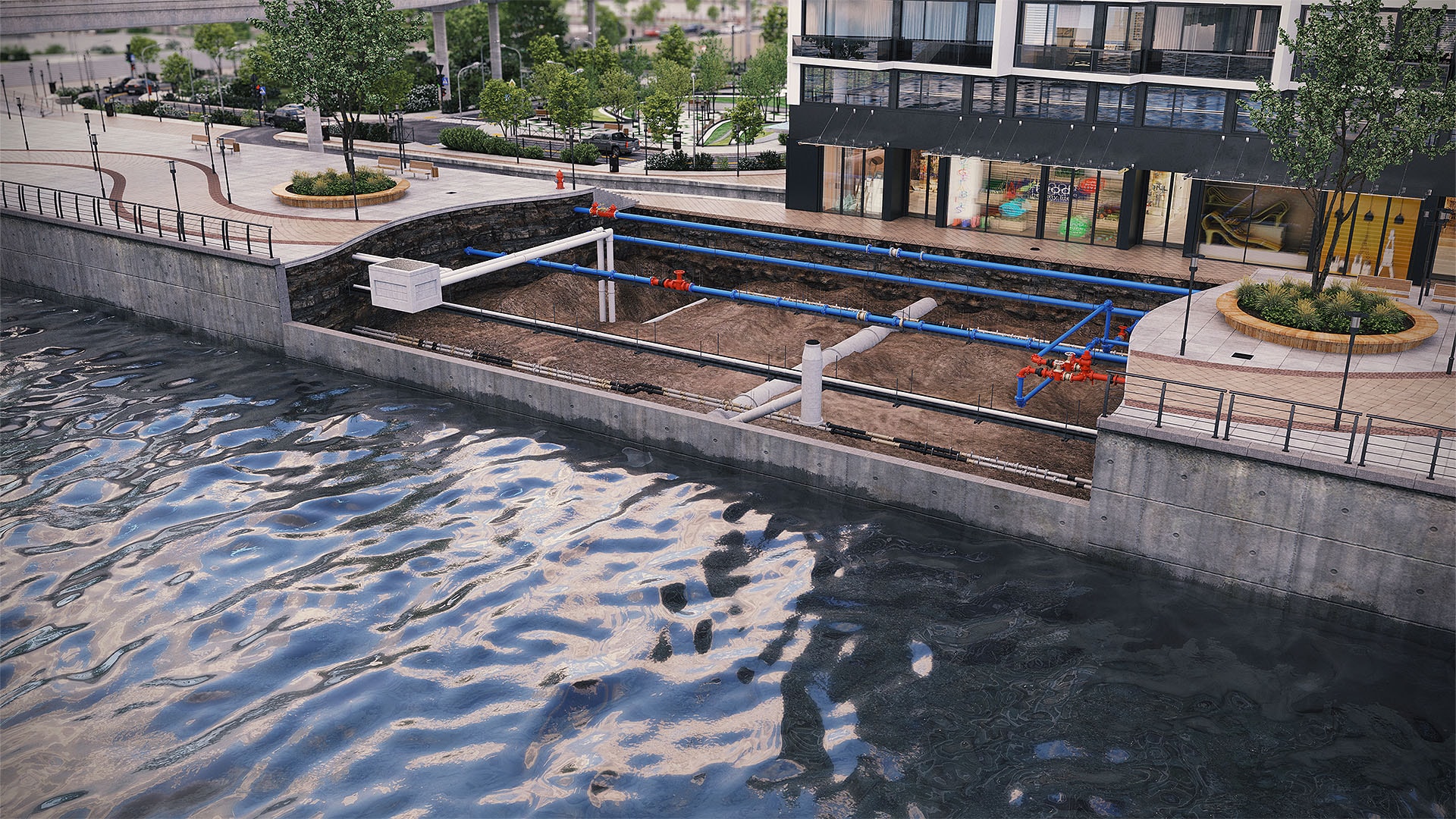
COURSE
InfoWater Pro training course
Take the free InfoWater Pro course to learn ArcGIS Pro integration, create projects, set modeling preferences, build what-if scenarios, run steady-state and extended simulations, and review results.
TECHNICAL HUB
InfoWater Pro Technical Information Hub
The InfoWater Pro Technical Information portal is your hub for release notes, downloads and licensing, documentation, known issues, learning courses, scripting resources, and public product roadmaps.
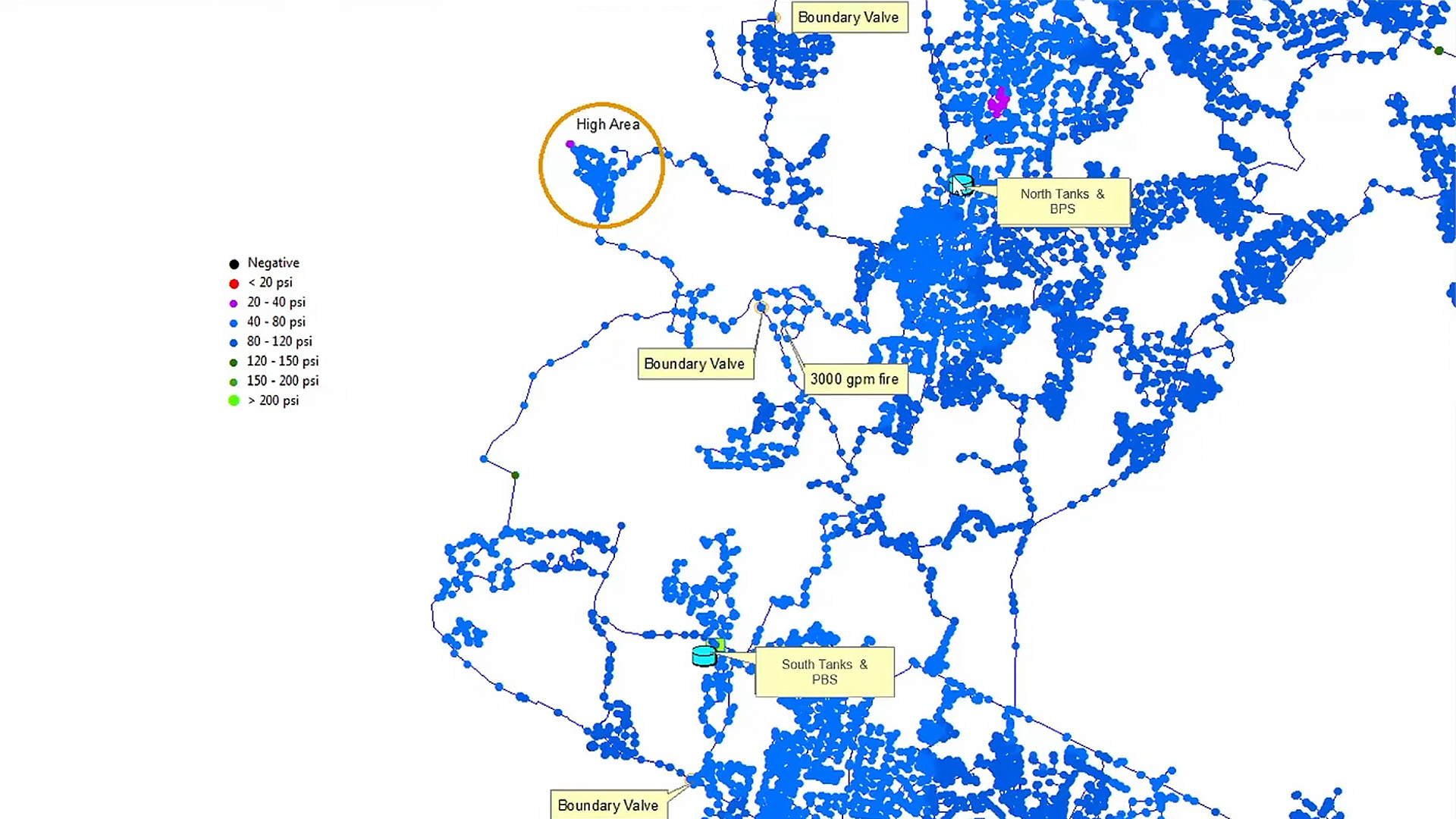
CASE STUDY
How Davidson Water handles the pressure with InfoWater Pro
Davidson Water has seen an impressive 36% decrease in leaks over 10 years in their water network. Discover how creating a PVC pipe replacement strategy using InfoWater Pro made it happen.
Image courtesy of Davidson Water
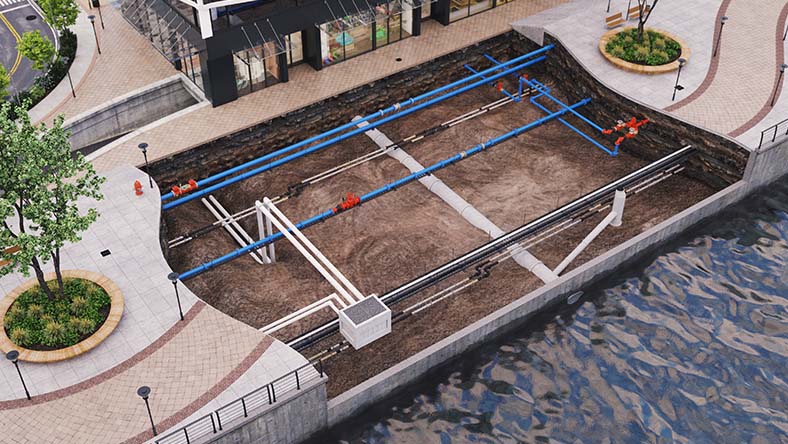
BLOG
Autodesk water infrastructure product roadmap
See what product enhancements are on their way for InfoWater Pro and understand how Autodesk supports planning, analysis, and management of water distribution networks.
BLOG
Water distribution blog
Explore how others are utilizing InfoWorks WS Pro, learn about the latest product releases, and stay up to date about the future of water infrastructure at Autodesk.
Questions? We have answers.
What is Autodesk InfoWater Pro used for?
Autodesk InfoWater Pro is a hydraulic modeling application built in ArcGIS Pro that allows users to simulate countless scenarios and perform a wide range of analyses — including fire flow and valve criticality to support resilience and risk-based planning.
Who uses Autodesk InfoWater Pro?
Water engineers from water utilities and engineering firms use Autodesk InfoWater Pro to plan, design, and operate water systems.
How much does Autodesk InfoWater Pro cost?
The price of an annual InfoWater Pro subscription is {{price.plc.1year}} and the price of a monthly subscription is {{price.plc.month}}. If you are interested in a pay-as-you-go option, please visit www.autodesk.com/flex to learn more.
This amount is Autodesk's suggested retail price (SRP) excluding freight, handling, and taxes for the specified product in your region. SRP is used for reference purposes only. Actual retail price may be subject to currency fluctuation. All Autodesk pricing is subject to change without notice.
What is the difference between Autodesk InfoWater Pro and Autodesk InfoWorks WS Pro?
Autodesk InfoWater Pro is typically used by GIS practitioners looking to answer hydraulic questions. They can easily model water networks from within the familiar ArcGIS Pro and take advantage of spatial analysis and visualization tools.
Autodesk InfoWorks WS Pro is used by engineering teams that don’t require ArcGIS, especially if multiple modelers are on the engineering team. It also provides advanced modelers with the ability to explore scripting to automate model maintenance and the import of data from different sources.
What types of organizations benefit most from InfoWater Pro?
InfoWater Pro is a strong fit for utilities and consultants that rely on ArcGIS Pro and want integrated hydraulic modeling within their GIS workflows to support planning and operational decisions.
How quickly can teams get up and running with InfoWater Pro?
Many teams can onboard efficiently because InfoWater Pro is built within ArcGIS Pro. Time to full proficiency depends on data readiness, model complexity, and internal processes.
What training and support options are available?
Autodesk provides self-paced learning content, technical documentation, community resources, and support offerings to help teams implement and use InfoWater Pro effectively.
How does criticality analysis help decision makers?
Criticality analysis helps prioritize assets and scenarios by understanding potential consequences of failure, supporting risk-based planning, resilience, and capital prioritization discussions.
Which versions of Autodesk InfoWater Pro can I use if I subscribe to the current version?
Your InfoWater Pro subscription gives you access to install and use the three previous versions. Available downloads are listed in your Autodesk Account after subscribing. See also previous releases available for subscribers.
Can I install Autodesk InfoWater Pro on multiple computers?
With a subscription to InfoWater Pro software, you can install it on up to three computers or other devices. However, only the named user can sign in and use that software on a single computer at any given time. Please refer to the Software License Agreement for more information.
Products you can trust
From payment flexibility to always-on support, expect excellence.

