Fusion for Design

Starting at {{PRICE}} / month

Scale your team with integrated design & data

Autodesk Fusion for Design combines the core capabilities contained in a subscription to Autodesk Fusion with the professional-grade tools contained in the Fusion Design Extension, the Fusion Simulation Extension, and Fusion Manage.

Products included
  • Fusion
  • Fusion Design Extension
  • Fusion Simulation Extension
  • Fusion Manage

3d design and modeling

Advanced tools and automation

Access 3D design and modeling tools, including generative design, that are manufacturing-aware and automate design processes.

Data and lifecycle management

Built-in data management and integrated PLM

Empower teams with unified data and product lifecycle management for smarter decisions, better collaboration, and faster development.

Simulation

Improve and validate design performance

Investigate the performance and manufacturability of your design with integrated simulation.

3d design and modeling

Advanced tools and automation

Access 3D design and modeling tools, including generative design, that are manufacturing-aware and automate design processes.

Data and lifecycle management

Built-in data management and integrated PLM

Empower teams with unified data and product lifecycle management for smarter decisions, better collaboration, and faster development.

Simulation

Improve and validate design performance

Investigate the performance and manufacturability of your design with integrated simulation.

Fusion for Design features

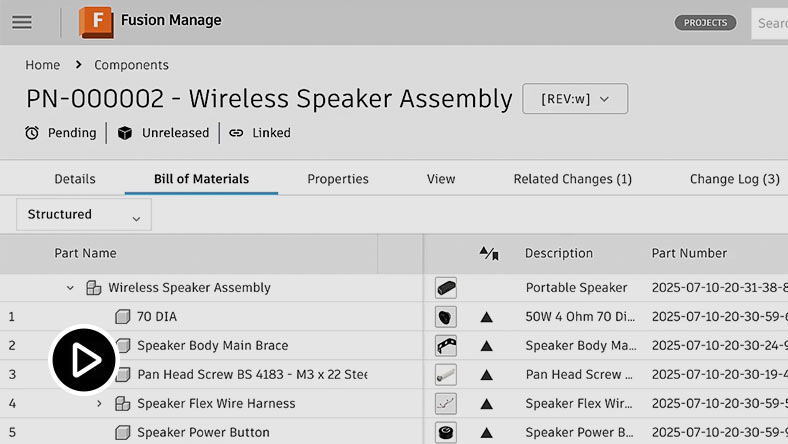
CAD interface showing a 3D product assembly with bill of materials panel.

Bill of materials (BOM) management

Enable real-time multi-user BOM and property editing to keep purchasing, production, and manufacturing data accurate and aligned.

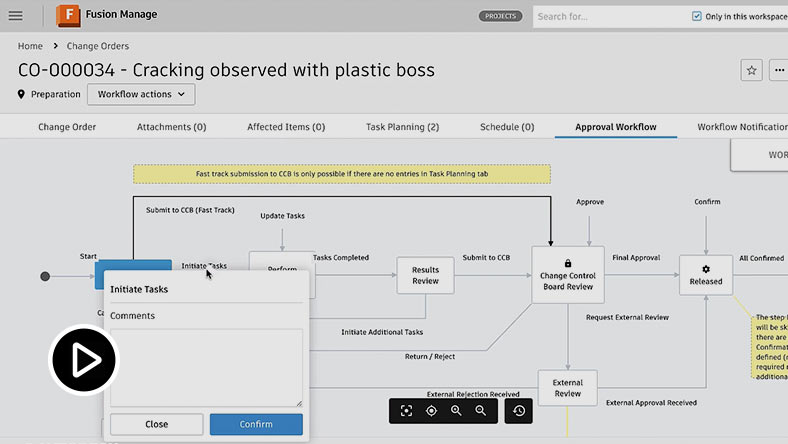
UI showing an approval workflow section in a change management interface.

Change and release management

Manage change and release with automated workflows, approvals, and full traceability for audits and root cause analysis.

Workflow interface showing task initiation dialog within a change management process

Task management

Keep teams aligned with real-time alerts and status tracking for tasks, actions, and product data changes.

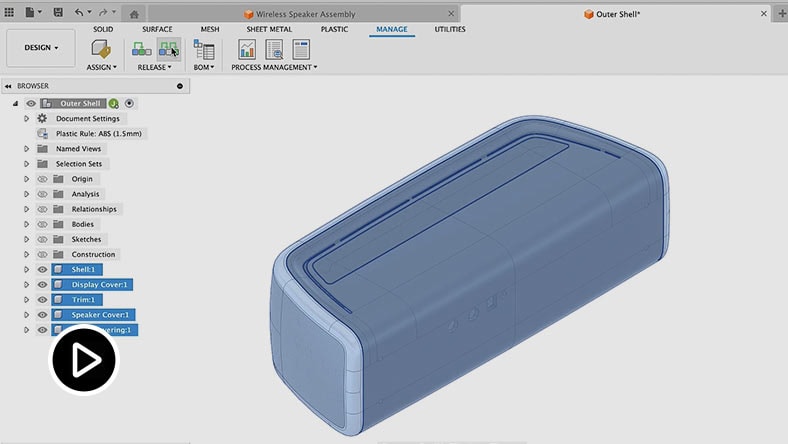
CAD interface showing parametric modeling of a 3D plastic part with feature controls.

Parametric modeling

Make fast design changes using parametric and direct modeling with automatic updates for manufacturing.

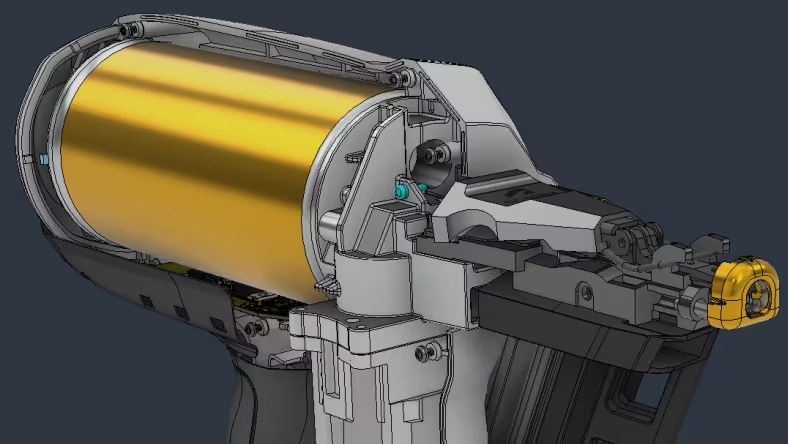
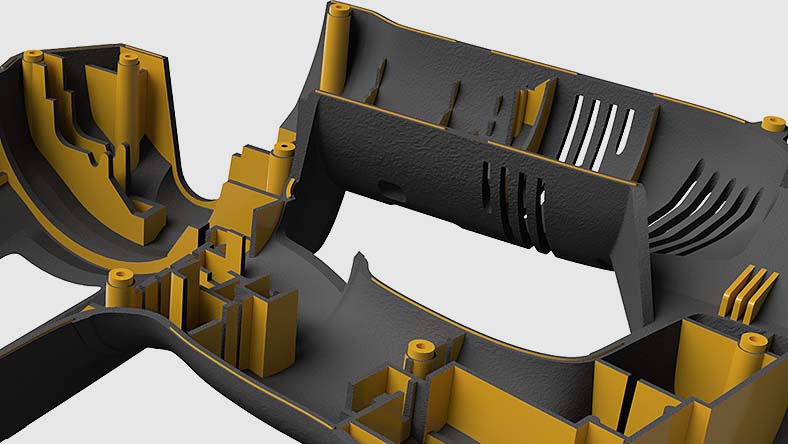
3D plastic housing component showing internal structure for design and manufacturing

Design for manufacture

Automate 2D and 3D model prep to start manufacturing sooner, with workflows for jigs, fixtures, and more.

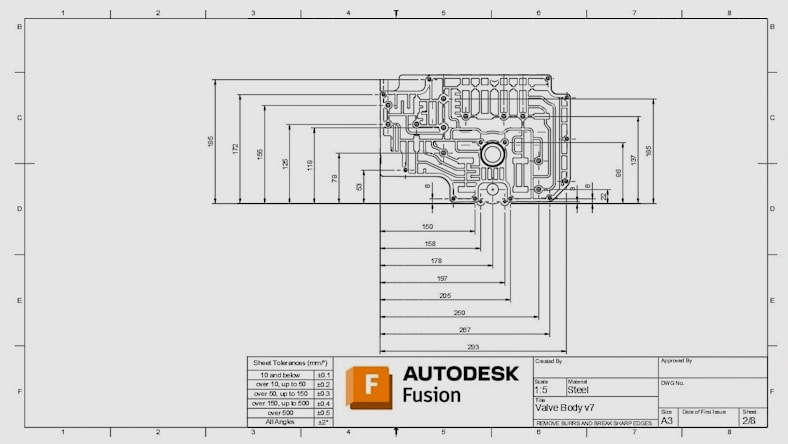
Engineering drawing sheet with detailed dimensions, views, and annotated 3D part

Engineering drawings

Create and share 2D drawings and setup sheets automatically to keep teams connected and up to date.

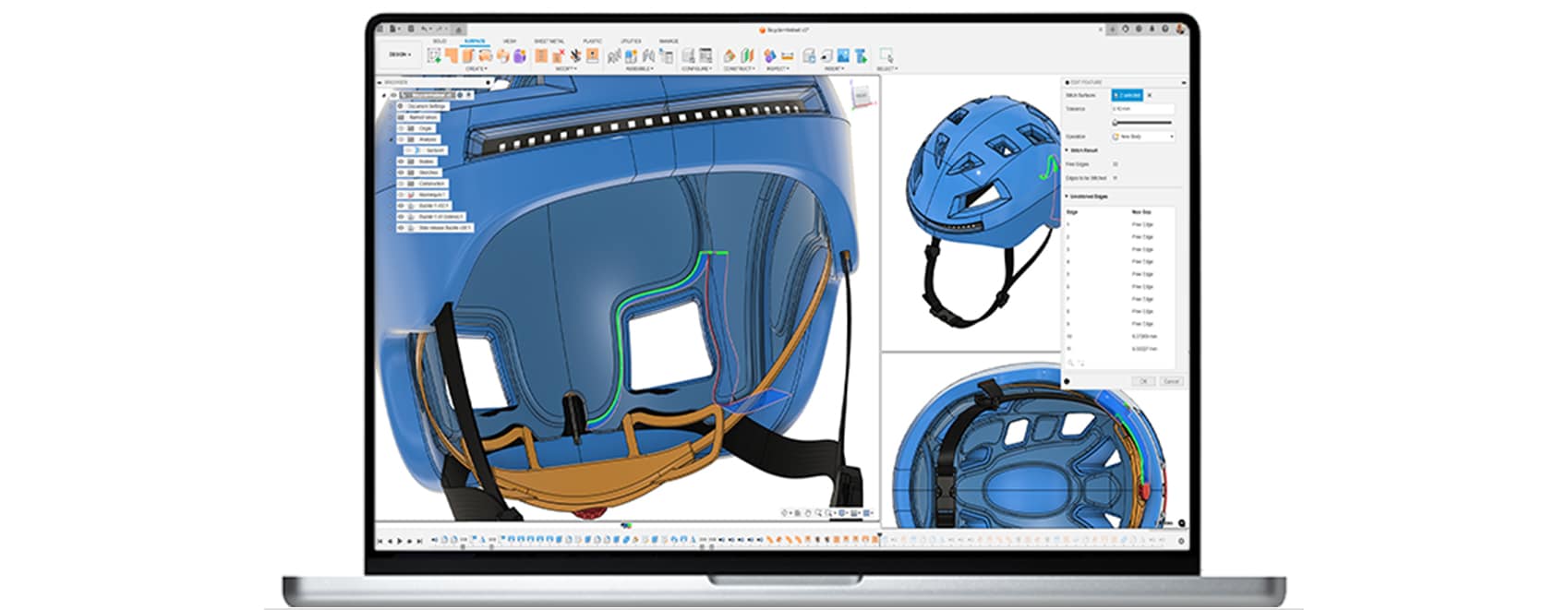
CAD interface showing surface modeling and analysis of a bicycle helmet design.

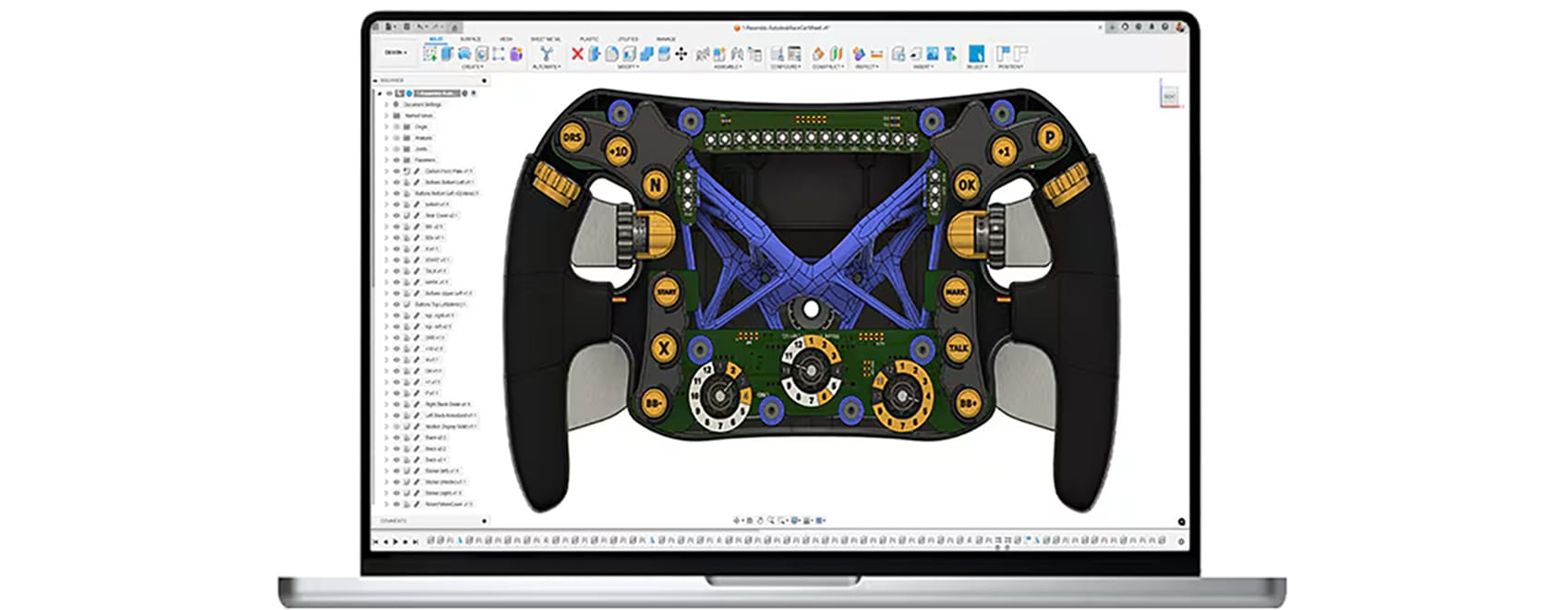
Intelligent modeling tools

Build parametric CAD models using advanced tools, automated features, and material-based design guidance.

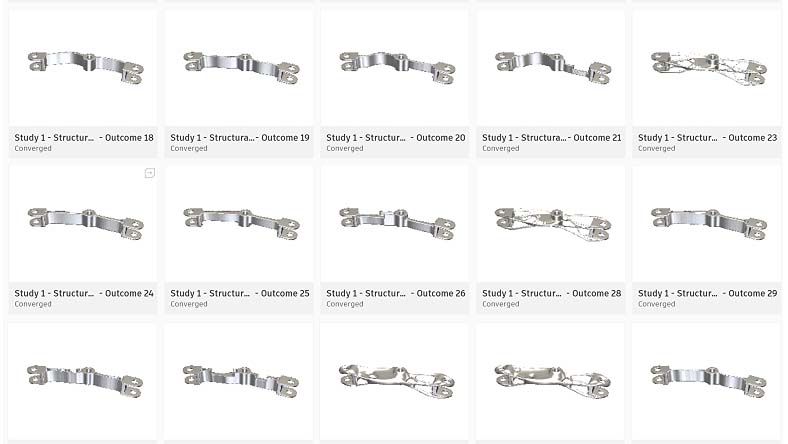
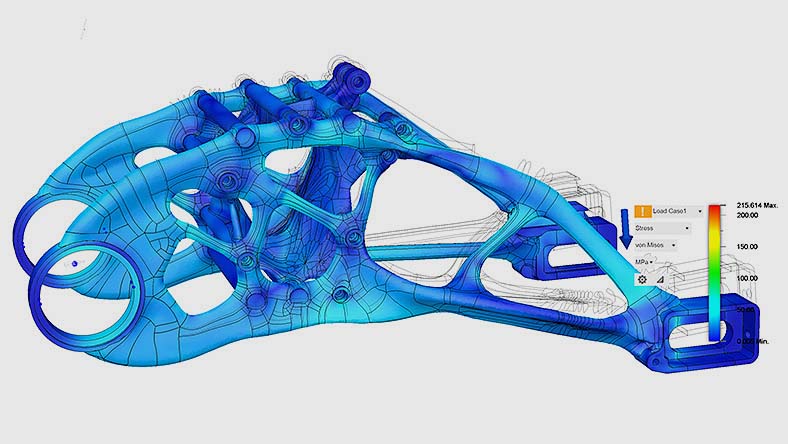
Generative design result showing an optimized lightweight structural component in a CAD interface

Performance-driven outcomes

Use generative design to discover weight reduction and performance gains based on your design parameters.

Structural frame simulation showing color-coded displacement across a table assembly

Precision-focused simulations

Optimize part performance and manufacturability with visual simulation insights from FEA, cooling, molding, and more.

Fusion for Design

Speak to an expert about Autodesk Fusion for Design

Contact with an expert to learn more about the benefits of professional-grade designand simulation tools.

  1. Step 1
  2. Step 2
  3. Step 3
  4. Step 4

Fusion for Design

Speak to an expert about Autodesk Fusion for Design

Contact with an expert to learn more about the benefits of professional-grade designand simulation tools.

  1. Step 1
  2. Step 2
  3. Step 3
  4. Step 4

Questions? We have answers

Autodesk Fusion for Design accelerates the creation of high-quality designs with advanced modeling, automation, simulation, and integrated data management capabilities. It equips designers and engineers with tools for complex 3D modeling, generative design, design automation, and manufacturing aware workflows - all within a unified platform. Fusion for Design streamlines collaboration, reduces rework, and helps teams bring better products to market faster.

Yes, Fusion for Design includes access to Fusion Manage for integrated PLM capabilities including BOM management, change and release management, task management and more.

With built-in data management, integrated PLM, and collaboration tools, Fusion for Design unifies data to help teams make smarter decisions, collaborate easier, and develop products faster.

Fusion for Design includes integrated PLM features to drive efficiency and collaboration, including:

  • Bill of materials (BOM) management

  • Change and release management

  • Task management

  • Supplier collaboration

  • Quality management

  • New product introduction

  • Product portfolio management

  • Requirements management

  • Process template library

  • Visual configuration editor

  • Dashboards and KPIs

Speak with an expert to discuss how the integrated PLM capabilities in Fusion can help unify your data and accelerate your team’s product development process.

Yes, with Fusion for Design, you’ll gain access to generative design, as well as simulation study types including structural, thermal, injection molding and more. Try free today for 30-days.

Fusion for Design includes advanced mesh editing and surfacing tools, as well as additional plastic rules for designs.

Autodesk Fusion for Design is available for {{price.F360PD.month}} per month, paid annually. See pricing options here.

Yes, Autodesk Fusion is a different subscription offering from Fusion for Design. If you need access to advanced 3D modeling tools and simulation tools, along with integrated PLM for your team, consider a subscription to Fusion for Design. Try free today for 30-days.

Yes, a 30-day free trial to Fusion includes access to all the capabilities included in Fusion for Design, except for the integrated PLM capabilities. Connect with an expert to discuss how the integrated PLM capabilities in Fusion can best suit your needs.

Autodesk Fusion for Design is built for organizations that want to increase innovation, reduce development costs, and start manufacturing sooner. These organizations typically consist of engineers and designers tasked with the responsibility of designing and validating a product.

Autodesk offers a range of Autodesk Fusion extensions that unlock additional capabilities within the core Autodesk Fusion product. Autodesk Fusion for Design differs in that it combines multiple extensions into a single subscription to provide an integrated solution for product development. A subscription to the Autodesk Fusion for Design offering includes Autodesk Fusion, Autodesk Fusion Design Extension, Autodesk Fusion Simulation Extension, AND Autodesk Fusion Manage, at a discounted price. These combined capabilities empower you to bring your products to life with advanced 3D modeling, intuitive generative design, simulation for product performance and manufacturability, and data management across your company departments and geographies.

Customers can choose to subscribe to the Autodesk Fusion for Design for 1 year or 3 years. The longer, 3-year term, allows customers to lock in the price and get the greatest return on investment. See subscription options here.

The simulations available in Autodesk Fusion for Design are identical to the simulations accessible through a subscription to the Simulation Extension alone. This encompasses a wide range of simulations, such as electronic cooling, static stress, nonlinear static stress, quasi-static event simulation, dynamic event simulation, modal frequencies, shape optimization, structural buckling, thermal analysis, thermal stress analysis, and plastic injection molding. Generative design is also included.