3D modeling software
3D modeling software
What is 3D modeling?
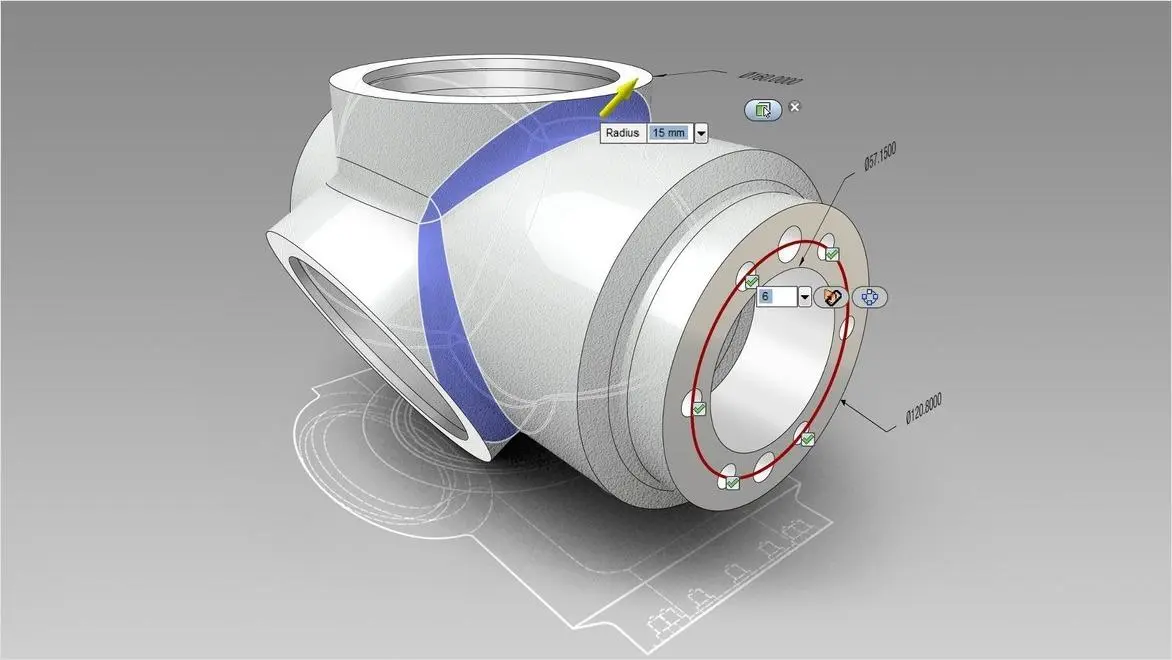
What is 3D modeling?
How does 3D modeling work?
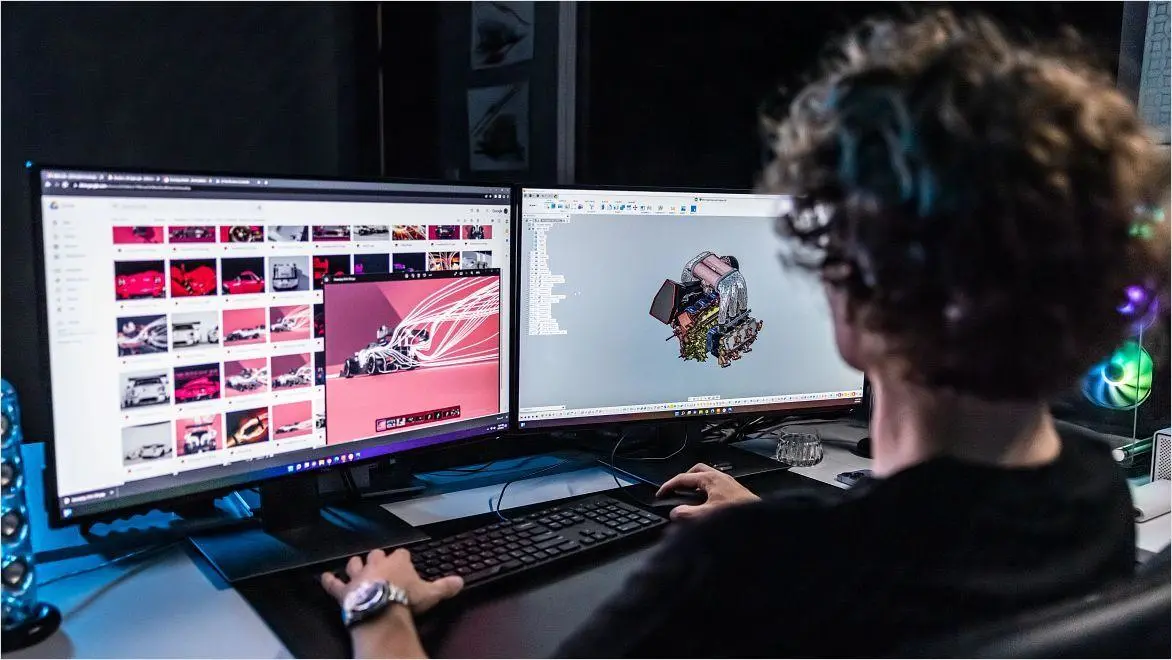
How does 3D modeling work?
What are the different types of 3D modeling?
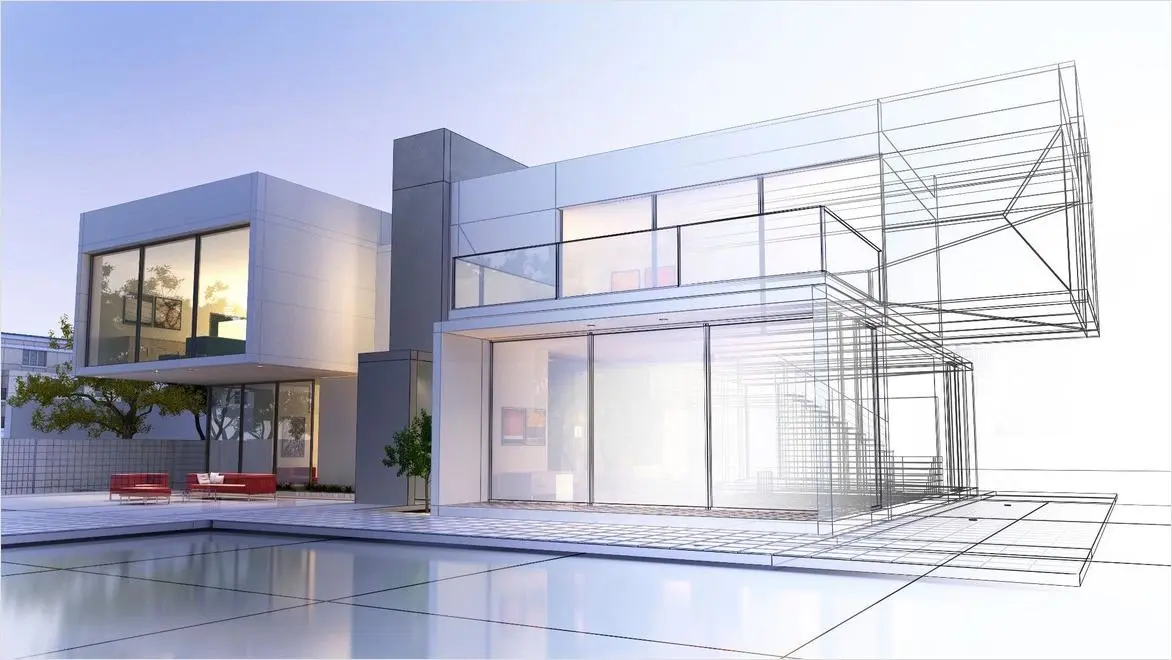
What are the different types of 3D modeling?
3D modeling for film & TV
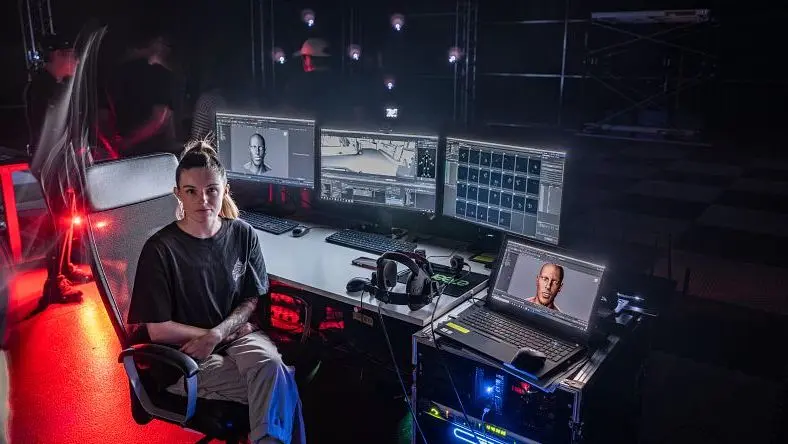
3D modeling for film & TV
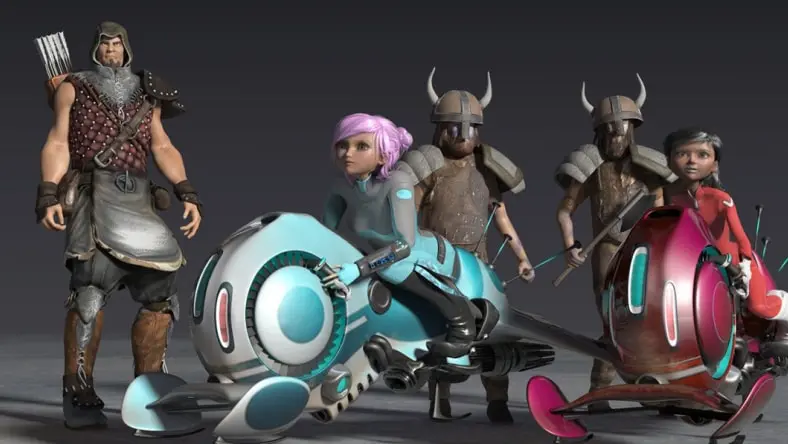
3D modeling for game development
3D modeling for game development
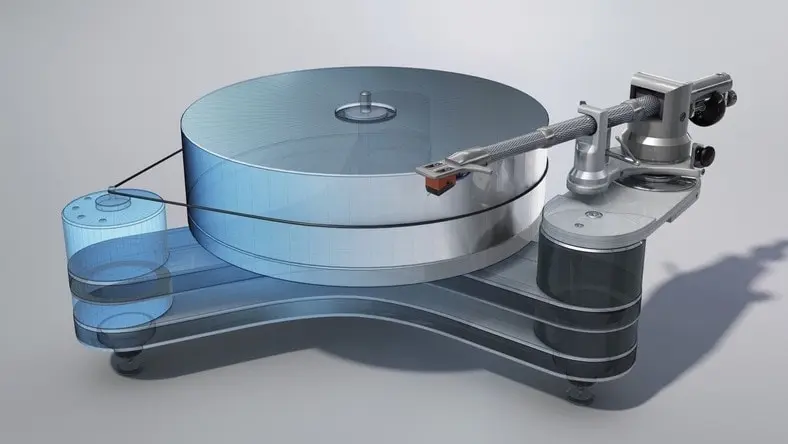
3D modeling for product design
3D modeling for product design
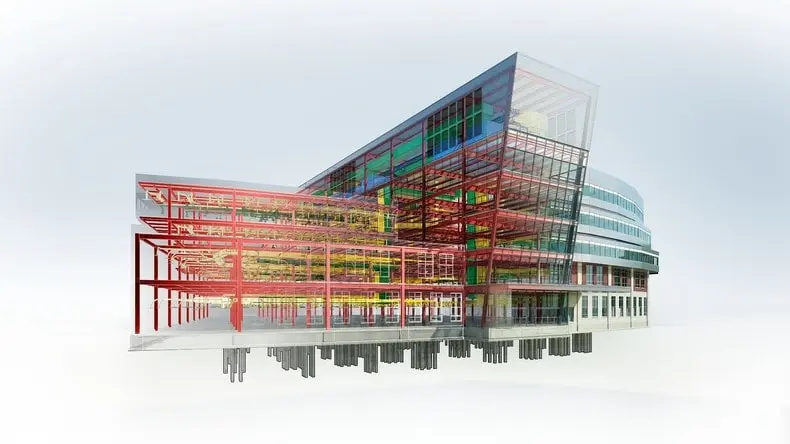
3D modeling for architecture
3D modeling for architecture
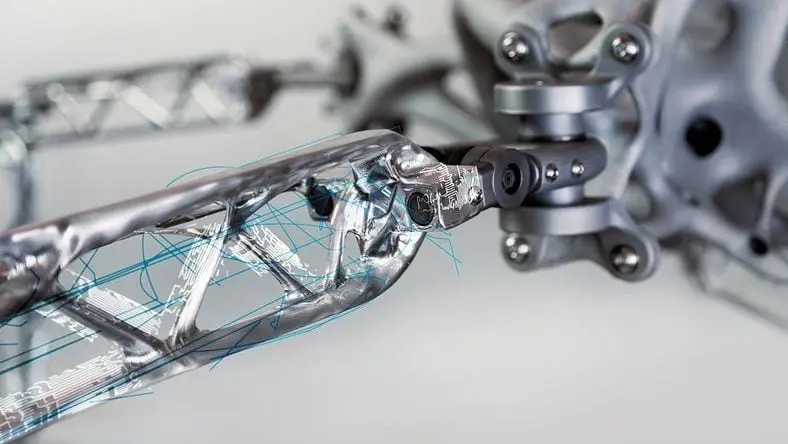
Material and texture mapping
Material and texture mapping
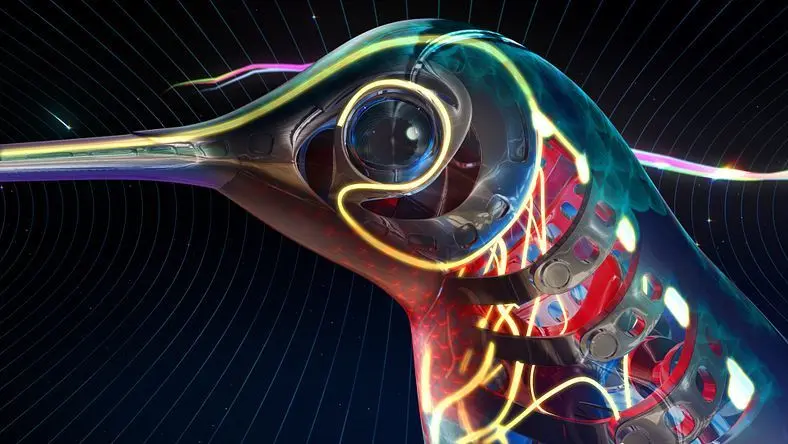
Animation and rigging
Animation and rigging
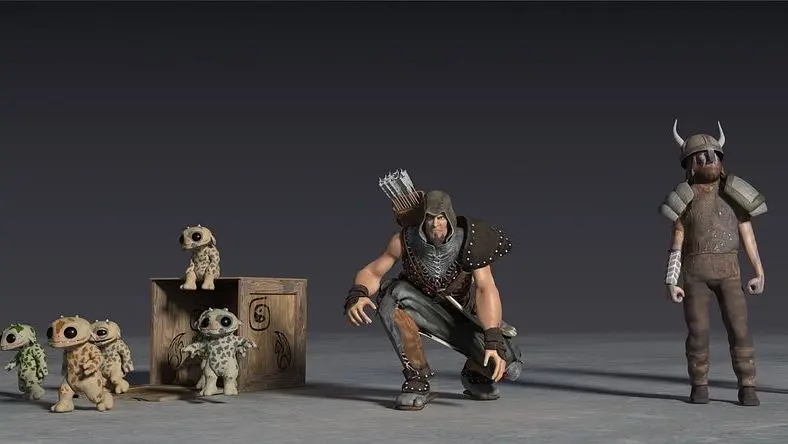
Lighting tools
Lighting tools

Rendering
Rendering


Unlock educational access to Autodesk software
Unlock educational access to Autodesk software
What is the best 3D modeling software for beginners?
The best 3D modeling software for beginners should be free, easy to use, and highly accessible so as many people as possible can try their hand at a skill that is in demand, fun, and empowering.
For 3D design and learning associated electronics circuits and code, Tinkercad checks all the boxes for beginner-friendliness. It is available as a free web app (or iPad app). With its intuitive interface and quick tutorials, beginners can get up and running with 3D modeling in minutes.
Can I use 3D modeling software for animation?
Yes, 3D modeling software is essential for making 3D animation, and creators of any skill level can use it to create characters and CG assets for content ranging from short-form videos to games and feature films.
A full 3D animation software collection includes applications for every stage of the animation pipeline, including 3D modeling, motion capture, VFX, and 3D rendering.
What is 3D sculpting?
3D sculpting is one of the final stages of 3D modeling in the media and entertainment industry, where 3D artists use digital sculpting and painting tools to add an impressive level of detail and texture to the polygons of 3D models. This technique is also referred to as polygonal modeling.
Using specialized software like Mudbox, 3D-sculpting artists bring characters and environments to life by adding complexity to their shapes and structures using a layer-based workflow.
Does Autodesk have any 3D modeling apps for mobile devices?
Autodesk makes it easy to develop 3D modeling projects on your mobile device with 3D modeling apps. You can share, view, and comment on 2D and 3D DWG, DWF, Navisworks, and Revit software files. You can also review 3D models and animation in multiple formats and even create digital designs ready for 3D printing.
Is Fusion 360 still free for 3D modeling hobbyists?
Autodesk offers its Fusion 360 3D-modeling program free to qualifying startups, hobbyists, and makers through a simple three-step verification process.
How can Autodesk software help speed up 3D modeling workflows?
Built-in 3D modeling and sculpting tools in 3ds Max allow you to model 3D characters, environments, and elements quickly. Its efficient and flexible modeling toolset lets you automate your workflow so you can focus on producing high-quality renders in less time.
What collaboration features are included in Autodesk 3D modeling software?
Autodesk 3D-modeling software is designed to allow secure collaboration on 3D files in one location with easy design review in a web browser. You can maintain an associative link to non-native CAD data and convert configurable 3D models into BIM objects.
Where can I find learning content for 3D modeling software?
Why choose 3ds Max or Maya for 3D modeling?
3ds Max and Maya are both used by creative studios worldwide for 3D modeling, animation, visual effects, and rendering. 3ds Max offers a robust toolset for modeling, intuitive texturing and shading, and high-quality rendering, while Maya provides powerful tools for character creation, lifelike animation, and detailed simulations. Read more about the differences between 3ds Max and Maya.