The shot is yours.
Nothing here is final until you say so.
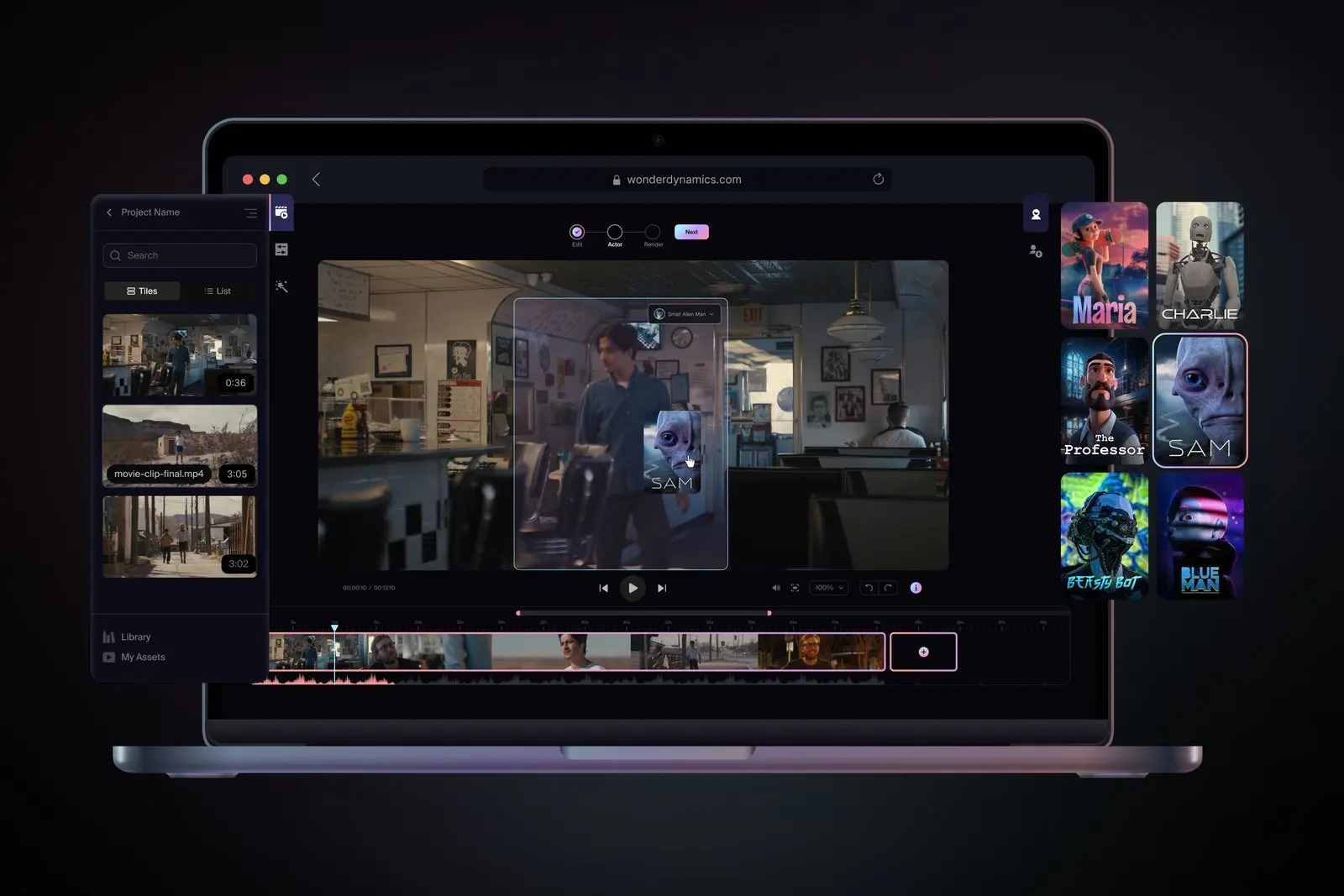
Flow Studio stages shots in 3D and turns any footage into AI VFX, markerless mocap, and 3D animation for Maya, Blender, and Unreal.
Start freeThe free plan comes with 300 credits, and Lite is $7 a month billed annually.
Built for whoever's holding the camera.
Flow Studio puts CG characters in live-action footage, captures motion with no markers, and exports to Maya, Blender, and Unreal.
Creators
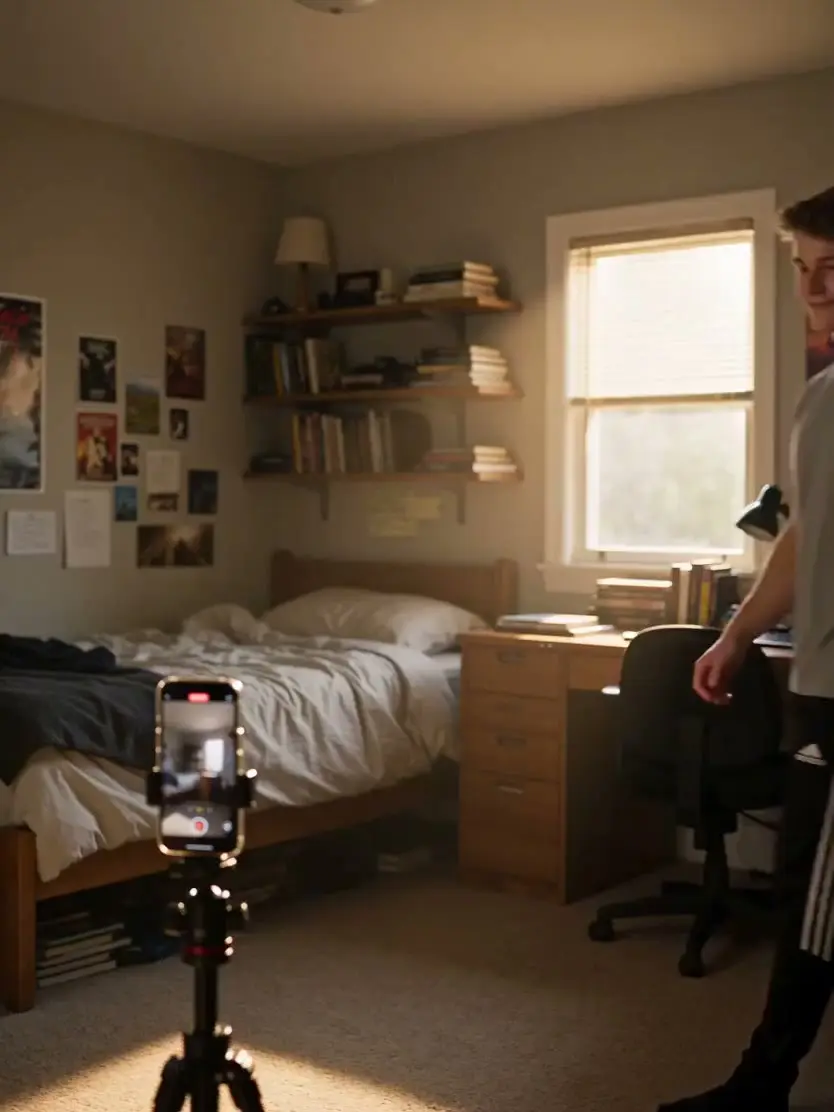
Your phone is a mocap stage now.
Filmmakers and animators
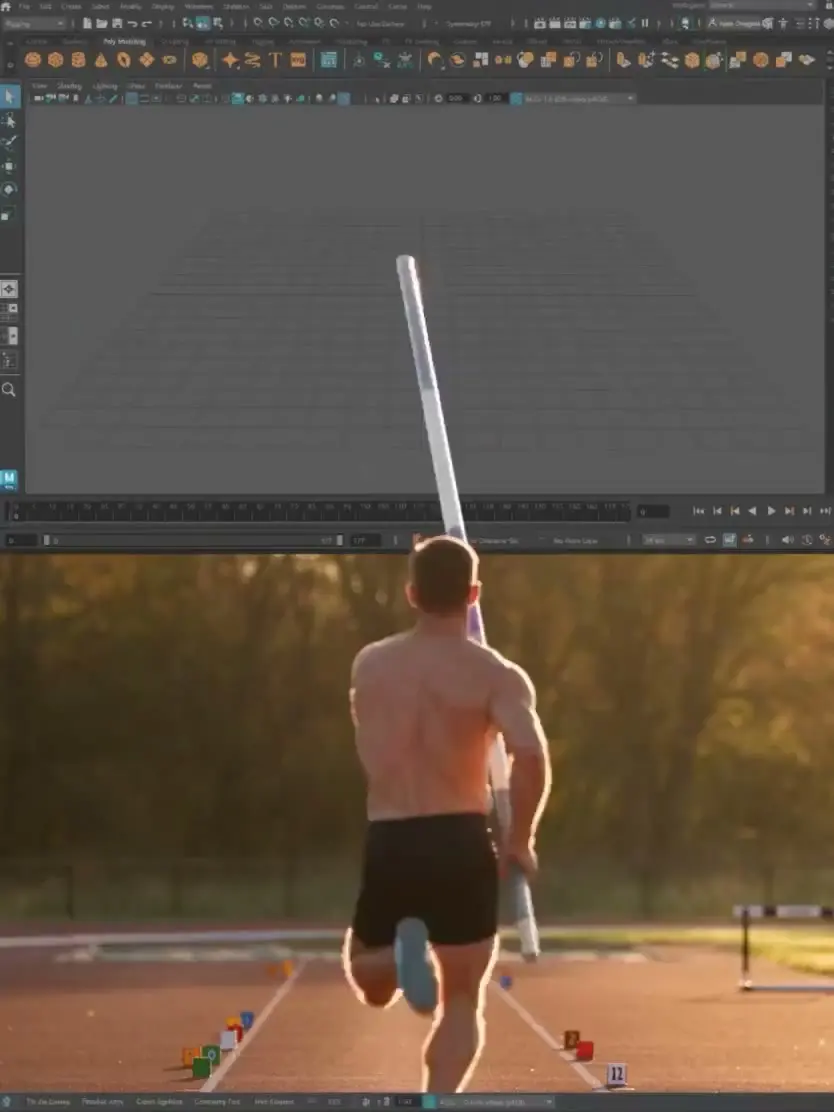
Anything you make here opens in Maya.
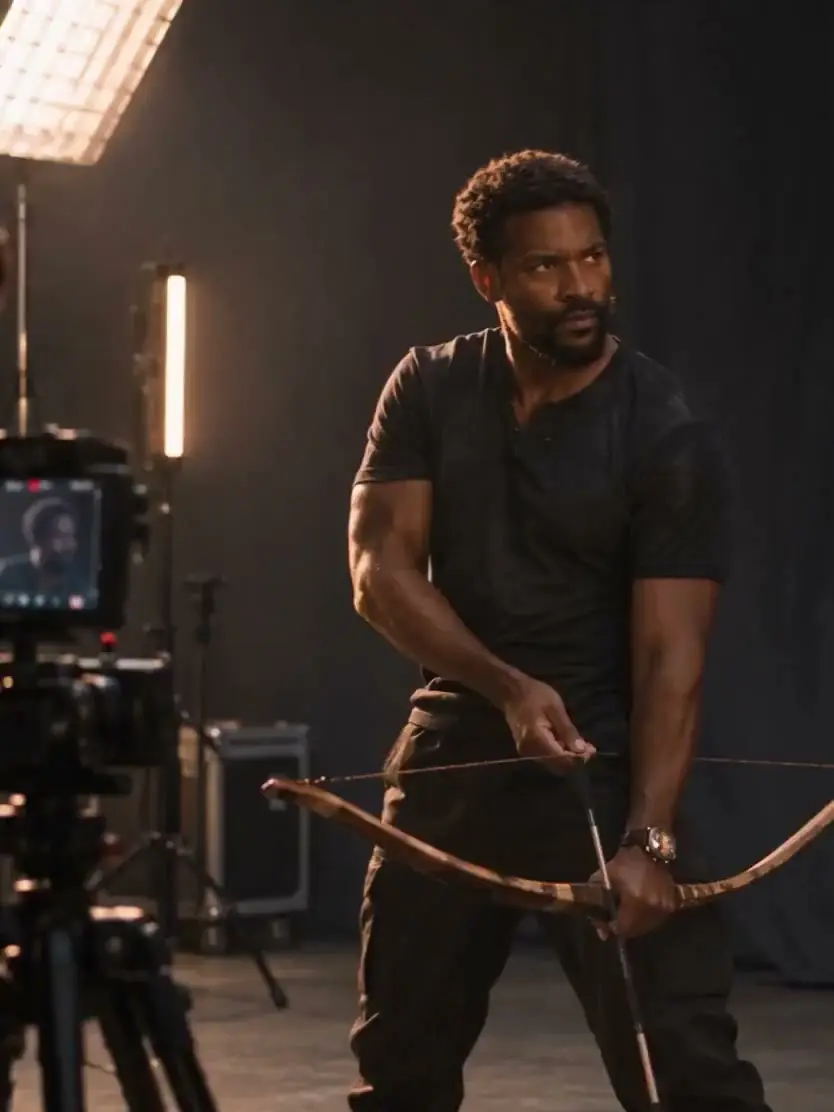
Small studios and businesses
A small crew can afford the big shot now.
Advertisers and marketers
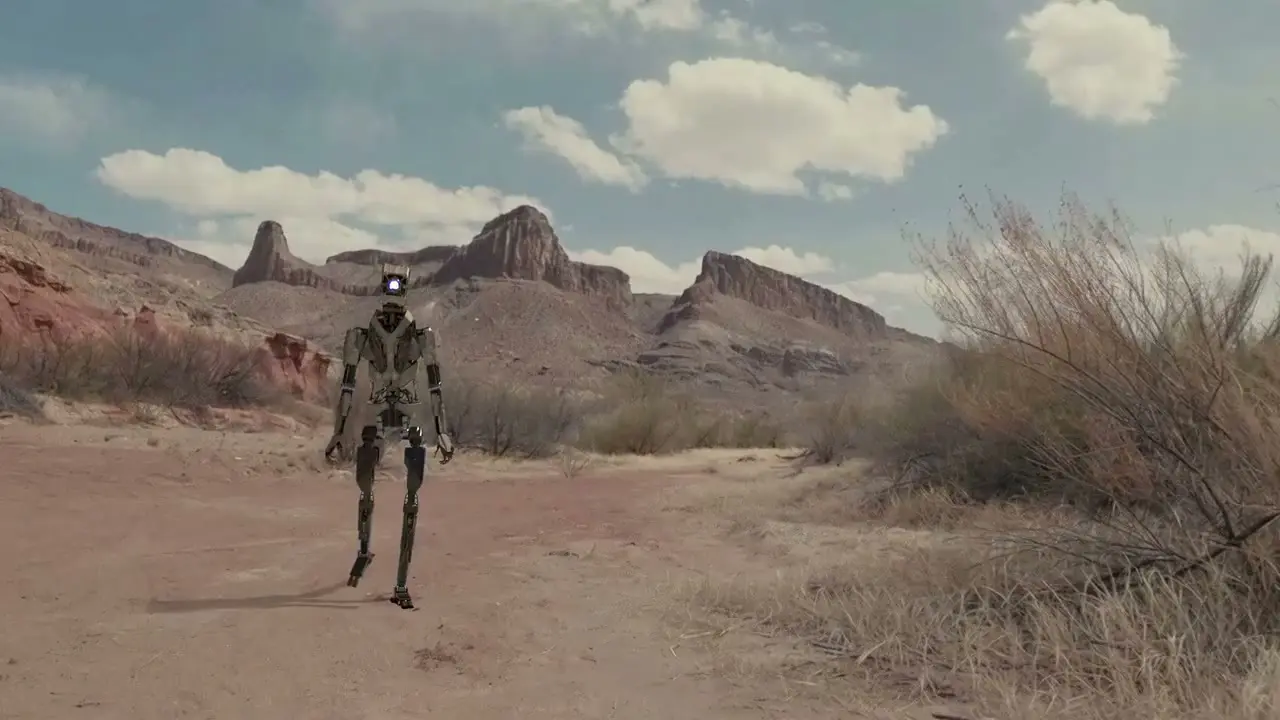
Your character can walk into the real world now.

Studios
More shots in fewer weeks, on the rig you already run.
 Canvas
AI image and video generation
Canvas paints the frame you staged.
AI image and video models work from your 3D stage, so the camera, blocking, and character carry into every version you try.
Start free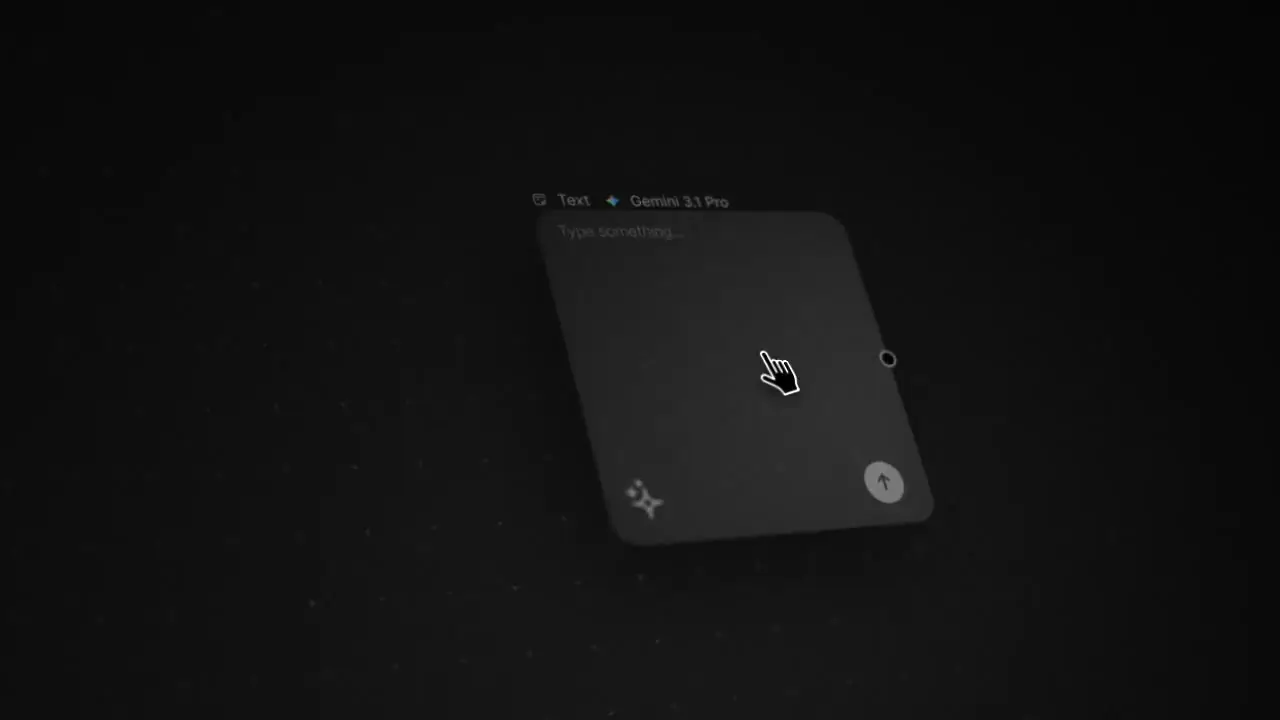
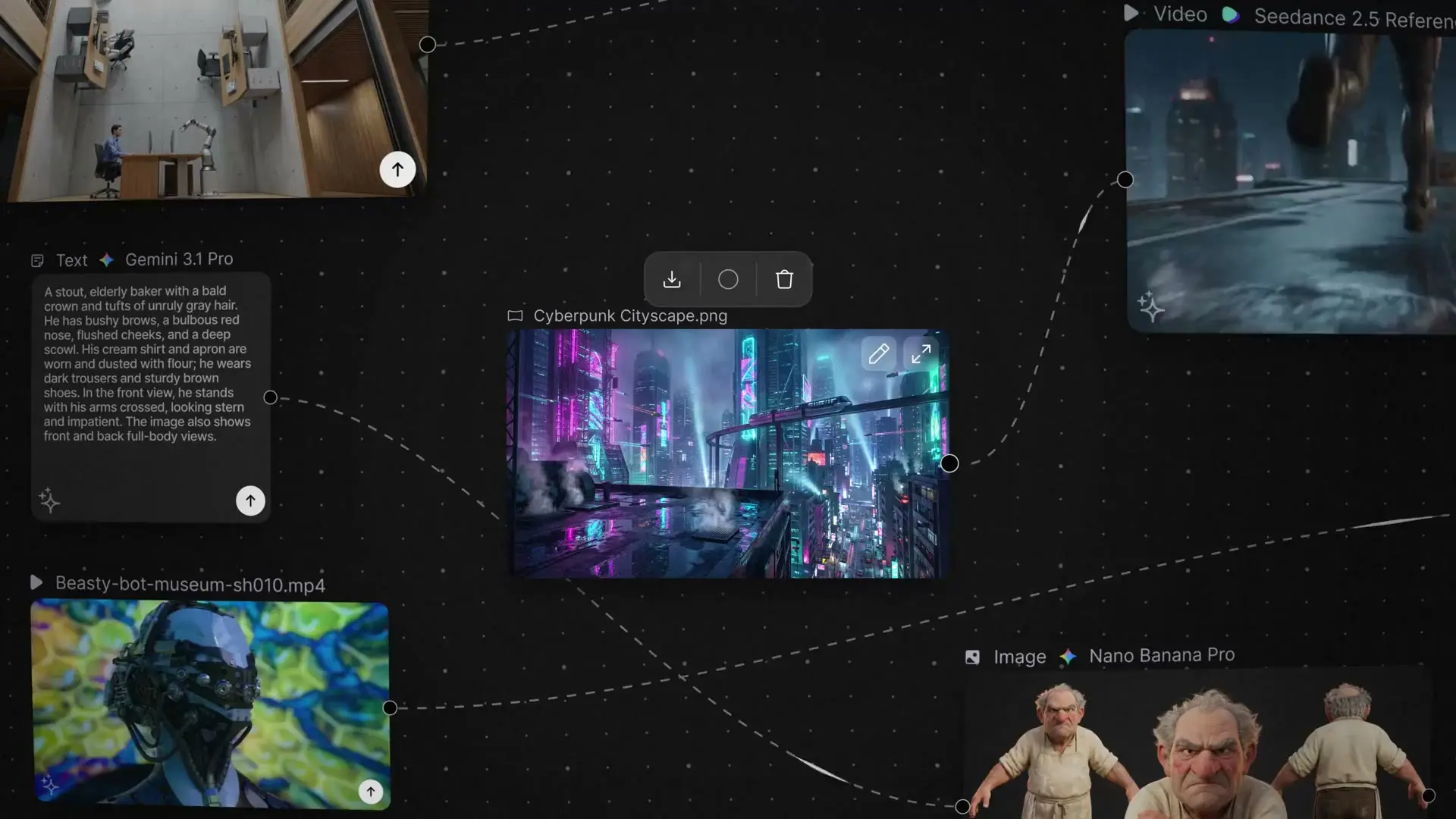
Seedance, Nano Banana, Kling, and ElevenLabs
Every model works from your 3D stage.
Wonder 3D sits beside them, and you switch models without leaving the shot.
 GoogleVIDEO
- Veo 3.1 Fast
- Veo 3.1 Lite
- Gemini Omni
 SeedanceVIDEO
- Seedance 2.0
- Seedance 2.0 Fast
- Seedance 2.0 Reference
- Seedance 2.5
- Seedance 2.5 Reference

 KlingVIDEO
- Kling 4
- Kling 3 Pro
- Kling 3 Omni Pro Video Edit
- Kling 3 Omni Pro Reference
 ElevenLabsAUDIO
- Eleven Labs V3
- Eleven Labs Turbo V2.5

 Autodesk3D
- Wonder 3D

 Nano BananaIMAGE
- Nano Banana
- Nano Banana Pro
- Nano Banana 2

 MiniMaxVIDEO
- MiniMax H3
- MiniMax H3 Reference
- MiniMax H3 Max
- MiniMax H3 Max Reference
- MiniMax H3 Max Turbo
 MarbleWORLD
- Marble 1.0 Draft
- Marble 1.0
- Marble 1.1
- Marble 1.1 Plus
 3D Editor
3D scene editor
Block the shot before the AI paints a frame.
Characters, worlds, and cameras go on the stage with keyframed action, so the shot is blocked before a model paints a frame.
Start free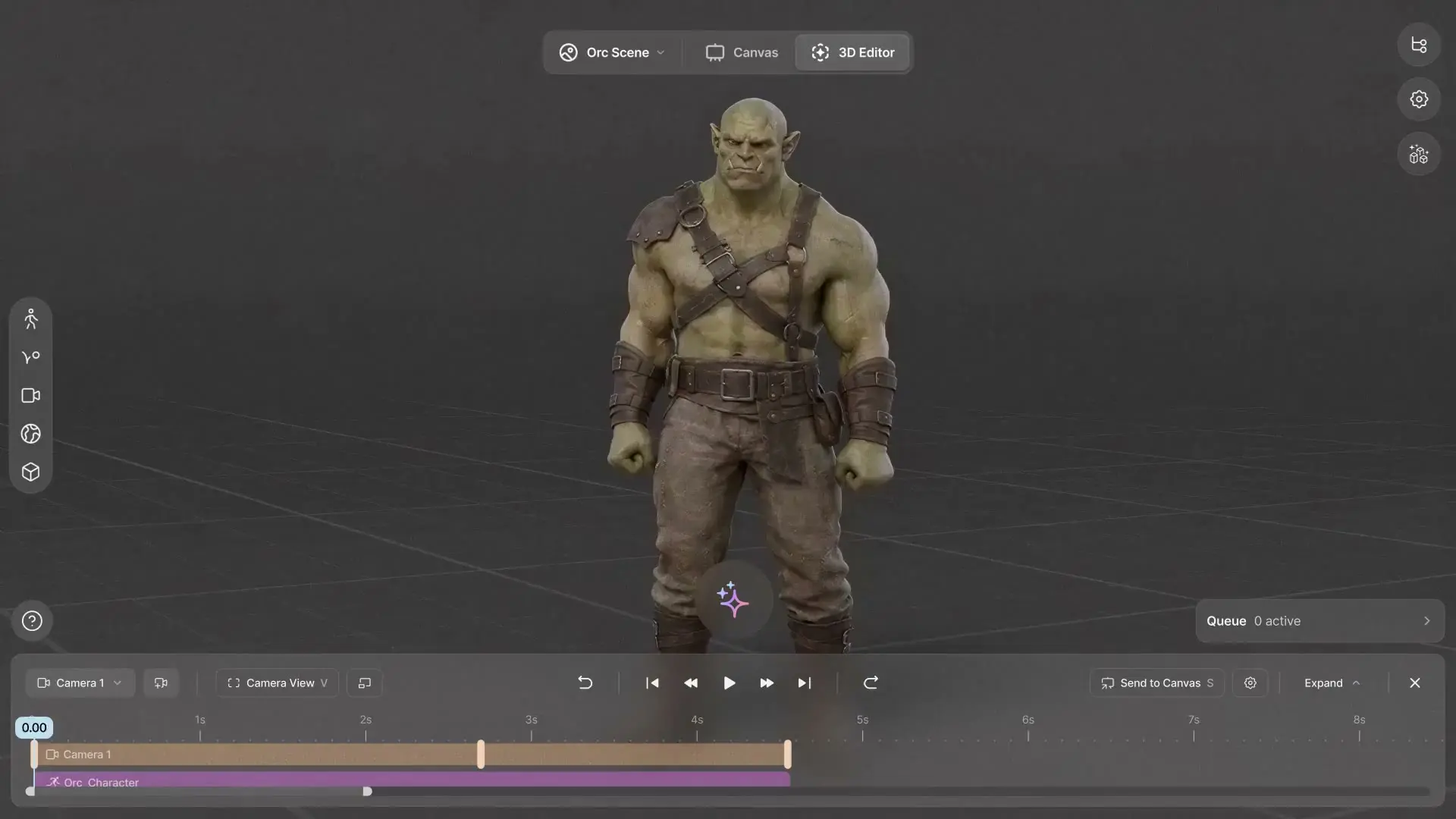

Each step of the shot has a tool here.
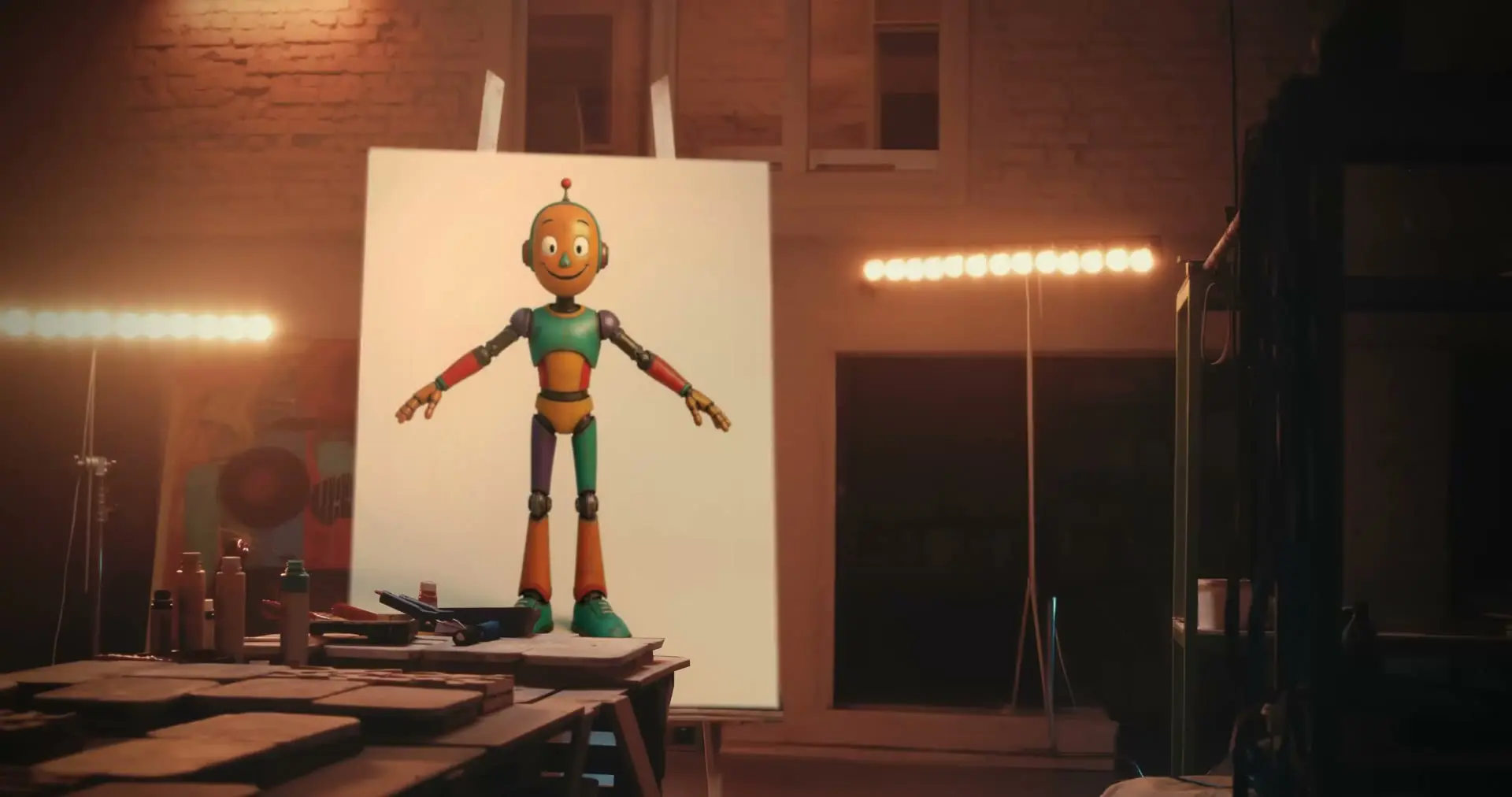
An image becomes a 3D character you can rig and animate.
Wonder 3D builds characters and props from an image or a prompt, trained on synthetic and licensed data with no user data.
AI VFX for live-action footage
Live action
The shot you couldn't afford is yours now.
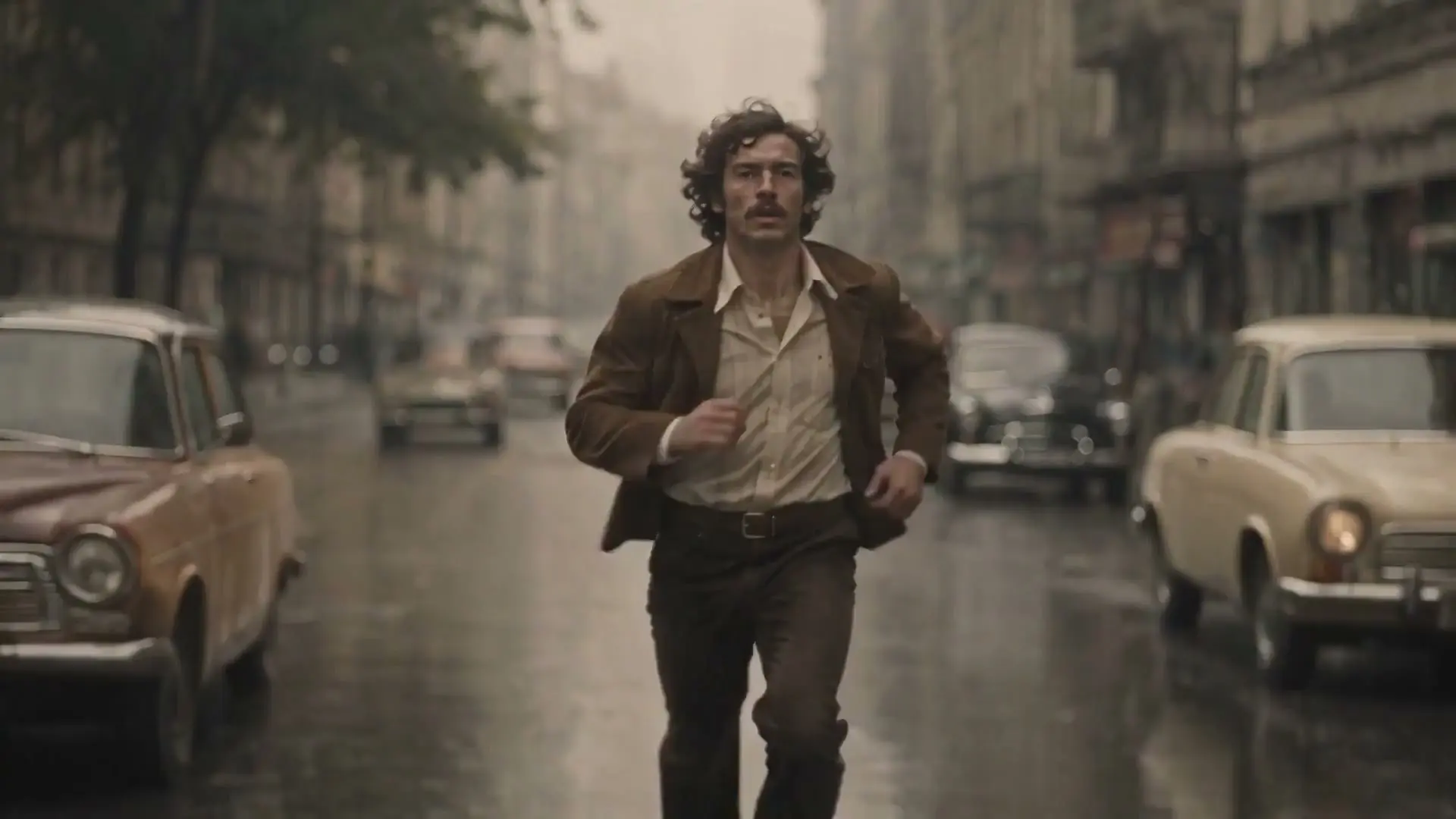
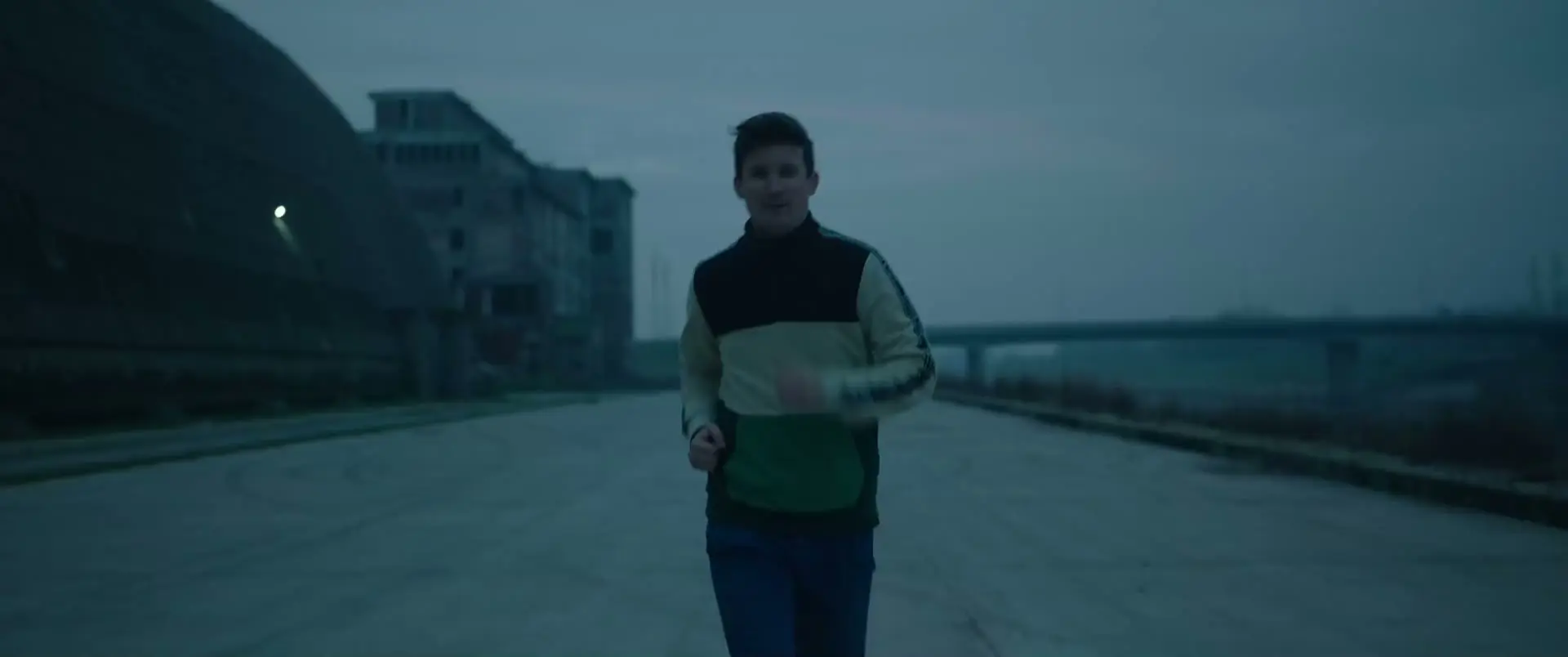
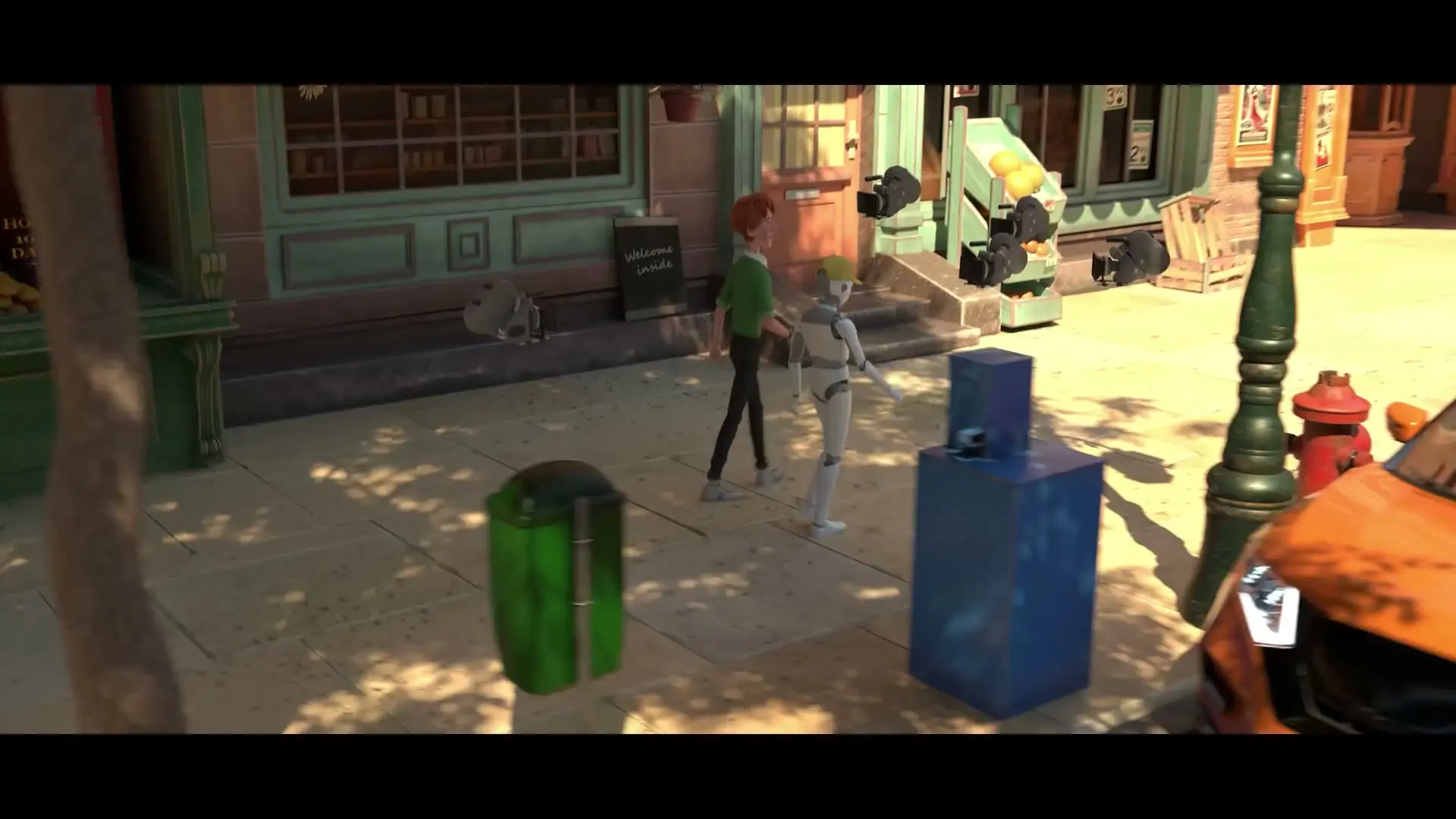
Flow Studio tracks the actor, drops in a CG character, and lights it to the plate. Easy mode is quick, and Advanced mode opens every pass.
Markerless AI motion capture from any camera
AI motion capture
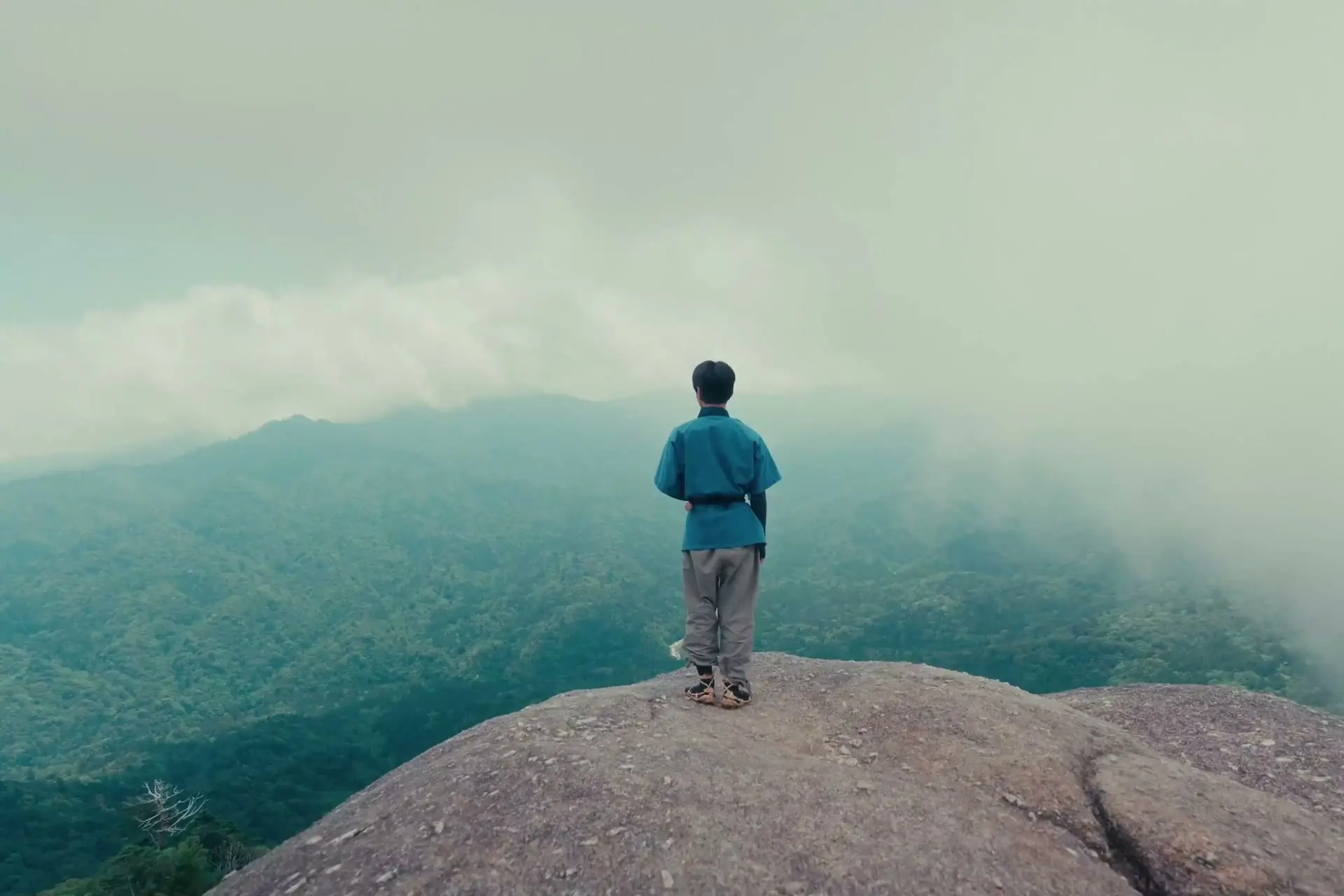
Your phone is a mocap stage now.
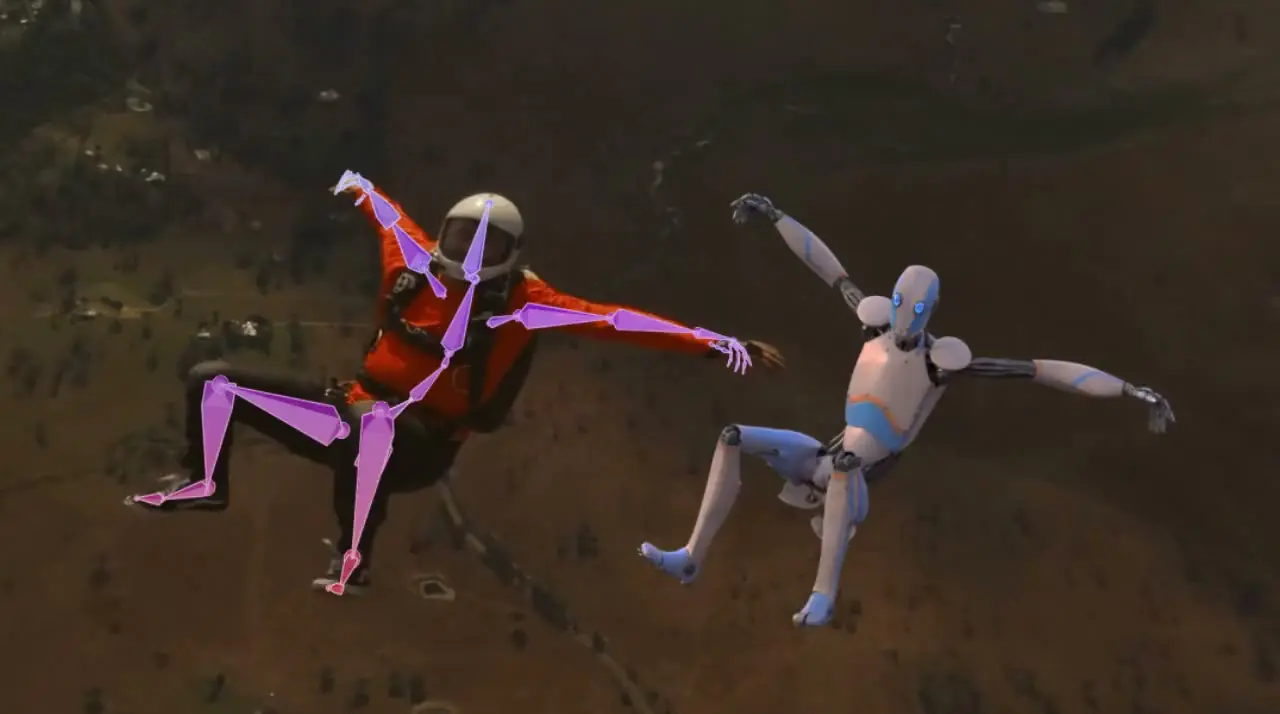
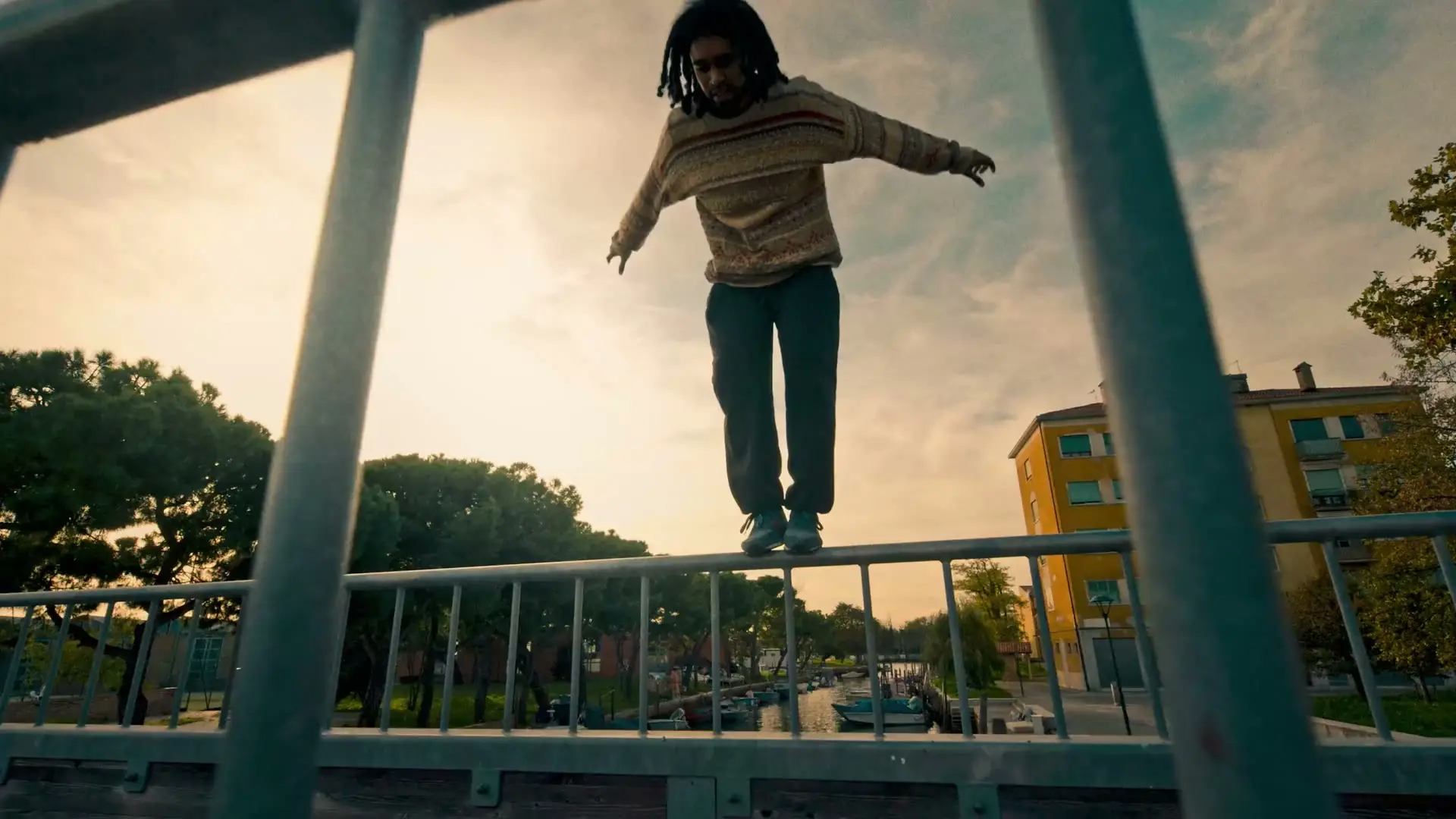
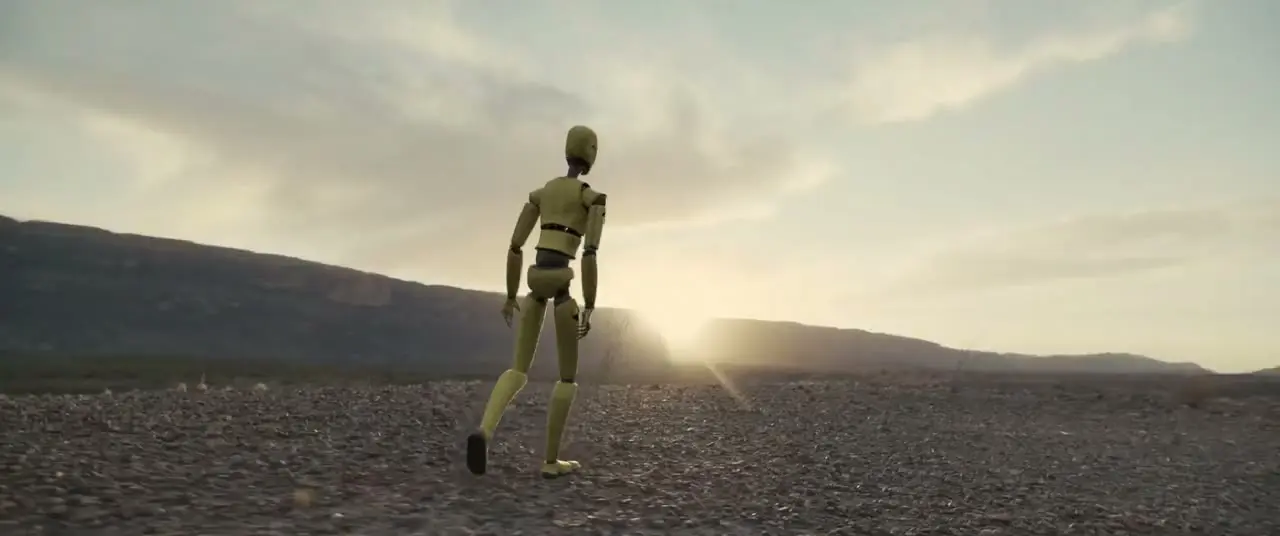
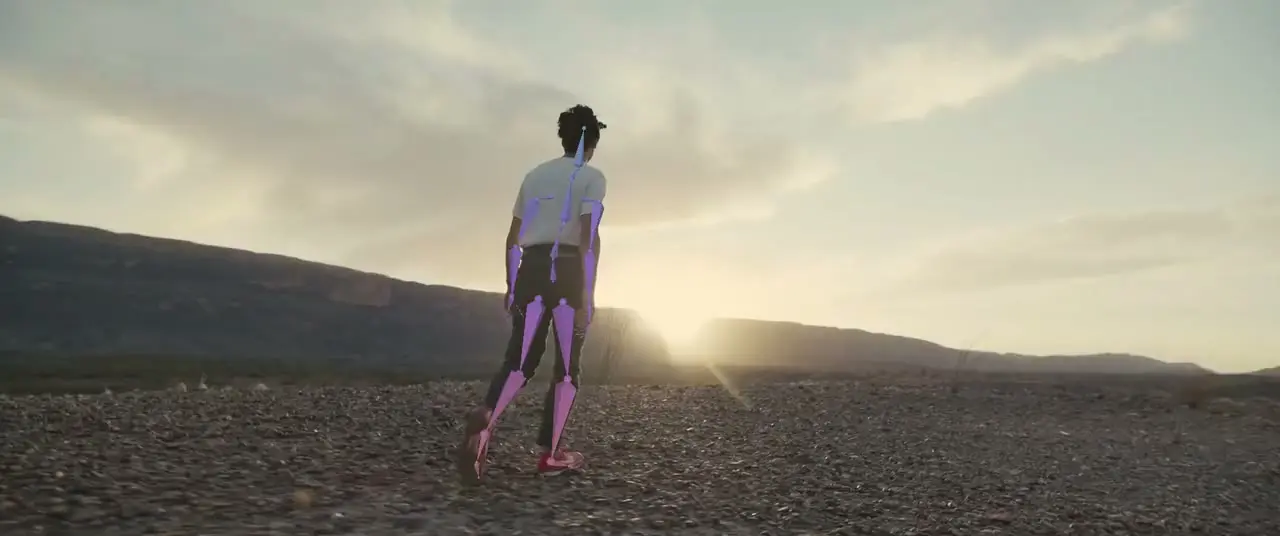
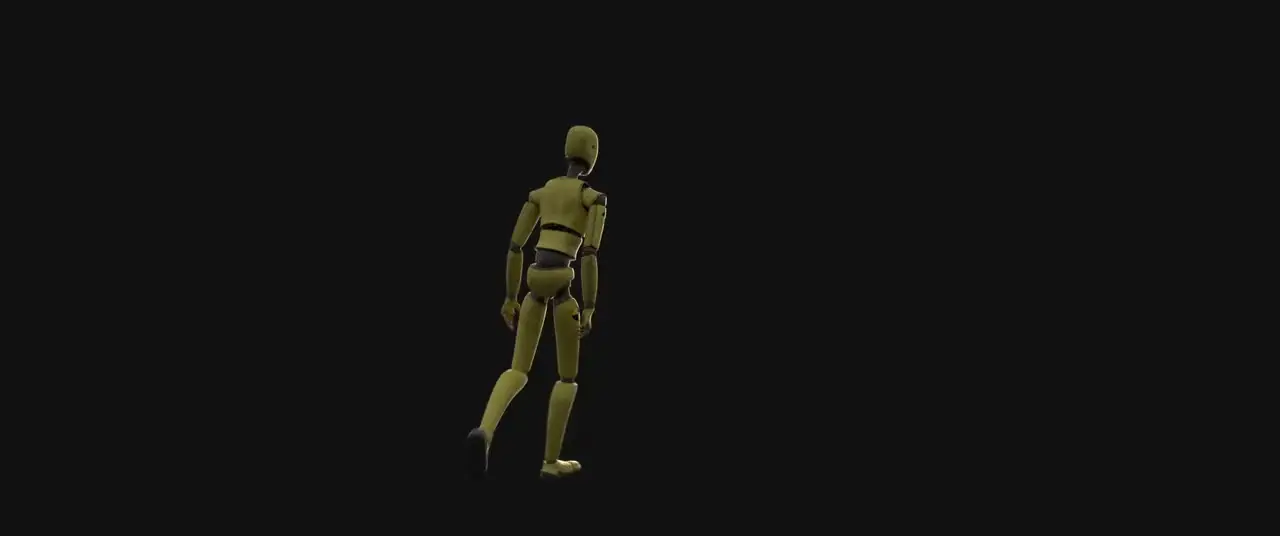
Markerless capture pulls body and hand motion from any camera, with no suit or markers, and the animation exports ready for your rig.
Export to Maya, Blender, Unreal Engine, and USD
Skip to the part of VFX you actually like.
Flow Studio handles about 80% of the technical work, like tracking, roto, and clean plates, so you get straight to the creative calls.
Start free
Maya scene export with HumanIK rigs
Characters, animation, cameras, and layout open as a native Maya scene.
See the Maya workflow
Unreal Engine export with MetaHuman
The full scene lands in Unreal Engine, including MetaHuman body animation.
See the Unreal workflow
Blender scene export
The same scene opens in Blender with characters, cameras, and animation intact.
See the Blender workflow- USD
USD scene export for 3ds Max
A USD export carries the scene into 3ds Max and any other USD tool.
See the USD workflow
What Flow Studio exports
Every piece of the shot stays yours.
Every project returns mocap, clean plates, alpha masks, camera tracks, and a full scene.

Studios and solo artists are already shipping with it.
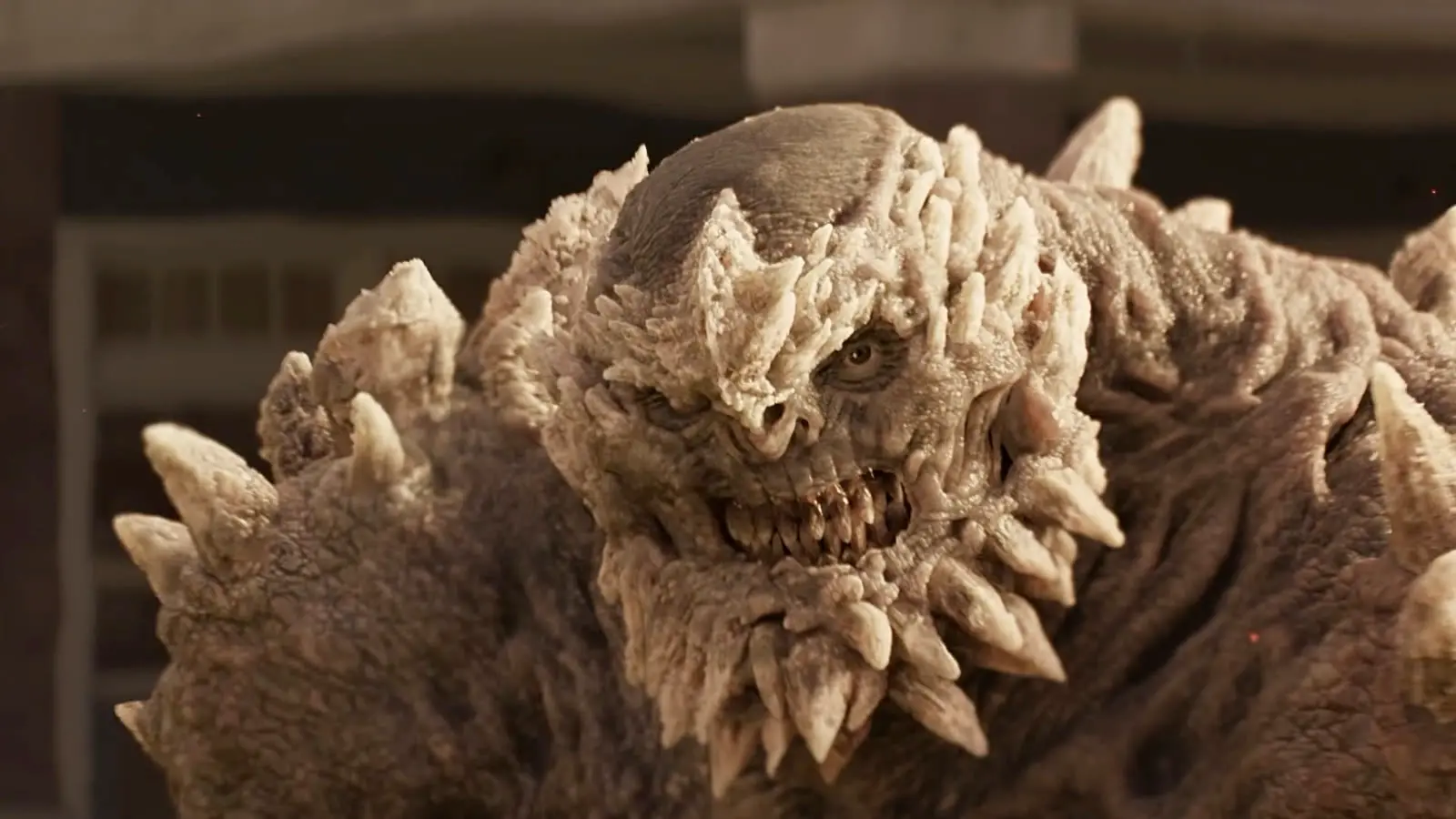

Boxel delivered 134 creature shots in six weeks for Superman & Lois, up from 104 in eight, on a smaller budget.
Watch or read the Boxel Studio story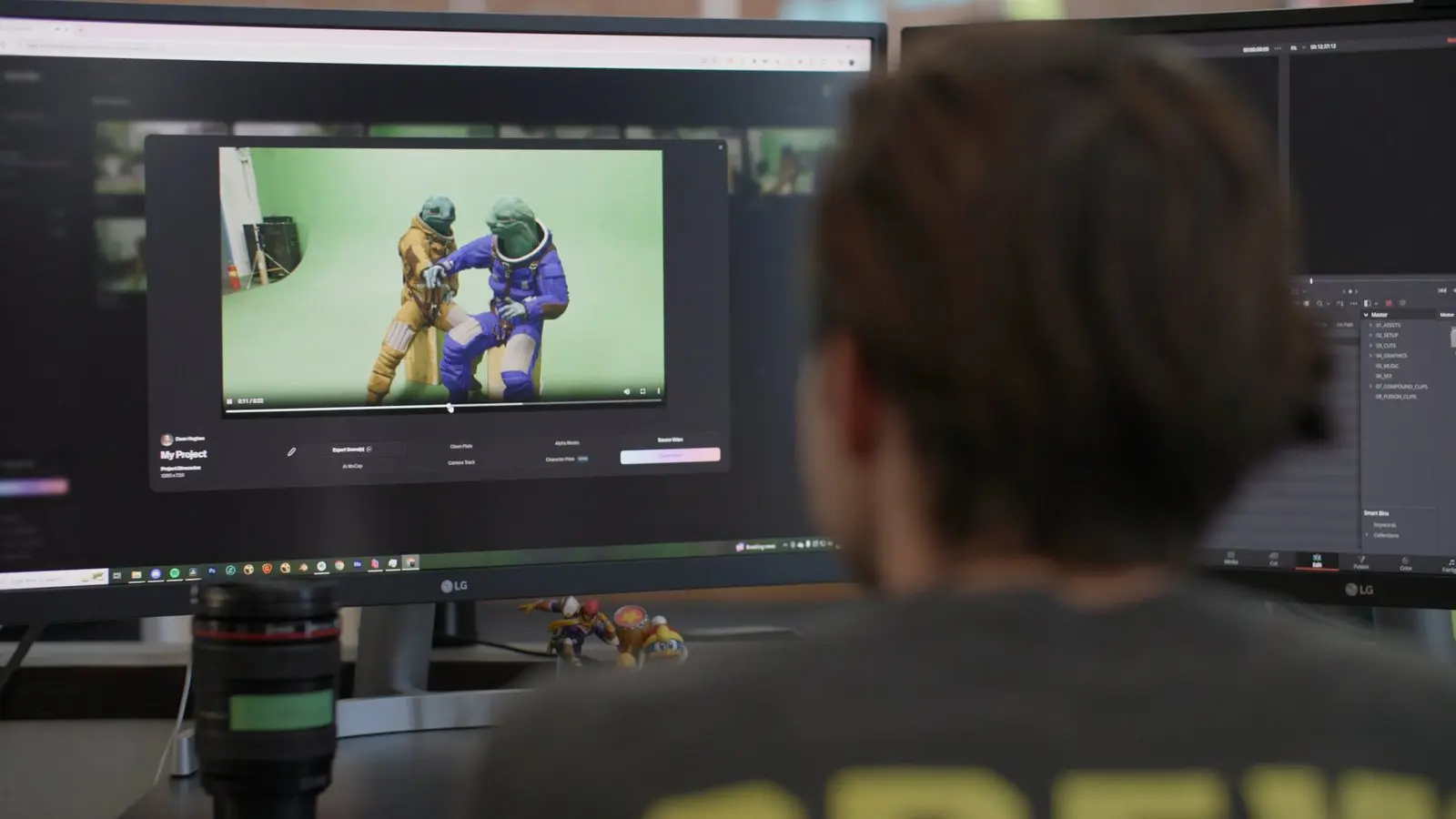

“People say this tool will replace me, so I made a movie with it.”
Watch or read the Corridor Digital story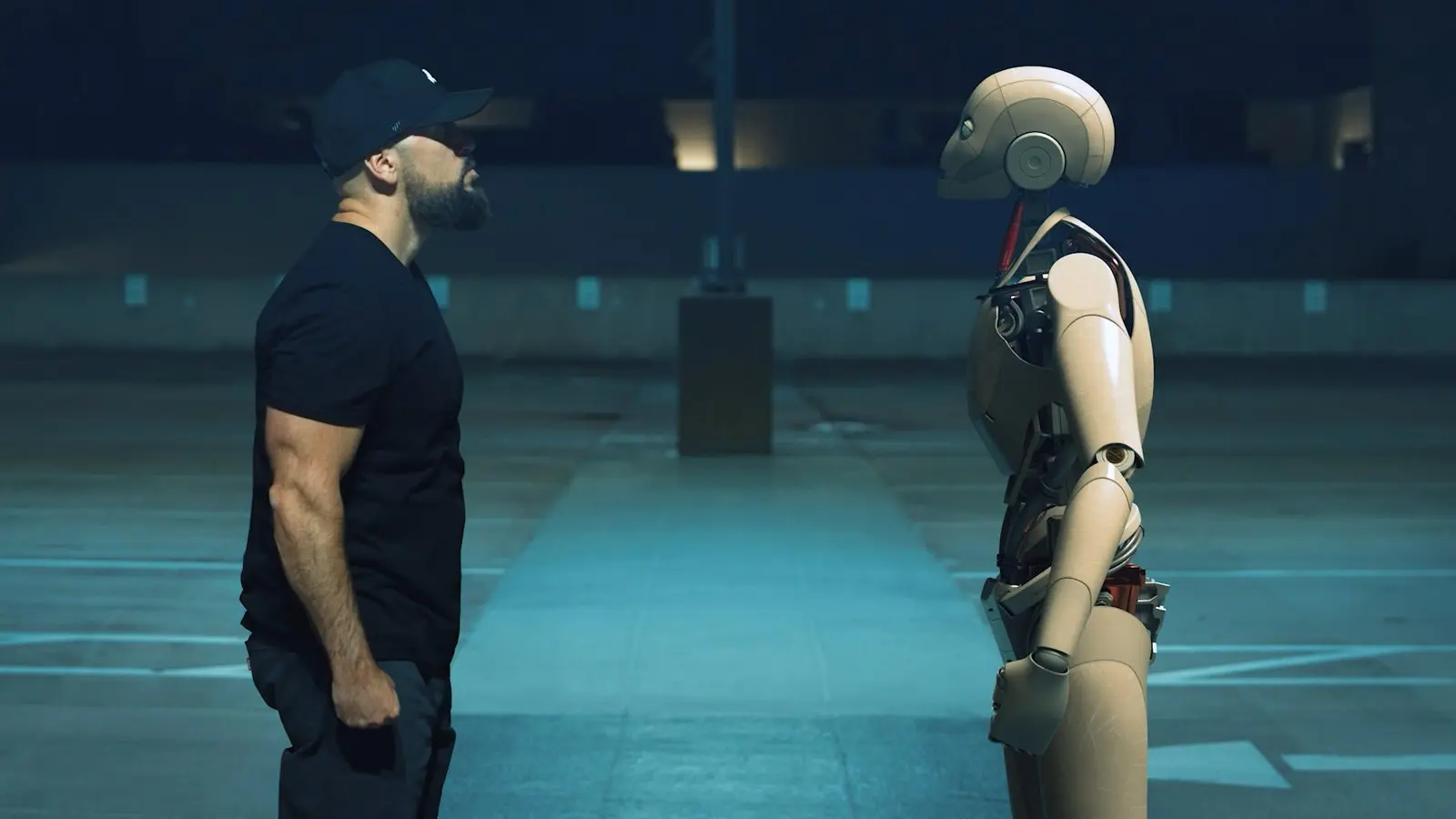
JL Mussi made more than 20 character shots in under two weeks for under $5,000, against a $25,000 to $40,000 estimate.
Watch or read the JL Mussi story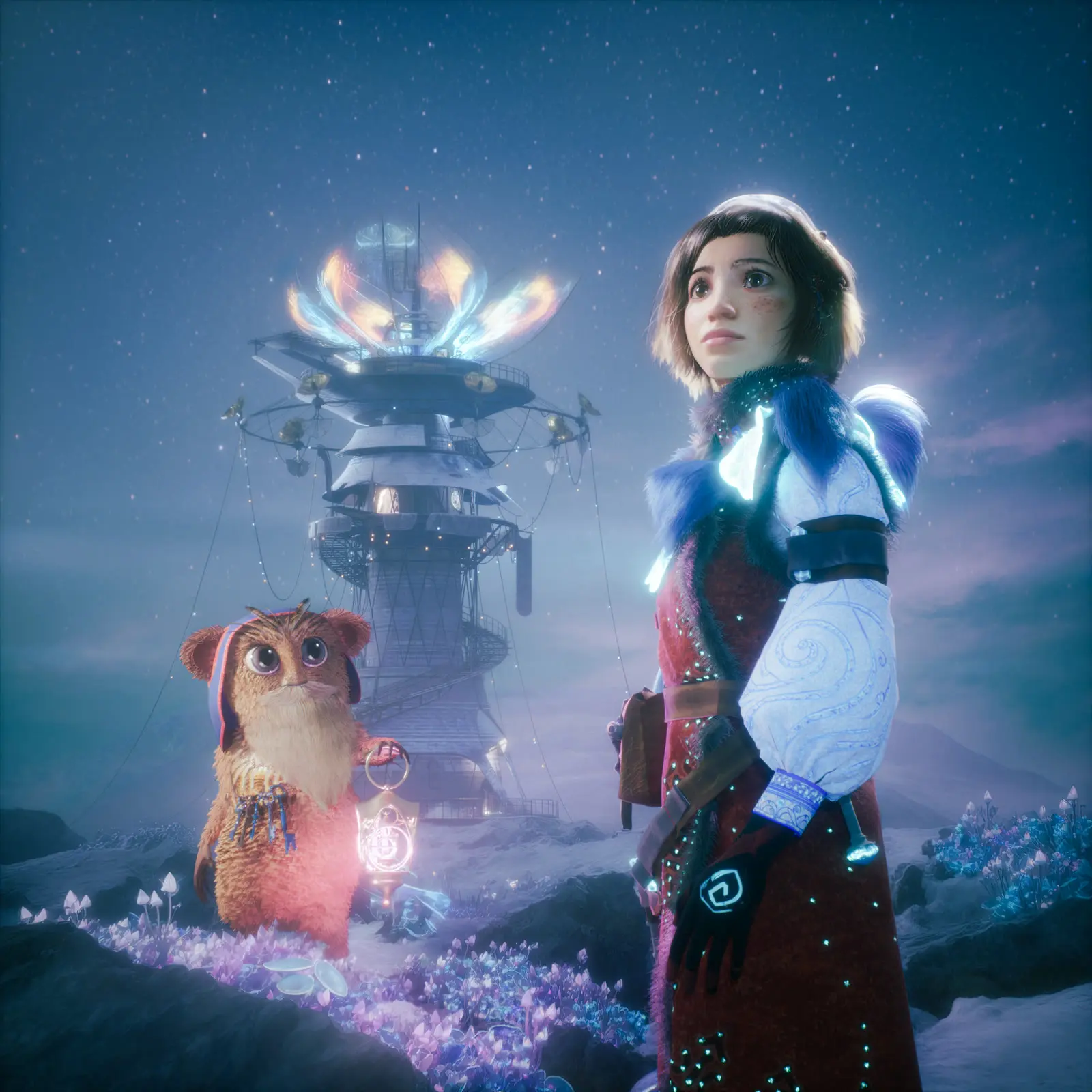

Inferstudio, a small London team, animated a 50-minute film for live orchestra, starting 18 months before the Sydney Opera House premiere.
Watch or read the Inferstudio story
Questions people ask before they start.
What is Autodesk Flow Studio?
Flow Studio, formerly Wonder Studio by Wonder Dynamics, is Autodesk's browser-based AI VFX and animation tool. It stages shots in 3D, puts CG characters into live-action footage, captures motion without markers, and exports scenes to Maya, Blender, and Unreal for finishing.
Is Flow Studio free?
Yes. The free plan comes with 300 credits a month, and Lite is $7 a month billed annually.
Does Flow Studio work without a mocap suit?
Yes. Markerless motion capture pulls body and hand motion from footage shot on any camera, with no suit, markers, or GPU.
What can I export from Flow Studio, and to which tools?
Mocap, camera tracks, clean plates, alpha masks, character passes, and full scenes, as native Maya, Blender, and Unreal Engine scenes or USD for 3ds Max.
What AI models are available in Flow Studio?
Veo, Kling, Seedance, MiniMax, Nano Banana, ElevenLabs, Marble, and Wonder 3D run inside Canvas, so you can switch models without leaving the shot.
Is Flow Studio the same as Google's Flow?
No. Flow Studio is Autodesk's AI VFX and animation tool, formerly Wonder Studio, and it is a separate product from Google's Flow.
What is Autodesk doing about responsible AI?
Wonder 3D was trained on synthetic and licensed data with no user data, an AI data opt-out is available, and each AI feature has a transparency card in Autodesk's Trust Center.