As the AECO landscape continues to evolve, our platform needs to reflect how your work happens. Teams, data, and workflows must be connected across design, construction, and operations, not siloed in separate tools.
With that, we’re excited to introduce Forma Build Essentials. An offering of Forma Build (formerly Autodesk Build) that is efficient and focused on field execution, built for the work teams onsite perform everyday.
If you are wondering what the difference is between Forma Build and Forma Build Essentials (and which option is best for your company and projects), dig in to the details below.
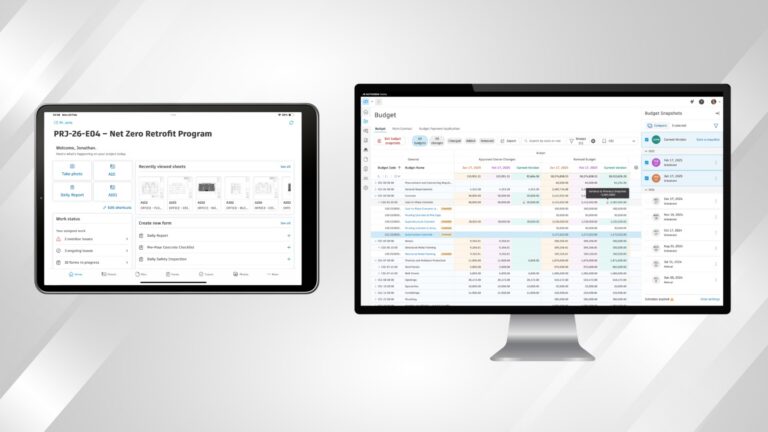
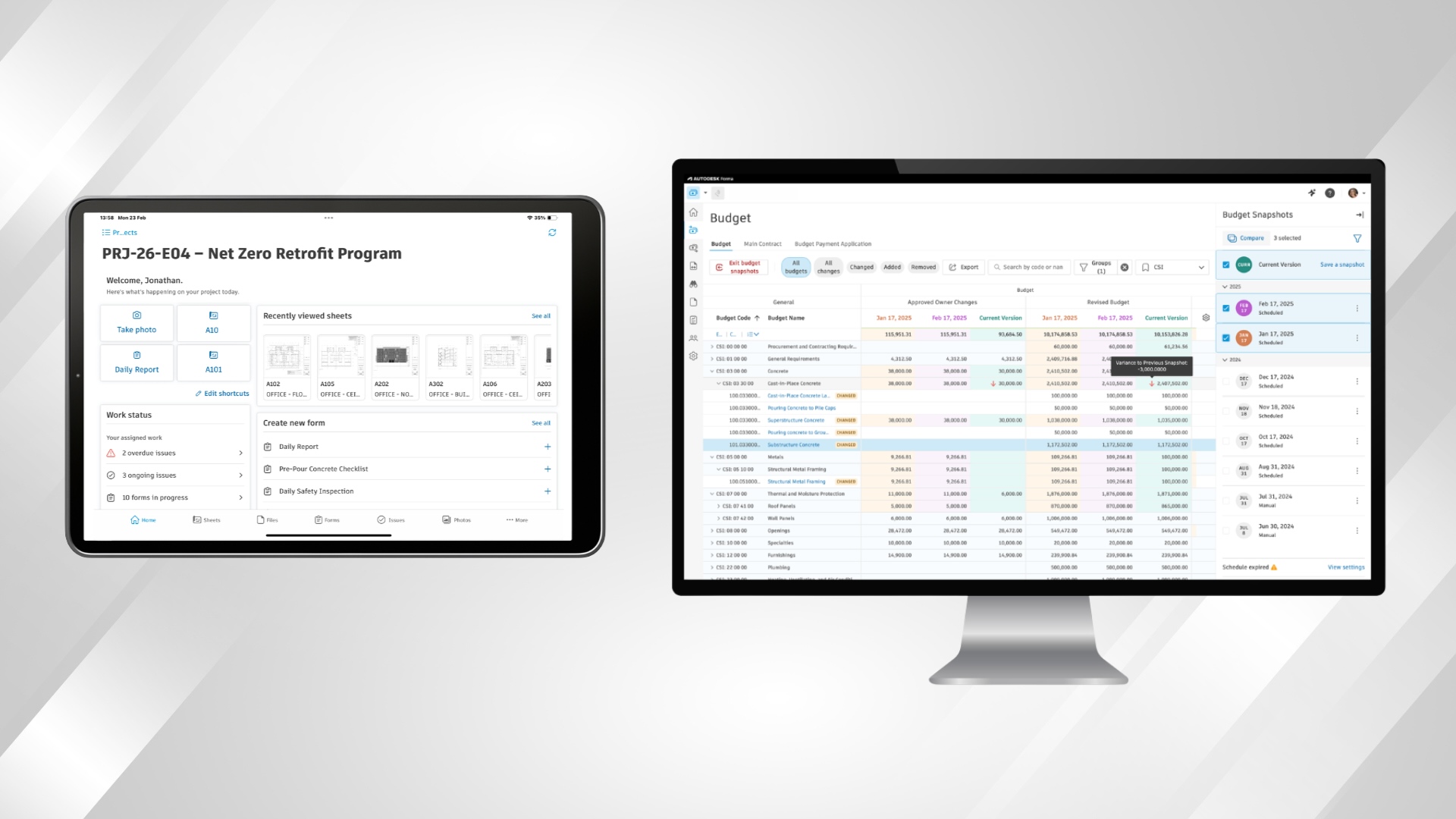
Forma Build Essentials is a solution that brings key field workflows together in one place, so teams can stay up-to-date on the latest drawings, provide onsite feedback, capture work as it happens, and keep projects moving forward. It includes the primary tools crews need for common jobsite workflows, including issues, forms, photos, sheets, and files. They are available on web or on the Autodesk Forma mobile app (available on iOS and Android) that features mobile workflow shortcuts and mobile-optimized model viewing.
Forma Build Essentials works best for:
Forma Build Essentials was designed with jobsites in mind: practical, dynamic, and mobile-forward.
You can set up projects quickly and keep crews moving on site. Forma Build Essentials enables teams to access the tools and information they need—including the latest drawings and files—so they can spend less time stuck in their inbox tracking down the latest versions and more time getting work done.
And when it comes to day-to-day field documentation, Forma Build Essentials equips superintendents, foremen, and project engineers with capabilities for capturing issues, photos, and daily activity from the web or mobile.
Forma Build Essentials is creating a purpose-built environment for construction teams on the jobsite. It focuses on equipping crews with the tools they use every day in the field, without a heavy administrative lift, including:
Forma Build connects field execution and project management into a single solution, giving teams greater visibility, control, and confidence across more complex projects. It includes everything in Forma Build Essentials, plus project management, cost control, advanced data and AI powered workflows, and deeper reporting and insights.
Forma Build works best for:
Forma Build provides teams with a more comprehensive way to plan, manage, and deliver projects. It includes added capabilities to support data management (document reviews), project management (RFIs, submittals, scheduling, closeout), cost management (budgets, pay apps, forecasting), and advanced data management (reviews, transmittals, smart folders).
Forma Build also comes with reporting and insights, with dashboards, KPIs, Construction IQ, and data connectors. And to take data and analytics even further, it’s also equipped with Autodesk AI capabilities, which include AI‑powered assistance and accelerated workflows.
Forma Build extends the capabilities of Forma Build Essentials by connecting field execution and project management in one solution. It gives teams greater visibility, control, and confidence across more complex projects.
Here are some of the things you can do with Forma Build:
You can see all pricing information here.
| Forma Build Essentials | Forma Build | |
| Per-user monthly | $100 /month | $175 /month |
| Per-user annually | $67 /month | $117 /month |
| Unlimited user | N/A | Contact sales |
| Forma Build Essentials | Forma Build | |
| Field execution | included | included |
| Data management | partially included | included |
| Project management | not included | included |
| Cost management | not included | included |
| Administration & standardization | partially included | included |
| Reporting | partially included | included |
| Insights | not included | included |
| Autodesk AI | not included | included |
| Capability | Forma Build Essentials | Forma Build |
| Punch list | included | included |
| Issues | included | included |
| Daily reports | included | included |
| Forms | included | included |
| Photos | included | included |
| Sheets | included | included |
| Models | included | included |
| Files | included | included |
| Quality inspections | partially included | included |
| Safety observations | partially included | included |
| Quality management | partially included | included |
| Safety management | partially included | included |
| Risk insights | not included | included |
| Capability | Forma Build Essentials | Forma Build |
| Specifications | not included | included |
| Submittal management | not included | included |
| RFIs | not included | included |
| Meetings | not included | included |
| Correspondence | not included | included |
| Schedule management | not included | included |
| Work planning | not included | included |
| Asset management | not included | included |
| Closeout | not included | included |
| Capability | Forma Build Essentials | Forma Build |
| Budget management | not included | included |
| Contract administration | not included | included |
| Change management | not included | included |
| Payment applications | not included | included |
| Expense management | not included | included |
| Forecasting | not included | included |
| Capability | Forma Build Essentials | Forma Build |
| Bridge | included | included |
| Version control | included | included |
| Reviews | not included | included |
| Transmittals | not included | included |
| Packages | not included | included |
| Metadata | not included | included |
| Saved search | not included | included |
| Smart folders | not included | included |
| Auto workflows | not included | included |
| Page extract | not included | included |
| Drawing extract | not included | included |
| Capability | Forma Build Essentials | Forma Build |
| Reports | partially included | included |
| Dashboards | partially included | included |
| KPI templates | not included | included |
| Construction IQ | not included | included |
| Data Connector | not included | included |
| Capability | Forma Build Essentials | Forma Build |
| Core admin | included | included |
| Roles | partially included | included |
| Custom roles | not included | included |
| Integrations | partially included | included |
| Custom integrations | not included | included |
| Library | not included | included |
| Apps | not included | included |
| Capability | Forma Build Essentials | Forma Build |
| Autodesk Assistant | not included | included |
| Quick create RFI | not included | included |
Wondering if Forma Build Essentials is right for you? Here’s a quick cheat sheet.
Choose Forma Build Essentials when you:
If your needs go beyond managing work in the field, then Forma Build may be a better fit.
Choose Forma Build when you:
Yes. Forma Build Essentials and Forma Build users can work in the same Forma project, sharing the same underlying project data. Access to tools is governed by license type, keeping collaboration centralized and consistent.
Built for lean crews and growing jobs, Forma Build Essentials brings issues, forms, photos, sheets, and files into one place so crews can document work and keep tasks moving.
Yes, Forma Build is mobile-forward. It’s available on the web and in the Forma mobile app, with offline‑capable workflows designed for field teams.
Yes. Both license types operate in the same Forma project environment and share project data.
You should upgrade to Forma Build when you need deeper project management, cost control, reporting, or Autodesk AI. Forma Build is also well-suited for more complex jobs, so if your projects are growing in size or complexity, then Forma Build helps you stay in control as demands increase.