Forma Design Collaboration
Forma Design Collaboration: Connected design through handover
Empower AEC teams with Forma Design Collaboration (formerly BIM Collaborate Pro). Co-author, coordinate, and deliver designs with connected data and controlled workflows.
Create, collaborate, and deliver with confidence
Forma Design Collaboration delivers a connected common data environment that enables AECO teams to:
Co-author and collaborate across disciplines
Organize and control shared project data
Coordinate change with structured exchanges
Support design management and handover
Drive more predictable digital project delivery with one trusted source of information.
Create, collaborate, and deliver with confidence
Forma Design Collaboration delivers a connected common data environment that enables AECO teams to:
Co-author and collaborate across disciplines
Organize and control shared project data
Coordinate change with structured exchanges
Support design management and handover
Drive more predictable digital project delivery with one trusted source of information.
Collaborate
Collaborate confidently in design
Manage
Manage project data and milestones
Handover
Transform handover with a digital twin
Revit
Co-author Revit models in real time
Civil 3D
Collaborate seamlessly on Civil 3D projects
Plant 3D
Unite teams in a connected workspace
Collaborate
Collaborate confidently in design
Manage
Manage project data and milestones
Handover
Transform handover with a digital twin
Revit
Co-author Revit models in real time
Civil 3D
Collaborate seamlessly on Civil 3D projects
Plant 3D
Unite teams in a connected workspace
Features that drive connected design

Design package exchange
Publish, compare, and consume multidiscipline packages on a timeline to see who shared what and when, so downstream teams can avoid unexpected changes.

Automated clash detection
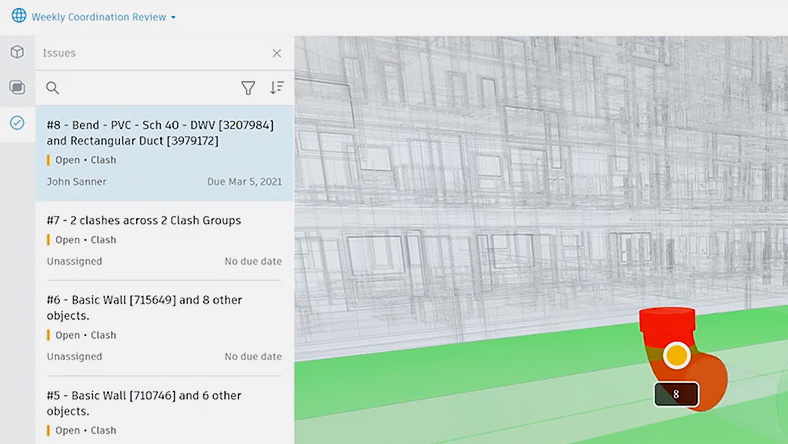
Detect conflicts across aggregated multidiscipline models, turning them into actionable issues to resolve faster and strengthen project confidence.
Advanced change analytics
Track and compare design changes with precision. Establish Watchgroups for automated alerts for faster, informed decisions.

Connected issues
Identify, assign, and resolve design issues faster across teams with clear accountability. Act directly in Revit or Navisworks for roundtrip issue resolution.

Project correspondence
Manage project communications in a connected space to keep design records organized, link emails to project data, and improve traceability.

Project standards and controls
Standardize projects with templates, controlled permissions, design assets, and naming enforcement.

Bridge
Link cloud models across projects and accounts while maintaining ownership, security, and automatic updates.

Insights
Examine key metrics and trends from design reviews and model coordination to track progress, monitor issues, and manage team accountability.

Design Review
Annotate PDFs and drawings in the cloud. Highlight issues, add comments, and collaborate in real time to streamline reviews.
See what you can do with Forma Design Collaboration
Included with Forma Design Collaboration
Use Tandem to transform handover with a digital twin
Deliver and maintain digital twins that enhance client trust while driving new service offerings and revenue growth.
Key workflows for Forma Design Collaboration
Model coordination
Aggregate models, detect clashes automatically, and track issue resolution to improve coordination.

— Andrew Schluterman, Vice President, HKS, Inc.

—Des Kinlough, UK BIM lead at Buro Happold

-Daniel S. Lee, Principal at Bohlin Cywinski Jackson
Forma Design Collaboration resources
Explore product roadmaps, tutorials, getting started guides, articles, and more to help you learn, improve, and work smarter with Forma Design Collaboration.
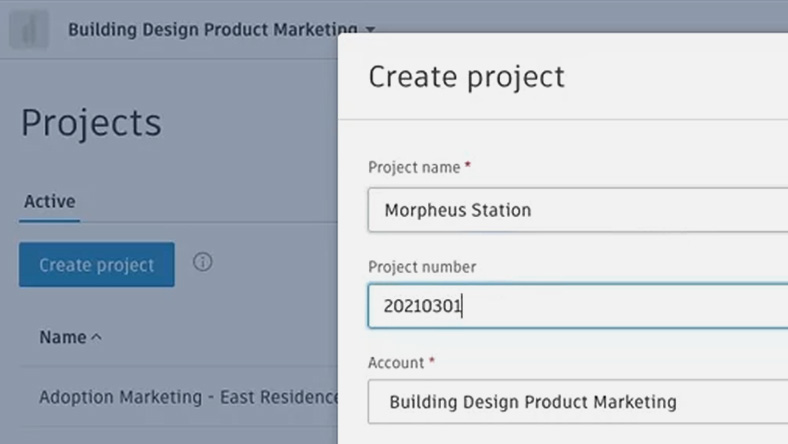
Guide
Forma Design Collaboration Quick Start Guide
Jumpstart your use of Forma Design Collaboration with this quick start guide to core tools and workflows.
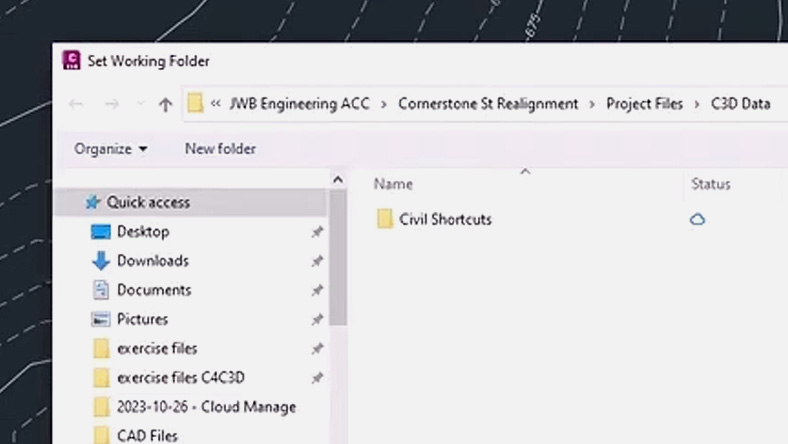
Tutorial
Manage and share Civil 3D data in the cloud
Learn how to manage and share Civil 3D data and cloud-based models for seamless collaboration.
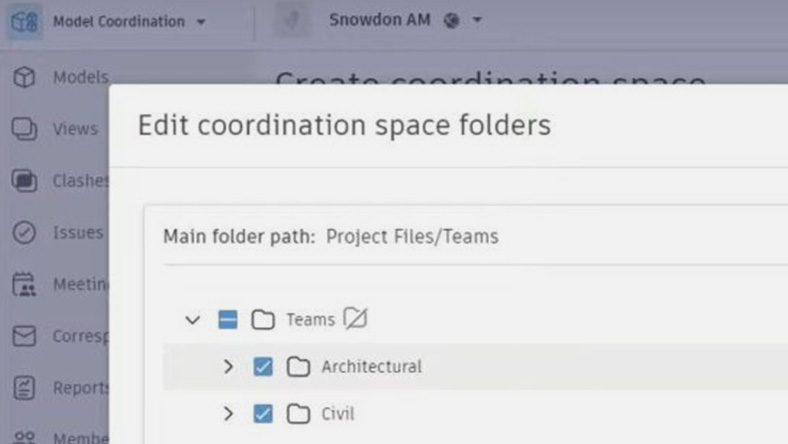
Blog
Enhance design reviews with Forma Design Collaboration
See how connected workflows simplify reviews and strengthen collaboration in complex projects.
Article
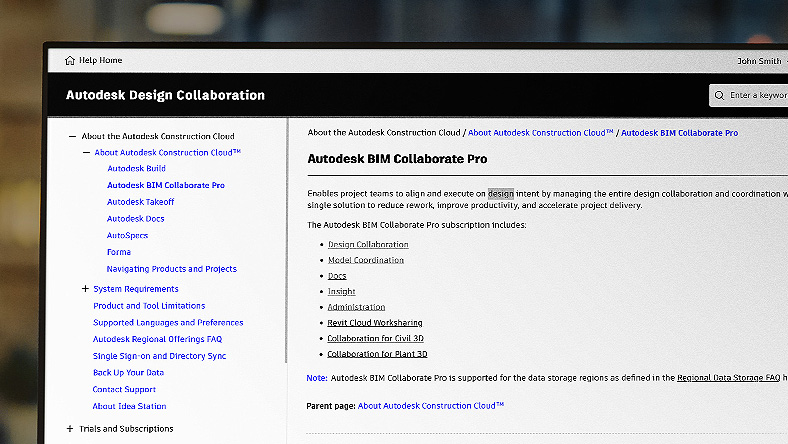
Discover the top benefits of cloud-based model coordination
Uncover top reasons for implementing cloud based model coordination.
User Guide
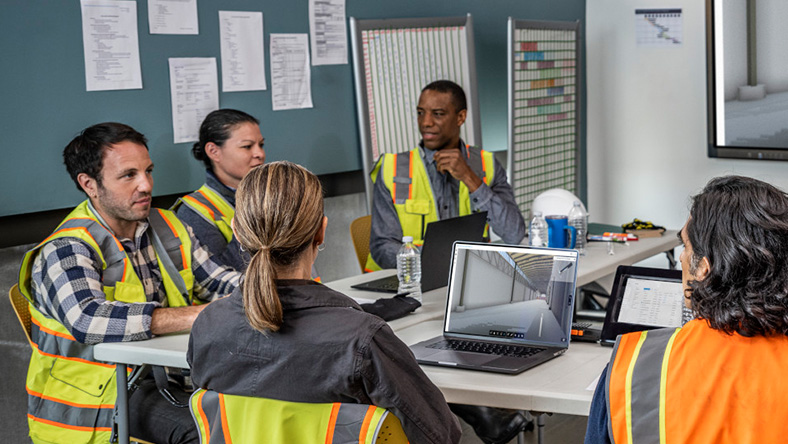
Discover the benefits of model coordination
Access detailed documentation to learn workflows, features, and best practices.
News
Forma Design Collaboration product news
Explore new features and product announcements for Forma Design Collaboration.
Roadmap
Forma Design Collaboration product roadmap
Explore what’s coming for Forma Design Collaboration, including new features and enhancements.
Questions? We have answers
Forma Design Collaboration is web-based and has no desktop operating system requirements. See Forma Design Collaboration system requirements for details.
Forma Design Collaboration connects architecture, engineering, and construction teams on a single platform to make collaboration simpler. It improves communication, accelerates project timelines, and reduces rework and RFIs.
Forma Design Collaboration is used by AEC teams across disciplines, but is particularly useful for project managers, project architects, BIM leads, and digital practice managers.
Products you can trust
From payment flexibility to always-on support, expect excellence.


