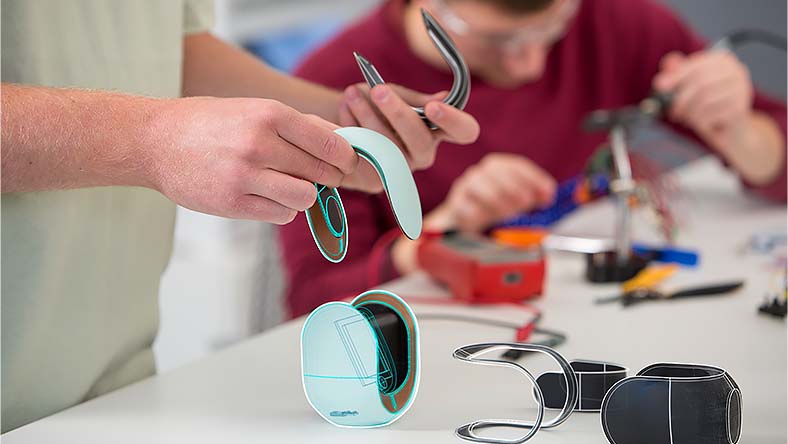
Fusion Simulation Extension
Maximize design performance with simulation
Achieve optimized design, performance, and manufacturability of 3D designs using the Autodesk Fusion Simulation Extension.
Primary benefits
Accelerate product development
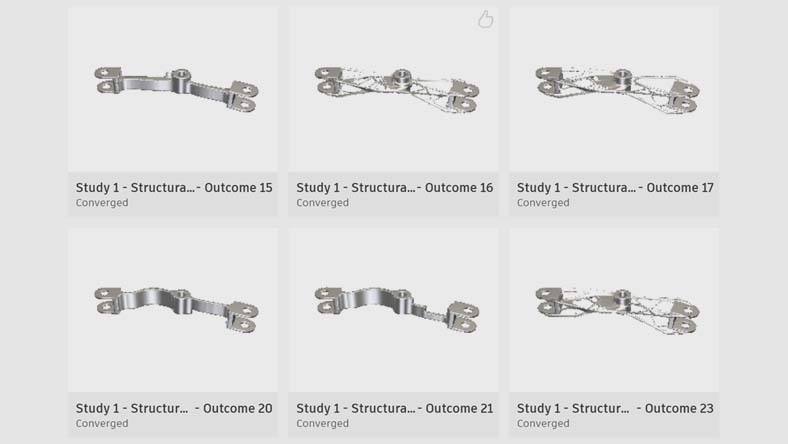
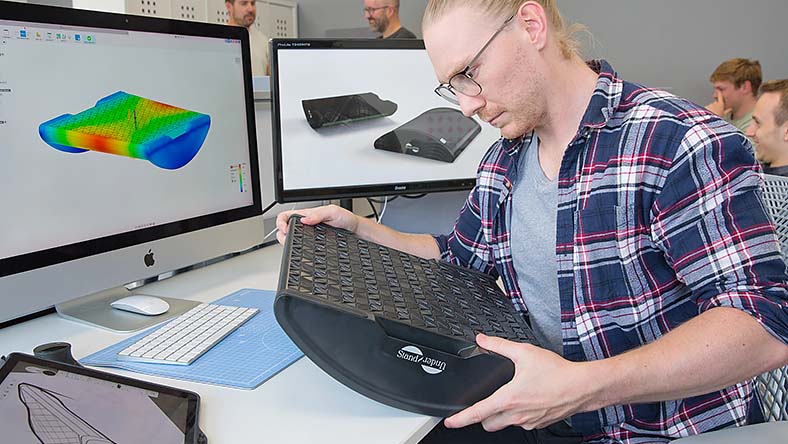
Automate design and increase performance with generative design. Use simulation tools to swap physical prototypes for digital.
Improve product reliability
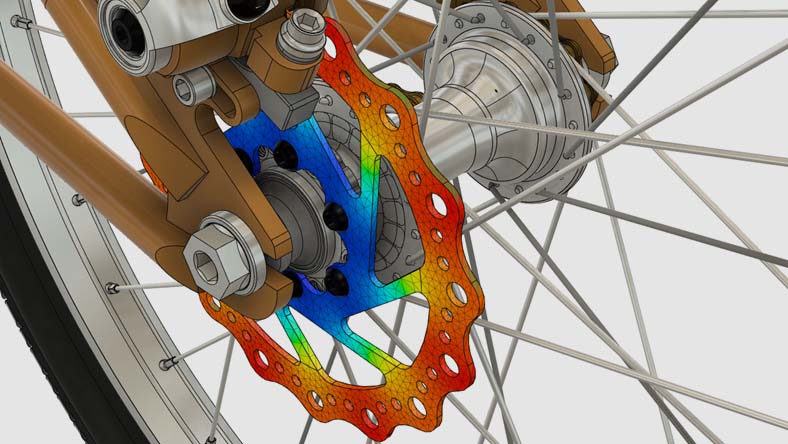
Access all simulation types to validate performance with side-by-side comparisons and reports.
Expand design possibilities
Use manufacturing process-aware artificial intelligence to quickly expand design options beyond human imagination.
Autodesk Fusion Simulation Extension capabilities
Fusion Simulation Extension
Speak to an expert about Fusion Simulation Extension
Connect with an expert for a demo of Fusion Simulation Extension.
Fusion Simulation Extension
Speak to an expert about Fusion Simulation Extension
Connect with an expert for a demo of Fusion Simulation Extension.
Questions? We have answers
What is the Autodesk Fusion Simulation Extension?
The Fusion Simulation Extension is an extension to Autodesk Fusion that provides access to advanced simulation technologies for analyzing product performance and manufacturability before production. It expands Fusion’s built-in simulation capabilities with additional study types such as nonlinear stress, event simulation, structural buckling, thermal studies, and injection molding simulation, all delivered through cloud-based solvers. Try for free today.
What makes the Autodesk Fusion Simulation Extension suitable for product development?
The Fusion Simulation Extension is designed for product development because it gives teams the tools they need to validate performance, reliability, and manufacturability early in the design process. By simulating real-world conditions digitally, teams can reduce physical prototyping, identify design issues sooner, and iterate faster within the same CAD environment used for modeling and manufacturing preparation.
Who should use the Autodesk Fusion Simulation Extension?
The Fusion Simulation Extension is intended for product designers and mechanical engineers who need deeper insight into how designs will perform under real-world conditions. It supports both newer users, through guided workflows such as injection molding, and experienced analysts who require advanced finite element analysis (FEA) capabilities.
How is AI used in the Autodesk Fusion Simulation Extension?
AI is used in the Autodesk Fusion Simulation Extension to assist with design exploration and optimization through generative design technologies. AI‑driven processes help evaluate multiple design outcomes against performance criteria, supporting faster decision making and more efficient validation during product development.
How much does the Autodesk Fusion Simulation Extension cost?
The cost of the Fusion Simulation Extension depends on the subscription term selected. Autodesk offers monthly and annual subscription options, with pricing shown in local currency at the time of purchase. See pricing options here.
Do I need a subscription to Fusion to access the Autodesk Fusion Simulation Extension?
Yes. The Fusion Simulation Extension requires an active Autodesk Fusion subscription. The extension works as an add-on that unlocks additional simulation capabilities within Fusion and cannot be used as a standalone product. If you do not currently have an active Fusion subscription, consider Fusion for Design to bundle and save. See pricing options here.
What simulations are included in the Autodesk Fusion Simulation Extension?
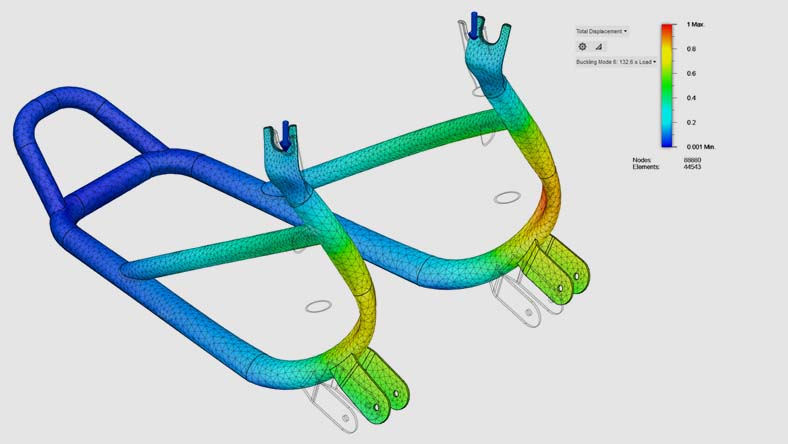
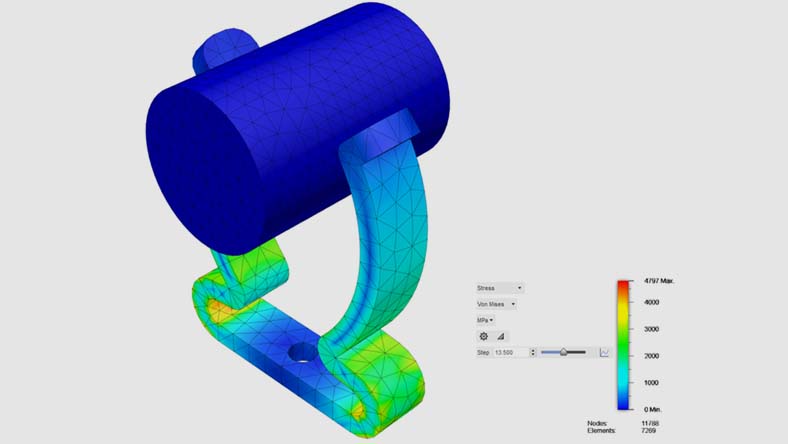
The Fusion Simulation Extension includes a range of advanced simulation study types, such as:
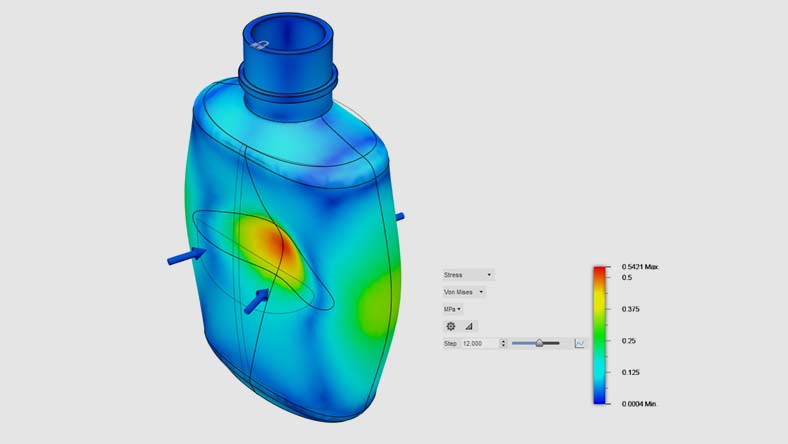
Nonlinear static stress
Structural buckling
Modal frequencies
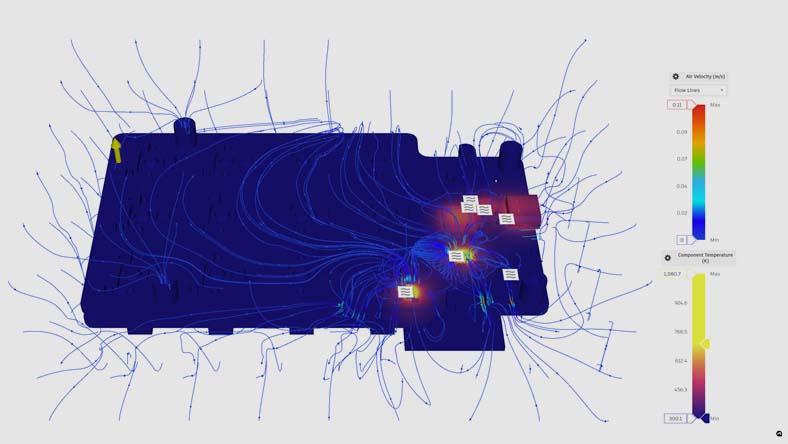
Thermal and thermal stress
Event simulation (quasistatic and dynamic)
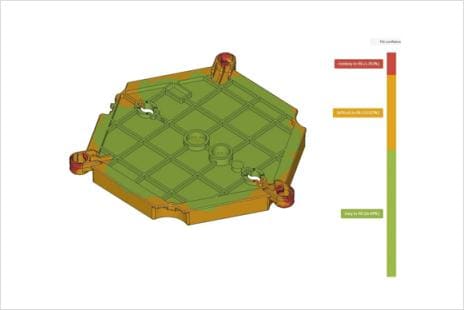
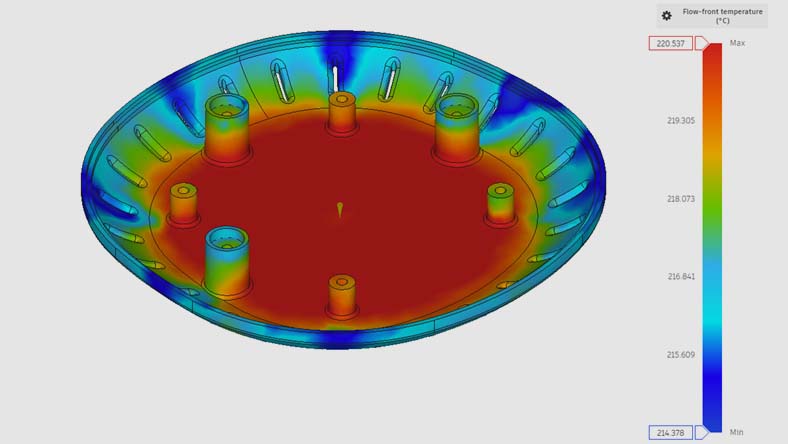
Injection molding simulation
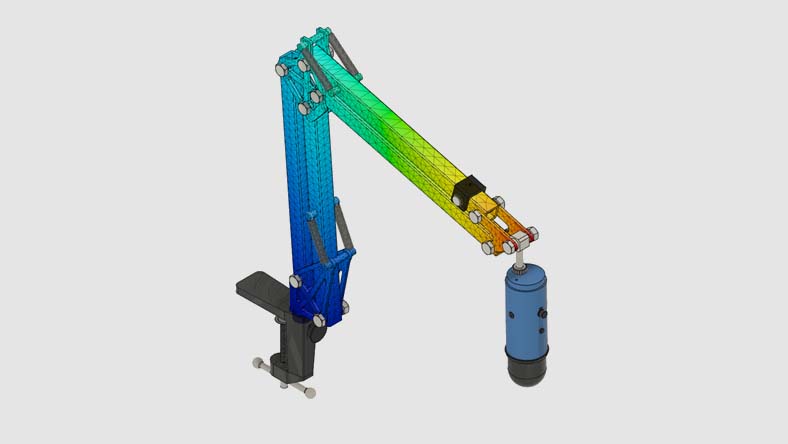
These studies help evaluate mechanical behavior, thermal performance, vibration, and manufacturability directly within Fusion.
Does the Fusion Simulation Extension include generative design technology?
Yes, the Fusion Simulation Extension incudes generative design capabilities to help evaluate and validate AI‑generated design outcomes against real-world performance criteria.
How does the Autodesk Fusion Simulation Extension differ from stand-alone simulation programs?
Unlike stand‑alone simulation software, the Fusion Simulation Extension is fully integrated into Autodesk Fusion, allowing users to move seamlessly from design to simulation to manufacturing without exporting models or managing disconnected tools. This integration supports faster iteration, easier data management, and closer alignment between design intent and simulation results.
What is included in the Autodesk Fusion Simulation Extension that is different from Fusion?
Compared to Autodesk Fusion alone, the Fusion Simulation Extension adds access to advanced simulation study types and unlimited cloud‑based solving for those studies during the subscription term. These capabilities go beyond the standard simulation tools included with a base Fusion subscription. Try for free today.
How does pricing for the Autodesk Fusion Simulation Extension work?
The Fusion Simulation Extension is priced as a subscription‑based extension, available on a monthly or annual basis. During the subscription period, users can run included simulation studies without paying per‑solve cloud token fees, providing predictable costs for frequent simulation use.
Can I try the Autodesk Fusion Simulation Extension before I buy it?
Yes. If you already own a Fusion subscription, Autodesk offers free 14-day trial that includes all capabilities included in the Fusion Simulation Extension, allowing users to explore its simulation capabilities and determine whether it fits their workflow before purchasing a subscription. If you do not have an existing Fusion subscription, download a free 30-day trial to explore all features Fusion has to offer.
Is the Autodesk Fusion Simulation Extension the same as the former Fusion 360 Simulation Extension?
Yes. The Fusion Simulation Extension has the same capabilities and now also includes the former Fusion Generative Design Extension features.
Are cloud solves included with a subscription to the Autodesk Fusion Simulation Extension?
Yes, subscriptions include unlimited cloud solves for generative design, FEA, electronics cooling, injection molding, and more. See pricing options here.
Keep exploring
Keep exploring
We stand by our products
From payment flexibility to always-on support, we back up our work with excellent customer service.