
AUTODESK FUSION 360
CNC PROGRAMMING
CNC PROGRAMMING
CNC programming is an arcane and daunting task. Never write your own CNC programming by hand again. Generate G-code with Fusion 360 effortlessly and make parts faster the first time.

What's CNC programming?
What's CNC programming?
CNC programming (Computer Numerical Control Programming) is used by manufacturers to create program instructions for computers to control a machine tool. CNC is highly involved in the manufacturing process and improves automation as well as flexibility.
CNC programming (Computer Numerical Control Programming) is used by manufacturers to create program instructions for computers to control a machine tool. CNC is highly involved in the manufacturing process and improves automation as well as flexibility.
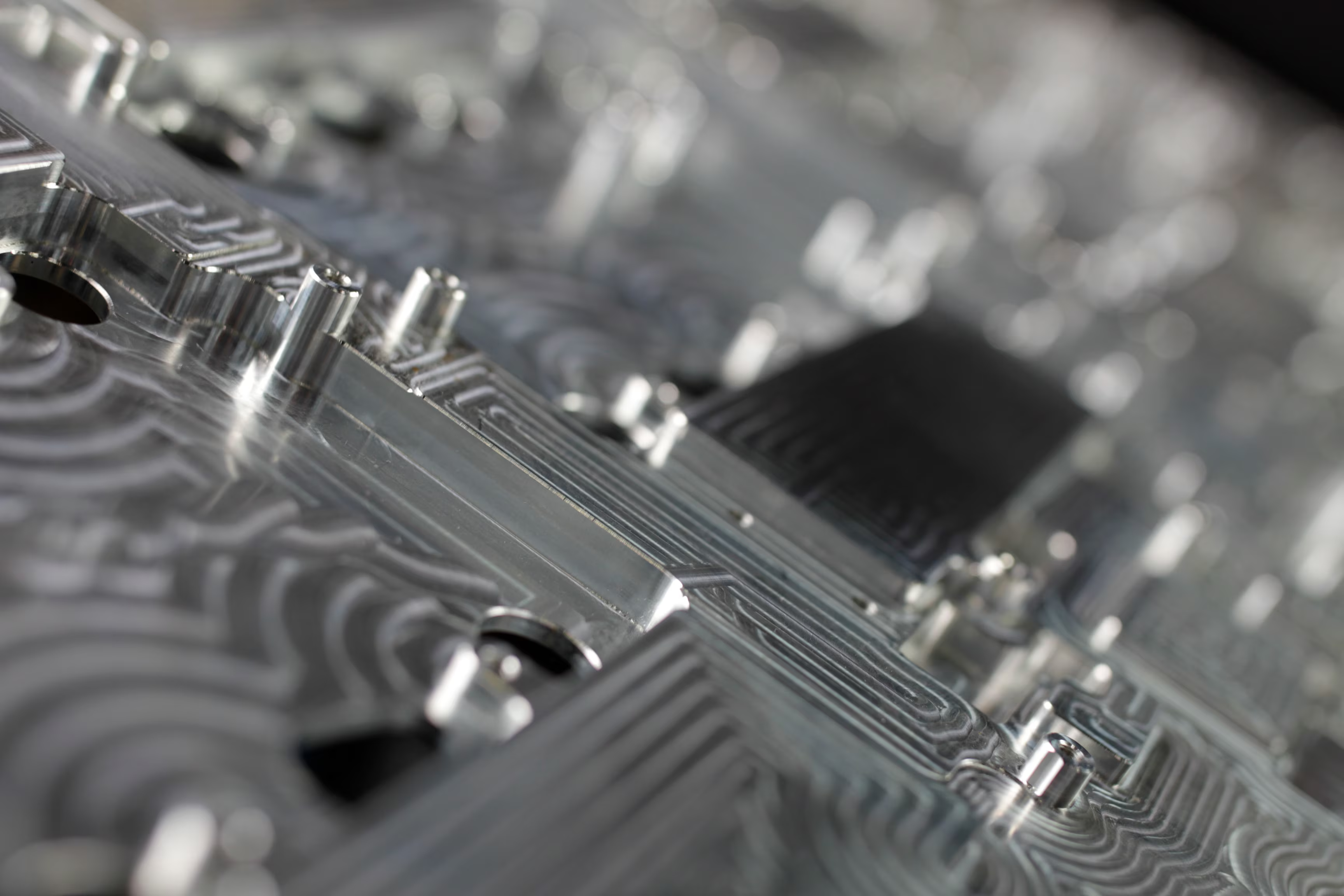
Do your actions match your ambitions for success?
Do your actions match your ambitions for success?
Get the right tools to achieve your new possible. Extensions amplify the functionality of Fusion 360 by unlocking advanced capabilities for machining, additive manufacturing, generative design, nesting, and fabrication. Discover Fusion 360 extensions.
Get the right tools to achieve your new possible. Extensions amplify the functionality of Fusion 360 by unlocking advanced capabilities for machining, additive manufacturing, generative design, nesting, and fabrication. Discover Fusion 360 extensions.
Types of CNC processes
CNC programmers write instructions for CNC machines, where a computer is connected to the mill, along with electrical drives and sensors for a complete system. This computer controls the movement of the machine axis.
CNC programmers write instructions for CNC machines, where a computer is connected to the mill, along with electrical drives and sensors for a complete system. This computer controls the movement of the machine axis.

CNC routers
CNC routers
CNC routers are commonly used in woodworking and can range in size and style from a desktop 3-axis to a room-sized 5-axis configuration.
CNC routers are commonly used in woodworking and can range in size and style from a desktop 3-axis to a room-sized 5-axis configuration.

Plasma cutters
Plasma cutters
CNC plasma cutters are used to cut conductive metals using a jet of hot plasma. These CNC machines offer high precision at low cost.
CNC plasma cutters are used to cut conductive metals using a jet of hot plasma. These CNC machines offer high precision at low cost.

Laser cutters
Laser cutters
Laser cutters can be used to cut various types and thicknesses of materials, even metal, depending on the power of the laser.
Laser cutters can be used to cut various types and thicknesses of materials, even metal, depending on the power of the laser.

CNC lathes
CNC lathes
CNC lathes rotate the workpiece and apply various cutting tools to create parts with a revolved profile. These are often programmed by hand.
CNC lathes rotate the workpiece and apply various cutting tools to create parts with a revolved profile. These are often programmed by hand.

Mill/turn machines
Mill/turn machines
Mill/turn machines combine milling and turning into a single machining center. These machines can create spun profiles like lathes.
Mill/turn machines combine milling and turning into a single machining center. These machines can create spun profiles like lathes.

Milling machines
Milling machines
Milling machines are versatile and come in various configurations from 2- to 5-axis milling configurations.
Milling machines are versatile and come in various configurations from 2- to 5-axis milling configurations.

Multi-axis milling
Multi-axis milling
Multi-axis milling is the addition of up to two rotational axes to a 3-axis milling configuration. This allows access to more of the part.
Multi-axis milling is the addition of up to two rotational axes to a 3-axis milling configuration. This allows access to more of the part.
What is a toolpath?
Our top three learning guides
Our top three learning guides

2D milling
2D milling
Learn how to generate 2D toolpaths for your parts, from roughing to finishing and then generating G-code.
Learn how to generate 2D toolpaths for your parts, from roughing to finishing and then generating G-code.

3D milling
3D milling
Get up to speed on generating 3D toolpaths and G-code for your parts.
Get up to speed on generating 3D toolpaths and G-code for your parts.

Multi-axis milling
Multi-axis milling
Walk through the steps needed to generate multi-axis toolpaths and G-code for your parts.
Walk through the steps needed to generate multi-axis toolpaths and G-code for your parts.
Featured CNC programming software
Make quality parts faster. Reduce cycle times and increase your bottom line utilising a single unified platform.
Find CNC programming resources
CAM programming–Machine like a pro
Get tips and techniques to meet your CAM programming goals with greater consistency and efficiency.
Get tips and techniques to meet your CAM programming goals with greater consistency and efficiency.
Fundamentals of milling
The market place for job-shops is rapidly changing, with competition coming from all directions as everyone tightens their machining operations.
The market place for job-shops is rapidly changing, with competition coming from all directions as everyone tightens their machining operations.